Sometimes you just need a simple, tiny app that does one thing right and doesn’t hog the system resources. Here are some of the best micro apps for Mac.
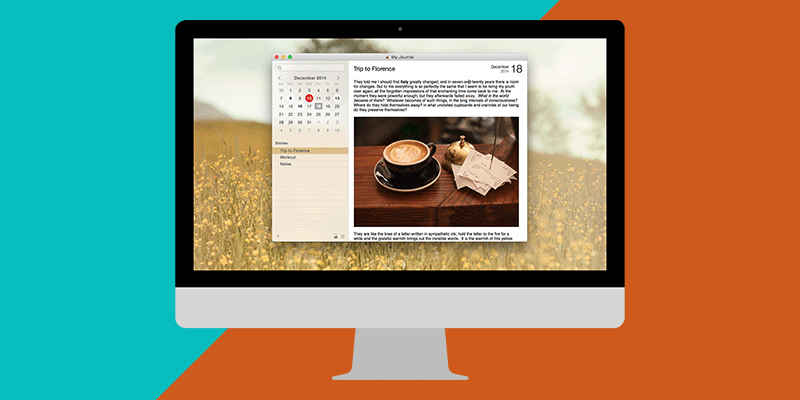
If you are not willing to pay the expensive subscription fee of Day One, here are some of the best Day One alternatives for Mac you can use for free or a small fee.
Portable apps are extremely useful, particularly if you don’t want to clutter your desktop. Here are five of the best portable apps for Mac you should use.
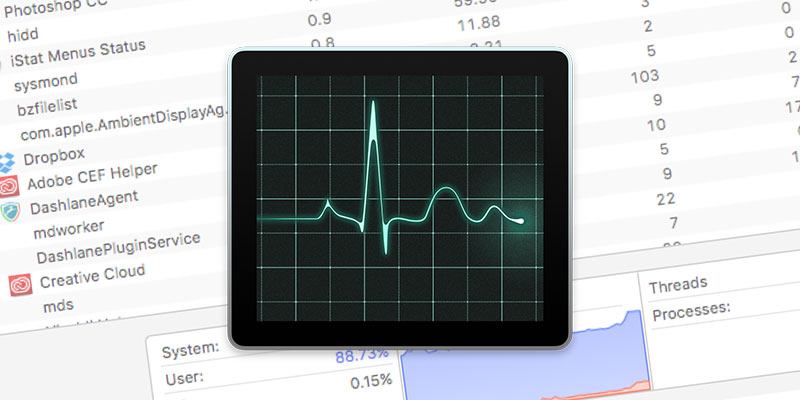
Activity Monitor is like Task Manager in Windows. Learn how you can use Activity Monitor to troubleshoot your Mac and reveal important information about your system resources.
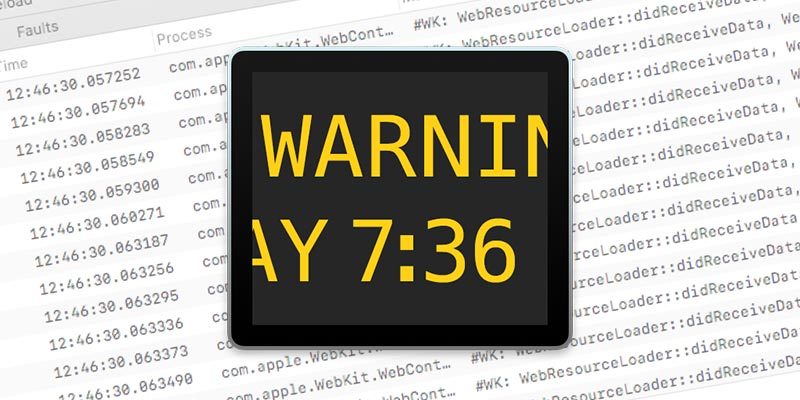
If you’ve just recovered from a system crash, it is best to check the Console for error messages. Learn how to make use of the Console to troubleshoot your Mac.
Apple has soldered in many parts to their newer Macs to prevent users from upgrading. One way to save costs is to buy and upgrade an older Mac instead of getting a new one.
Changing to a new hard disk and restoring your data to it can be a troublesome chore. Here is some of the best software for making a bootable backup for Mac.
When your Mac starts to run slow, it is probably time for a major cleanup. Mac Cleaner 2 comes with different modes for you to clean your Mac thoroughly. Check it out!
The Apple TV ships with plenty of beautiful screen savers of the wonders of the world. Learn how you can get Apple TV screen savers on your Mac or Windows PC.
When you encrypt your backup files, make sure that no one can access your data if they got ahold of it. Learn how to encrypt iOS and Mac backups in this article.
There is a chance that you have never used the Caps Lock key. Here’s how you can remap the Caps Lock key to Esc in macOS, which is useful for the Touch Bar model that doesn’t have a physical Esc key.
Mission Control is a useful feature in Mac that allows you to organize your Desktop and applications. Here’s how to set up Mission Control in Mac and improve your productivity.
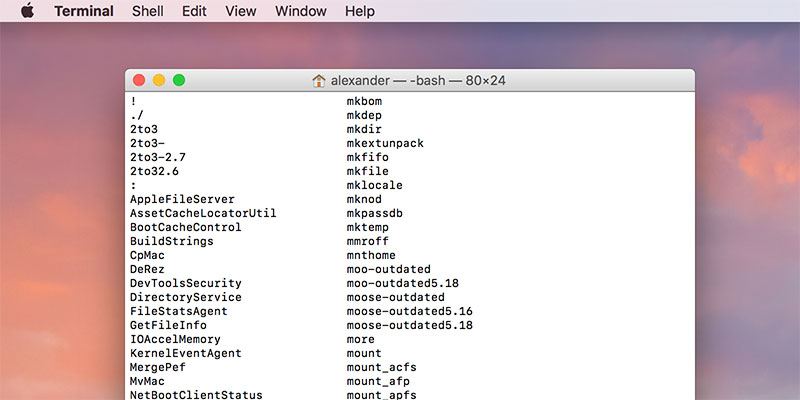
macOS comes with a bewildering array of commands that you can use in the Terminal. If you are looking for a command, here’s how you can quickly find out all the terminal commands on Mac.
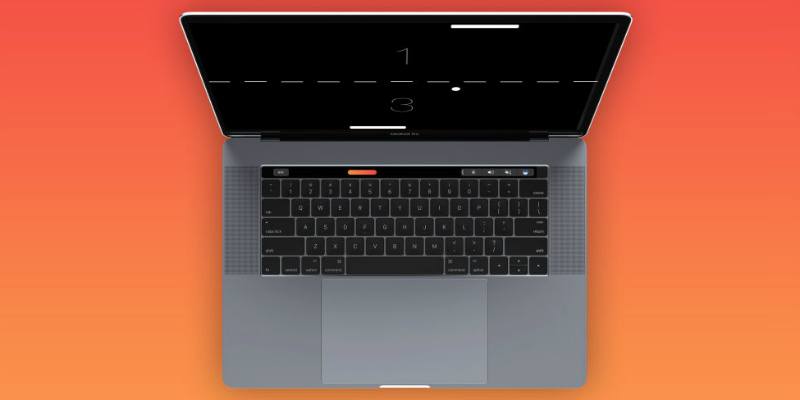
The Macbook Pro Touch Bar is not just a complementary feature – you can play games on it too. Have a look at this list for some of the fun things to do with the Touch Bar.