
If you want to make your videos pop and dazzle, knowing how to reverse a video on iPhone or Mac could do the trick.
By Mark O’Neill – Mar 30, 2024

Do your Mac games seem laggy? Learn how to monitor your FPS using built-in and third-party tools to optimize performance.
By David Morelo – Feb 28, 2024

Easily restore your Mac to its default settings.
By Mark O’Neill – Feb 22, 2024

If you want to add a relationship to a Mac contact, this can be done by one of two methods. Either use Siri or use the Contacts app.
By Mark O’Neill – Feb 11, 2024

This list presents the best Apple Arcade games that also work on macOS, to put that graphics processing power to good use.
By David Morelo – Feb 3, 2024
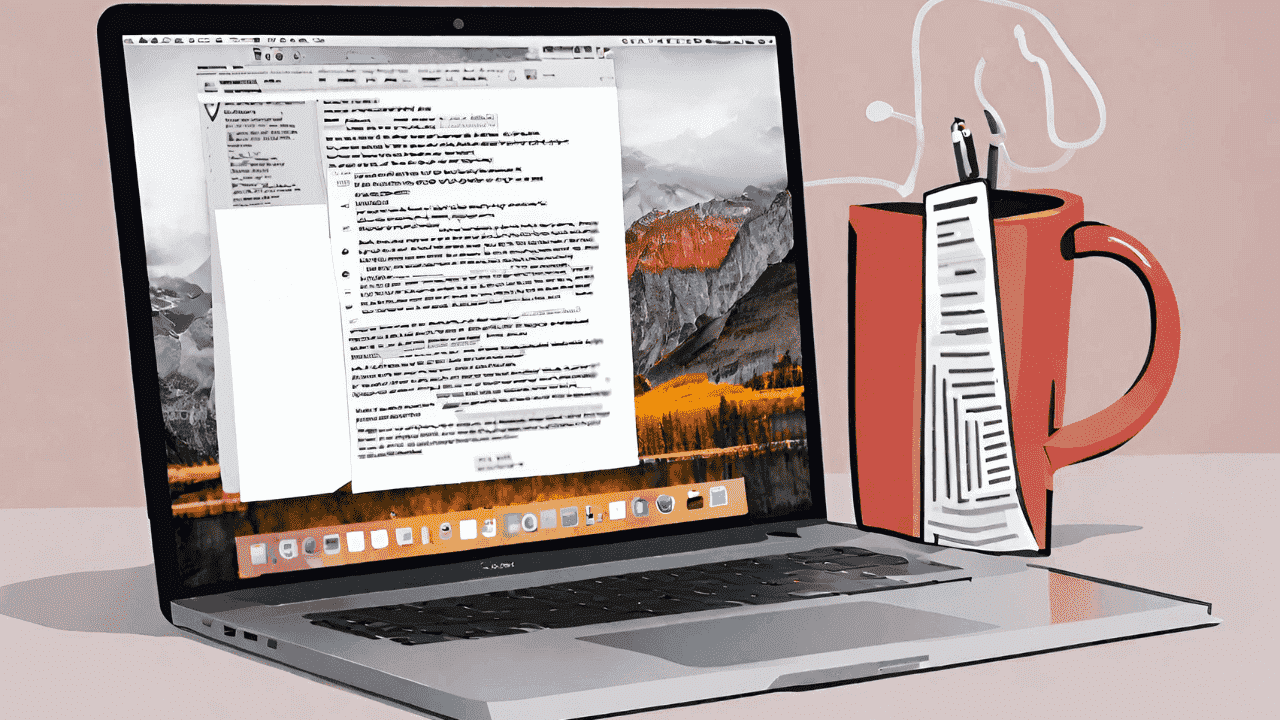
There are many Apple Notes tips when it comes to managing PDF files. This rundown includes the best tips to make you more productive.
By Mark O’Neill – Feb 2, 2024
It’s helpful to know how to merge folders on Mac if you have two identical folders with the same name and hundreds of files to be combined.
By Mark O’Neill – Jan 25, 2024
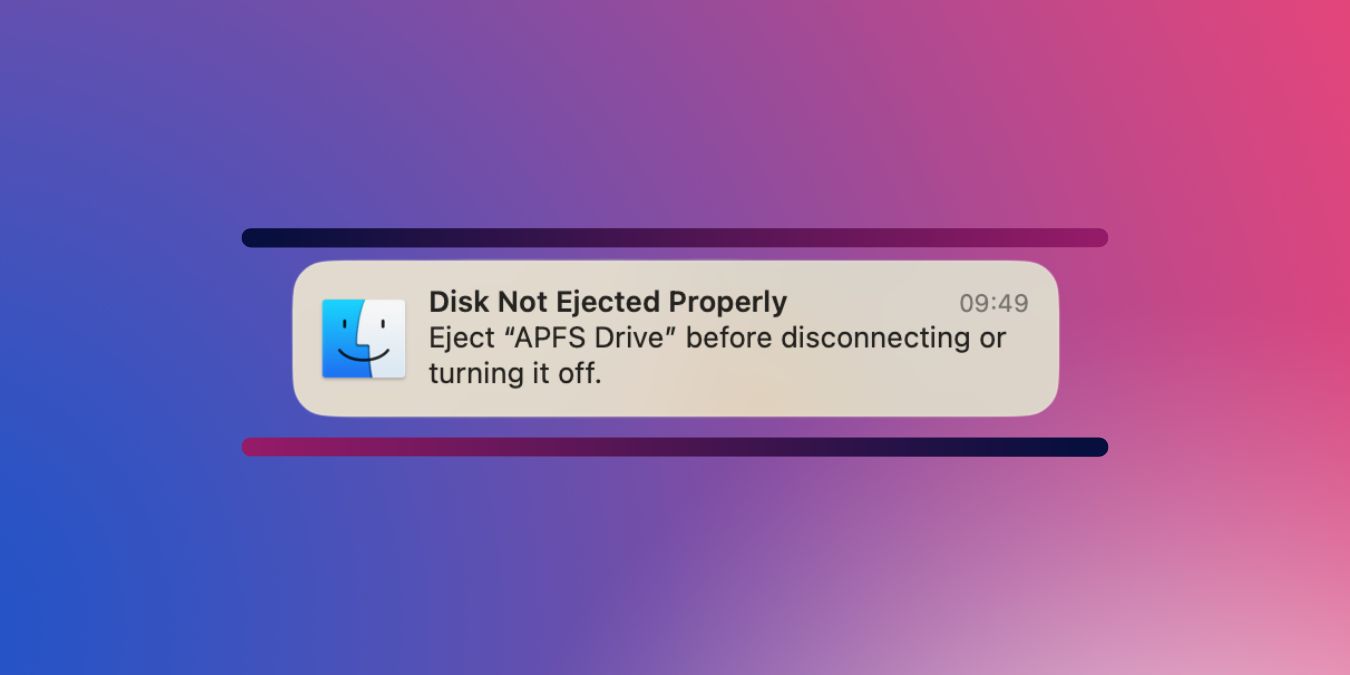
Learn how to clear all disk not ejected properly notifications on macOS in one go and prevent them from appearing in the future in this tutorial.
By David Morelo – Jan 19, 2024

This article provides a comprehensive guide on streamlining maintenance by using Terminal to install macOS software updates on Mac.
By David Morelo – Jan 17, 2024
Struggling with a “Read Only” external hard drive on your Mac? Our step-by-step article shows how to fix this problem.
By David Morelo – Dec 30, 2023

Learn how to stop your Mac wallpaper from changing after a restart with our comprehensive yet east-to-follow guide.
By David Morelo – Dec 6, 2023

The changes in macOS Monterey are more than skin deep, with plenty of new customization options. Learn how to make it your own.
By Megan Glosson – Nov 30, 2023
In this guide, learn how to update macOS to the latest version, macOS Sonoma, so that you can enjoy the latest features.
By David Morelo – Nov 20, 2023
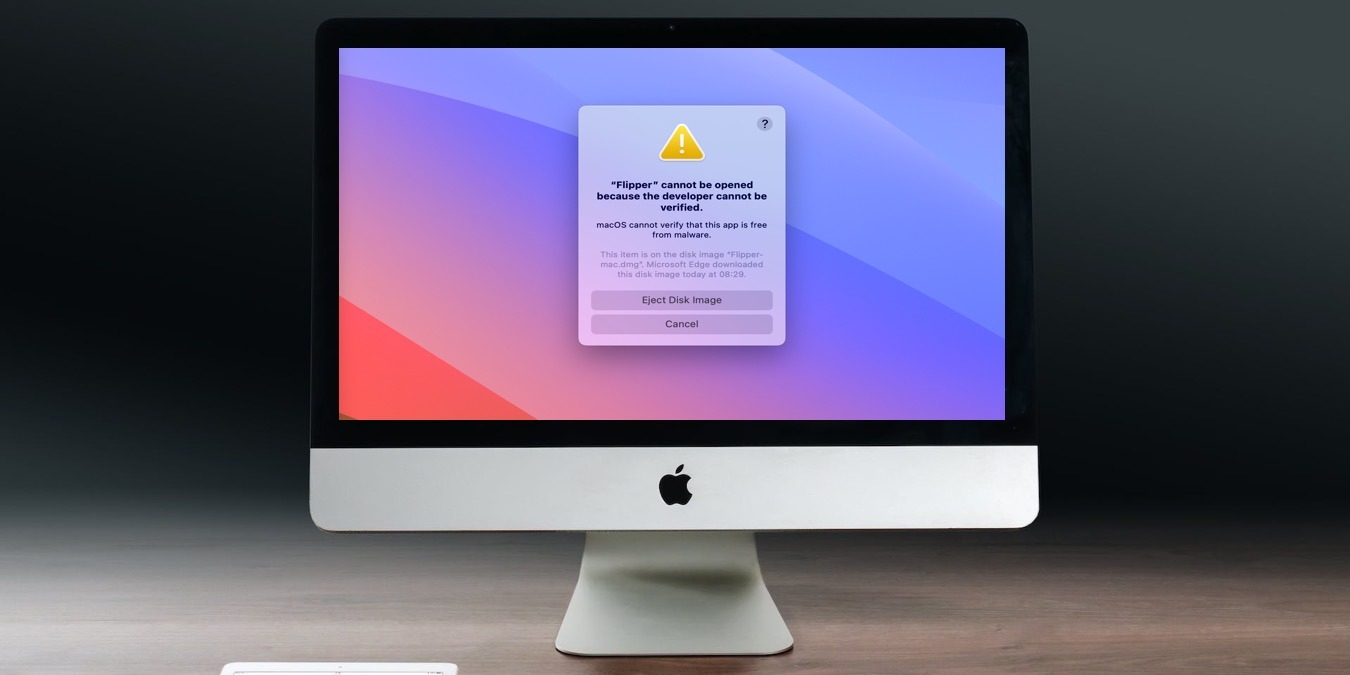
Encounter the “macOS cannot verify that this app is free from malware” error? Learn the steps to safely handle this message.
By David Morelo – Nov 19, 2023

Struggling with iCloud photos not syncing? Discover easy fixes that you can implement on your iPhone, iPad or Mac.
By David Morelo – Nov 14, 2023
Is your Apple gift card not working in the App Store or online? This guide will help you troubleshoot potential Apple gift card issues.
By Joel Lim – Nov 7, 2023
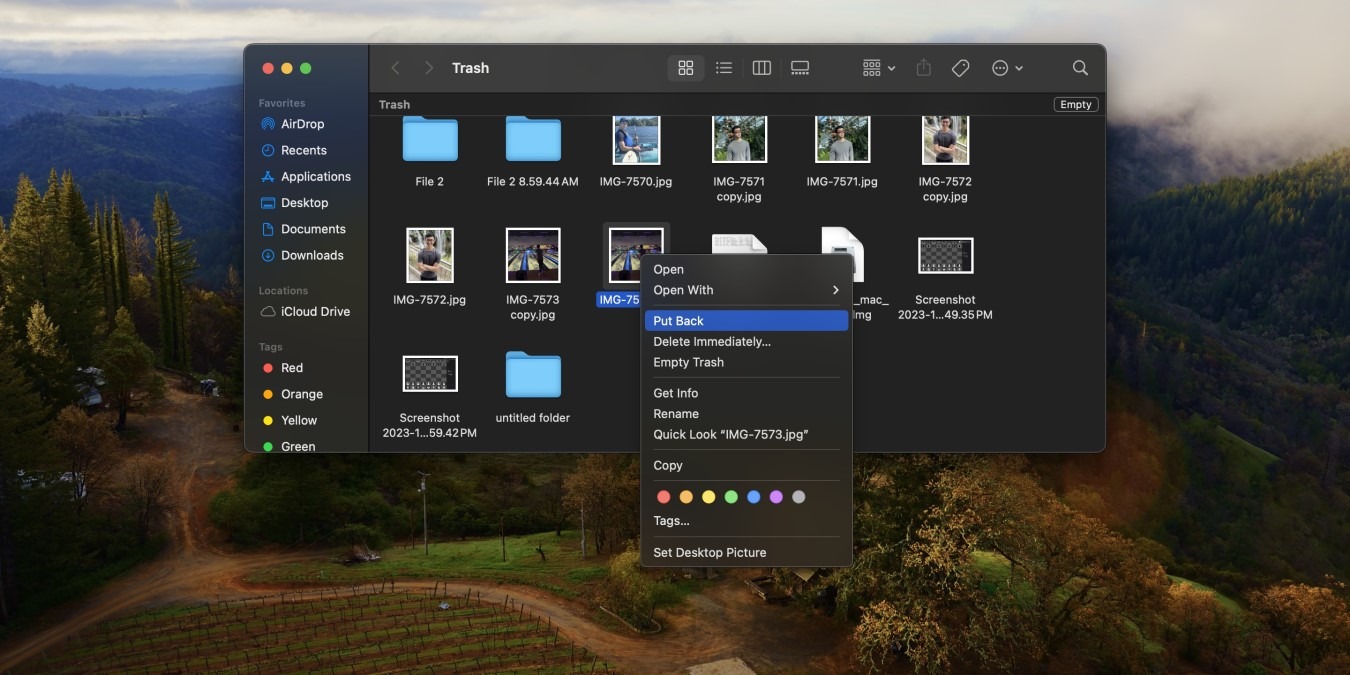
Did you accidentally move a document into your Trash? Learn how to recover deleted files on Mac with one of these easy methods.
By Joel Lim – Nov 5, 2023

macOS hides some files to prevent them from being accidentally deleted. Learn how to show hidden files on Mac in a few simple steps.
By Stephanie Faris – Nov 4, 2023
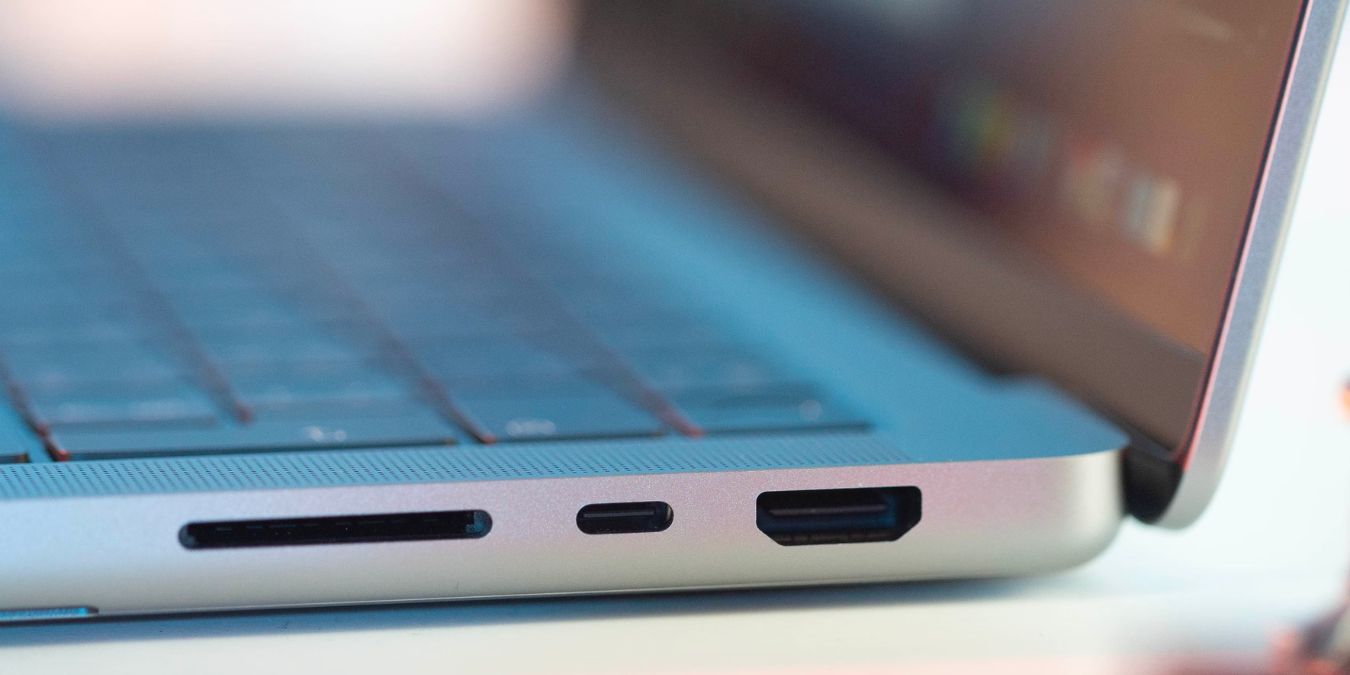
Plenty of people buy Macs for creative work. If this describes you, learn how to format SD cards from your cameras and drones.
By Sydney Butler – Nov 3, 2023
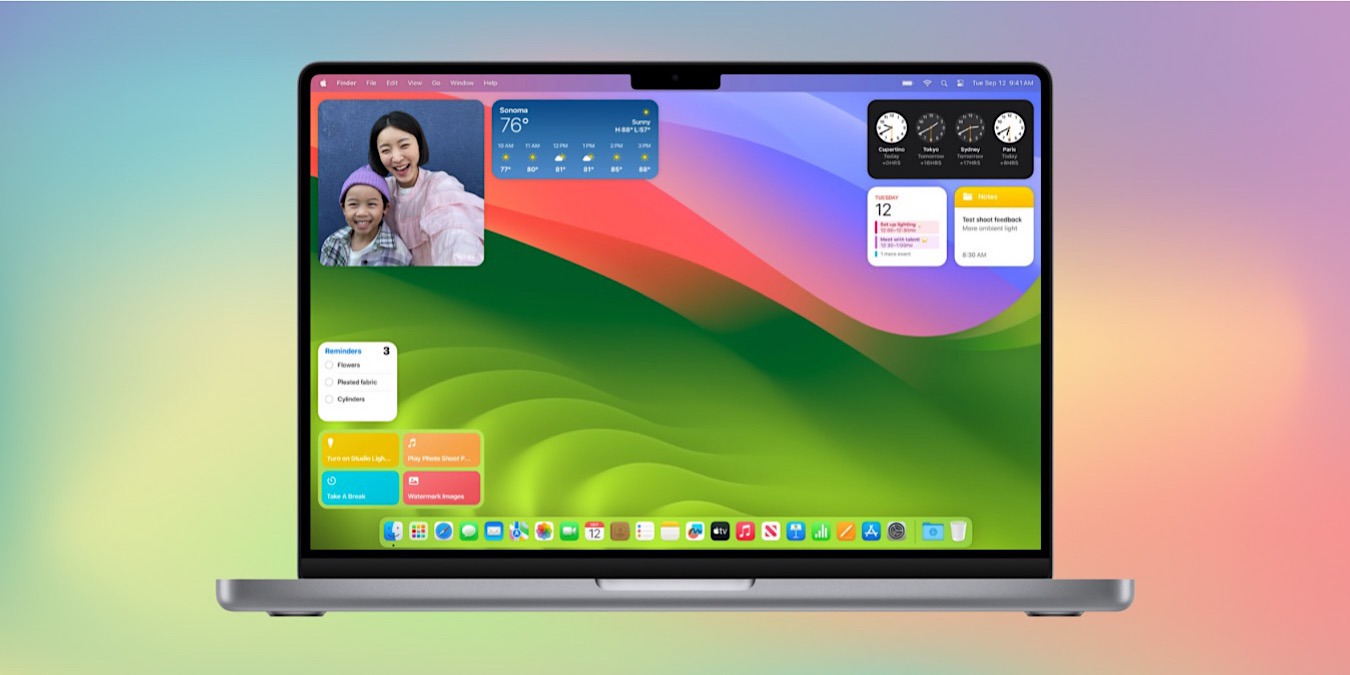
Adding widgets to your macOS desktop can help you customize the look and feel of it. This guide shows how to add widgets on a Mac.
By Stephanie Faris – Nov 2, 2023
Affiliate Disclosure: Make Tech Easier may earn commission on products purchased through our links, which supports the work we do for our readers.





