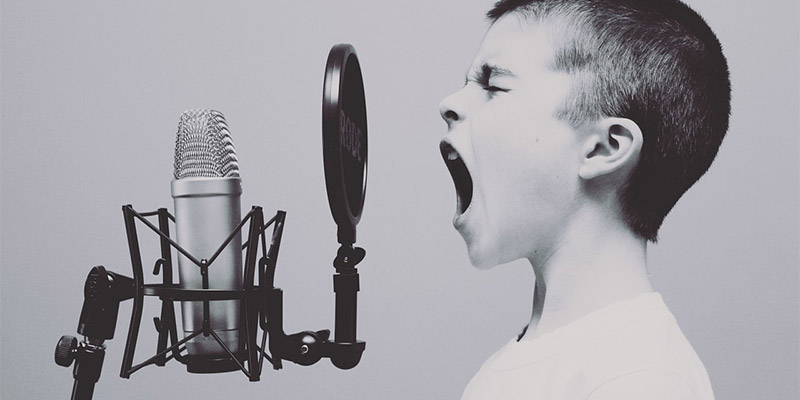
If you want to record music or spoken word on your Mac, you’ll need to have a microphone. We’ll show you here how to set up an external microphone on macOS.
Redundancy is hugely important to a good backup regime. Learn how to use mutliple drives for a Time machine backup in macOS to ensure your data’s safety.
macOS Mojave’s Dark Mode is a major feature for late-night computer users. By default, it’s fairly dark. But there are ways of making Dark Mode even darker.
macOS Mojave changed the way screenshots work on macOS. Learn how you can use the new screenshot tools to do tasks previously only available in the Grab.app
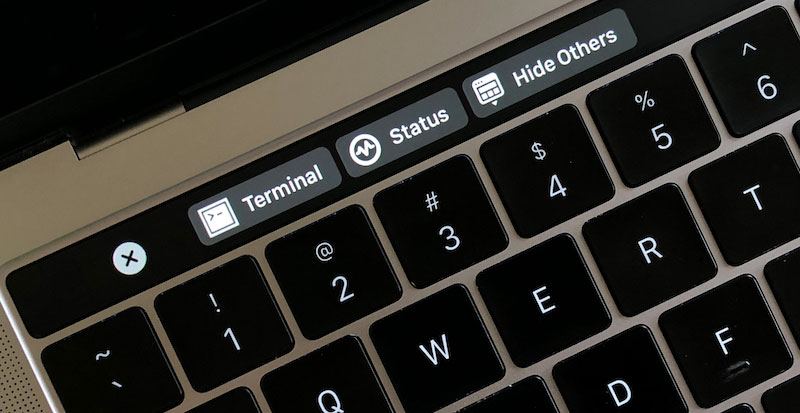
The MacBook Pro’s Touch Bar isn’t highly useful right out of the box. Fortunately, there are tools to dramatically improve the usefulness of the Touch Bar.
For someone who loves both macOS and Android, they might not play well with each other. Read this article for ways to transfer files from Android to Mac.
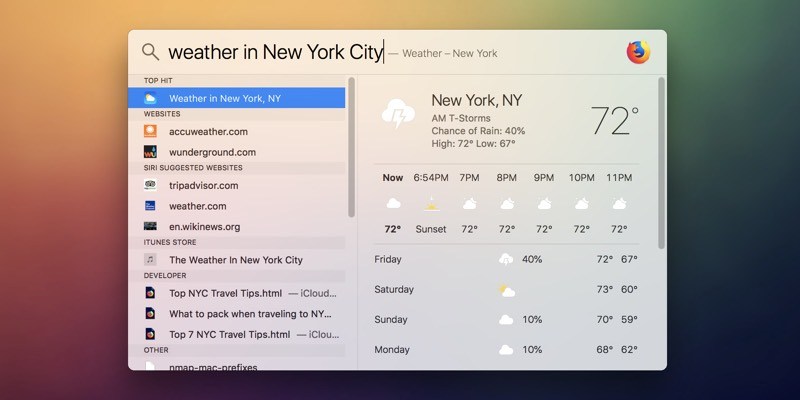
Spotlight is a productivity tool for Mac that allows you to use your Mac more efficiently. Here’s how you can master Spotlight to make macOS easier to use.
System folders in macOS are folders not intended to be accessed by the user. Here we’ll help you find the functionality of each system folder in macOS.
Most system caches do not require regular clearing, but the Quick Look cache on macOS can leak previews of files from encrypted disks and need regular purging.