
It’s good to know Apple has your back if you need to restore your system. Here we show you a few tips to follow before reformatting your Mac!
By Tom Rankin – Jun 22, 2021

Ever have to see something close up on your display? This post shows you some simple ways to zoom in and out on your Mac!
By Tom Rankin – Jun 21, 2021

It may seem scary, but the macOS Terminal is your key to greater experience on Mac. This post shows you how to use the macOS Terminal!
By Tom Rankin – Jun 14, 2021

If you spend any time in the Terminal, you can customize it. Here are some ways to customize the Mac Terminal for better productivity
By Tom Rankin – Jun 12, 2021

Using Terminal to update your Mac can save time and be easier for many – especially since the Mac App Store is known to lag on older devices.
By John Perkins – Jun 10, 2021

Your Mac might have multiple users, especially in a family household. This post will show you how to add a new user account to your Mac!
By Tom Rankin – Jun 7, 2021

Folders can’t be directly encrypted, but you can put them in password-protected containers. Learn how to password protect folders on Mac!
By Tom Rankin – Jun 1, 2021

If you are using a wireless mouse and it is not working in macOS, here are some methods you can use to fix the mouse not working issue in macOS.
By David Joz – May 31, 2021

Python is a great programming language that is easy to learn and use. Here we show you how to run a Python script on macOS.
By Tom Rankin – May 30, 2021
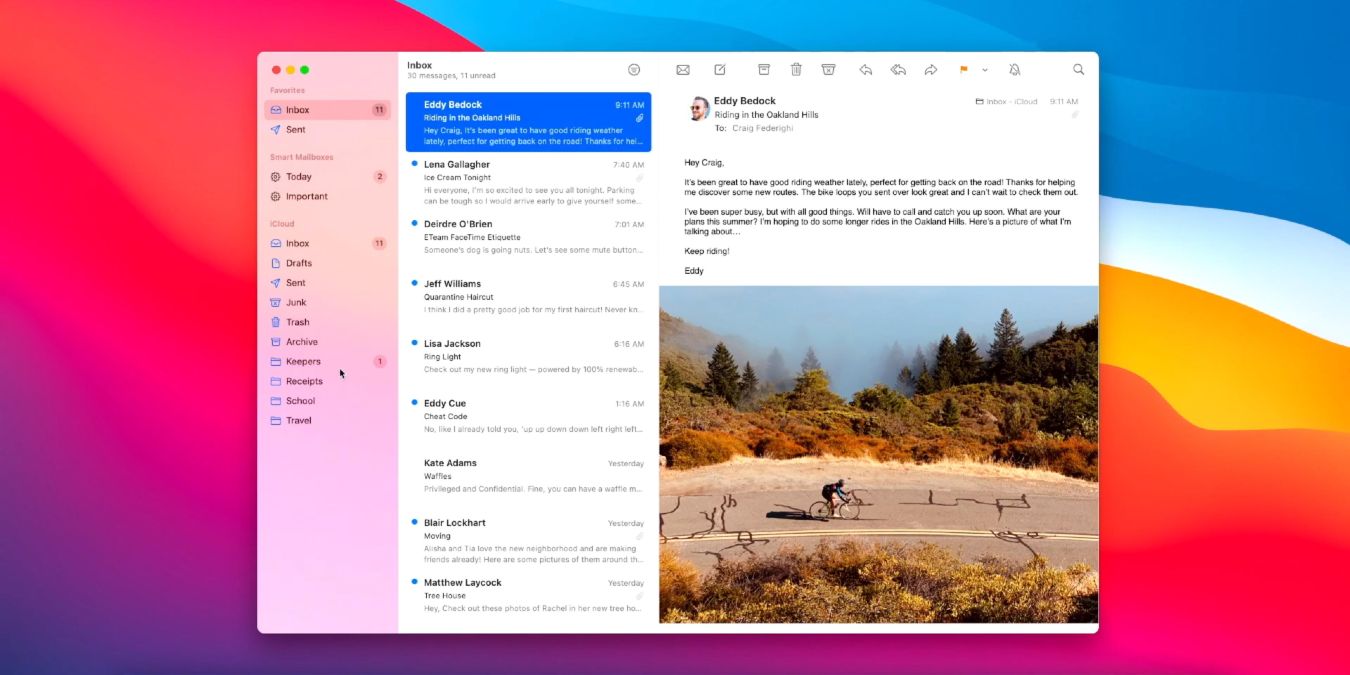
Most of the emails you receive contain a tracking pixel. Learn how you can block tracking pixels in Apple Mail and preserve your privacy.
By David Joz – May 28, 2021
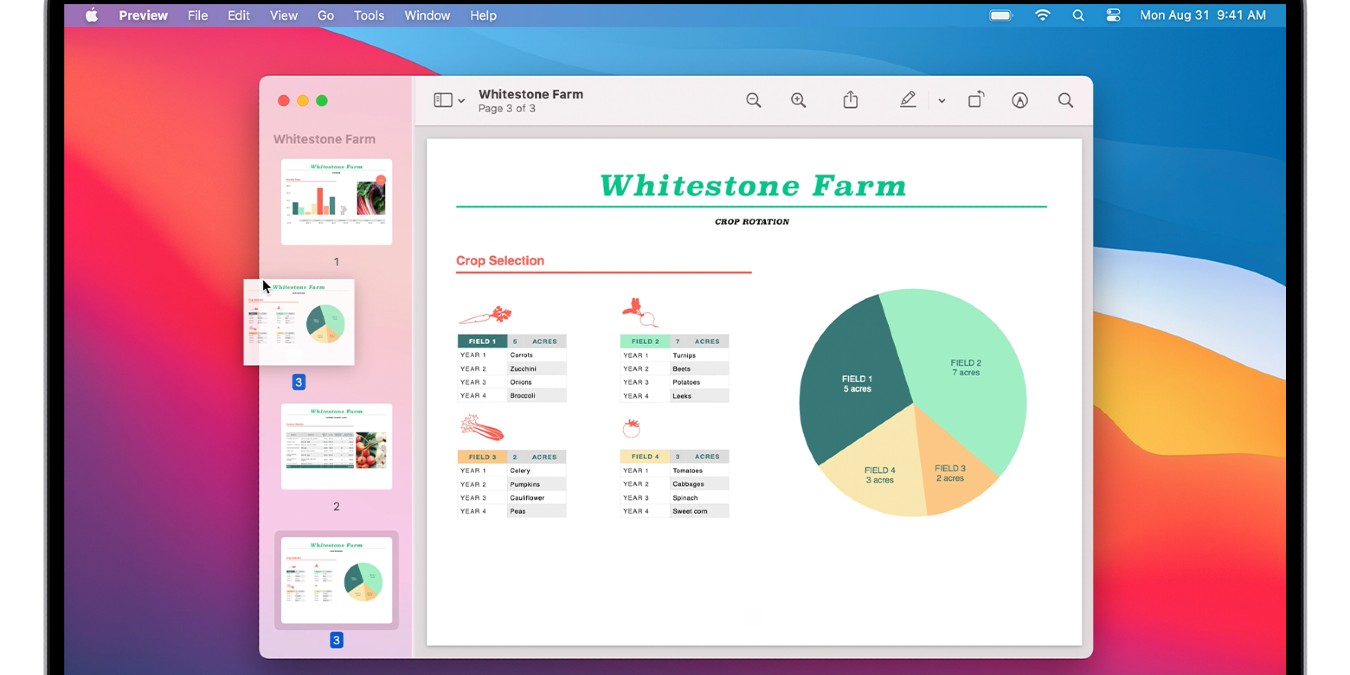
It is easy to extract a page from a PDF document in macOS. All you need is the Preview app. No third-party software is required.
By David Joz – May 27, 2021
We will show you how to reveal and view passwords saved in iCloud Keychain on macOS, iOS, and iPadOS in just a few simple steps.
By Isaac Norman – May 22, 2021

Outfitting your Mac with the right tools can be the best way to work efficiently. Here’s a look at the best tips for Mac owners working from home.
By David Joz – May 19, 2021
Are you looking to edit videos on your Mac? Check out this list of the best video editors for Mac, highlighting the best free and paid options.
By Isaac Norman – May 17, 2021
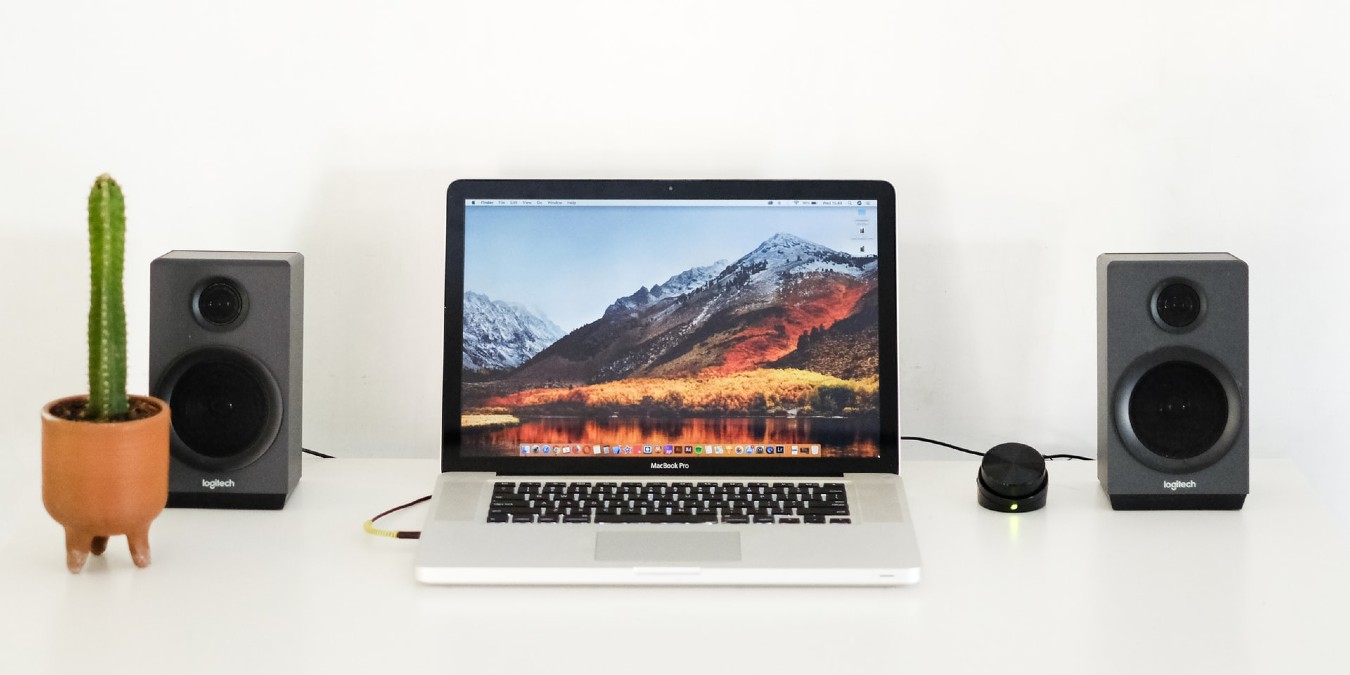
Sound and audio playback issues on Macs are fairly common. Here are a few quick fixes for times when the sound is not working on a Mac.
By David Joz – May 12, 2021

The MacBook keyboard is great but not ideal for every situation. Learn how you can set up a generic USB keyboard with your MacBook.
By Tom Rankin – May 5, 2021

There are three ways to bookmark any folder in Finder on your Mac and make it accessible. Here’s how to achieve just that.
By Isaac Norman – Apr 29, 2021

If you want your mouse cursor to be included in your images, here’s how to take screenshots with the mouse cursor included on macOS.
By Isaac Norman – Apr 22, 2021

You can never have enough screen real estate. As such, this post will look at how to connect an external monitor to your Mac!
By Tom Rankin – Apr 21, 2021

We show you how to upgrade your productivity and get more from you email. These are the best Apple Mail alternatives for Mac in 2021!
By Isaac Norman – Apr 20, 2021
Affiliate Disclosure: Make Tech Easier may earn commission on products purchased through our links, which supports the work we do for our readers.





