Linux offers a number of tools for examining your running processes. Here are some of the best terminal tools for you to better manage processes in Linux.
While there are many Inventive games that pushed the boundaries of what’s possible for puzzle games, there were no n-curses-based Rubik’s Cube for the Unix console, until now.
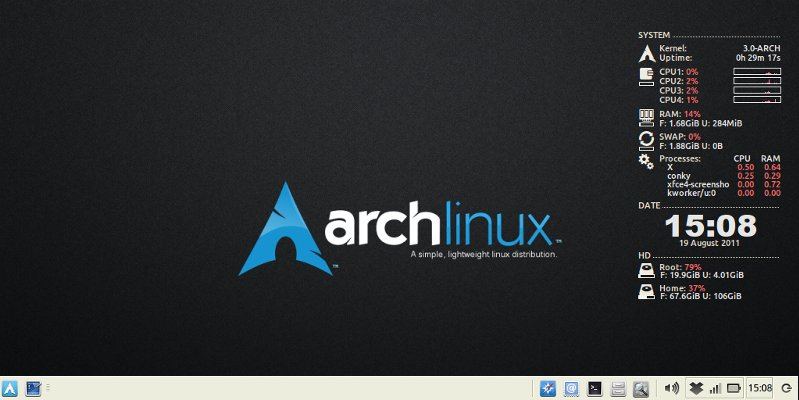
The package cache in Arch Linux can easily fill up your hard disk if you are not careful. This tutorial will show you how you can clear the package cache in Arch Linux and recover some hard disk space.
For AMD card owners, the utilities that you need to overclock your card are included in the drivers you already have installed. Here’s how you can easily overclock the AMD GPU to get the best performance possible.
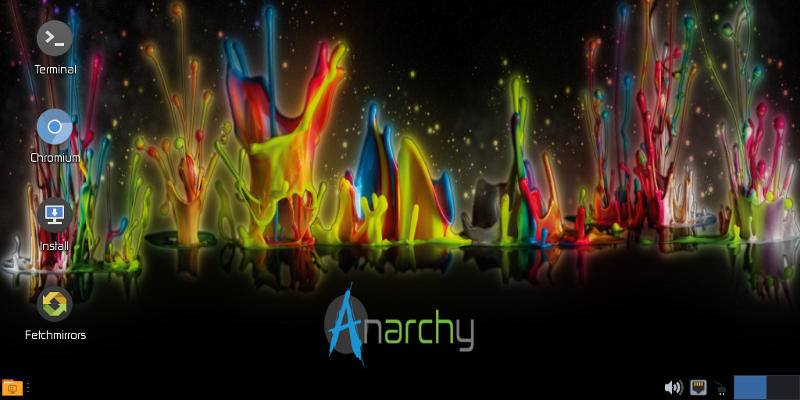
Anarchy Linux is a newcomer to the Linux world. Is it worth using, and where does it fit into the ecosystem of distributions? Find out more in this article.
Whether you’re trying to study, sleep, or just read a good book, noise from the outside world can be both distracting and irritating. Here are some of the best white noise apps for Linux that you can download to keep your mind on the right track.
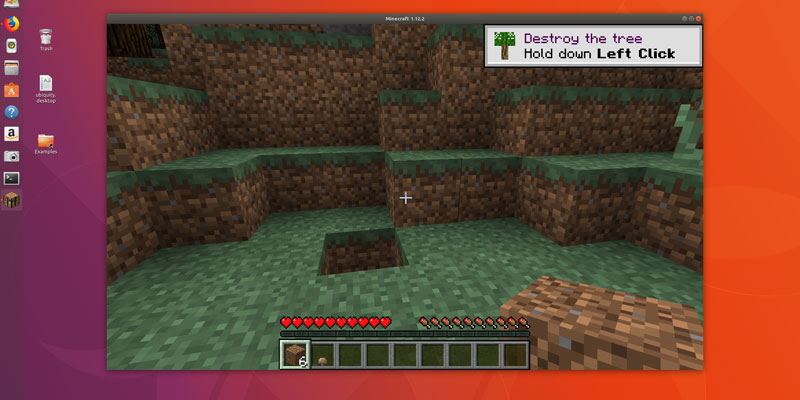
Minecraft continues to confound the world with its immeasurable popularity and the creativity exhibited by its users. This shows how you can install minecraft on Ubuntu and have all the fun.
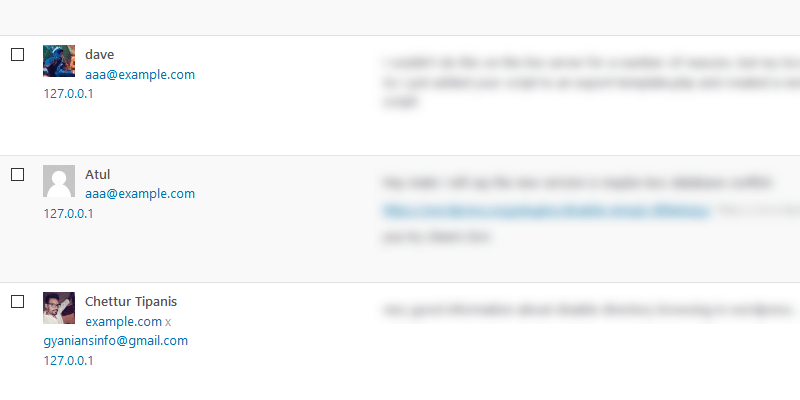
On some servers your WordPress site may not display the correct IP address in the comments. Instead, WordPress displays the localhost IP address 127.0.0.1. Here’s how to fix an incorrect IP address in the WordPress comments.
FFMPEG is a powerful command-line tool for manipulating your media files. Here are some of the FFMPEG commands you should know for managing your audio and video files.
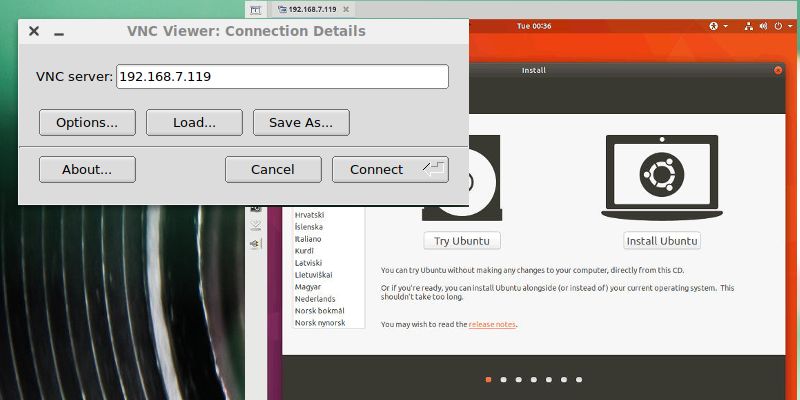
Virtual machines are great, but they can be limiting if you want to use a graphical desktop remotely. VNC is the answer. Learn to set up a virtual machine from the command line and connect to it over VNC.
When you are new to Linux, one of the problems you will face is which apps to use. With millions of Linux apps, the choice is certainly not easy. Here are 8 essential Linux apps to get you settled in quickly.
Meltdown and Spectre are big security issues, and they affect almost every computer. For Linux (and Ubuntu) there are already a lot of updates available to fight Meltdown and Spectre. You only need to install them.
One of the scariest realities of the Meltdown and Spectre vulnerabilities is just how widespread they are. Use these simple tools to see how your Linux PC is affected and what you can do.
There are several reasons people opt for dark themes on their computers. Some find them easy on the eye while others prefer them because of their medical condition. Here are five of the best dark themes for Linux.
There are occasions where you may want to output audio to multiple devices at the same time. Learn how to configure Ubuntu to play audio through multiple devices.
One of the most popular ways to back up data is with an NAS. However, there are many other reasons why a network storage device may be a good idea. Here are a few of them.
The “Year of the Linux Desktop” is a fabled time when Linux finally rises up and becomes the dominant desktop operating system, supplanting Windows. Will 2018 be the Year of the Linux Desktop? Let’s find out.
Linux Mint comes in different versions, each with a different desktop environments and default applications. If you started with Cinnamon, this will show how you can install Mate alongside Cinnamon in Linux Mint.