


Graphics designers spend long lengths of time working on their designs. But the work is finalized only after the client’s feedback has been gathered and taken into account, often numerous times. Getting this feedback is quite easy if you can meet with the client. But in case he and you are not in the same location, the internet is your best shot.
Normally designers email their work-in-progress to the clients. But imagine emailing multiple pictures for a project and receiving feedback on different portions of different pictures. With only the words in the email to guide you, referencing the feedback with the pictures can quickly become very difficult.
Here to offer you a better and more convenient way of sharing your designs and gathering feedback for them is a web service called Cage.
Introduction
CageApp is a brilliant web service targeted mainly at freelance graphics designers. The site offers a free alternative to inconveniently share your designs via emailing. You start by creating an account on the site and then create a project page. A direct URL to your project can be shared with clients who can then view the digital images you have uploaded to the project. Clients can highlight portions of the image and leave their comments next to them. You can reply to those comments and get a conversation going. This way you can effectively gather feedback.
Usage
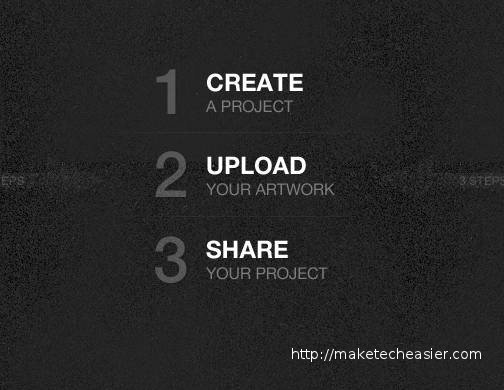
Cage is a highly user-friendly website with an intuitive interface. While creating your account, you can also set up a subdomain where your projects can be found. Once you have created your account on the site, you are met with a dark dashboard that guides you to create a project, upload images, and share the URLs.
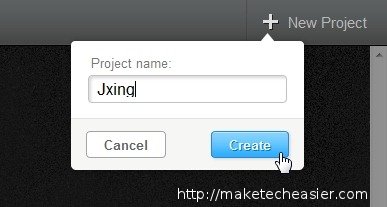
Start by clicking on the “New Project” button in the top right. Name your project and click Create.
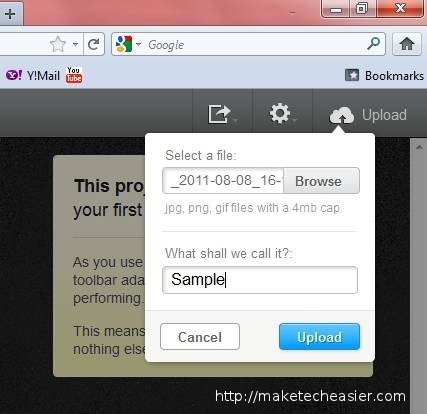
With your project created, the “Upload” button will replaced the “New Project” button. Use this button to upload project images. Your images should be of the JPG, PNG, or GIF format and less than 4MB in size.
The images you upload are shown on the project page next to one another. If you wish you can drag to reorder them. The number of annotations / highlighted areas on each image is shown in the bottom right.
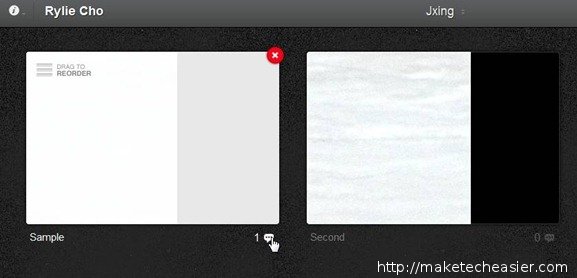
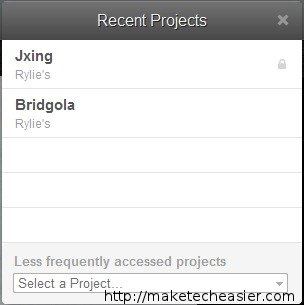
At the top center of the project page, you will find the project’s name. You can click on this name to navigate to your other projects.
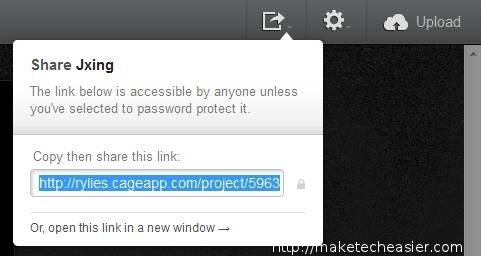
When you are ready to share your project, use the first button from the left in the top buttons list. This will provide you with the project’s direct URL.
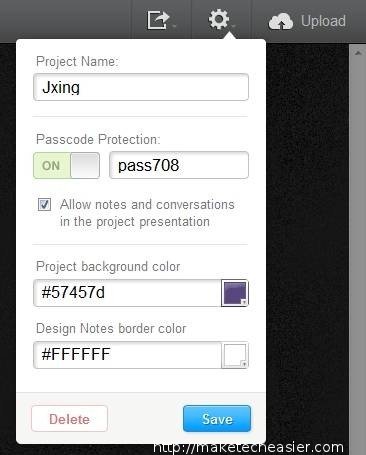
You can optionally set a password on the project that URL visitors will need to enter before they can view the project’s image. This can be done by the next button on top. The subsequent options you see also let you modify the color settings of your presentation.
Visitors to the URL can enter a nickname – this helps while commenting. They can highlight an area of the images they see and leave comments.
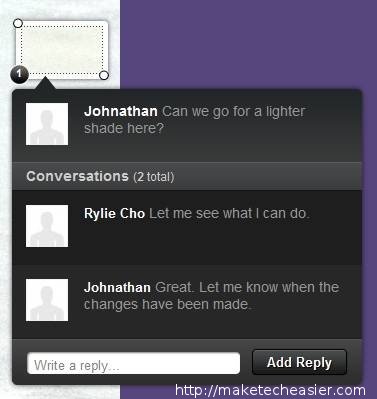
Thus you are able to collect feedback for your project.
Conclusion
Cage is a free and straightforward application that brilliantly executes its tasks. With the help of a very intuitive interface, the site lets graphics designers and people from other professions easily gather and record feedback by uploading images of their projects. The site will undoubtedly leave its users satisfied.
Visit CageApp