


Videos are a very popular form of content for WordPress sites. If your WordPress site has a lot of videos, here are seven great WordPress video plugins to try. These plugins range from video players, to video galleries, to more unique ones (e.g. a featured video plugin) that will help you to make the most out of your videos.
1. Advanced Responsive Video Embedder
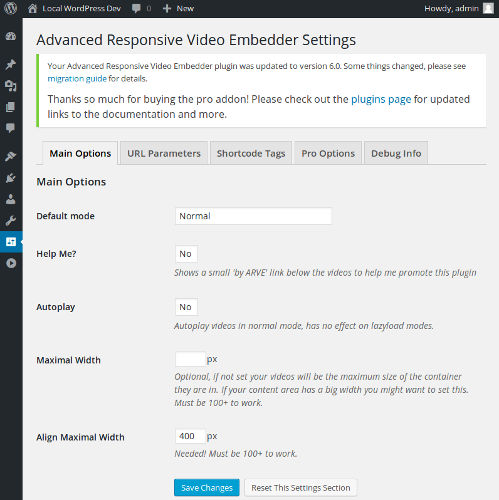
Advanced Responsive Video Embedder is a very popular WordPress video plugin for a reason. In addition to drag-and-drop video placement of responsive embedded videos, it has a ton of other useful features, such as a WISYWIG editor, custom aspect ratio, autoplay (if supported by the provider), shortcodes, customization via CSS, etc. The paid version has more perks such as the ability to disable links in embeds of lazyload mode (load only an image, not the video itself on pageload), but even the free one is good enough.
2. Easy Video Player
Another plugin to embed videos is Easy Video Player. It isn’t as popular as Advanced Responsive Video Embedder and doesn’t have that many features, but it’s still a good choice. You can use shortcodes for video embedding, set the video size and autoplay, and choose the video skin to use. One of the unique features of Easy Video Player is the support of MP4 videos.

3. WordPress Video Player
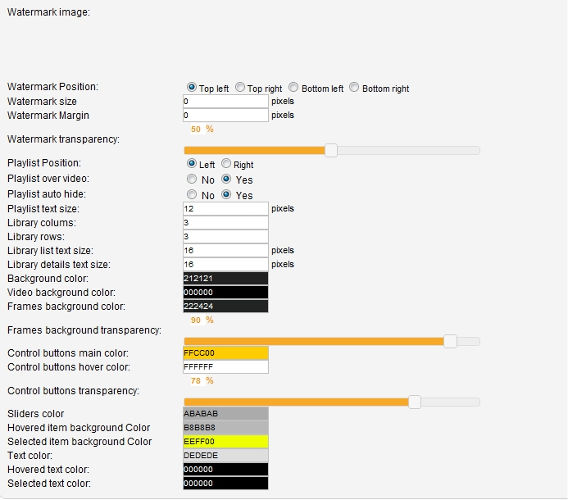
Some of the special features of WordPress Video Player are that you can create playlists and tag videos. This plugin works with Flash and HTML5 videos. You can configure almost any aspect of the look and feel of your videos and playlists, such as the transparency level of video player buttons, or the colors for the library, videos and frames background. The plugin comes in two flavors – free (comes with a watermark) and paid.
4. Gallery Video
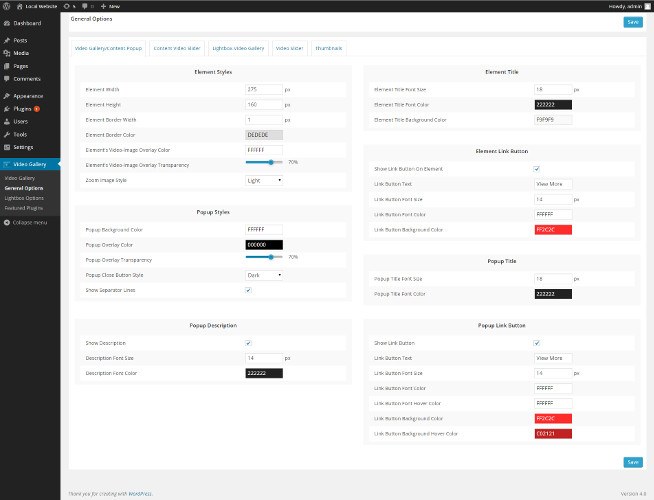
Gallery Video is another fully responsive video gallery plugin. It’s particularly good for large galleries because it supports an unlimited number of videos plus Load More and pagination. It comes with seven predefined views, but you can always design your own. It’s a drag-and-drop plugin, and you can use it as a widget, too.
5. Featured Video Plus
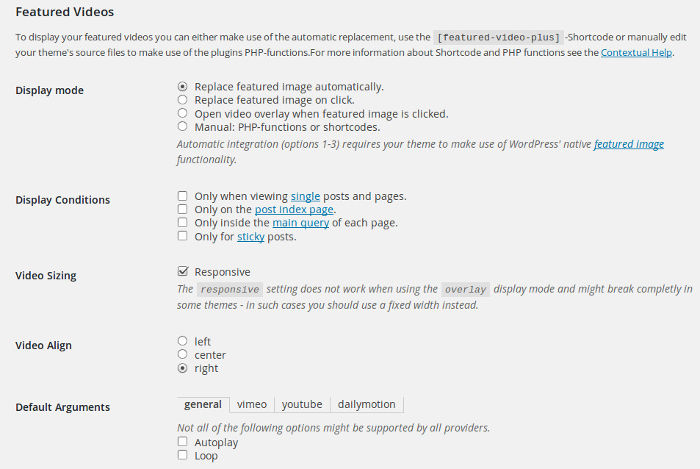
If you want to use featured videos instead of featured images, check the Featured Video Plus plugin. Featured videos are a cool idea; however, keeep in mind that multiple videos on one page can make it really hard to load. You can include both local videos and videos from YouTube, Vimeo and other providers. The Settings page allows you to pick video size, adjustment, play properties, etc.
6. Video Sidebar Widgets
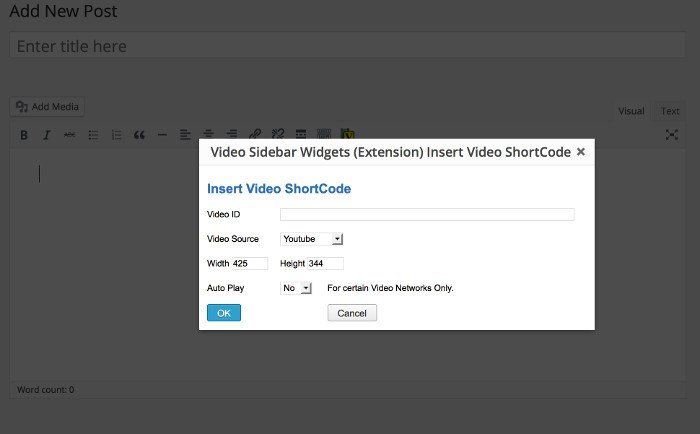
I believe the Video Sidebar Widgets plugin started as a widget to display videos in the sidebar, but now it has evolved, and you can use it in posts and pages, too. With its help you can display Flash videos from fourteen video-sharing networks – Youtube, Vimeo, BlipTV, Google, etc. It doesn’t have many features, but if you need something lightweight and simple, this plugin is perfect. It’s worth noting that the plugin comes with good documentation.
7. YouTube Channel Gallery
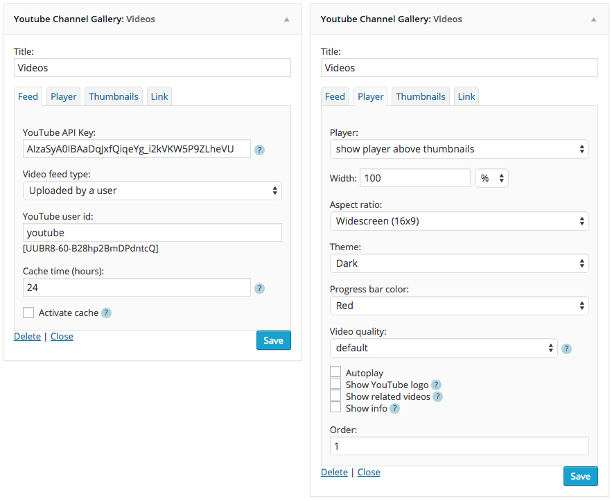
Most of the other plugins work with YouTube videos too, but if you want to set a video gallery for your YouTube channel, the YouTube Channel Gallery is the best choice. You can use multiple instances of the plugin on the same page (i.e. you can show more than one channel on the same page), and if you are concerned about bandwidth and site load times, you can go with thumbnails only. This plugin works for Flash and HTML5 videos.
There is quite a lot of choice when it comes to video plugins for WordPress. All plugins may not work for you and might not be a good fit for the purposes you need them for, but I hope most, if not all of them, will be useful to you and will help you to make your WordPress video blog as attractive as possible.