


A growing number of web developers have switched to Firefox in recent months prompted by the release of Firefox Quantum after it improved the performance to be on par with Google Chrome.
Although Firefox offers decent tooling for developers by default with innovative features like its CSS Grid inspector, it’s still possible to add more exciting features to the browser through its add-on ecosystem.
With that in mind, here are a few extensions you should try if you use Firefox for web development.
1. Compat Report
Compat Report helps you identify potential browser compatibility issues when developing websites or web applications. This only works for CSS at the moment.
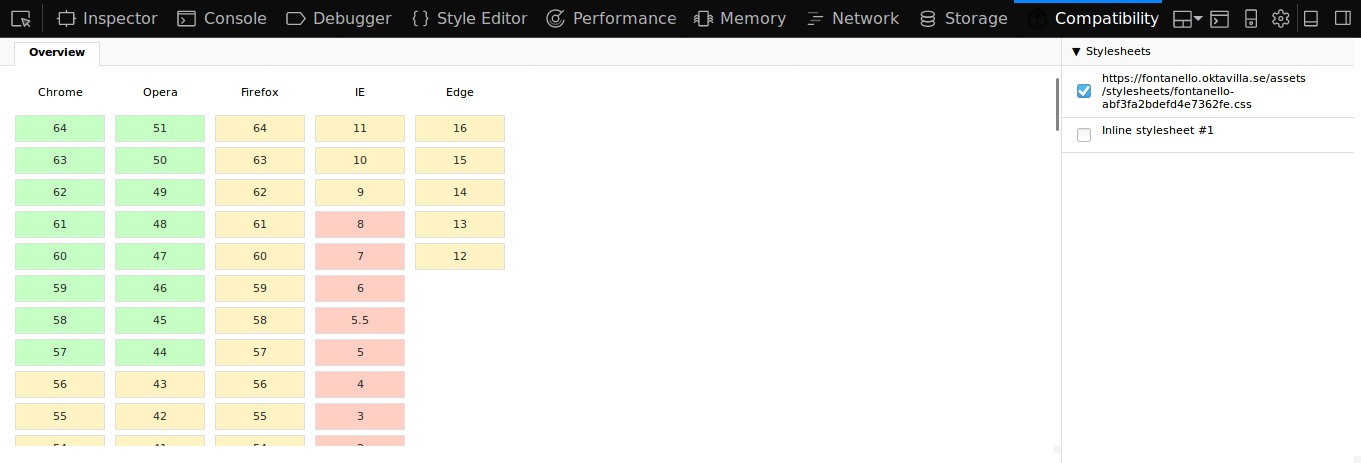
Once you install the extension, a new “Compatibility” panel will be added to the developer tools. From there you will be able to see just how any given site is expected to perform on each of the major browsers
Browser versions with no compatibility issues are coloured green, those with a few issues in yellow, and those with several ones in red. You can dig into specific browser versions to see the exact CSS rules causing the issues.
2. JSON Lite
If you work with JSON APIs frequently, you may find it tedious to view JSON data in the browser. This is because the browser does not format it properly by default which makes it hard to read.
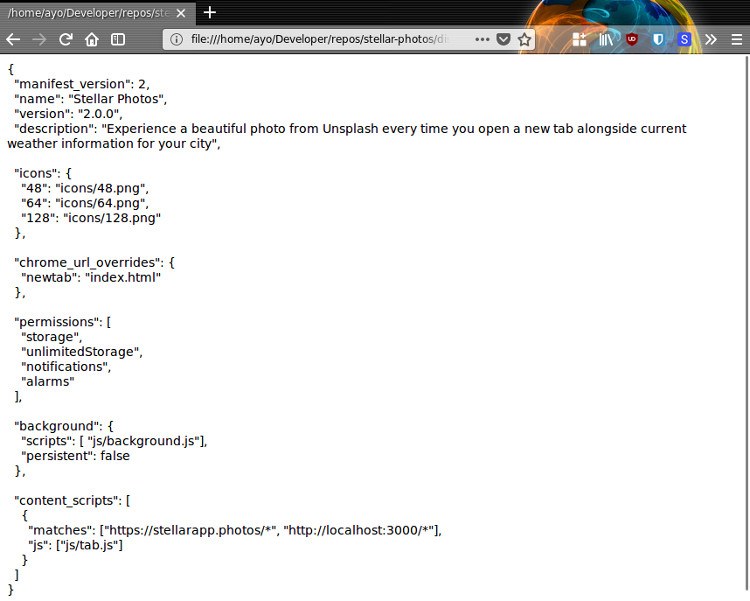
JSON Lite fixes that problem by formatting JSON and JSONP responses with proper syntax highlighting and a node collapsing feature that is handy when inspecting huge JSON data.
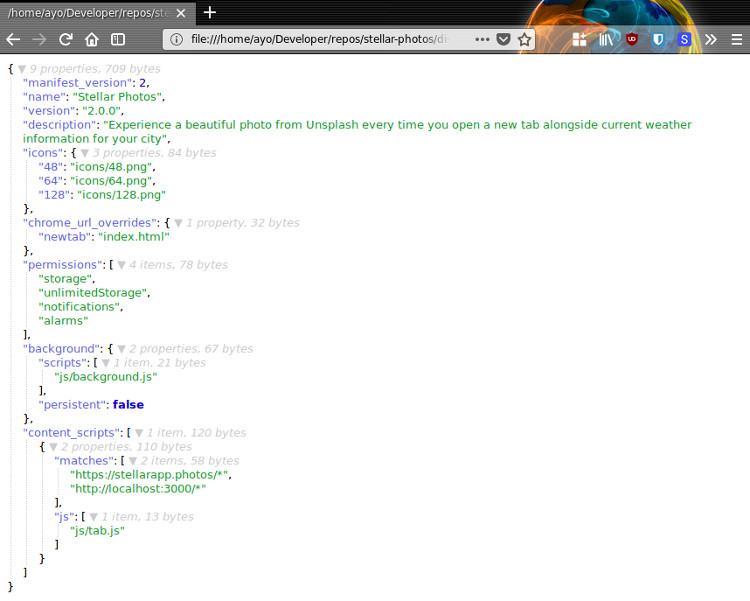
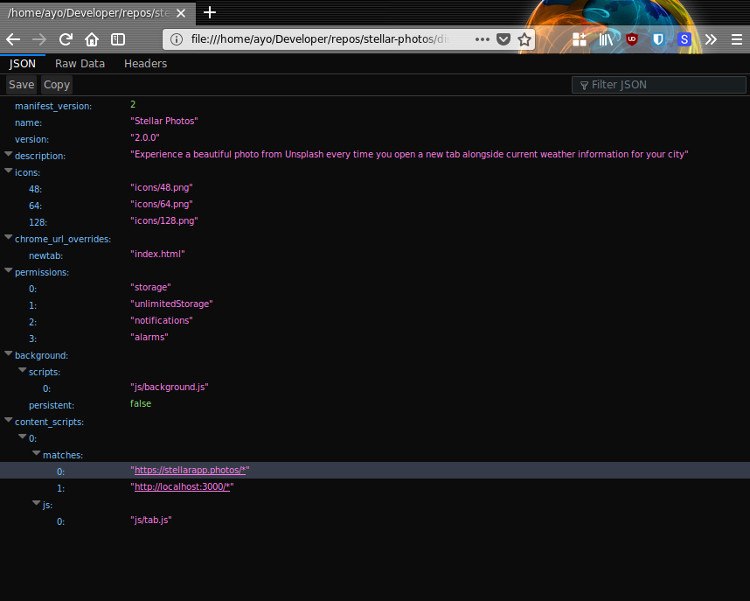
If you do not need all the features that JSON Lite provides, you can just enable the built-in JSON viewer in Firefox by typing “about:config” in the address bar, then searching for devtools.jsonview.enabled. Set it to “true” by double-clicking the option, then loading any JSON file into your browser to see the result.
3. React Devtools
React is the one of the most popular libraries today in the Web Development ecosystem. If you develop web applications with React, you will see a lot of value in using its browser extension to debug your code.
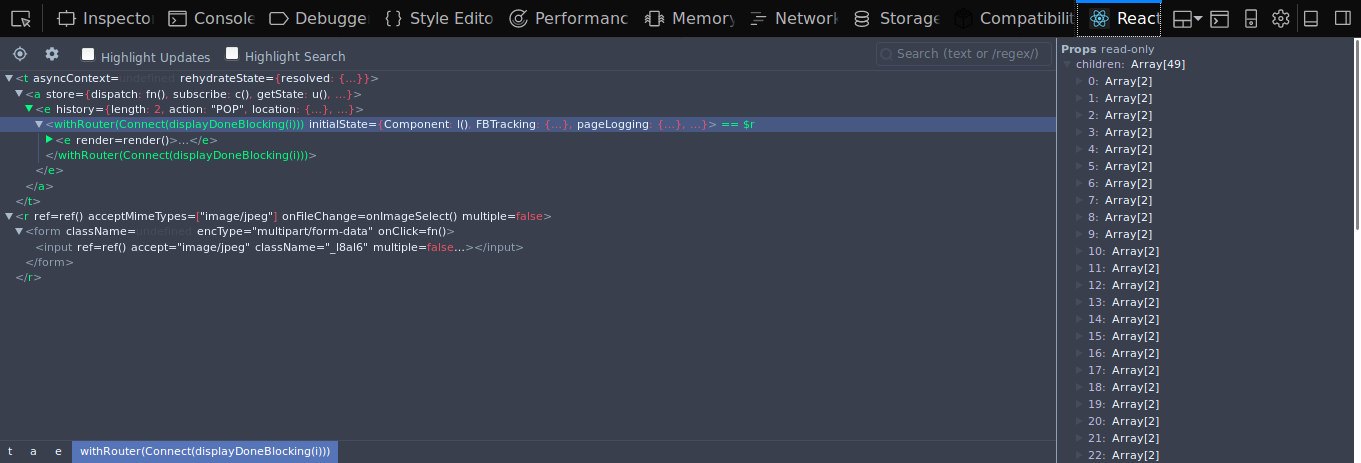
Once it’s installed, you’ll be able to examine React code on any website that uses it. The add-on icon will appear in the browser toolbar, and you’ll also get a React tab alongside the other DevTools panels. The React panel will allow to to inspect a React tree, including the component hierarchy, props, state, and more.
You can also install Vue.js devtools if you develop with either library.
4. Fontanello
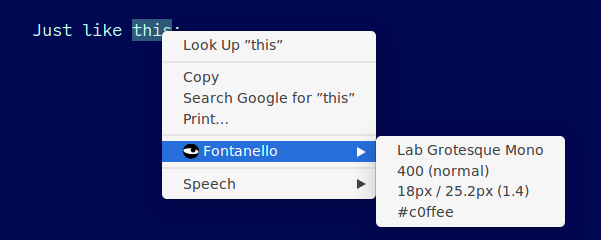
Fontanello provides a really fast way to identify fonts on any website. With this add-on, you no longer need to open the devtools just to find out what font a website uses. Fontanello displays the basic typographic styles of text in the right-click context menu in Firefox.
5. Wappalyzer
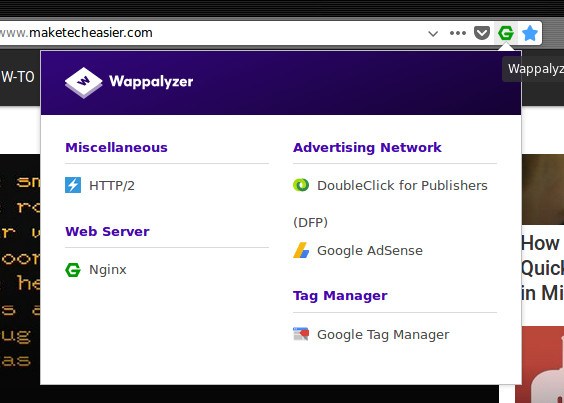
Have you ever wondered what technologies are used to build your favourite websites? Wappalyzer can provide you with this information in one click. It can detect various content management systems, eCommerce platforms, web servers, JavaScript frameworks, database software, analytics tools and many more.
Wrapping Up
If you’re looking to supercharge your development workflow, you can’t go wrong with any of the extensions mentioned above. Don’t forget to share your favorites in the comments section below.
This article was first published in October 2010 and was updated in March 2018.