

All seasoned Internet users have signed up for a newsletter they didn’t actually want, intentionally or unintentionally. Even junk mail aside, outright spam (that is, a bunch of robots/scammers flooding your inbox) remains fairly common on the Internet, albeit much less effective than it used to be thanks to webmail’s strong Spam folder solutions.
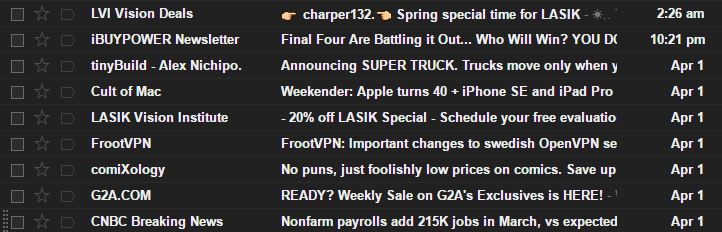
So let’s say you want to avoid spam/newsletters coming to your personal email, or you want to change newsletters over from your personal email, or you want to upgrade your personal security by not using your real email address for any of the various websites you might be using. So what do you do?
Well, you get Throttle, of course.
Making a Throttle Account
Signing up for Throttle is a pretty simple process: start by clicking the above link to head on over to their site where you can scroll down and sign up.

Once you’ve entered your personal/main email address and your new password, it’s time for you to go through the setup process.
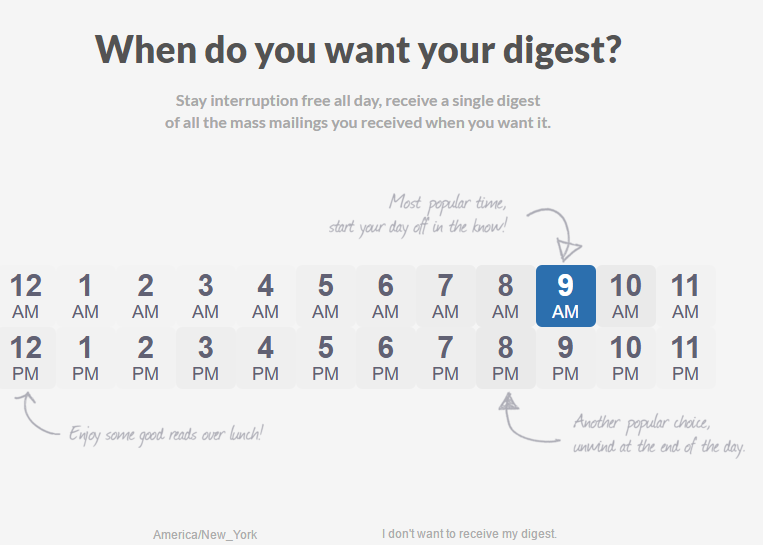
One thing that sets Throttle apart is that it creates a “Digest.” This digest collects all of your newsletters/social media notifications for the day and sends you an email with them at a time of day that you’re free to choose.
You can also, of course, head over to their web page to look at your Throttle inbox at any time. Throttle randomizes an email address for each unique service that you use it to sign up for and puts it all in one inbox.
However, it also makes note of those who are selling your email address – these random addresses should only be going to a single site, but if you start receiving email from multiple senders to the same “random” address, you can spot the one that’s responsible for selling your information and deal with it as you please.
This is a secret benefit of Throttle. During the signup process, you will be directed to install its extension. Currently, Throttle supports Chrome, Safari, Opera and FireFox. IE and Edge users are out of luck, as well as those who don’t want to install an extension.
Using Throttle
Once you’ve set up Throttle, you can start heading over to your Reading List to take a peek at your Throttle inbox.
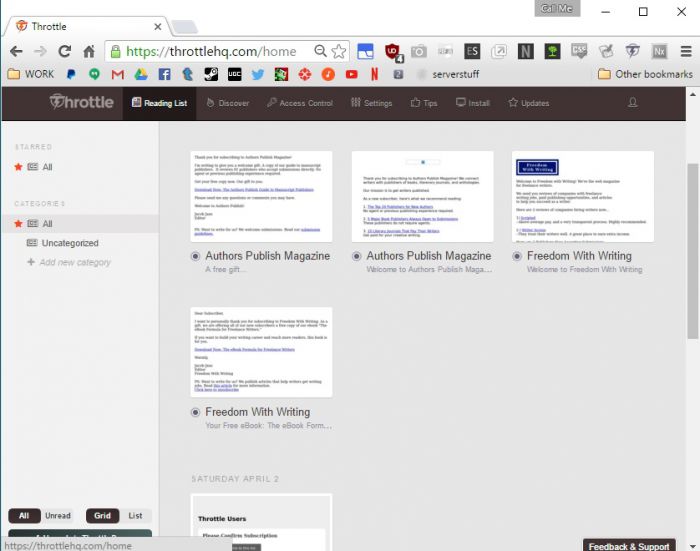
Your Throttle inbox will be filled with all the messages you’ve received from the services you’ve signed up for using Throttle. But what if you don’t have any yet or you need some more?
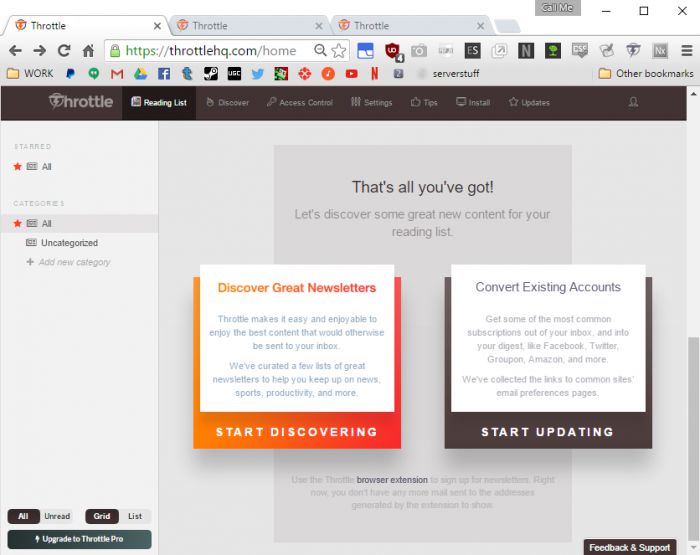
At the bottom of the Reading List, Throttle links to a curated list of newsletters and to common account pages.
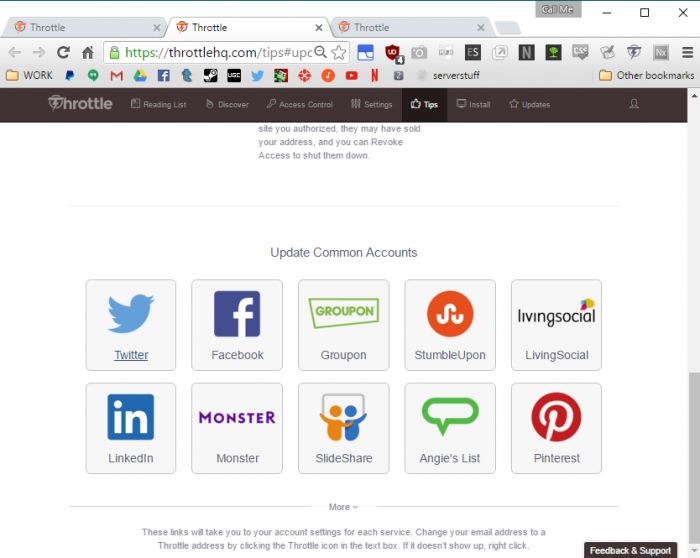
The account page will allow you to change your email address for a given service to a Throttle address. This means that your emails from that service will all go to Throttle instead of your main email (meaning you won’t see it outside of daily digests/manually coming to the Reading List).
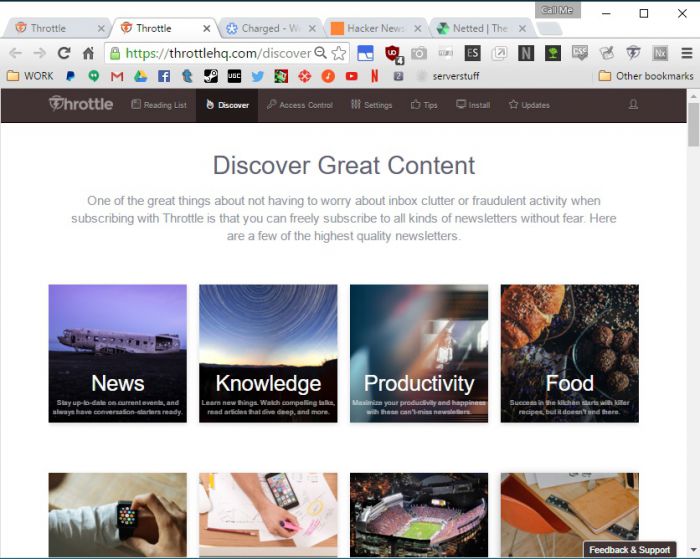
Newsletters offers a wide variety of curated newsletters to choose from. If you don’t frequent your reading list, this means you’ll be getting daily digests from Throttle with all of these messages packed into one for you to read at your leisure instead of scattered and flooding your main email address.

Signing to Throttle services isn’t restricted to their listed newsletters and accounts, either. Any site that asks you for an email address can be given a randomly-generated Throttle address that’s tied to your account just by you clicking the Throttle icon.

Of course, this requires that you’ve installed the Throttle extension for your browser and followed the setup instructions properly. Without the extension, you can’t do this.
Conclusion
I’m relatively new to Throttle, but I plan on having some of my accounts moved over so there’s less headaches for me to worry about.
That being said, I can also see the value in having the barrage of emails. If you’re like me, your email inbox is the center of your existence online, and you check it constantly in case something’s come up.
More importantly: what do you think? Comment below and let us know.