

When maintaining a WordPress website, the speed at which it loads is super important. Not only for the visitor, but also for SEO. Google and other search engines do grade your site on loading speed. One remedy to help the load speed of your WordPress site is to set up a cache.
What a cache will do is keep a static copy of each page on your site making the site load faster. The reason this works is because the server doesn’t need to go to the page, see if anything has changed, then show the visitor the page. If your site gets a lot of traffic, imagine how taxing that is to the server. Here are some options to help you.
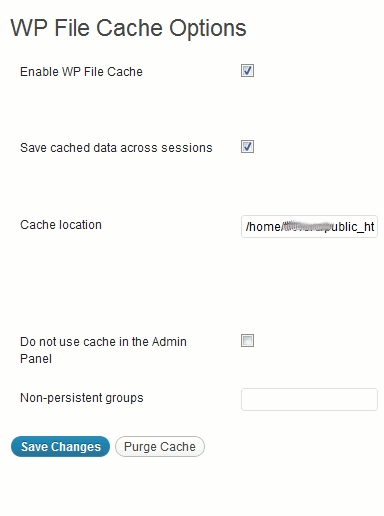
1. WP File Cache
Typically when your server is displaying a cache page to a visitor on your site, they see a static version of the page. That’s how the page loads faster. With WP File Cache, all your pages are still dynamic. While it isn’t as fast as some other cache plug-ins, you aren’t sacrificing anything on the page for speed.
2. WP Green Cache
Many hosting companies are starting to power a portion of their servers using green energy. As an additional measure to help the server use less power and therefore reduce the carbon footprint of your site, you can use WP Green Cache Plug-in. They say it will minimize about 95% of the resources used on your server to serve up a cached page versus a live page.
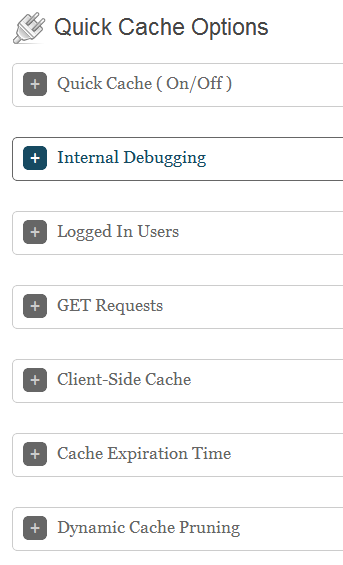
3. Quick Cache ( Speed Without Compromise )
One headache of using a cache on your site is, when you make changes, they aren’t always visible right away because you aren’t seeing the most recent version of the page. By default, Quick Cache does not send you a cached pages if you are logged in as a user. Users who have recently left a comment also see the freshest content.
4. W3 Total Cache
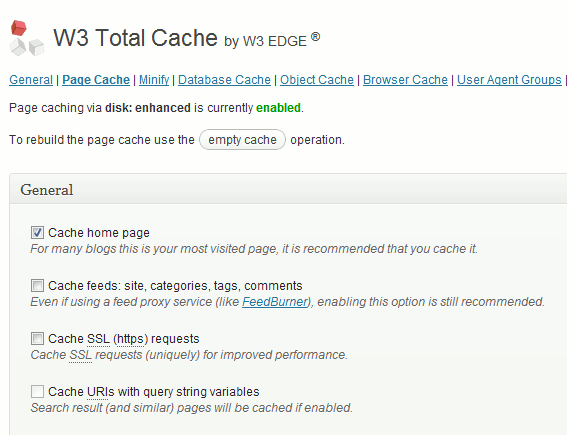
W3 Total Cache is probably the most popular WordPress Cache plugin the list. It claims to be the most compatible WordPress cache option. There are a lot of big name sites out there using W3 Total Cache. One of the reasons it is so popular is, W3 caches every aspect of your site. This means your whole site will load faster, not just certain pages. For those using a CDN (content delivery network), you will have no worries about integrating W3.
5. Shopp Cache Helper
Shopp Cache Helper is more of a plug-in to help the Shopp eCommerce plug-in play nice with W3 Total Cache. If you are in need of a cache plugin, this is a must have for an eCommerce site.
There are different needs for these sites versus a blog style site. When you add a cache to your eCommerce site, you will want to consider how the fact that most of the cache plug-ins are cookie based. With a shopping cart, the cookies are a little bit different. Shopp Cache Helper performs a purge of the cookie if the visitor empties their cart. There are also paths not needing a cache. This plug-in will automatically let W3 Total Cache know.
6. WP Super Cache
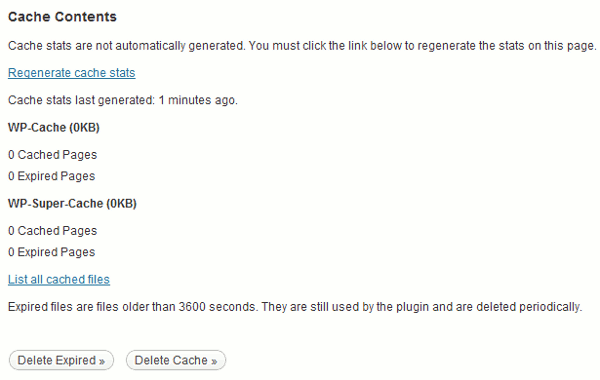
WP Super Cache works a little differently than some of the other cache plugins on the list. There are 3 scenarios where the visitor is served a static page. If they are not logged in, if they haven’t left a comment or if they haven’t been in a password protected post. Once this is determined by the cache plugin, there are 3 different ways they may be served the page. Mod_Rewrite, PHP or Legacy caching. The pages are attempted to be delivered in this order for speed reasons. The Mod_Rewrite will easily handle high traffic sites. If you are getting tons of traffic from StumbleUpon or Pinterest or Digg, you should WP Super Cache.
Conclusion
Speed is the best friend of a web-page. It makes no difference if you have the best content in the world. If the page loads slow, people will not wait around for it to load. If your site does not have a lot of traffic yet, you may not need to have a cache just yet. However if you get a sudden spike in traffic, you will be glad you had help and your server didn’t freak out from all of the traffic.