

The Internet eliminates the geographical barrier between buyers and sellers. As long as there’s an internet connection, you could live on a remote island in the middle of nowhere and sell your goods or services to someone from other parts of the world, all thanks to the revolution of online payment.
One of the names that has a significant contribution in the revolution is PayPal. It makes sending and receiving online payment virtually as easy as clicking a button. If you are using your WordPress site to receive payment, here are some ways to add PayPal payments to your WordPress site.
Using PayPal.Me
In September 2015 PayPal launched PayPal.me to help ordinary people get paid easily using a simple web address.
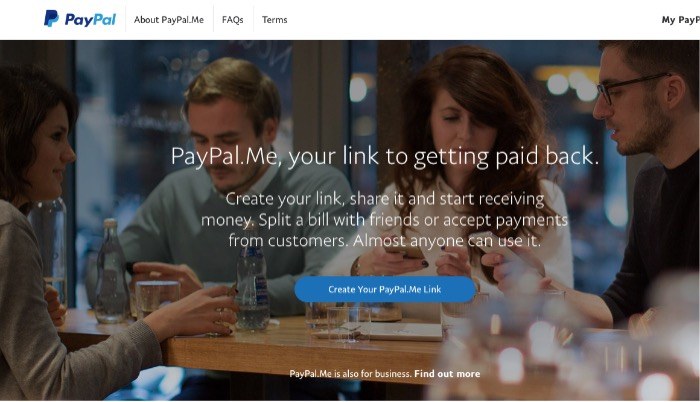
To use PayPal.me you need to register your name as the address, and you will have a unique link that you can use to ask for payment. The link will look like this: “PayPal.me/username.”
You can also add a specific amount of money to the last part of the link if you want to. For example, if I want my friend to send me one dollar, I could modify my link to look like this: “PayPal.me/username/1” where “1” at the end of the URL represents one dollar.
When someone clicks the link and goes to the address, that person will arrive at a responsive page (that would look good on all kinds of devices including smartphones) where he/she can easily send you one dollar.

You can insert your PayPal.me link into an email, tweet, short message, or anything else including a web page or a WordPress post.
Quick PayPal Payments Plugin
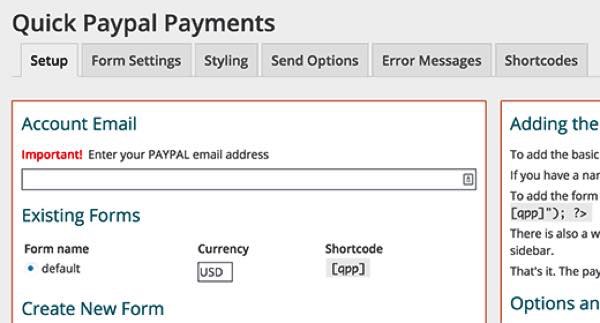
The Quick Paypal Payments plugin is simple and powerful. You create a payment form via the settings and add the form to any page using a shortcode. You can also customize the appearance of the payment form using an easy-to-use user interface.
PayPal Donations Plugin
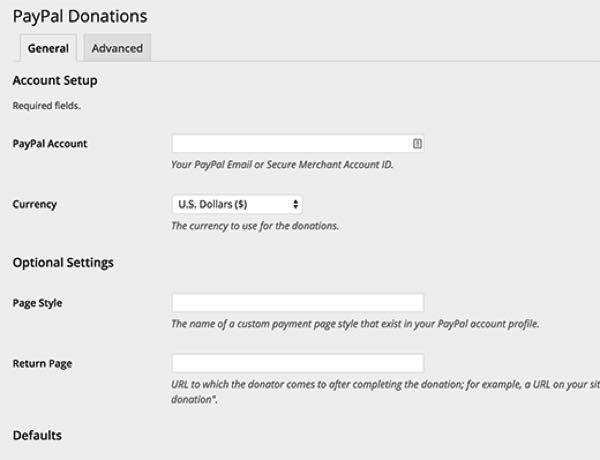
Although the name comes with the word “donation,” this plugin can be customized to accept any payment. It uses shortcode similar to Quick PayPal payment but also comes with a ready-to-use WordPress widget that you can use in the sidebar or other available widget areas.
After installing and activating the plugin, you can customize it via “Settings -> PayPal Donations.” You can also redirect people to a customizable “thank you page” after they’ve made the donation/payment.
WordPress Simple PayPal Shopping Cart Plugin
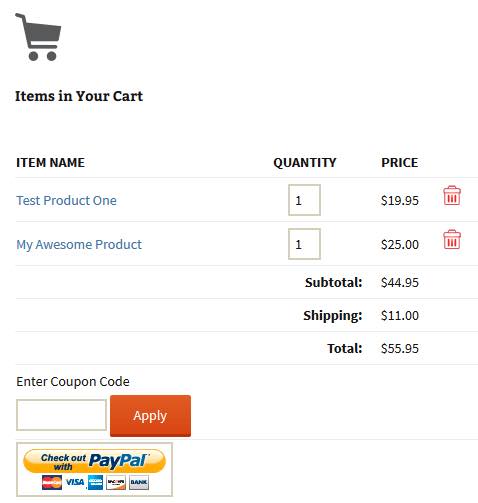
If you want to sell multiple products, either digital or physical, you need more than a simple buy/pay/donate button. You need a shopping cart. This plugin is the plugin that you need to add a simple shopping cart (hence the name) where people can add your products, and when they’ve finished shopping they can go to the checkout to pay you using PayPal.
Easy PayPal Shopping Cart Plugin
This plugin is another shopping cart plugin for WordPress that can help you sell items on your site. Adding a cart button is as simple as inserting it into any WordPress post/page.
Clicking on the button will take your buyers to PayPal, and upon finishing the payment they will be redirected to a confirmation or thank you page.
PayPal for WooCommerce Plugin
The more advanced settings for those who need to include a payment button on their site is to build an online shop. And one of the most well-known names for online shop builders on WordPress is WooCommerce.
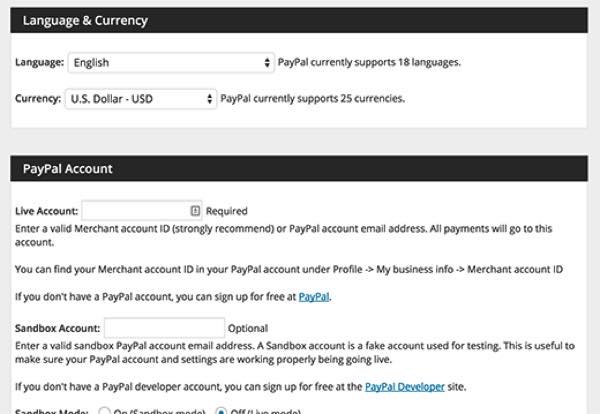
The WooCommerce plugin comes with built-in support for a standard PayPal account. But if you need more advanced PayPal features, you might want to add the PayPal for WooCommerce plugin in the combination.
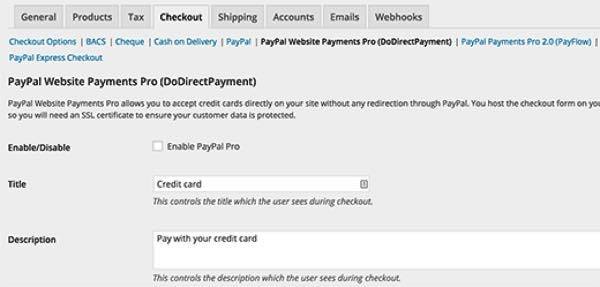
Adding PayPal for WooCommerce will give users extra support for both PayPal express checkout and PayPal Pro API for all WooCommerce websites. You can configure it in the PayPal Payments Pro tab under the “Checkout” settings.
Since the list contains just a fraction of the available plugins, if your favorite PayPal plugin is not on the list, please share it in the comments below.