

Ever wanted to add your own custom menu icons to your WordPress theme just so that you can improve the aesthetics of your blog or website? Out of the box, WordPress does support adding menu icons by simply adding your own CSS and resulting classes to the menu items. This approach of adding menu icons provides greater flexibility but requires you to know a thing or two about dealing with the CSS and any other backend custom edits. So, if you just want to add the menu icons without all the technicality, then here is how you can use Menu Icons to achieve the task at hand.
Using Menu Icons Plugin
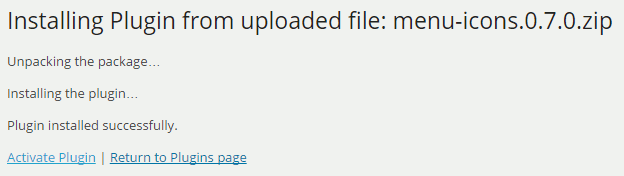
Menu Icons is a free plugin which is available through the WordPress repository, and you can download and install it like any other plugin. Once installed, activate the plugin and you are good to go.
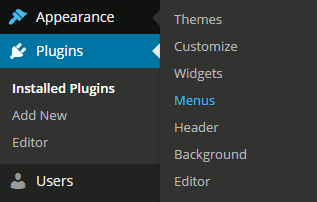
Being a simple and straightforward plugin, Menu Icons doesn’t have a separate settings page. Instead, it is integrated directly into the WordPress Menu page. So to start using Menu Icons, navigate to the “Menu” page located under the “Appearance” tab.
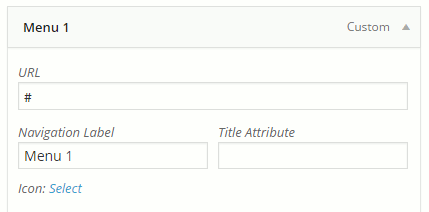
Once there, expand the menu item by clicking on the little down arrow next to the menu name. Here, click on the link “Select.”
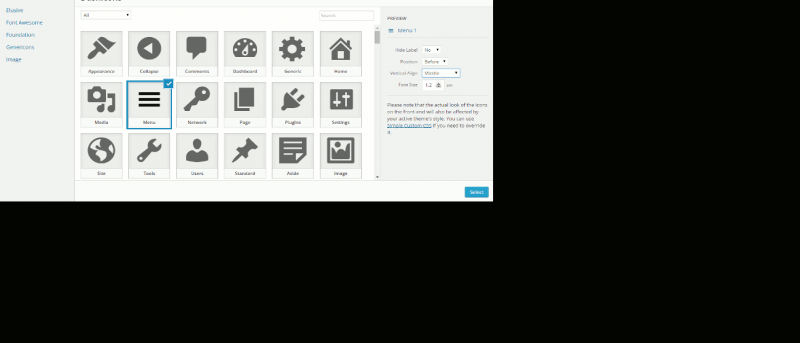
The above action will open the icons screen where you can select the appropriate icon according to your needs. Once selected, Menu Icons will show you some additional settings along with a preview in the right pane. Using the additional settings, you can tweak the icon appearance and behaviour like hiding the label, changing the alignment of the icon, etc.
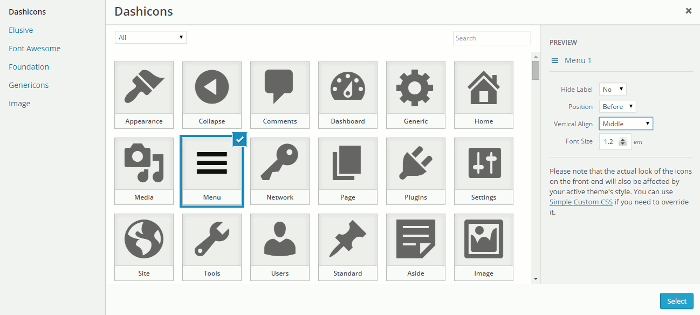
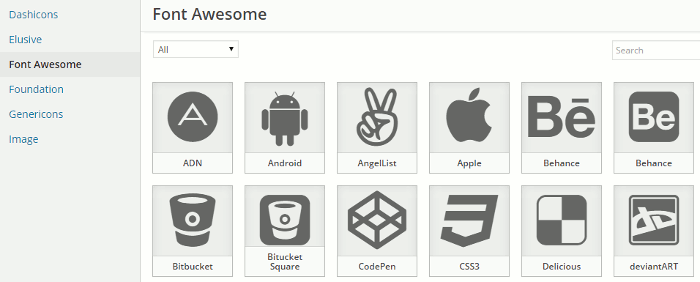
The good thing about Menu Icons is that they sport some of the most popular icon sets like the Dashicons, Font Awesome, Foundation, etc. This lets you mix and match icons of different sets without compromising your site aesthetics.
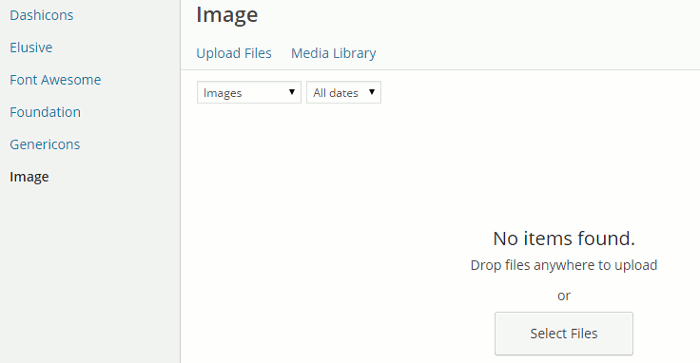
Moreover, if you didn’t find your required icons in the provided icon sets, you can easily add your own icons by uploading them. To do that, simply select the option “Image” in the left pane and click on the “Select Files” button or drag and drop the image.
Besides uploading the images, you can add you own icon types by manually adding or editing the “type-*.php” files in the plugin’s “includes” directory. But only do it if you know what you are doing.
Once you are done adding the icons, save the Menu settings by clicking on the “Save” button appearing in the upper right corner. Now access your site’s front end to see the added Menu icons in action.
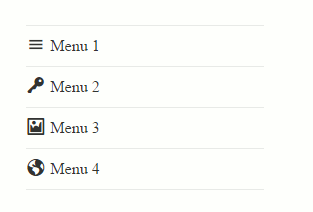
That being said, just like any other appearance tweak, the alignment and the actual look of the added icons may look different on the front end as they will be affected by your existing theme CSS files. So if you think the icons are being affected by your existing CSS, use the custom CSS to override the settings.
Conclusion
Menu Icons is a simple yet effective plugin which brings the best of the both worlds, ease of use and a wide range of icons to choose from. So, if you want to quickly add menu icons without a lot of settings then Menu Icons would be a great choice.
That’s all for now, and hopefully that helps. Do comment below sharing your thoughts and experiences about using this simple plugin to add menu icons on your WordPress site.