

Web applications allow us to work anywhere we want. It gets rid of the need to install software, and is readily available from a browser. If you do your work online using web apps, chances are you have most of them bookmarked for easy access. Wouldn’t it be great if you can see all your web apps in one place?
AllMyApps Web Apps Manager is a Chrome extension that creates a visual bookmark of all your web apps when you open a new tab. Here’s how to get started with creating a more organized, accessible experience with opening web apps:
Download the Chrome extension. A blue disk icon should appear on the top right corner of the browser. When clicking this for the first time, it will require you to log in or sign up. You can sign up for a free AllMyApps account, or log in using your Facebook credentials.
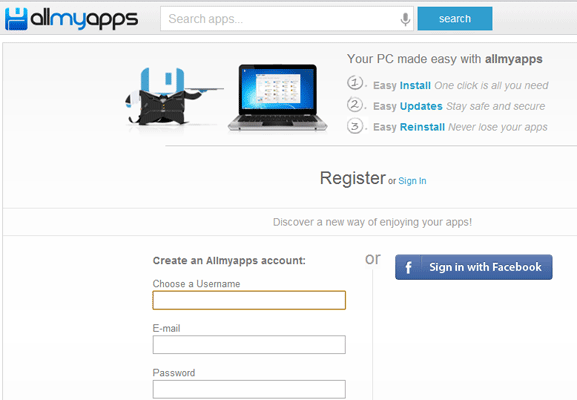
Once you’re logged in, a new tab will generate all web apps you have accessed recently. The web apps appear in thumbnail view, with their names and logos indicated below. Clicking on these will open the app in the same tab. A search bar is also accessible on the top of the page for doing a quick search. Remember that Web App Manager is only visible when you open a new tab, and will not be the main page when you open your browser. To open a new tab, simply click on the New Tab button beside your current browser window, or use the keyboard shortcut – Ctrl + T.
There are two ways to add a new web app. The easiest one is to access the URL of the web app first, then click on the blue disk icon and click Add to my apps.
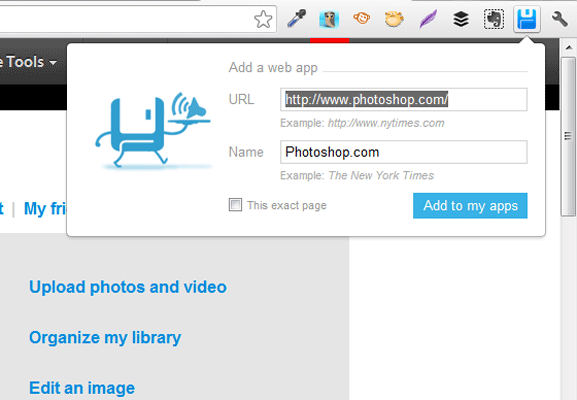
Another way is to open a new tab. You should see “Add a web app” on the top right corner of the page. Click on this. You’ll have to manually enter the URL and web app name then click “Save”. You can also click on a blank thumbnail with the plus sign to do the same thing.
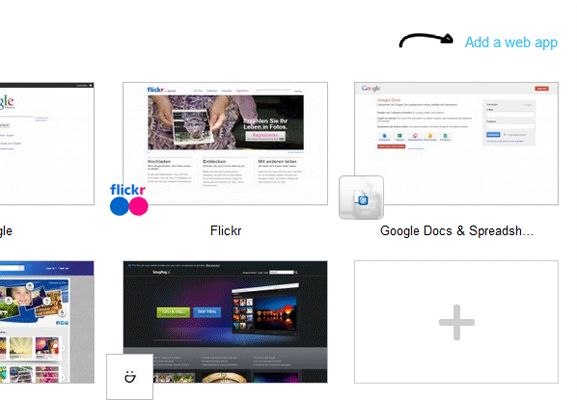
To edit or open apps in a new tab or window, you can right-click on an app thumbnail and click any of these options. Apps can also be arranged by dragging and dropping them around.
To access your web apps from another computer, you need to go to http://my.allmyapps.com and log in. You should see the same apps you have added on your main computer when you open a new tab.
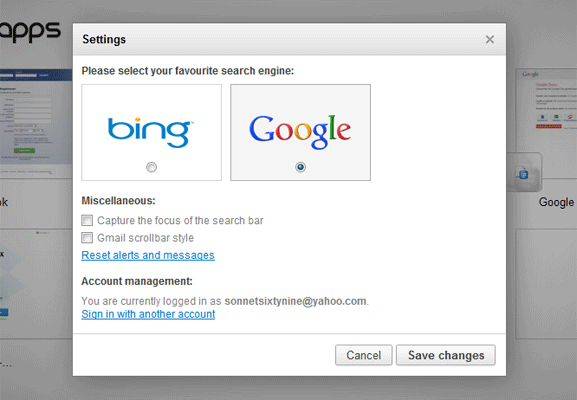
You can also change the search engine bar on top of the apps list. The default is set to Bing, but you can click on Preferences and change this to Google. With this handy feature, you don’t have to open another tab or window to access a search engine.
Upon using the extension, opening multiple web apps should be quicker than usual. Web Apps Manager serves as your bookmarking tool made specifically for web applications. It’s fast, user-friendly interface is a great way to be more productive when working with online tools.