
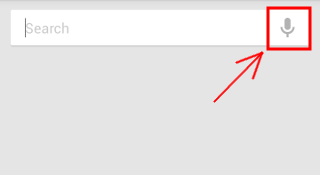
Open the Google Search app in Android and tap the “Mic” icon.
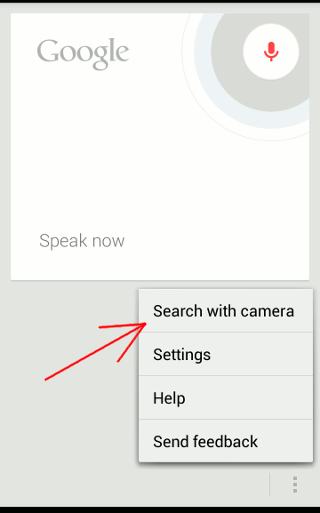
Next, tap the Menu button and select “Search with camera”.
Take an image of the barcode/qr code and it will take you to the URL embedded in the barcode/qr code.

From the archive. This article was published before Make Tech Easier changed ownership in April 2026.
Open the Google Search app in Android and tap the "Mic" icon. Next, tap the Menu button and select "Search with camera". Take an image of the barcode/qr code and it will take you to the URL embedded in the barcode/qr code.

Open the Google Search app in Android and tap the “Mic” icon.
Next, tap the Menu button and select “Search with camera”.
Take an image of the barcode/qr code and it will take you to the URL embedded in the barcode/qr code.
The MTE Letter
Practical tech reads, once a week.