How To Perfect Your Quicktime In Mac With Two Simple Tools

00_quicktimeCould you – a normal computer user like me – list down all the multimedia formats available today? It’s a rhetorical questions and everybody knows the answer. There are tons of formats out there, each with the fanatic followers. And there are also tons of multimedia player designed either for a specific of general formats.

Mac OS X has the share of multimedia players to choose from, and Apple itself has already provide Mac users (as well as Windows users) with Quicktime – a great general formats multimedia player if I may say so. It should be enough to cater our multimedia need. But there are formats still unsupported by Quicktime making it a little less than perfect.

Download YouTube Videos For Offline Viewing On Linux

youtubeI have a confession to make. I’m a sucker for gadget reviews on YouTube. I can’t even remember the last time I actually looked at a normal review site for a gadget review.

Apart from reviews of the latest gadgets, YouTube is also a great place to watch, well, almost anything that moves!

The only thing that I don’t like is that I have to keep going back online to view videos. Also, I can’t email YouTube videos to my friends who have had YouTube blocked in their offices to save bandwidth or for other reasons.

I’ve seen software for Windows which let the user save videos from YouTube for offline viewing, but since I’m a staunch Linux supporter, I really wanted something similar for Linux and went searching for a YouTube video downloader online.

And I found the perfect utility for the job called youtube-dl. This is a command line utility so you’ll have to be familiar with the Linux command line to use it.

Easily Transcode Media files with VLC Player

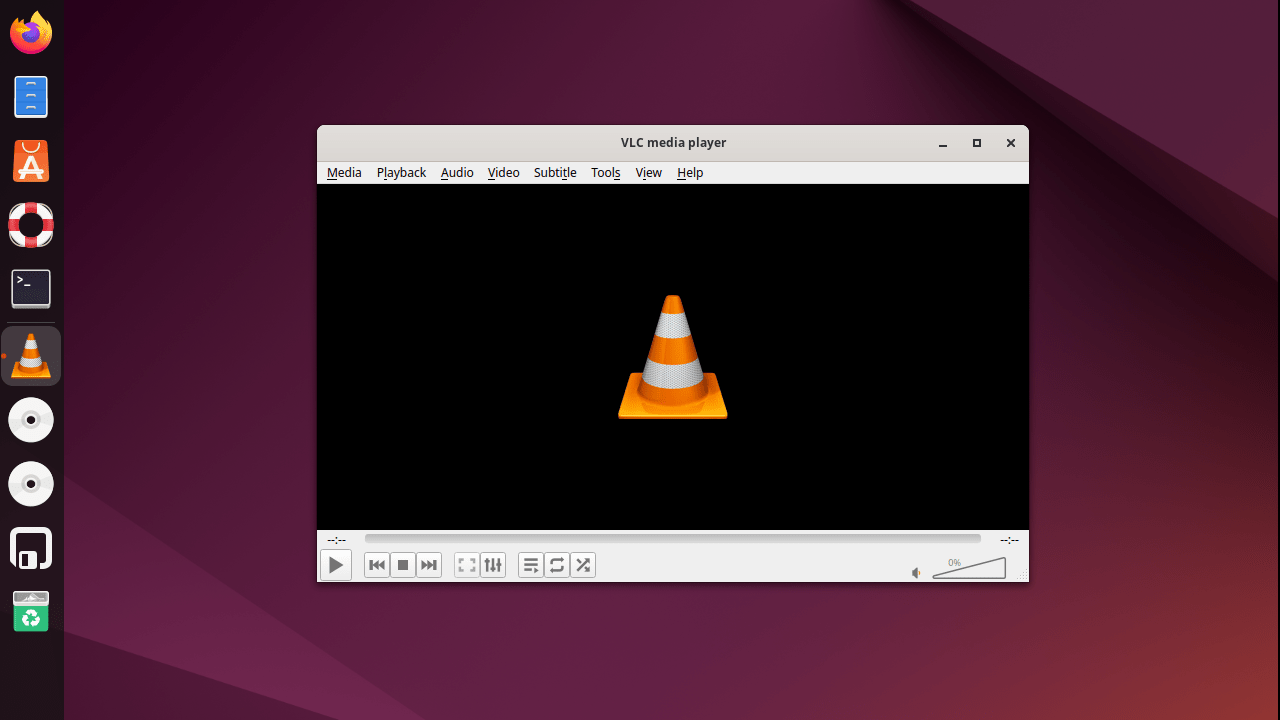
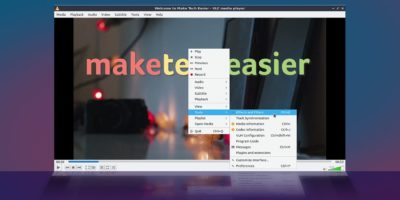
vlc-media-playerVLC is an universal media player and open source software. It provides a complete software solution for video and audio streaming as well as transcoding audio/video on the fly. Transcoding is the process of changing media files from one format to other format or bitrate.

In this post we show you how to transcode media files using VLC player in Windows platform using wizard as well as command prompt.

1