How to Create Your Own USB Linux Distro with LiLi
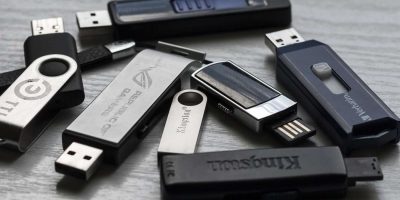
Linux Live CDs have long been well known as a handy tool in PC repair. Personally I’ve used Linux CDs dozens of times to repair Windows problems, from virus scans to file retrieval to partition adjustments. As great as Live CDs are, they still have a few drawbacks, like an inability to save any new files or changes. Bootable USB sticks solve most of the problems with Live CDs. You can write to them, change the software or the whole system without burning a new CD, and carry them easily wherever you go.
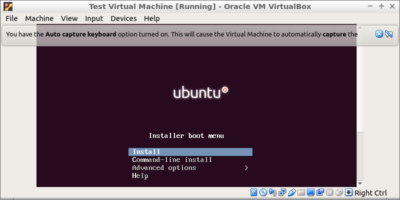
There’s a new (Windows only, strangely enough) software tool out called LiLi USB Creator. LiLi makes it incredibly easy to create your own customized bootable Linux system on a USB stick, and even run it from within Windows using an portable copy of Virtualbox that’s included on the installation. Impressed? I am.

Virtualbox is an excellent application to have if you’re looking to try out new operating systems and/or are generally interested in virtualisation for the many benefits it offers.
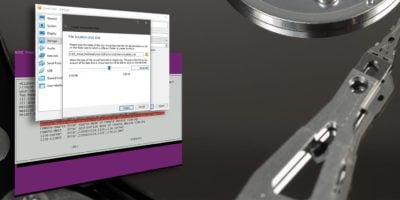
While using Virtualbox, one thing that I have found is that the size of the VM (a file with .VDI extension) expands over time. If you have selected the “Dynamically Expanding Storage” option when first creating the VM, you will find that the file size expands whenever you install new applications in the VM. That is perfectly normal. However, when you uninstall or delete applications in the VM, the file size does not shrink or return to its previous size. That is to say, if you are constantly installing and uninstalling applications in your VM, the VDI file could be taking up more space than it is actually using.
If you have installed Ubuntu Intrepid as a virtual machine in your 
For some of you who have setup Windows Vista as the guest VM in your Ubuntu Virtualbox, you might have some difficulties in getting the Vista guest to access the shared folder in your Ubuntu host. If you are having this problem, here is the way to mount the shared folder on your Vista guest.