The notifications in Thunderbird can be quite annoying, and there’s no way to easily disable it. Here’s how to disable popup notifications in Thunderbird.
Adding a custom search engine in Thunderbird is tricky and prone to errors. Follow the steps here to access your favorite search engine from the email client.
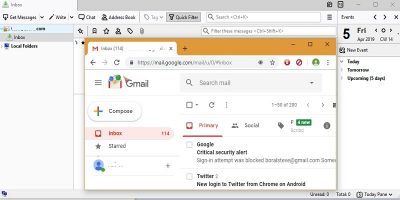
Accessing your Gmail account is not restricted only to the browser; you can access it from your Desktop too. Learn how you can set up Gmail with Thunderbird.
Not everyone who uses Microsoft Exchange services wants to use Windows. For Linux users, here are some ways for you to access Microsoft Exchange in Linux.
Thunderbird’s email filters are a powerful way to get your emails organized. If you are a Thunderbird user, learn how to automate and organize your email inbox with email filters.
Thunderbird is fast and it’s teeming with excellent addons that have evolved alongside it. Here are 10 useful Thunderbird addons you shouldn’t live without
Want to send mass email messages in Mozilla Thunderbird but don’t want it to look like spam? Here’s how to set up Mail Merge so you won’t have that issue.
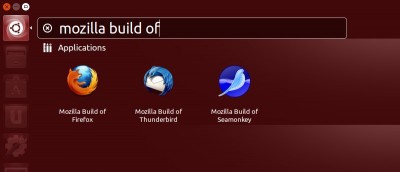
If you want to get the latest version of Firefox, there is a convenient repository available which repacks and distributes the latest official Mozilla builds.
To protect your privacy and prevent others from viewing your emails, it is best to encrypt them so only the intended recipients can view them. Here is how you can send encrypted emails in Thunderbird.