How To Auto-Clean Windows Vista With CCleaner

automate ccleaner If you’re not familiar with everyone’s favourite system cleaner, CCleaner, it’s a freeware system optimization, privacy and cleaning tool.  This application does a very nice job at cleaning up after you, assuming that you actually remember to run it. In today’s fast-paced world, many of us don’t have the time or capacity it takes to remember all of the little things that have to get done.  System maintenance is no exception.

In this tutorial, I’m going to walk you through setting up CCleaner to automatically run on a schedule in Windows Vista so that you can simply set it and forget it.

How To Tune Up Your PC (and cover your tracks!) with CCleaner

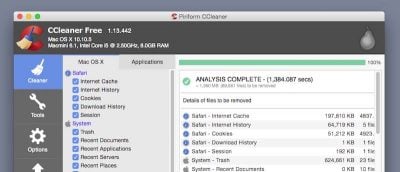
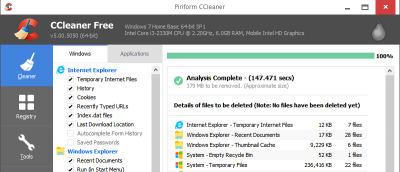
CCleaner is an easy-to-use system optimization, privacy and cleaning tool that was designed with the masses in mind.  The simplistic layout of this application allows even the novice user to perform a tune-up on their Windows-based computer quickly and easily.  The results speak for themselves – a faster running system with some additional and valuable free hard disk space.  CCleaner will also remove the tracks left behind by your browsing habits, securing you against prying eyes.

In this tutorial I’ll walk you through the basics of performing a PC tune-up.

1