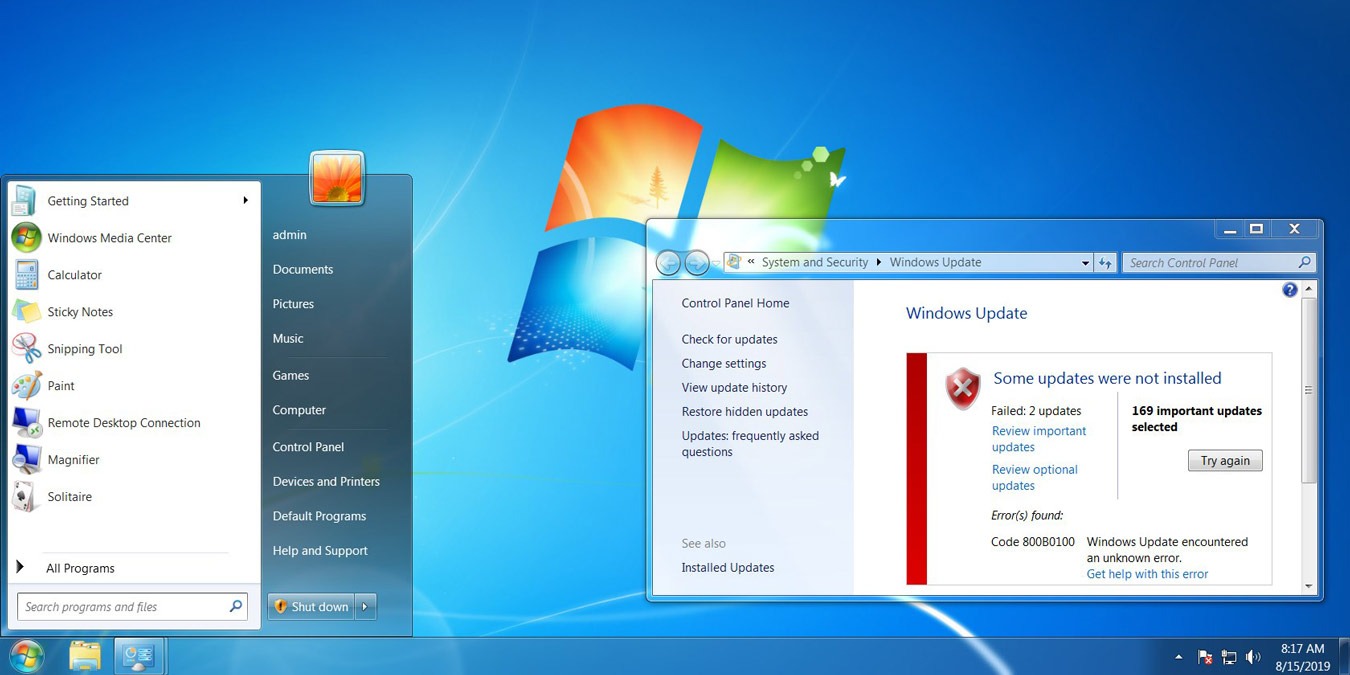
Microsoft ended support for Windows 7 on January 14, 2020, Can you continue to use Windows 7? If yes, what are the security measurements you should take?
Microsoft has stopped supporting Windows 7, but there is still a considerable chunk of users still holding on to it. Why is this so? Let’s check it out.
Windows 7 will reach the end of its supported life in January 2020. Many companies still use Windows 7 to run their businesses. How will this affect them?
Many people won’t be able to continue using Windows 7 for long as Windows 10 users will soon overtake the number of 7 users, and 7 support is ending anyway.
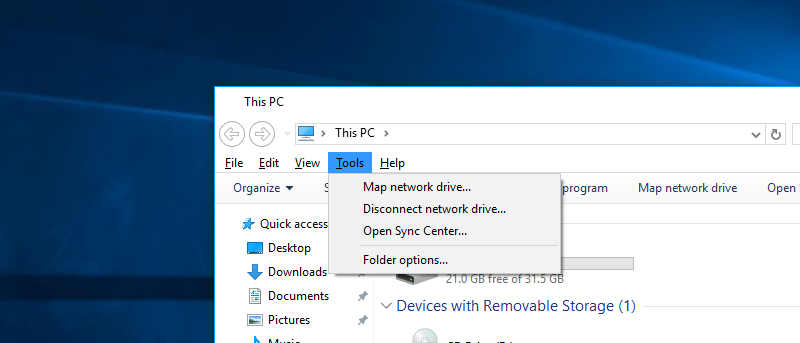
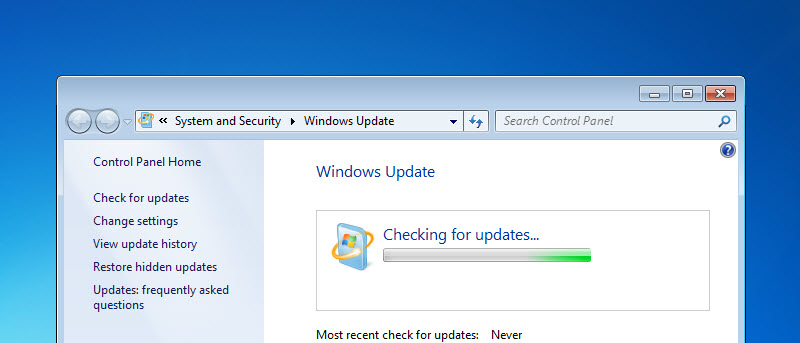
Many people upgraded to Windows 10 from Windows 7 and regretted it. If you are looking for a way to get back to Windows 7, here’s how to downgrade from Windows 10 and reinstall windows 7.
Even though Microsoft is actively pushing Windows 10, its market share is still far behind Windows 7. Did Windows 10 flop? How did things get this way?
Did you know the Ease of Access Center in Windows lets you set an alert for all the Lock keys on your keyboard – including the Caps Lock key? Here’s how it works.
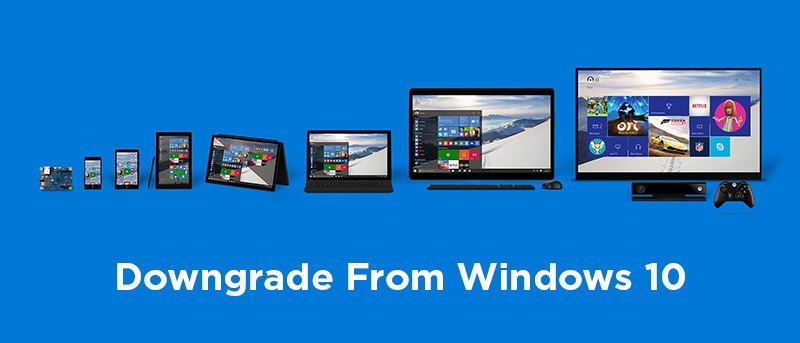
Tried Windows 10 and aren’t happy with it? If you’re looking to downgrade from Windows 10 to an earlier version, this tutorial will help you with that.
If you are happy with your current version of Windows and don’t want to upgrade, here is how you can easily transform your Windows machine into Windows 10.
Windows XP has been a great OS, but it won’t be supported any more this coming April. Here is what you can do after Windows XP end of support by Microsoft.