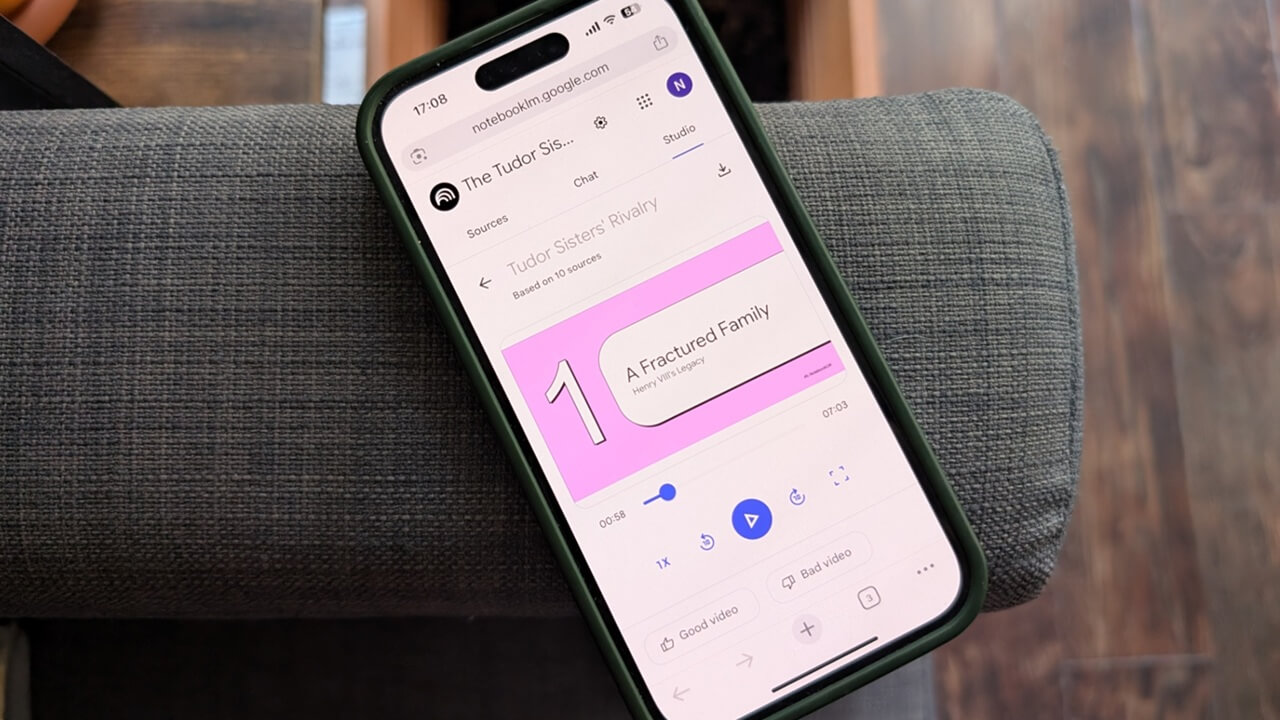
NotebookLM now comes with a Video Overviews feature designed to transform complex notes and study materials into simple, narrated video slides.
By Alexandra Arici – Aug 29, 2025
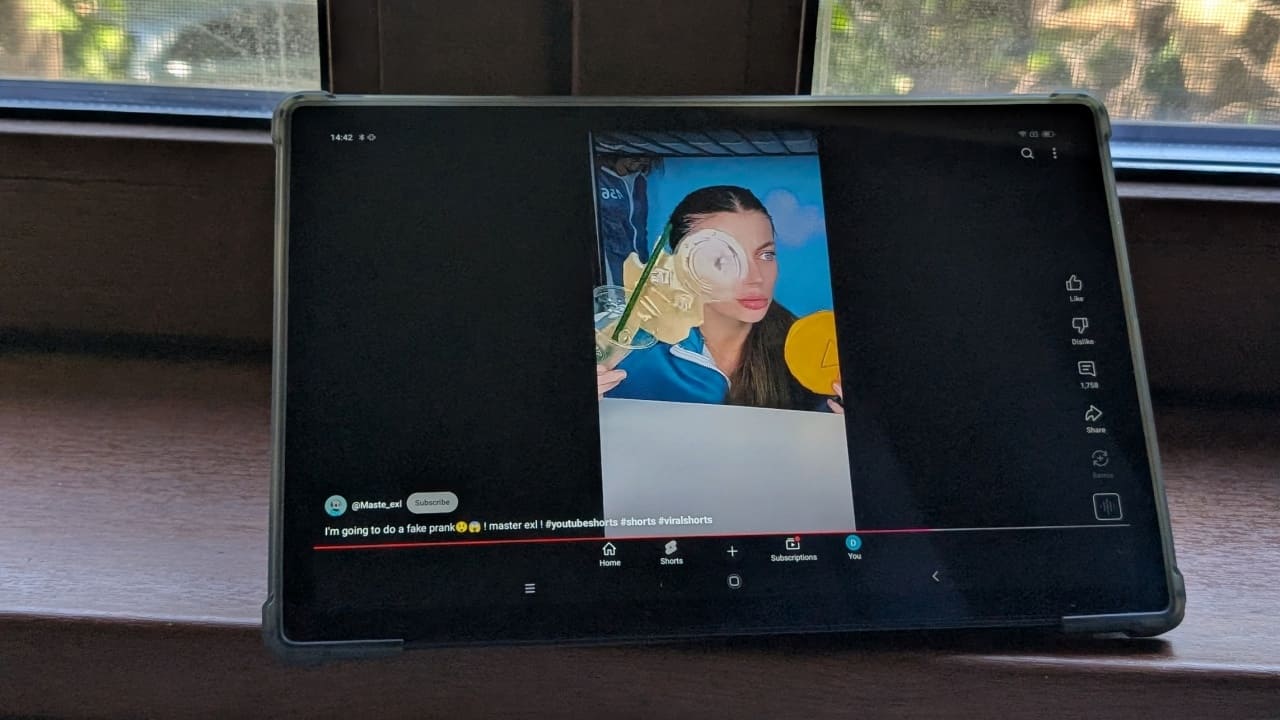
You can now play YouTube Shorts in landscape mode, even though it may seem weird.
By Alexandra Arici – Jul 14, 2025
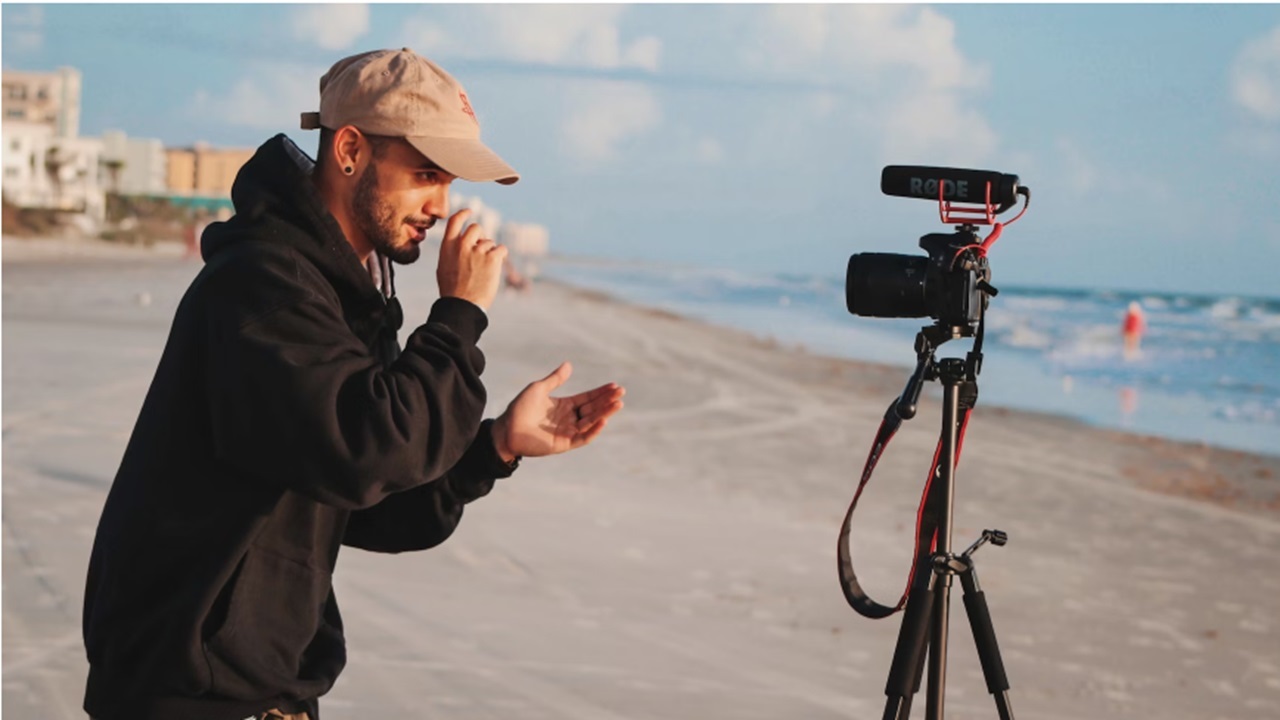
Not sure which camera is best for your content creation? Check out the best cameras for vlogging for all skill levels and budgets.
By Crystal Crowder – Jan 17, 2025
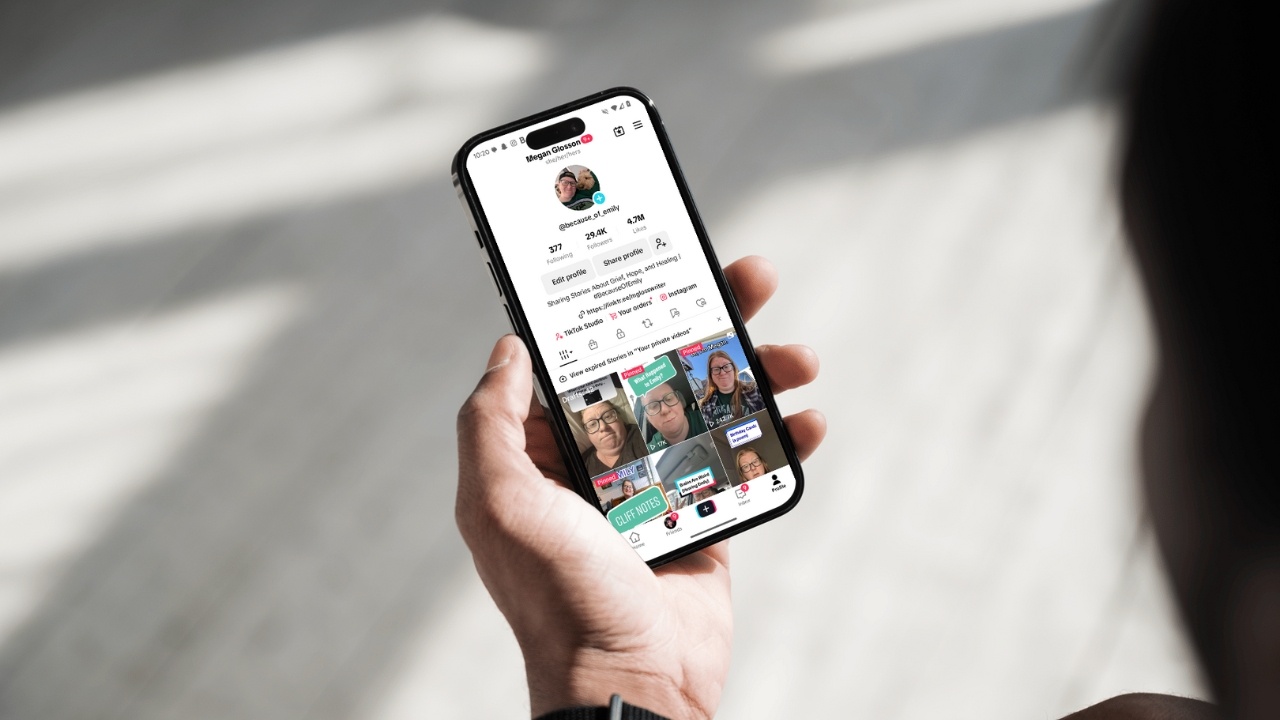
Content creator Megan Glosson (@because_of_emily) shares tips on how she accidentally went TikTok viral, and other Creator Program insights.
By Megan Glosson – Nov 18, 2024
If you’re wondering how to post a video to Instagram on PC, this tutorial shows you to do so natively from any browser.
By Alexandra Arici – Oct 7, 2024
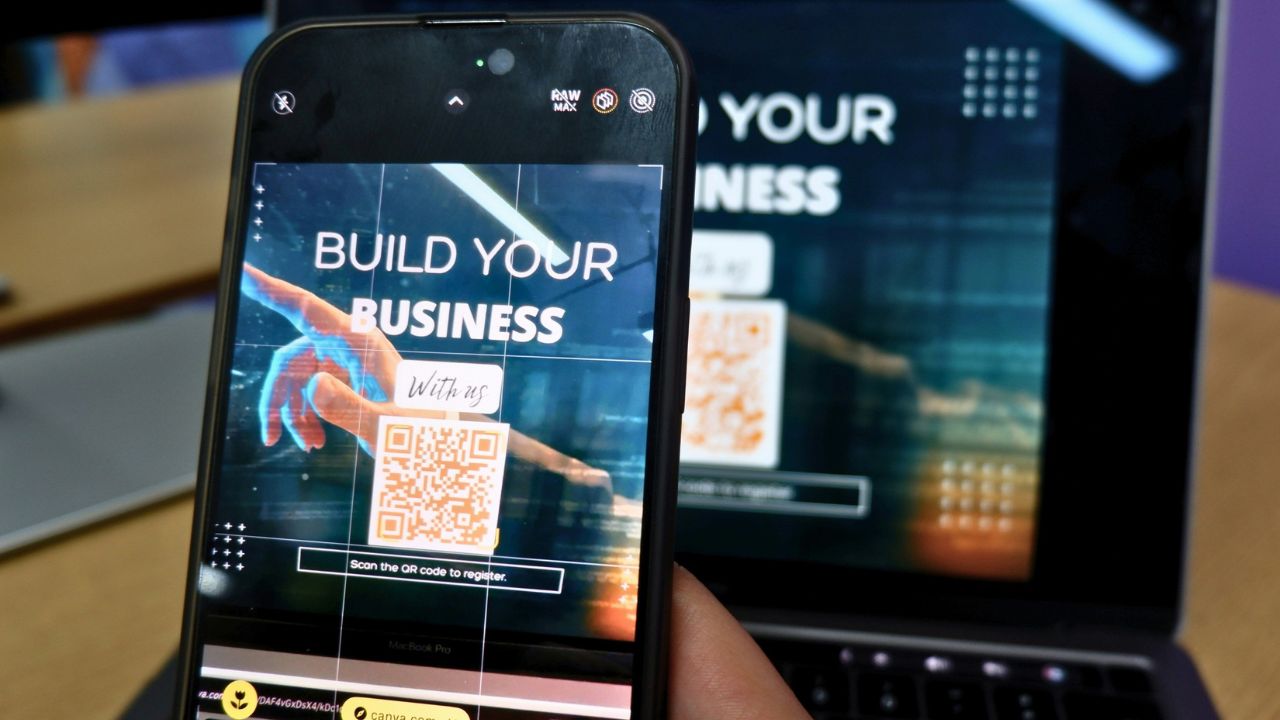
Learn how to easily create QR code for video and share them instantly. Make your videos more accessible and engaging today!
By Yash Patel – Sep 17, 2024
Vidnoz AI allows you to produce professional videos with a lifelike virtual presenter at the touch of a button. Find out more in this review.
By Phil South – Aug 27, 2024
Looking for a new way to express yourself on TikTok? Learn how to make a slideshow on TikTok using your favorite photos.
By Alexandra Arici – Apr 27, 2024
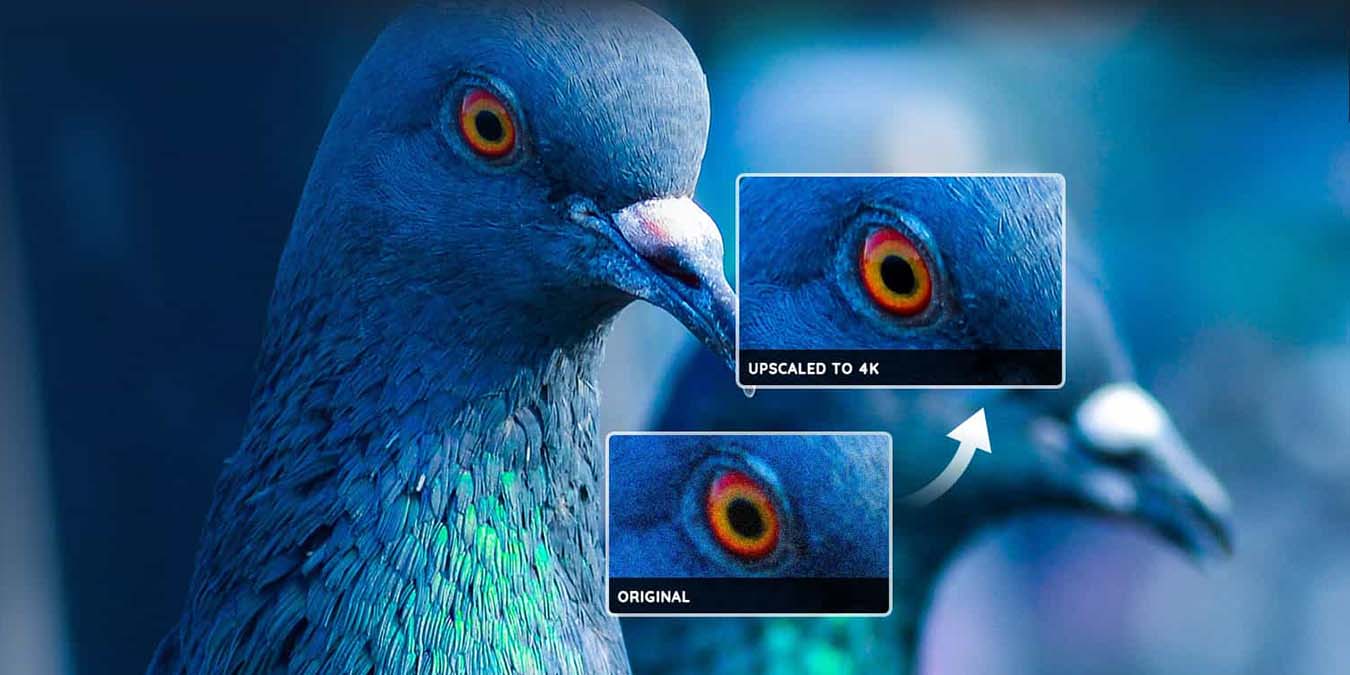
You can finally do something with those low-resolution videos.
By Phil South – Sep 19, 2022
Save your favorite videos for offline viewing.
By Alexandra Arici – May 19, 2022
Want to send someone a video but it’s too large?
By Ojash Yadav – Mar 9, 2022
TikTok doesn’t provide this feature, so we need a workaround.
By Alexandra Arici – Mar 4, 2022
iPhone 13 Pro’s ProRes can capture more details and offer greater flexibility in post-production.
By Princess Angolluan – Mar 3, 2022
On Android and iOS, you can now create small YouTube videos called Shorts. Here you’ll learn the basics of creating YouTube Shorts.
By Alexandra Arici – Aug 16, 2021
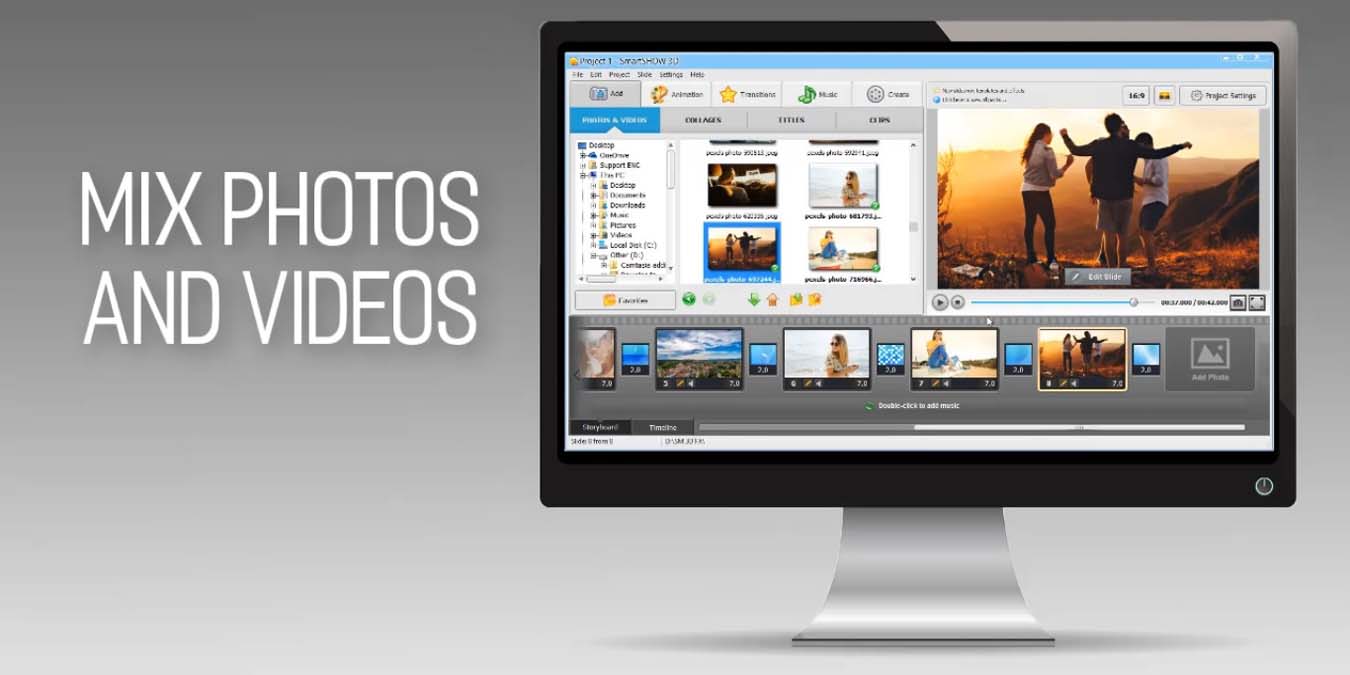
SmartSHOW 3D photo slideshow software is a next-generation software, which creates an audiovisual presention from your photos.
By Phil South – Feb 8, 2021
It was announced this week that Facebook and Instagram will now work alongside each other and will share features such as chat.
By Laura Tucker – Oct 1, 2020
If you enjoy watching English videos on your phone, you can now enable live captions to be added to videos on your Android phones. Here is how to do so.
By Neeraj Chand – Feb 11, 2020
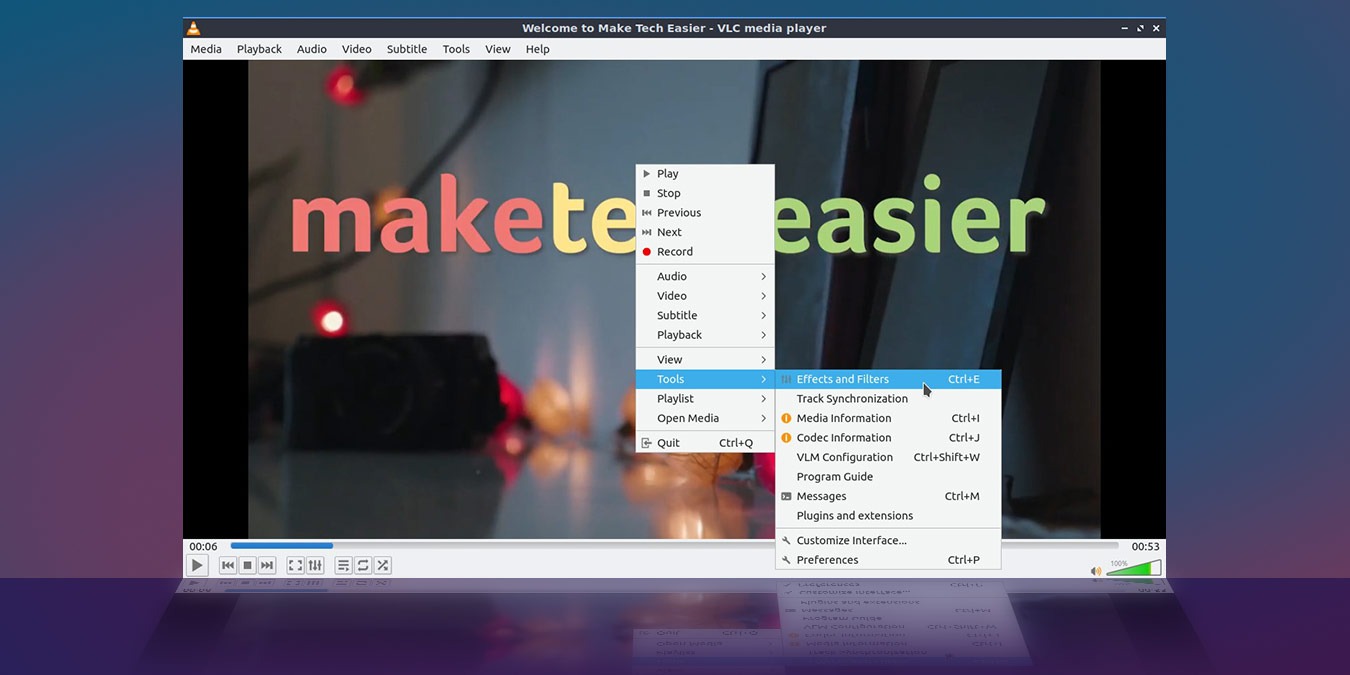
VLC comes with plenty of effects and filters to improve the video in real time. This series of fixes will help you improve the way video looks in VLC.
By Odysseas Kourafalos – Jan 7, 2020
If you have a corrupted video file, Yodot can fix it for you. It makes a copy of the file and works to recover that copy without modifing the original file.
By Phil South – Jul 8, 2019
The Quicklook feature in Mac’s Finder only supports .mov and MPEG-related formats for video. QLVideo adds support for extra video types to Quicklook.
By John Parsons – Jan 4, 2017
Next >
Affiliate Disclosure: Make Tech Easier may earn commission on products purchased through our links, which supports the work we do for our readers.