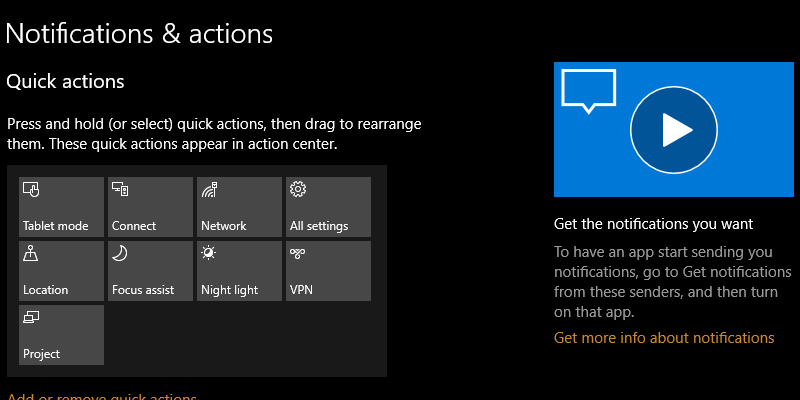
Windows 10 Fall Creators update comes with a new tips section on the right side of every page, but unless you are a complete beginner, you may not be using these tips that often. Here’s how to remove the tips from the Windows 10 Settings app.
The convenience offered by online shopping is great, but you can’t blindly buy just any item. Here are 6 online shopping tips all shopaholics should know.
Internet connection speed is a huge factor when it comes to online gaming performance. If you’re a gamer, here are some ways to improve slow speeds for optimal gaming.
No one is exempt from being hacked, getting an identity stolen or any other privacy issue. Therefore, we’ve listed 6 important privacy habits everyone should follow.
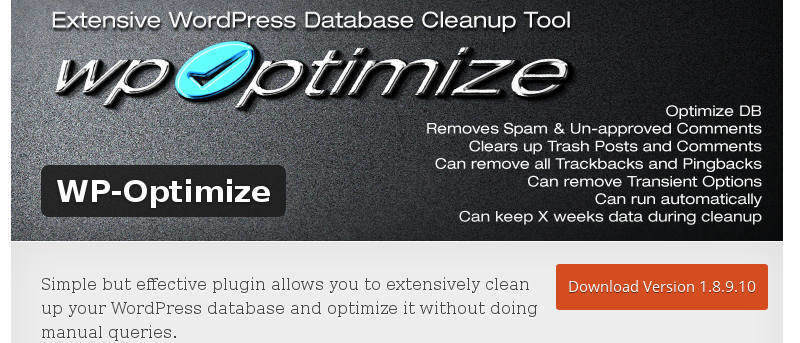
You can improve the speed and performance of WordPress by making regular cleanups of your database. Here are some plugins to clean up the WordPress database.
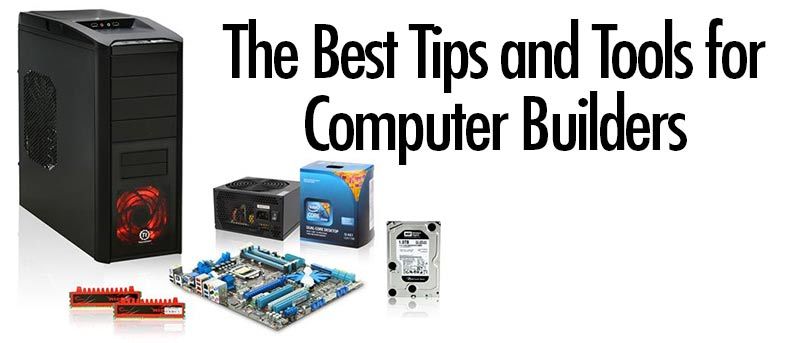
Computer building isn’t just a skill or profession; it also has a community of enthusiasts. Many people enjoy it. Here are some useful tips and tools for computer builders.
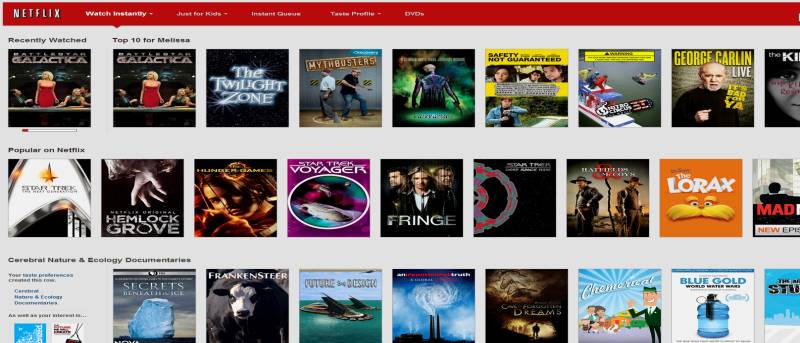
Netflix is one of the most popular streaming services around. Depending on how you watch Netflix on your PC, you may have performance issues. This guide will give you some tips on how to optimize Netflix playback on your PC.