
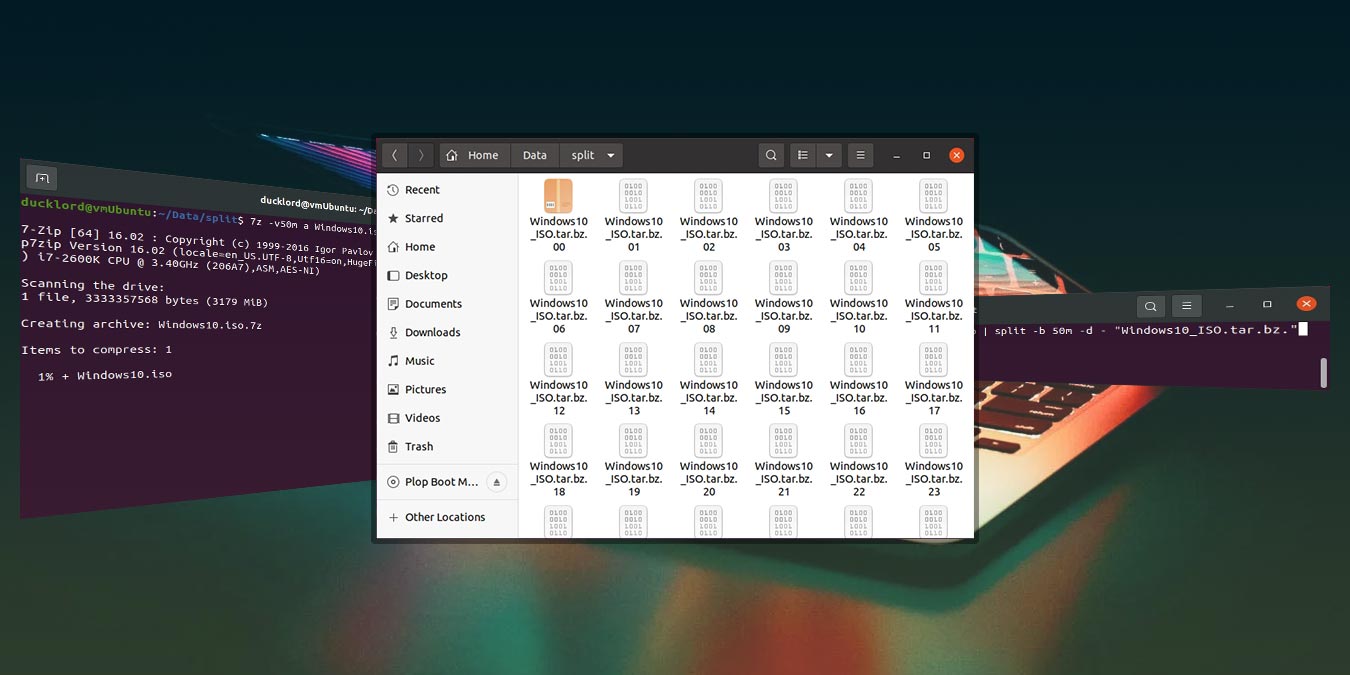






How to Compress and Split Files in Ubuntu
In Ubuntu, the Archive Manager (or file-roller) has make it easy for anyone to compress and zip up a file or folder, but if you have a large file, say 20Gb, and you want to back it up to the CD/DVD, you will find that no amount of compression can you reduce the file size to fit into 1 CD/DVD. In such case, it is a better solution to compress and split the large file into several smaller files and store them separately. This also applies if you want to share a large file on a file-sharing site. Splitting the compressed file into several smaller files will make it easier for others to download.
