If you are having issue with the lengthy fine print, you just have to zero in on the parts that matter.
By Karrar Haider – Aug 4, 2025
Not sure why your PC is acting up? Compare Windows hardware and software problems to learn how to get to the root of the issues.
By Karrar Haider – Feb 21, 2025
Every rig is incomplete without the best gaming PC programs that help you maximize performance, optimize settings, and customize your PC.
By Tanveer Singh – Jun 30, 2024
If you’re wondering where to find useful software for your Windows computer, see this list of 101 free PC software you can get right now.
By Brandon Li – Feb 3, 2023
The FBI issued a warning about tech support scams that are conning people through remote desktop software.
By Laura Tucker – Dec 1, 2022
Running AAA games on ultra or finishing up a work presentation? These PC fan control tools ensure your system runs cool and silent.
By Tanveer Singh – Nov 23, 2022
Need an easier way to keep track of clients, sales, and projects? Do it all with a CRM software.
By Crystal Crowder – Mar 9, 2022
The Vigilante Malware doesn’t steal your data or make money – it looks to prevent infected computers from visiting software piracy sites.
By Laura Tucker – Jun 18, 2021
Facial recognition software is being used to recognize bears, cows, and primates.It’s created the same way facial recognition for humans is created.
By Laura Tucker – Nov 24, 2020
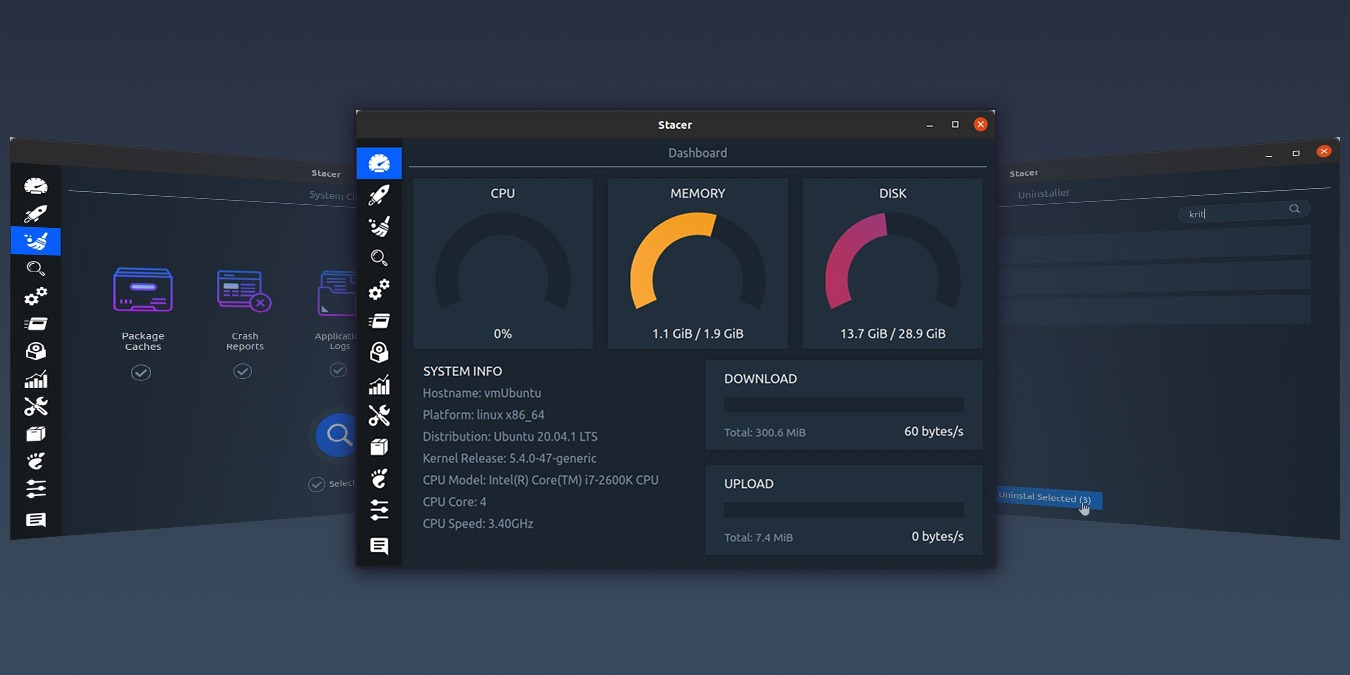
Are you looking for ways to optimize your Linux system? Stacer includes everything you need to monitor, clean, and optimize your Linux system.
By Odysseas Kourafalos – Sep 21, 2020
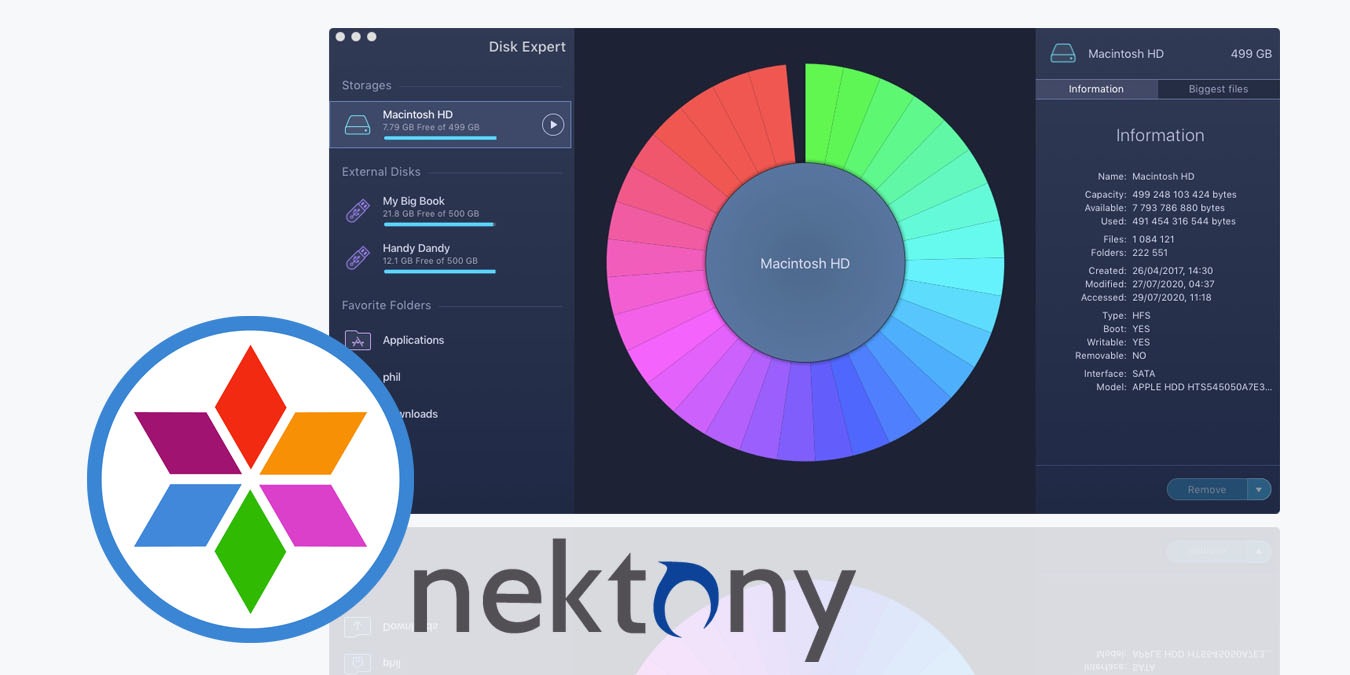
MacCleaner Pro 2 is the latest revision of Nektony’s answer to the question: how can I maintain my Mac easily and quickly without expert knowledge.
By Phil South – Aug 20, 2020
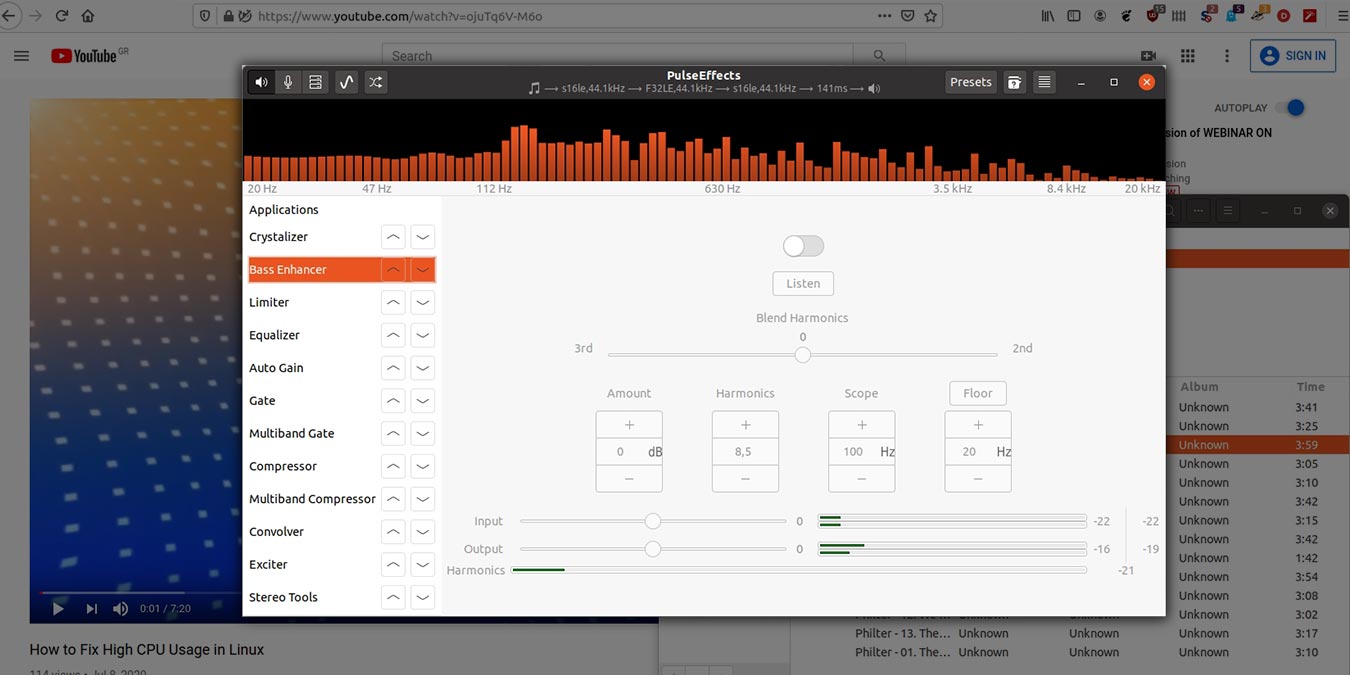
Is it possible to get a better sound quality from your computer? You’ll learn here how to improve your Linux PC audio with PulseEffects.
By Odysseas Kourafalos – Jul 18, 2020
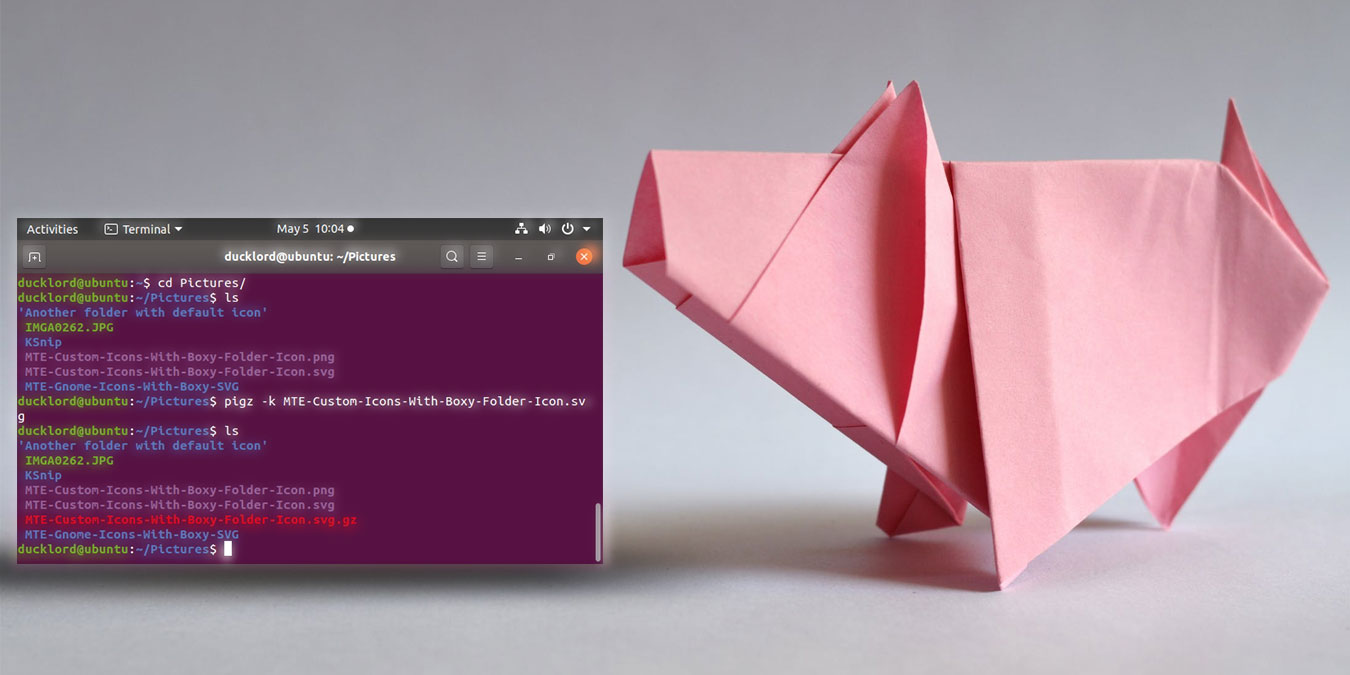
Pigz is a multi-threaded implementation of gzip that allows you to compress files to the gzip format quickly. Here is how to compress files with pigz.
By Odysseas Kourafalos – May 15, 2020
A screenshot is a good way to show others what is on your screen. Let’s see how you can easily take a screenshot and annotate it with Ksnip in Linux.
By Odysseas Kourafalos – Apr 27, 2020
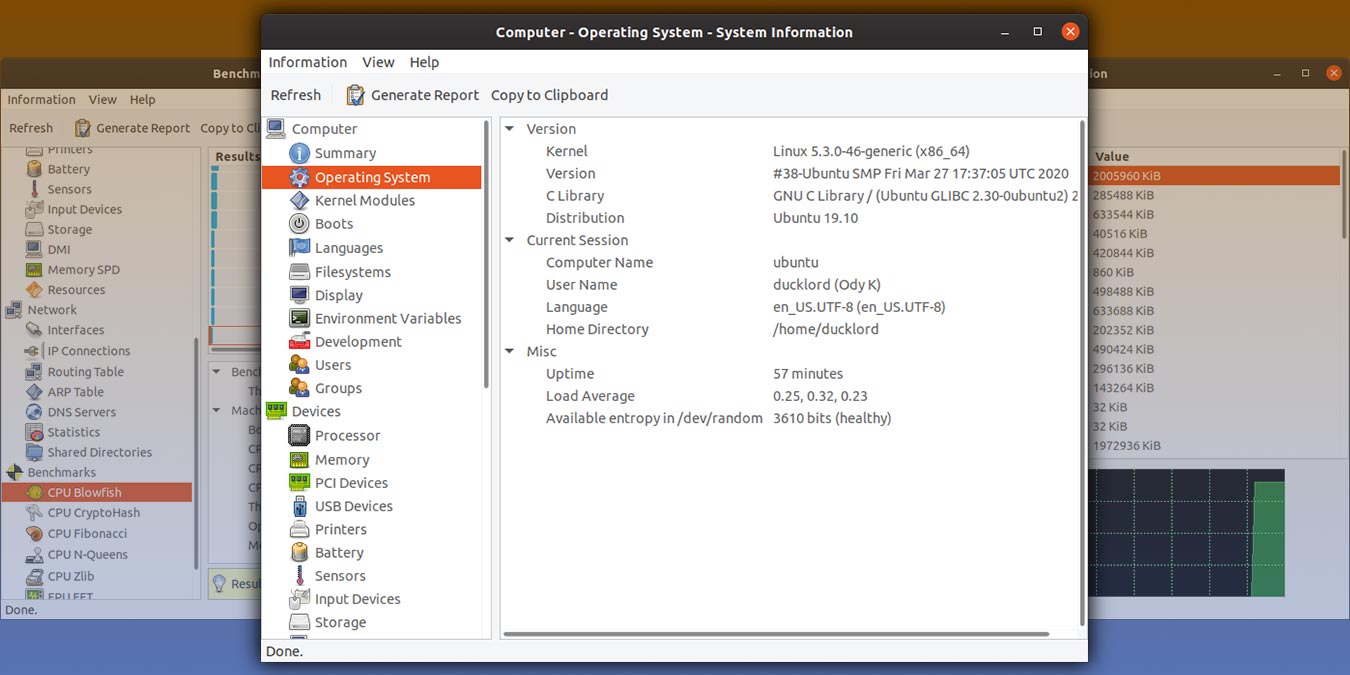
Instead of having to disassemble your Linux PC to look at each part individually, you can use HardInfo to display the hardware information of your PC.
By Odysseas Kourafalos – Apr 24, 2020
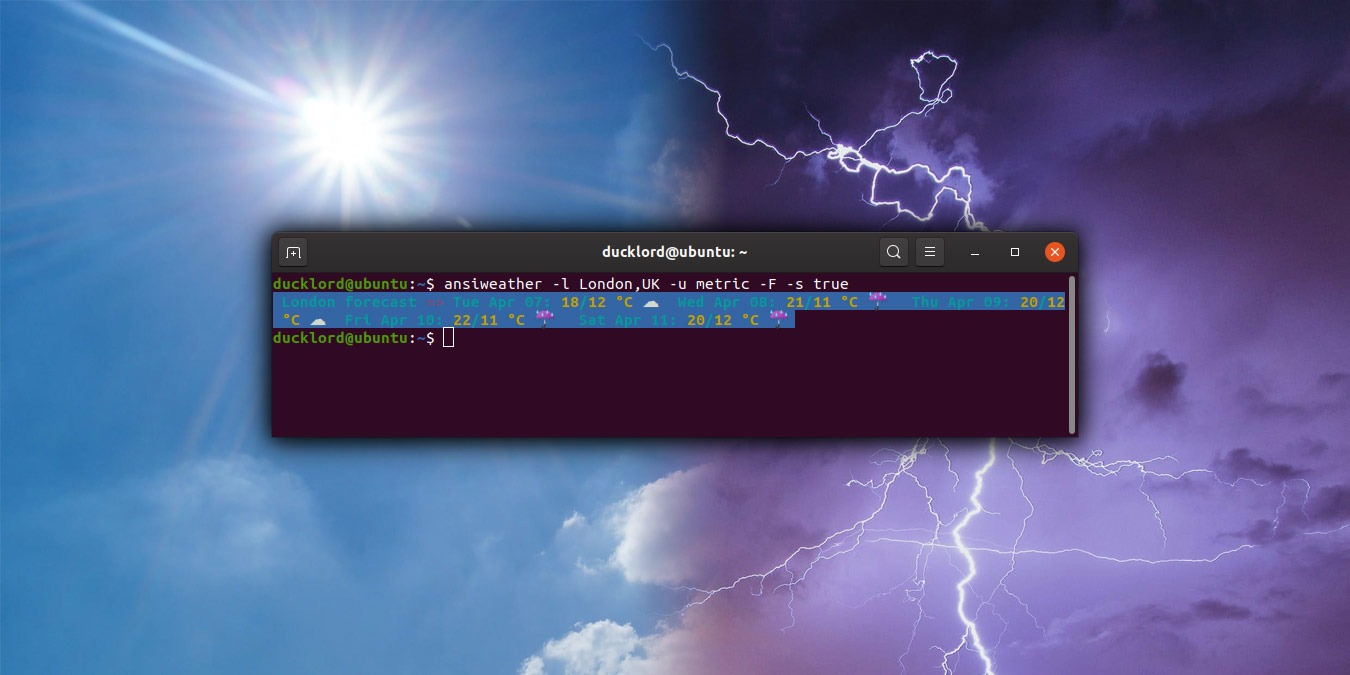
AnsiWeather is a shell script designed to display the current weather conditions in the terminal. Here’s how to use it to check weather from the terminal.
By Odysseas Kourafalos – Apr 14, 2020
You may have heard the term “abandonware” floated around the Internet. But what is it, and is it legal for you to download it?
By Simon Batt – Mar 27, 2020
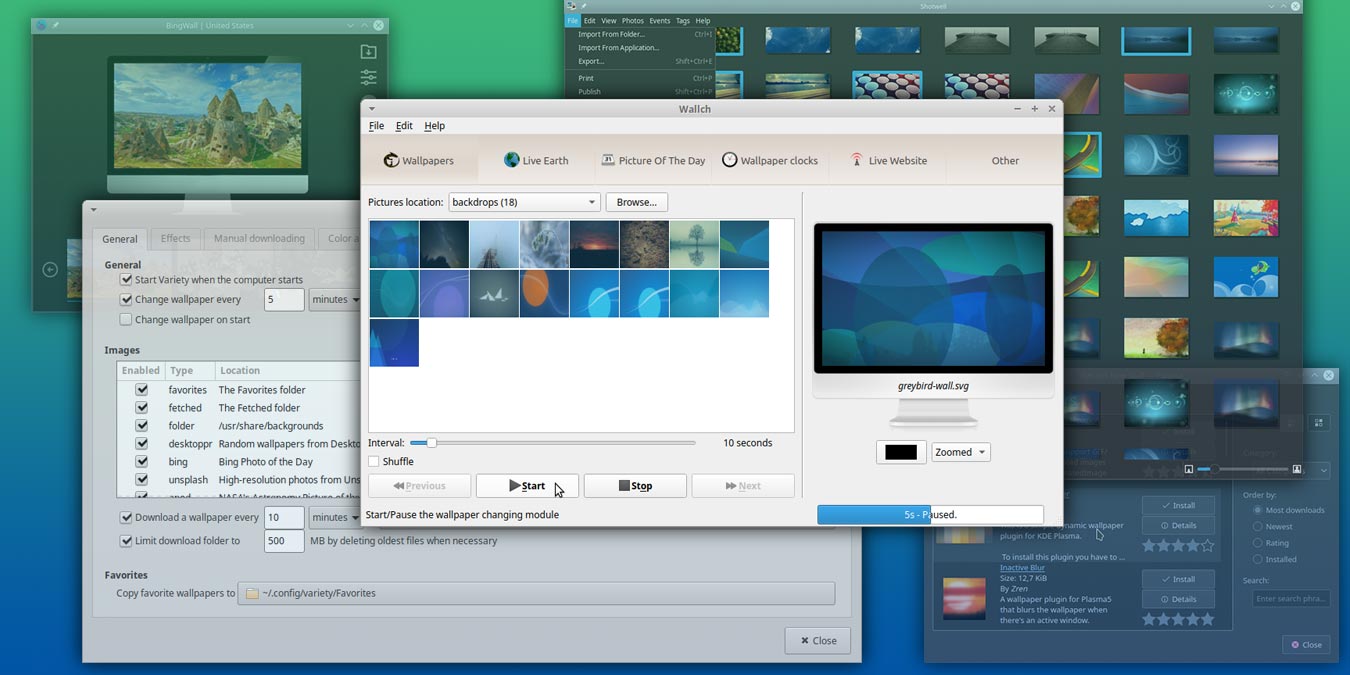
If you change your wallpaper often, you can make use of an automatic wallpaper changer. Listed here are some of the best wallpaper changers for Linux.
By Odysseas Kourafalos – Mar 9, 2020
You can easily carry portable apps in your USB drive and use them on any computer. Here are some of the best portable apps you can carry in your pocket.
By Robert Zak – Jun 22, 2019
WinZip, WinRAR and 7Zip are three of the most popular file compression tools for Windows, but which gives the best compression result? Let’s check it out.
By Robert Zak – Feb 9, 2019
Next >
Affiliate Disclosure: Make Tech Easier may earn commission on products purchased through our links, which supports the work we do for our readers.




![Best All In One Crm Software [laura] Featured](https://maketecheasier.com/wp-content/uploads/2021/12/Best-All-in-One-CRM-Software-Laura-Featured.jpg?width=400&height=225&aspect_ratio=16:9)