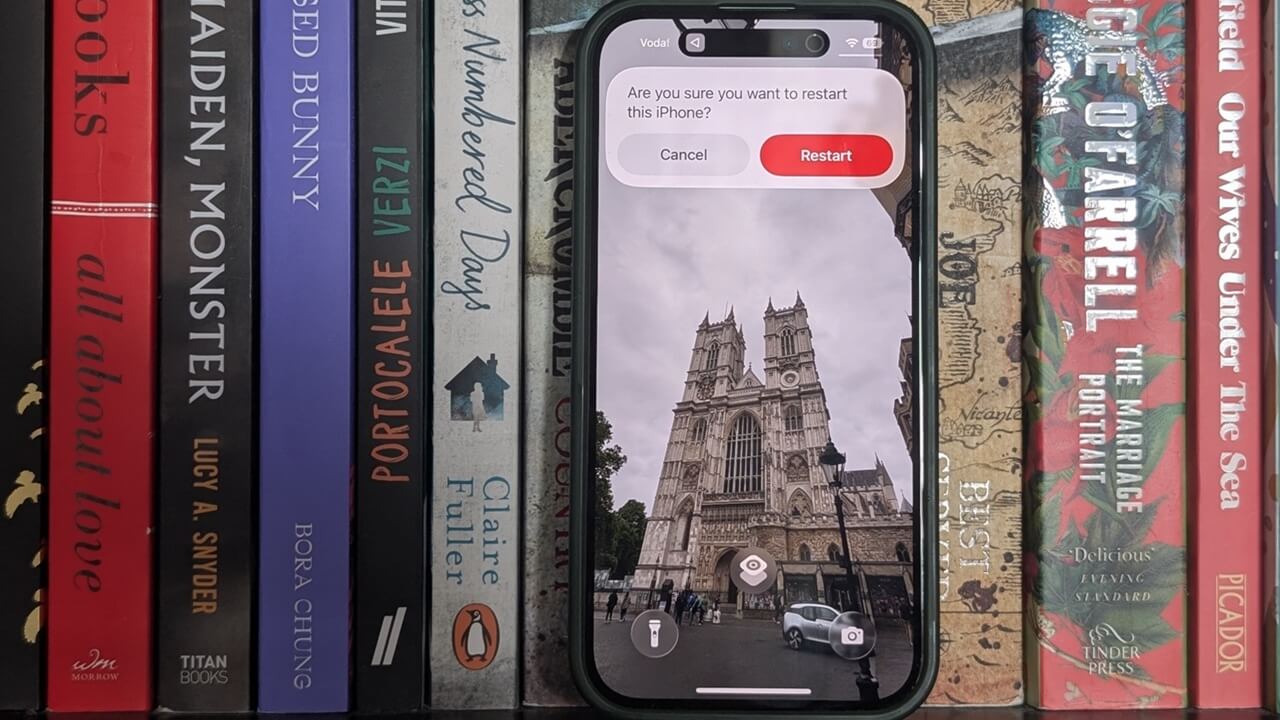
Did you know there’s a faster way to restart your iPhone? Just add a Restart button to your lock screen for direct access.
By Alexandra Arici – Feb 27, 2026
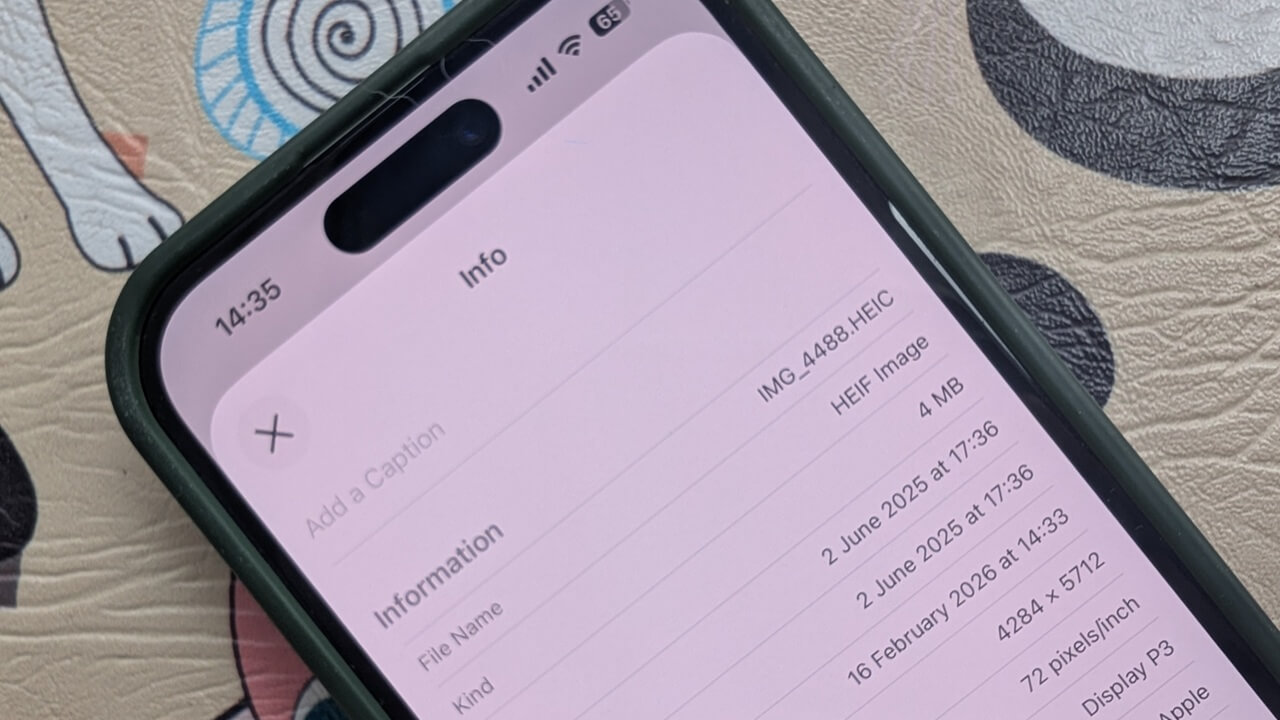
Apple’s HEIC file format does not always play well with others. Here’s how to convert HEIC to JPEG on iPhone, without any third-party apps.
By Alexandra Arici – Feb 16, 2026
Stop thieves from turning off Find My by turning on settings that still let your location update even after Airplane Mode is switched on.
By Oluwatokiloba Folami – Feb 16, 2026
Did you know you can create custom text shortcuts? Type a short letter or symbol combo, and Android will automatically expand it into a longer phrase.
By Alexandra Arici – Jul 28, 2025
Text Replacement is a nifty tool in iOS that lets you type faster by using abbreviations for your most-used words and phrases
By Alexandra Arici – Jul 10, 2025
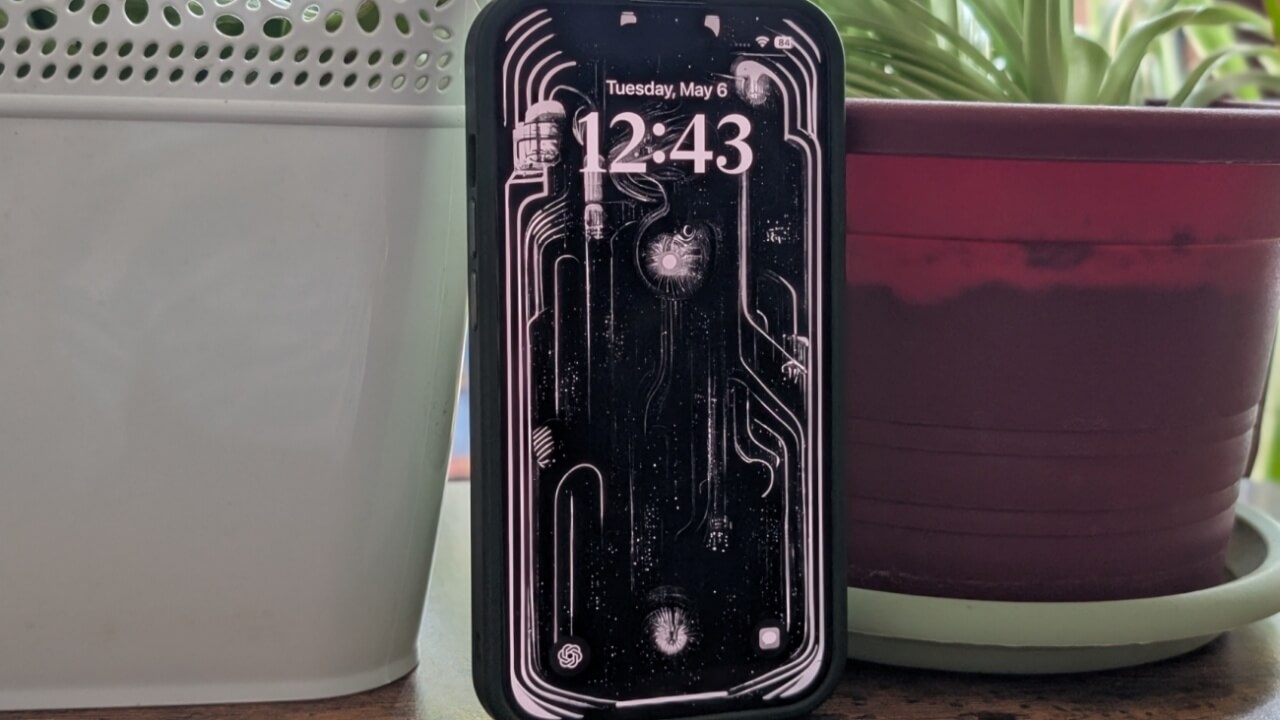
Did you know that in iOS 18 is possible to remove or replace the iPhone lock screen shortcuts? You can even add your own custom alternatives.
By Alexandra Arici – May 6, 2025
Are you having trouble with your keyboard? Maybe it’s locked! Apply the solutions in this tutorial to unlock your keyboard.
By Princess Angolluan – Aug 25, 2023
If you need to have the Settings app on your home screen on Android, learn how to add that, as well as setting shortcuts.
By Mehvish Mushtaq – Aug 14, 2023
We show you in this guide how you can create Finder Quick Actions using the Shortcuts app on Mac to get things done with a simple click.
By Sandy Writtenhouse – Feb 7, 2023
Learn how to configure your iPhone to notify you when the battery is 80% and 20% and the benefits of using this option.
By Mustafa Ashour – Jan 20, 2023
Try these third-party apps to increase the functionality of the shortcut menu or right-click menu on your Mac.
By Rahul Saigal – Nov 30, 2022
Make your Apple Watch even easier to use.
By Mehvish Mushtaq – Nov 15, 2022
Learn how to use your Samsung Keyboard to the max for an optimal experience.
By Mehvish Mushtaq – Jun 23, 2022
If you get texts with shortcuts you don’t know, we list some slang terms and shortcuts you need to know, like an Internet slang dictionary.
By David Joz – Sep 1, 2021
Your iPhone allows you to easily make emergency calls. Learn how to disable these emergency call shortcuts in iOS to prevent accidentally activating it.
By Jessica Thornsby – Feb 2, 2021
Google is expanding its reach of the .new domain to third-party websites. You can now reach Spotify, Medium, eBay, and more, saving you some time.
By Laura Tucker – Oct 30, 2019
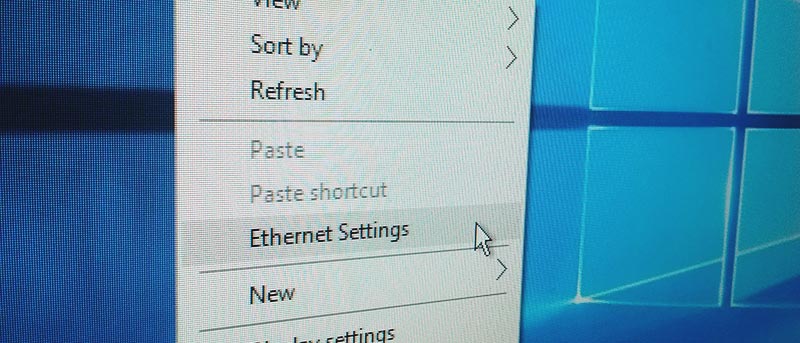
Did you know that you can create shortcuts to different system settings in Windows 10 without the use of any third-party software? Here’s how.
By Vamsi Krishna – Jun 24, 2016
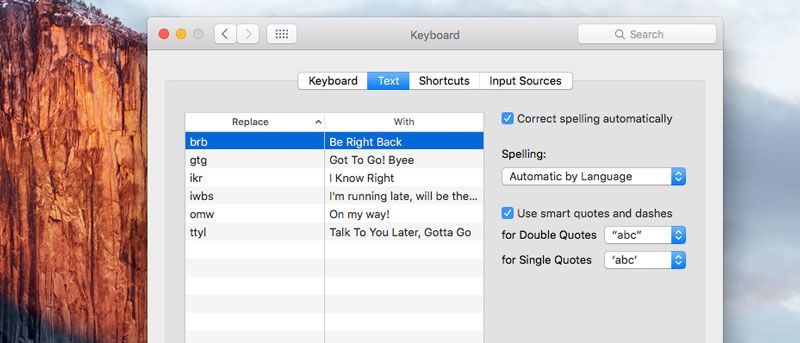
In this article we show you how to set up text shortcuts on your Mac (much like on iOS) and how to save and restore any text shortcut settings you have.
By Shujaa Imran – Dec 3, 2015
Affiliate Disclosure: Make Tech Easier may earn commission on products purchased through our links, which supports the work we do for our readers.