Alpine Linux is a lean Linux OS for VMs and low-end devices. Learn some of the reasons why it quickly became my favorite server distro.
By Ramces Red – Nov 1, 2024
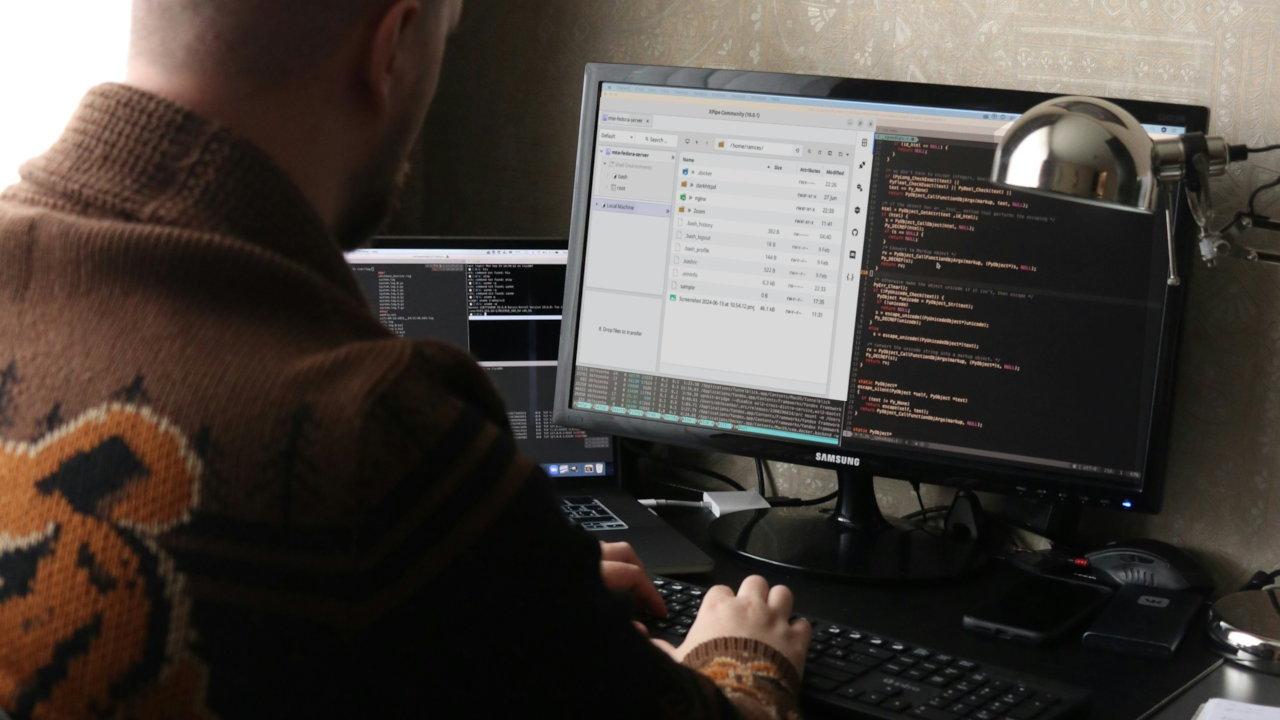
XPipe is a powerful client-side server and container management tool for Linux. Learn how to install XPipe on Linux today.
By Ramces Red – Jul 2, 2024
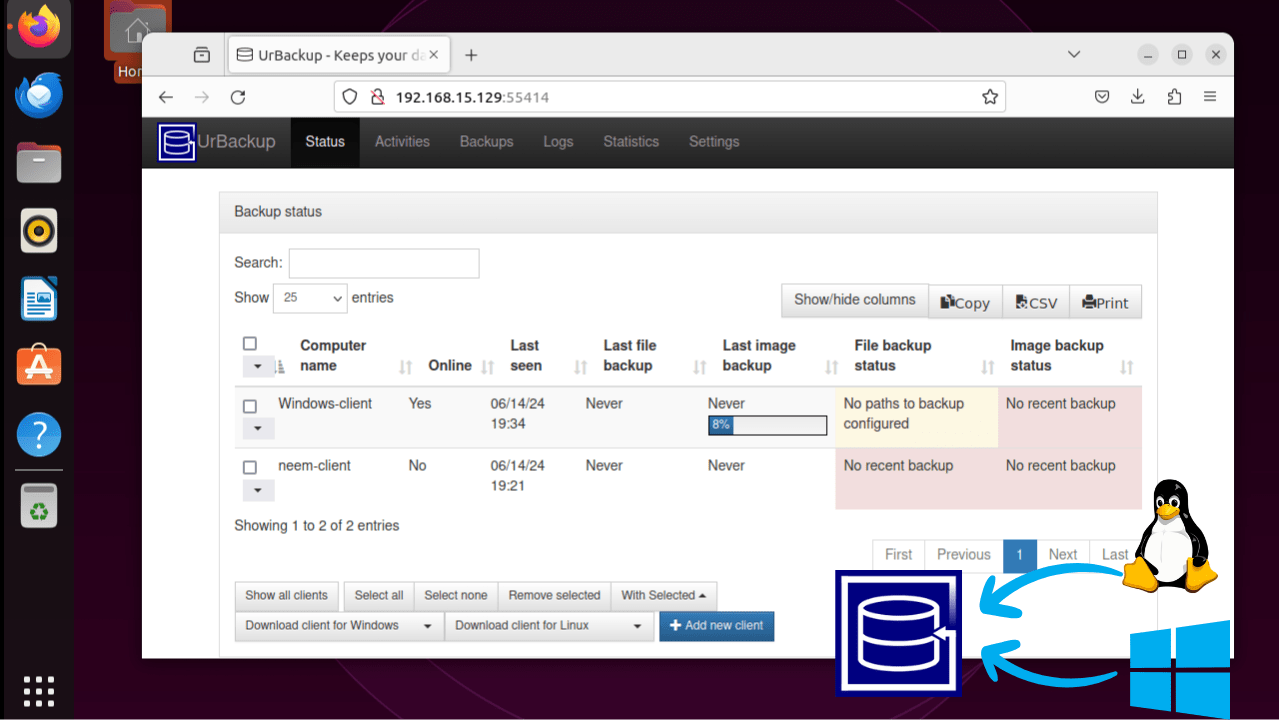
UrBackup is a backup application for a system admin to back up a device to a remote server. Learn how to install UrBackup on Ubuntu and use it on Windows and Linux.
By Nimrah Chaudhry – Jun 27, 2024
Your Docker container is not confined to only a single place. Learn how you can move your Docker container and data volumes to another host.
By Ramces Red – Jun 15, 2024
Take your Minecraft game to the next level by hosting your server on Ubuntu. Enjoy privacy, control, and flexibility for your players today.
By Ramces Red – May 25, 2024
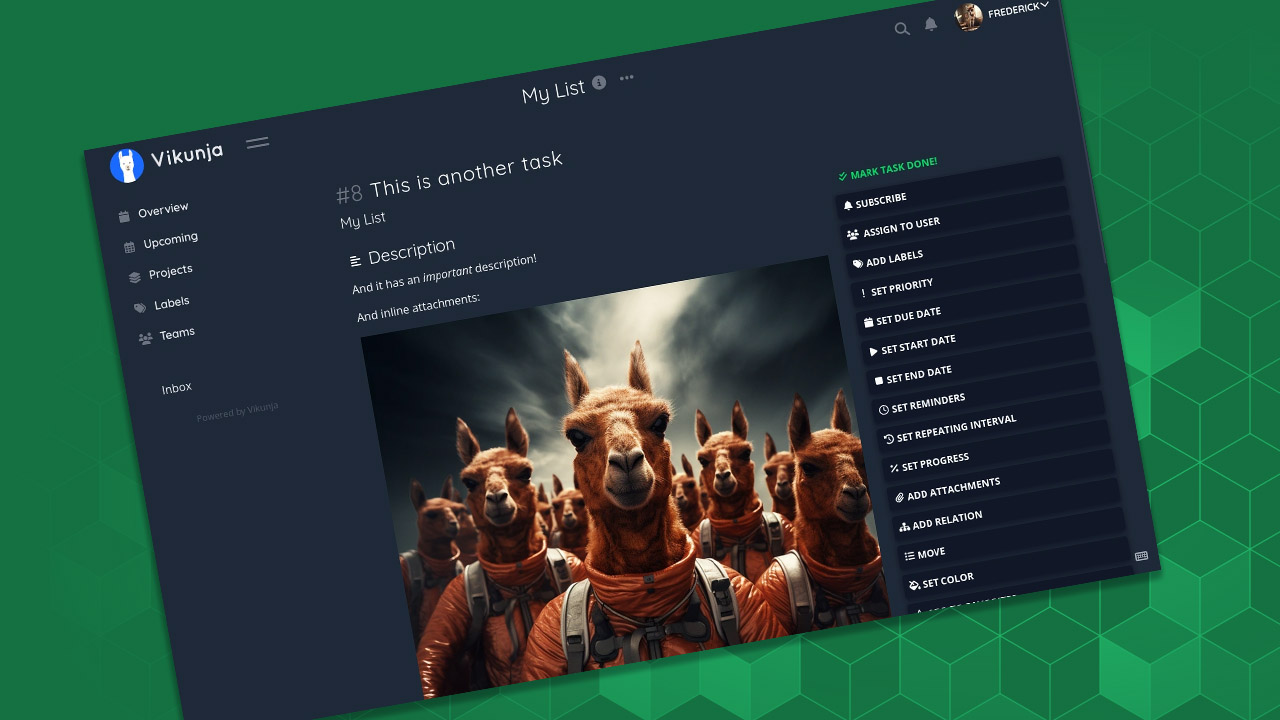
Tired of paying subscription services, or want to use the best open-source options? These self-hosted productivity apps will get you started.
By Dhruv Bhutani – Apr 23, 2024
Get started on Discord with these fun severs.
By Alexandra Arici – Dec 25, 2023
ownCloud lets you build cloud storage solutions for free. Learn how to complete a basic ownCloud install on a Windows computer.
By Sayak Boral – Oct 1, 2023
The “DDE server window” error can pop up when you’re shutting down your Windows PC. Fortunately, there’s an easy fix.
By Chifundo Kasiya – Aug 9, 2023
ownCloud is a powerful, self-hosted cloud storage solution for Linux distributions. Learn how you can install and configure it today.
By Ramces Red – Jul 14, 2023
Netcat is a simple, yet powerful networking utility for Linux. Learn some of the most effective tricks that you can use with this handy tool.
By Ramces Red – Jul 10, 2023
Seeing the Omegle “Error connecting to server” as you’re trying to start a chat? This guide provides some solutions to fix the issue.
By Alexandra Arici – Jun 9, 2023
Want to create your own community on Discord? Learn how to create a Discord server and invite friends and acquaintances to it.
By Alexandra Arici – May 16, 2023
Don’t have time to manage your Discord server anymore? Learn how to transfer Discord server ownership on PC and mobile.
By Alexandra Arici – May 15, 2023
Servers are a vital part in sharing data on the Internet today. Learn the best Linux server distros that you can install for free.
By Ramces Red – May 15, 2023
Scratching your head trying to fix the ChatGPT internal server error? This guide provides some of the best ways to fix this common issue.
By Tanveer Singh – Mar 10, 2023
If you want to bring life to your Discord server by adding music and roles, learn how to set up and use Hydra bot in Discord.
By Natalie dela Vega – Feb 28, 2023
Jitsi is a simple yet powerful Zoom alternative for Linux, Android and iOS. Learn how to create your own video conference server today.
By Ramces Red – Jan 27, 2023
PipeWire is a powerful contender to replace PulseAudio. Here we show you how to install and configure PipeWire on your Linux system.
By Miguel Leiva-Gomez – Jan 24, 2023
Tired of chatting in relative silence? Make your Discord server much more enjoyable by adding Discord music bots.
By Crystal Crowder – Jan 23, 2023
Next >
Affiliate Disclosure: Make Tech Easier may earn commission on products purchased through our links, which supports the work we do for our readers.