Probably the easiest way to block ads in your browser.
By Alexandra Arici – Jan 19, 2026
Safari supports adding a Firefox Focus extension, allowing you to strengthen privacy without switching browsers.
By Alexandra Arici – Dec 16, 2025
If Safari on your iPhone feels slow, filled with ads and sudden pop-ups, you are not alone. Fortunately, uBlock Origin changed my browsing experience.
By Henderson Jayden Harper – Dec 4, 2025
Safari has a built-in way to instantly hide distractions from webpages so that you can concentrate on what you’re reading.
By Alexandra Arici – Nov 6, 2025
If you’re constantly asking ChatGPT questions, why not make it your default search engine?
By Alexandra Arici – May 3, 2025
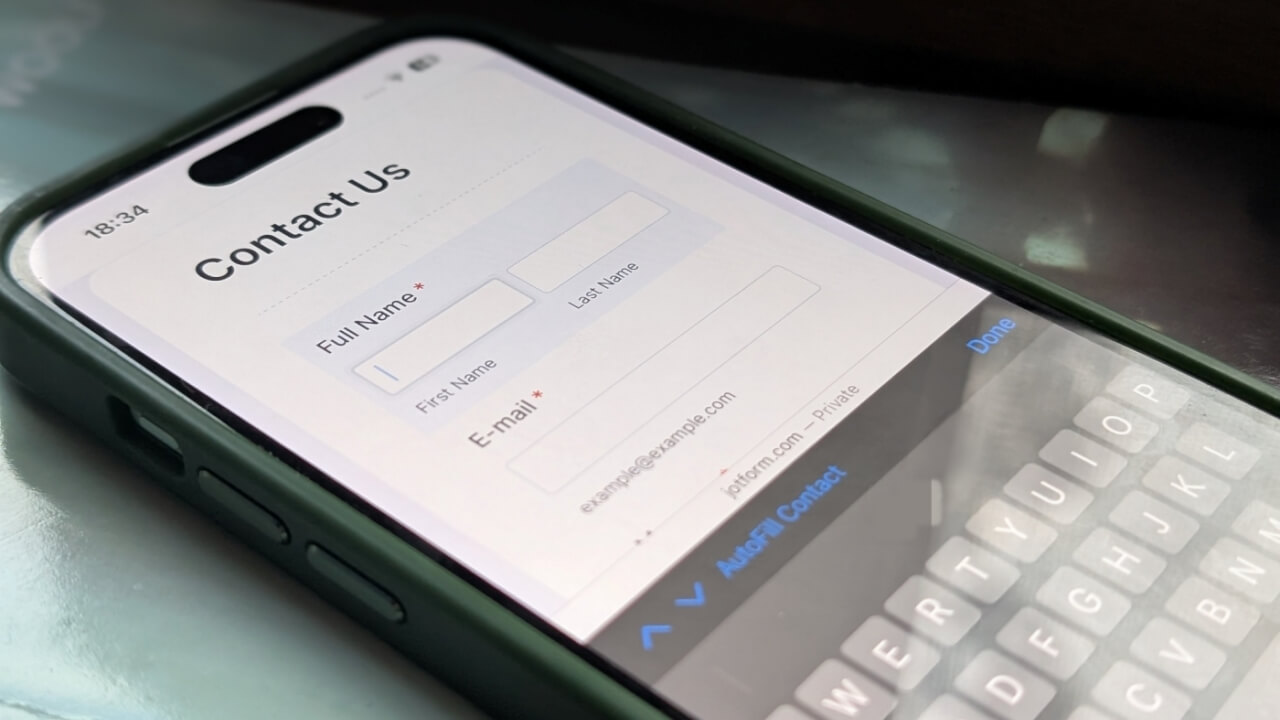
Stop manually typing the same info again and again.
By Alexandra Arici – Apr 4, 2025
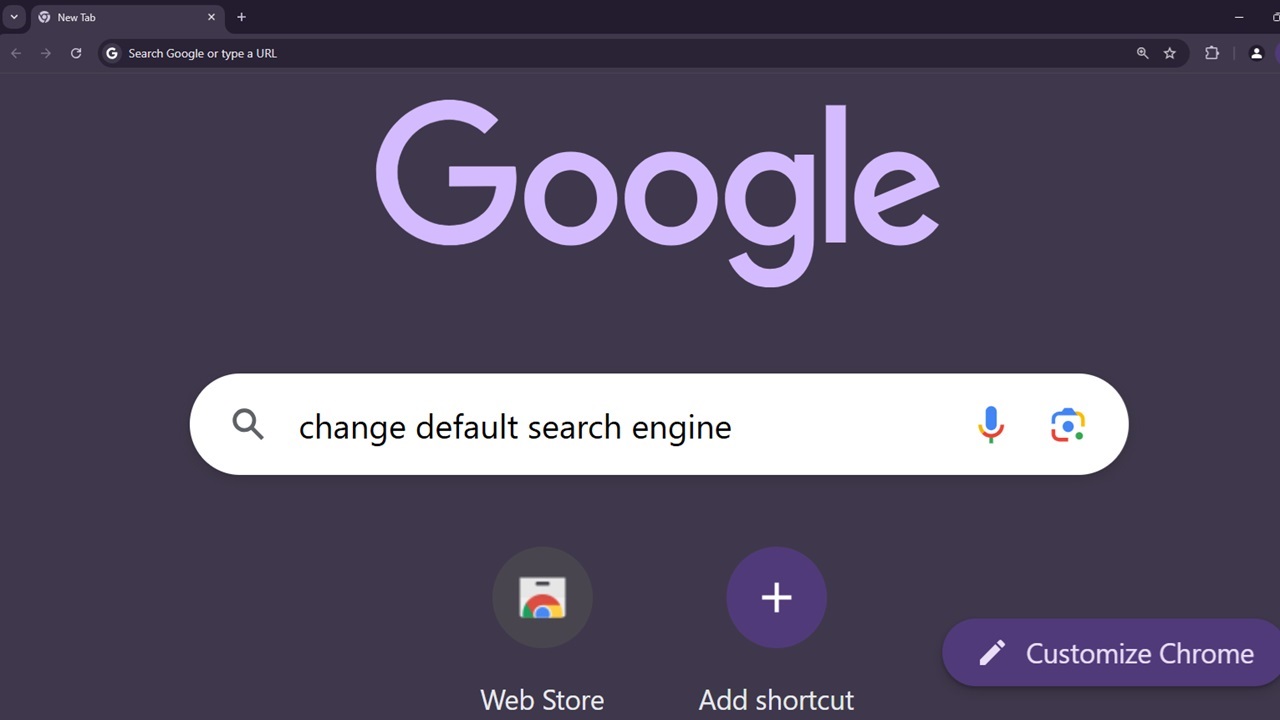
You don’t have to stick with Google search or Bing.
By Crystal Crowder – Nov 8, 2024
I switched from Safari to Chrome for several reasons, including customization and functionality. Here’s a full breakdown of Chrome vs. Safari.
By Danny Maiorca – Sep 14, 2024
The Google – Apple alliance may be ending, as Google reportedly would like to stop relying on Apple using Google search in Safari.
By Laura Tucker – Jul 8, 2024
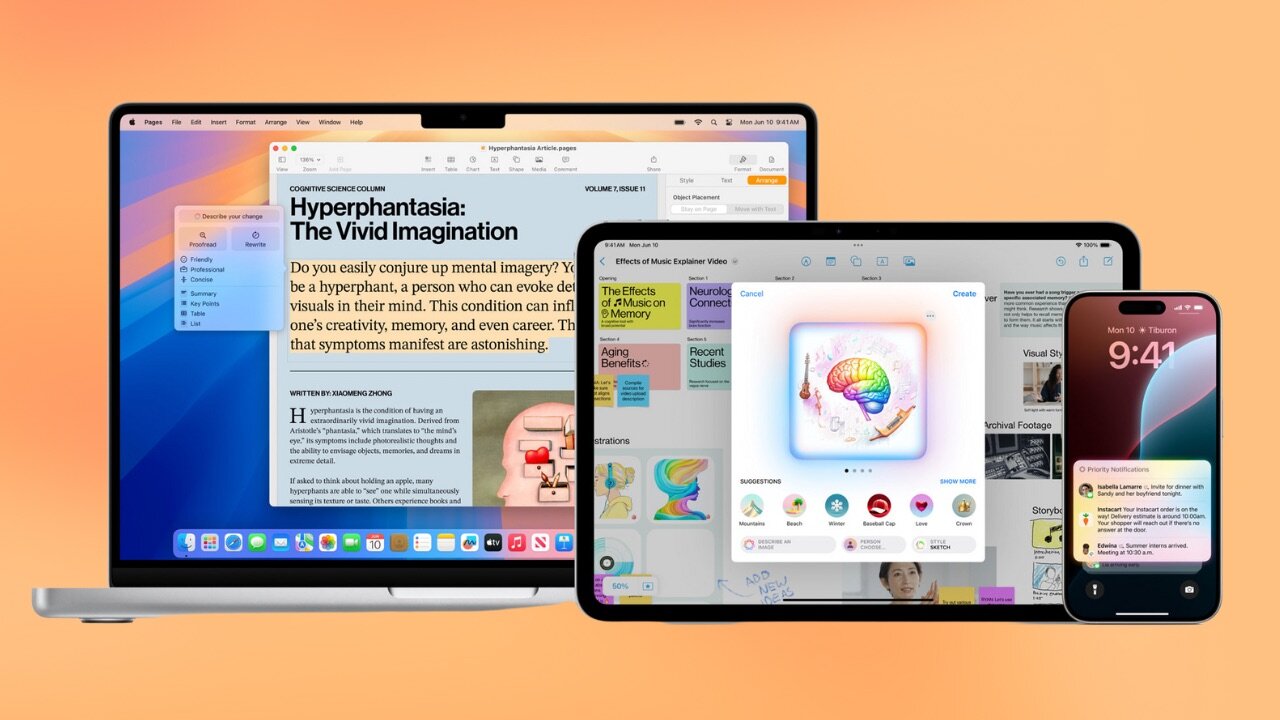
It was announced at WWDC 2024 that macOS Sequoia, iOS 18, and iPadOS 18 will bring Apple Intelligence to the newest, most powerful devices.
By Laura Tucker – Jun 10, 2024
Level up your Mac experience with these macOS Sonoma hidden features. With Game Mode and dynamic aerial screen savers, discover what Sonoma has to offer.
By Anya Zhukova – Jun 1, 2024
French advertisers and media groups are asking Apple to not roll out the iOS 18 feature, “Web Eraser.” Will they listen?
By Laura Tucker – May 29, 2024
Discover all the best Safari alternatives for your Mac in this complete guide, from privacy-focused to environmentally-conscious browsers.
By Danny Maiorca – May 18, 2024
Safari browsing history is essential. Follow this guide to learn how to check, search and clear Safari browsing history on your Mac.
By Anya Zhukova – May 2, 2024
Boost your Safari security on iOS with SafaShield. Block ads, trackers, malicious domains, and more for a safer, faster browsing experience.
By David Morelo – Mar 8, 2024
You try searching through Google but end up being redirected to Yahoo. Sound familiar?
By Alexandra Arici – Nov 30, 2023
Create a web app for your favorite webpage on Safari for a more streamlined, private, distraction-free browsing experience.
By Rachel Ann Tee Melegrito – Nov 3, 2023
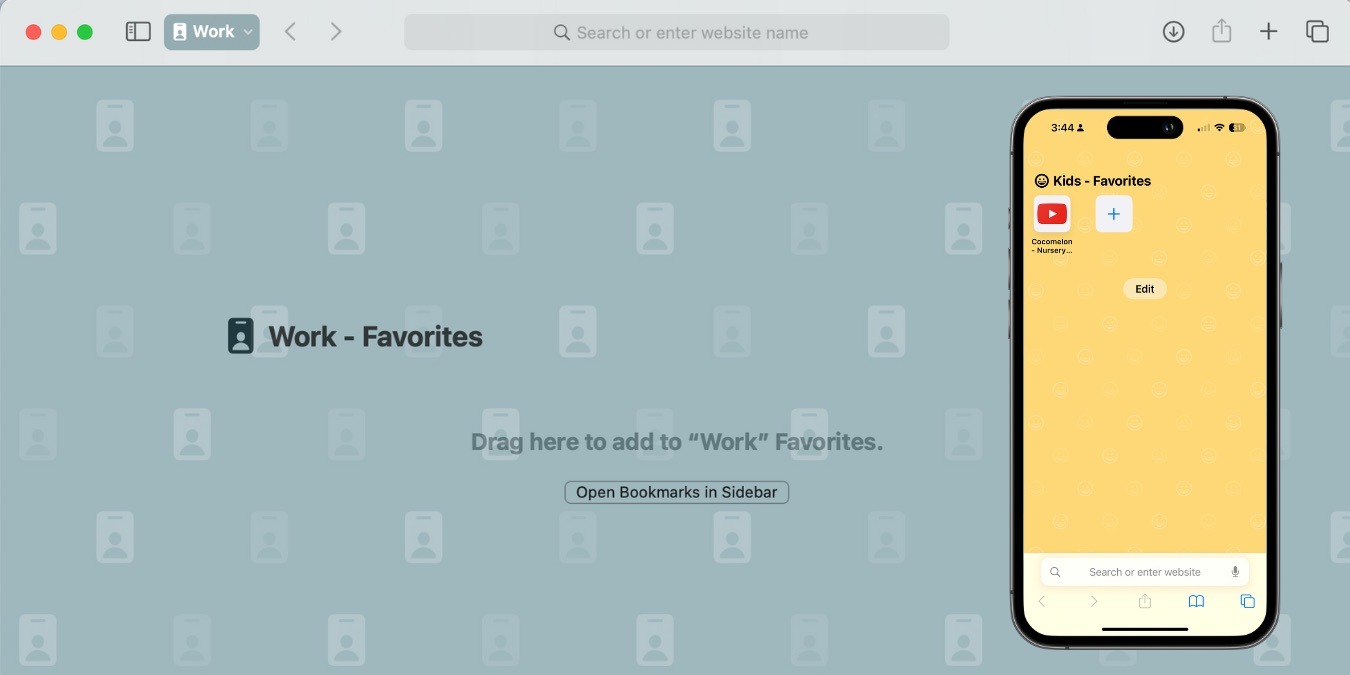
Creating multiple Safari profiles gives you a more personalized browsing experience and allows you to switch between profiles easily.
By Rachel Ann Tee Melegrito – Oct 30, 2023
Web page auto-refresh can be annoying at times. To make your life easier, learn how to disable auto-refresh on all major browsers.
By Charlie Fripp – Jul 25, 2023
Learn how to block pop-up windows in Chrome, Firefox, Safari, Opera, and other browsers in this detailed step-by-step guide.
By Ojash Yadav – Jul 2, 2023
Next >
Affiliate Disclosure: Make Tech Easier may earn commission on products purchased through our links, which supports the work we do for our readers.