FileInspect: Learn the Truth About Windows Processes Running In Your Computer

fileinspect logo Have you ever wondered what is that files/processes that are running in the background of your computer and causing all your applications to slow down, or even crashed? Well, I know you can easily fire up your task manager (Ctrl + Alt + Del) and see what processes are running, but what I wanted to say is, do you really know what are they, their functionalities and whether it is safe to delete/disable them so as to free up some system resources?

In the past, there has not been an easy way for noobs like us to understand what is behind the scene. With File Inspect, this suddenly become a breeze (and you can easily become an expert and boast to your friends).

File Inspect Library is an educational site that provides detailed information of all (if not, most) the processes/files running in your Windows machine. You simply type in the process/file name and it will bring you its description, functionality and whether it is safe to delete/disable them. Cool, isn’t it?

Let’s delve into it further.

Free Up Your System Resources With Svchost Viewer

Windows Task ManagerHave you ever wondered what all those svchost.exe processes running on your Windows machine are for ? Ever thought what effect will it have on your system, if you kill them ?

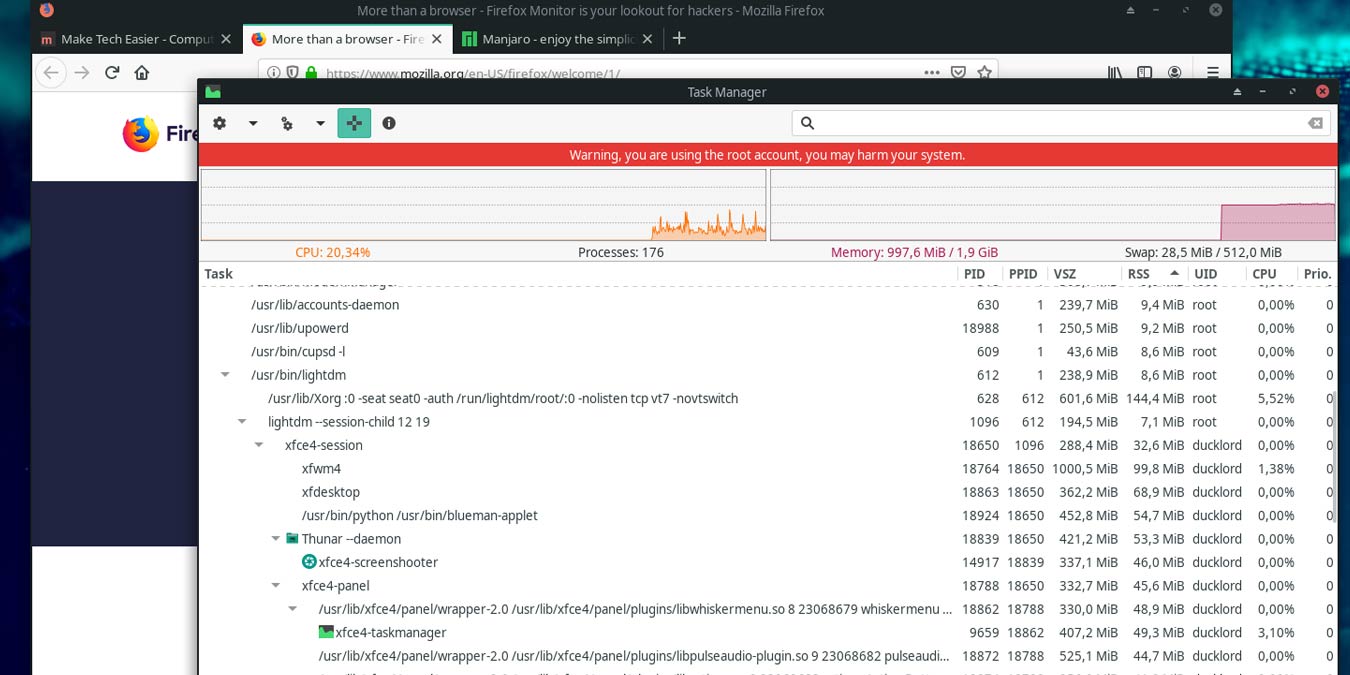
If you haven’t or aren’t too sure how to check for running processes on your system, press Ctrl + Alt + Del and a utility named Task Manager will popup. The Processes tab of Task Manager should give you a list of all the processes running on your system and this is where you’ll see multiple svchost.exe processes, along with the rest of the processes running on your system.

1