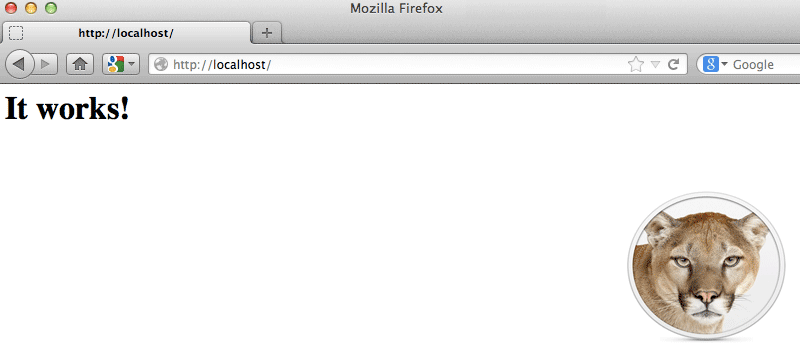
In this tutorial, we will show you how to activate the web server in Mountain Lion, as well as setting up PHP, MySQL and PhpMyAdmin. At the end of this tutorial, you will have a MAMP (Mac, Apache, MySQL, Php) server running on your Mac.
WordPress, like any other database driven application, is very prone to having the corrupted database issue. This article shows you how to recover from the issue and get your site back up working again.