Snapheal: Photography Magic for Mac + Free Giveaway

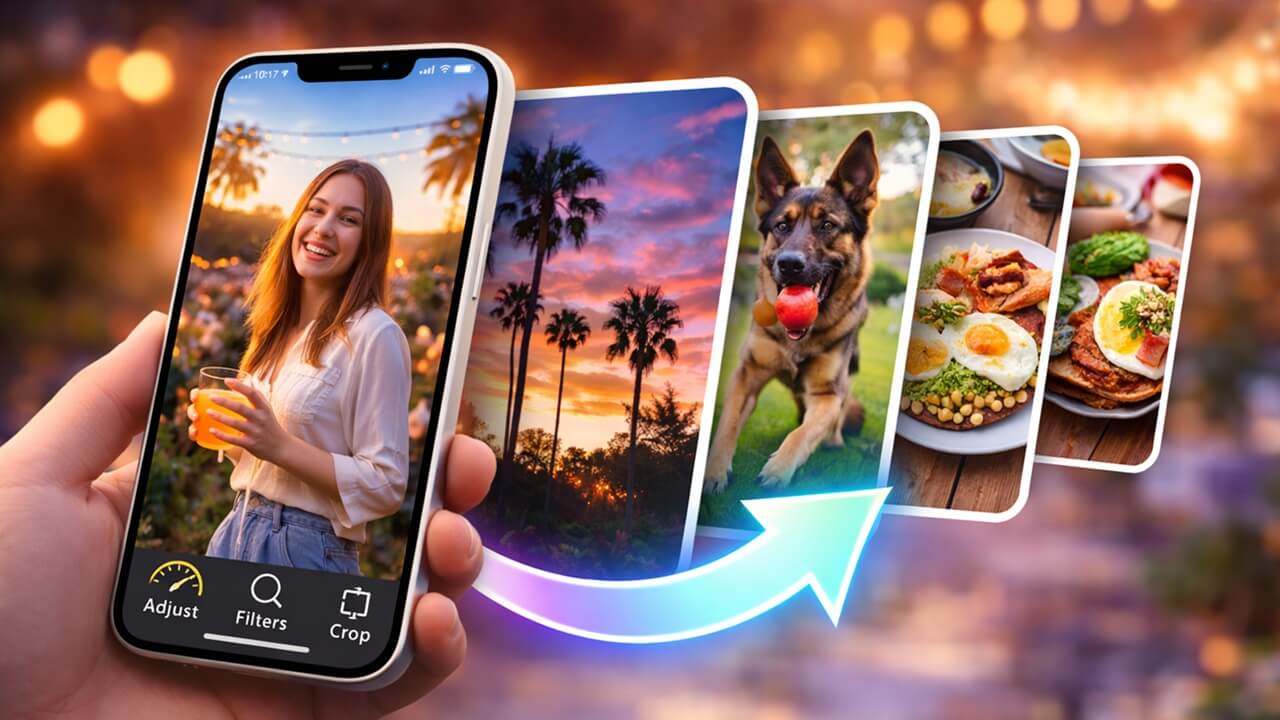
Snapheal_mainWhen it comes to finding photo editing software for a Mac, most entry or prosumer level photographers scurry away in fear. For many individuals on a budget, their choices are quite limited. Either they must shell out a boatload or settle on sub-par software. This changes with the photography application known as Snapheal. With Snapheal, you can do major edits at an affordable price, available in the app store. The team at MakeTechEasier got the chance to get our hands on it for a few days, here’s what we found (and we have a giveaway for you too, read on for more info).
[Read more...]

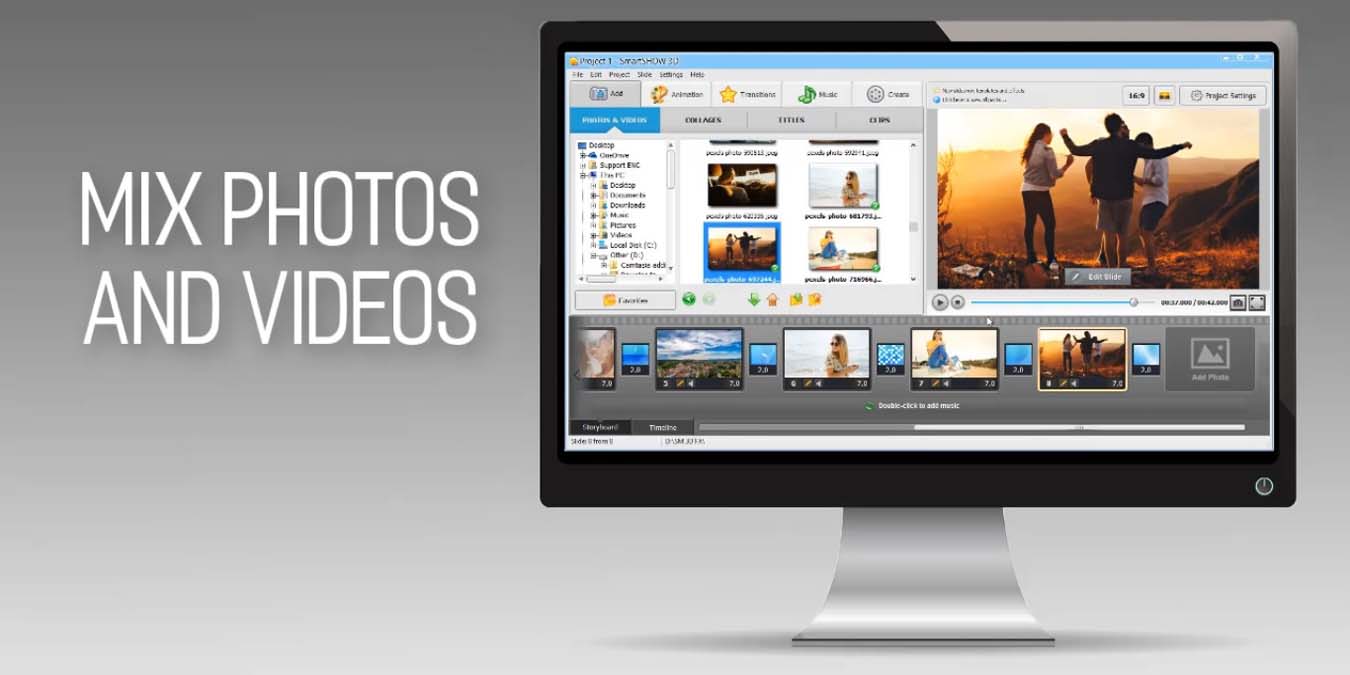
Free Slideshow Maker Software To Organize Photos In Slideshows

slideshow-maker-mainNowadays the digital photos have become very easy to capture and save. With the advent of larger hard drives with cheaper prices, the space constraint is almost gone forever. Now comes the challenge of organizing these photos because with the passage of time, the collection of digital photos becomes so huge that it becomes very difficult to find a particular photo. I have recently written about 5 free feature rich photo editing software that can make the task of editing photos to your desired effect very easily and conveniently. A wonderful regular reader, Colin Boswell, has asked for suggesting some free software for making slideshows of photos particularly for the DVDs. While most of the slideshow making software are not free, I have a collection of few free software for making slideshows of digital photos.
[Read more...]

5 Feature Rich Photo Editing Software For Windows

photoeditor-mainEverybody likes to take photos nowadays, but not everybody is a professional photographer. While I love taking photographs, most of my photos are not perfect and lack the elements of good photography like the light effect, color etc. I usually edit my photos before saving them to my library of photos. If you are professional enough and willing to cough out the money, Adobe Photoshop is definitely the best photo editing suite out there. For free alternatives that can do my job (simple photo editing) easily, here are 5 of them that you can use.
[Read more...]

Managing Photos in The New Photo Apps in iOS 5

Photos-PhotoStreamTwo of the most anticipated features of the Apple mobile operating system iOS 5 are the photo editing feature added to the photo app, as well as the new Photo Stream feature. These features definitely make things much easier for amateur photographers to keep their keepsakes up-to-date on all their devices.

Under iOS 5, no matter what iOS-enabled device you have, Photo Stream will instantly keep your photos up to date. If photos are taken with an iPad, they will be immediately transferred to your iPhone, and vice versa.
[Read more...]

FX Photo Studio Review [iPhone App]

FX-LogoThere are so many photo apps for iPhone and iPad that it can be hard to know where to start looking. Simply type “photo” or “photo editing” in a search yields too many apps. I tried FX Photo Studio recently, and more than anything else, it’s just a lot of fun.

If you’re looking for a photo editor that will clean up, sharpen, add text, etc., you’re looking in the wrong place. But if you’re looking to make some really different and fun pictures, it will do much better. Its best feature is that it has so many options, it’s questionable if you’ll ever use all of them. It allows you to either take a photo through the app, use a photo from your camera roll, or import a photo from Facebook or your documents.
[Read more...]

How to Create Tilt Shift Effect in Gimp

tiltshiftgimp-smallThis isn’t something you’ll often do for work or a real project, but it’s fun and it can look cool. Tilt shifting a photo is something that can be done by expensive fancy camera equipment or, fortunately for us, free software. The idea is that when you take a photo of small scale objects like model towns, part of what reveals them as miniature is the difference in focus. When a camera is up close to small objects, it can’t focus on other nearby objects, making them blurry. Tilt shifting is applying this blur effect deliberately, to make large-scale objects appear small. Getting it just right can take a lot of time and effort, but the basic method is quite simple, and that’s what we’re covering today.
[Read more...]

How to Compress Your Images Without Affecting the Quality

caesium-logoIf you have a whole bunch of high-resolution photos, chances are, you won’t be able to upload them to your favorite social sharing sites, simply because their file size are too big. One of the solution is to compress the photos to reduce the file size. This give rises to another problem: most applications are not able to retain the image quality after the compression. So you are down with two choices: to retain the photos in its original big size high-resolution setting, or accept the reduction in the quality with the benefit of a smaller file size.

What if you can compress the images by up to 90% and retain the quality at the same time? This is where Caesium comes in.
[Read more...]

Performing Image Magic with ImageMagick

imagemagick-logoWhether you know it or not, there’s a good chance you’ve already used ImageMagick, at least if you’re a Linux user. It’s the image processor behind many graphics-related applications, and for good reason. With this one tool, you can perform dozens of common image manipulations and conversions from the command line or within a script/application. ImageMagick can convert, transform, draw, decorate, animate, and composite images. It can be used from the command line for quick needs or built into a more complex software suite. This guide will cover some of the most “magical” features of ImageMagick and provide examples of how to use it to solve everyday tasks.
[Read more...]

5 Useful Online Photo Editing Tools

photoeditor-logoWe all know that Adobe Photoshop is the best software out there for photo editing/image creation. We must also admit that it is far too expensive for most of us to afford it. Luckily, for casual users like us, there are several free online tools that can help you edit your digital images. Some of them even come with layers and allow you to do pixel leveling editing. Read along to find out more about these useful online photo editing tools.
[Read more...]

5 Useful and Fun GIMP Plug-ins

gimpplugin-introFor those of you who use GIMP, you know it is a really great alternative to Photoshop. Like any program, free or not, there is always room for improvement. Plugins are a an easy way to add functionality.

GIMP has two different types of plugins, Script-fu and Python-fu. Right out of the box, you can add Script-fu plugins. To add Python based plugins, there is some additional steps and add-ons needed.

Get Some Plugins

To find more plugins than you can shake a tick at, go to the GIMP Plugin Registry. The different plug-in scripts are tagged pretty well so you can type in the keywords for what you are looking for in the search bar to the right side of the page.

When you find something that catches your eye, download it by clicking on the link usually at the bottom of the page. The file should end in [.scm].
[Read more...]