







iDisplay: Turn Your Android Devices Into A Second Monitor

idisplay-photo

When you connect two (or more) monitors to your computer, you can drag an application window from one to another monitor. Now, what if your second monitor is your smartphone, or tablet and you are able to drag window to it and interact with your fingers? Sound cool, isn’t it?

iDisplay is one such app that allows you to turn your mobile device into a second monitor. It was launched a year back for iPhone/iPod Touch/iPad. A new Android version was made available last month and it now works on a Android smartphone and tablet.
[Read more...]

How to Change Linux Displays on the Fly with Disper

Monitor display (oxygen icon set)Using Linux on a laptop has always been a hit and miss affair. With sometimes obscure proprietary hardware, many laptop manufacturers have showed no interest in supporting the free operating system. Nevertheless, through hard work by developers and support from some hardware manufacturers, Linux now supports a wide variety of laptops and netbooks.

Many laptop owners often connect their machines to external displays, whether monitors, televisions, or projectors. For display chips that support XrandR, the setup is usually rather simple. For users with Nvidia chips, it is still easy but not quick. To switch to an external display, you either have to configure it in the xorg.conf file to automatically recognize it or use nvidia-settings and click through a series of options each time you want to use it.

With Disper, a free on-the-fly display switching utility, you can quickly and easily switch to an external display, clone your screens, extend a display, and choose from any of the supported resolutions. Disper is a command line utility, but after a few initial command entries, you can easily bind it to a shortcut key or run it from a single command by using a basic script.
[Read more...]

How To Setup Dual Monitors With XRandR

xrandr-screens-scaled

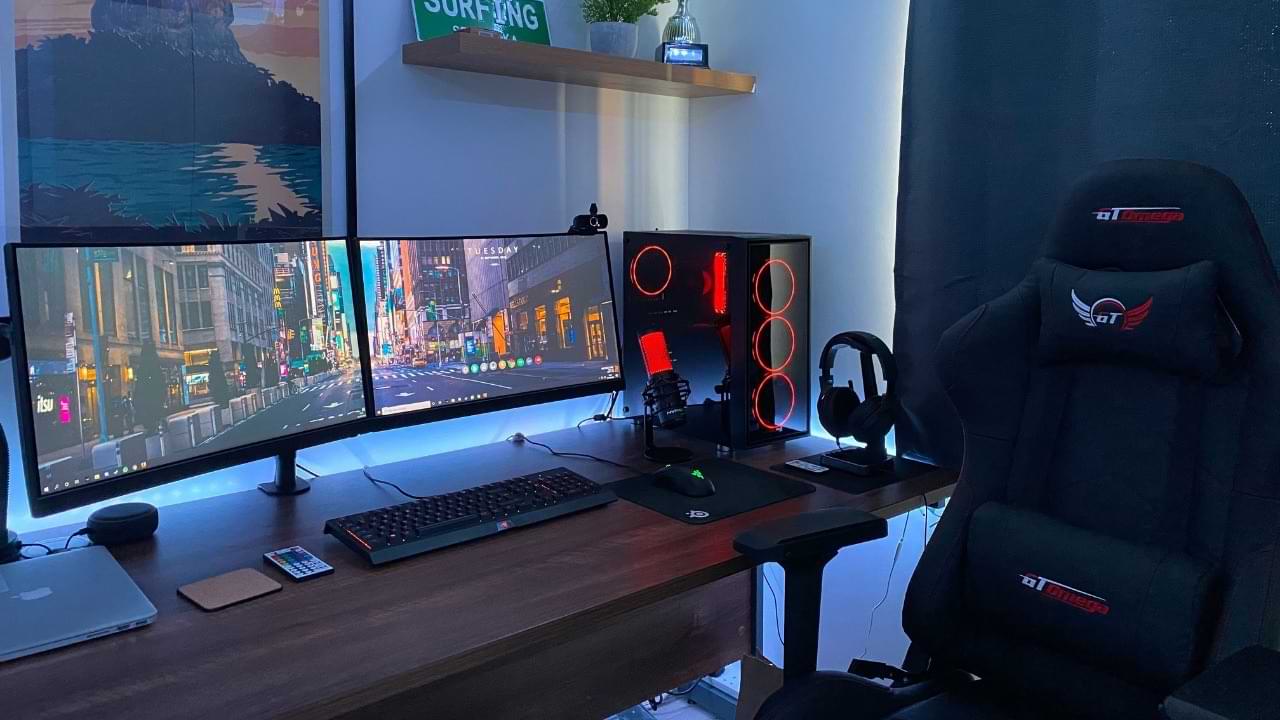
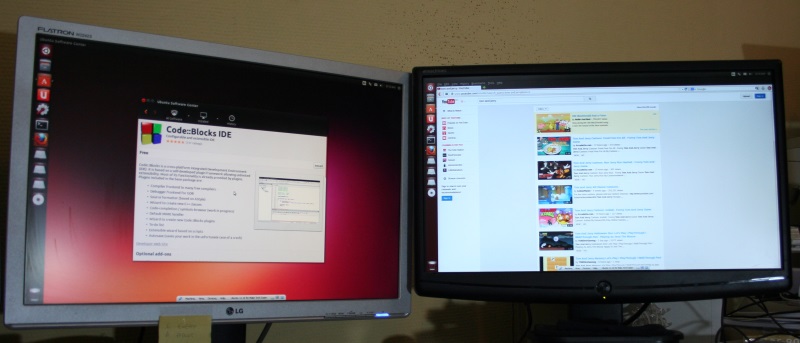
Dual monitor setup in Linux has never been easier. While methods such as the xinerama extension sometimes drive people insane, using RandR (Resize and Rotate) is quick and painless. This will allow you to use both monitors as one big screen instead of two identical ones (cloning). Follow these simple steps to get started.

Note: This HOWTO assumes that you are using the opensource drivers for your video card (ATI or Intel). Nvidia and AMD proprietary drivers come with their dual screen components. [Read more...]