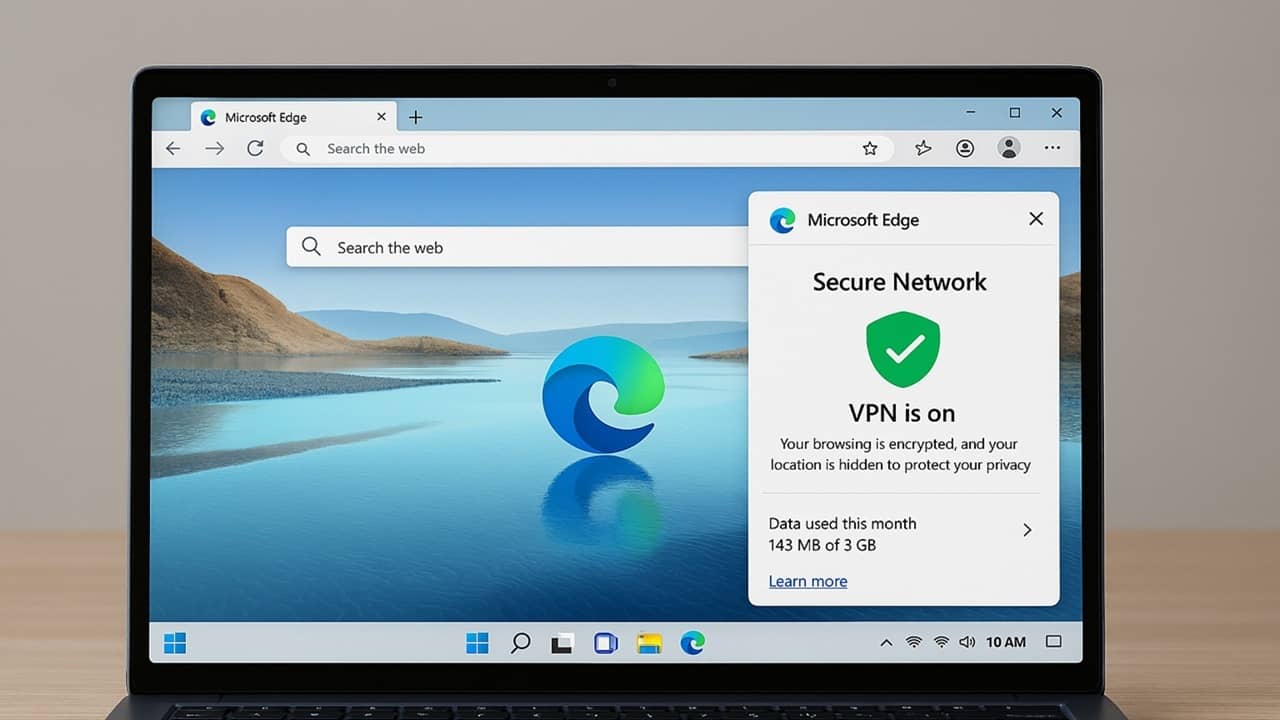
The Microsoft Edge VPN is free, but should you trust it? Find out why it’s not a real VPN and the major drawbacks to using it.
By Crystal Crowder – Feb 25, 2026
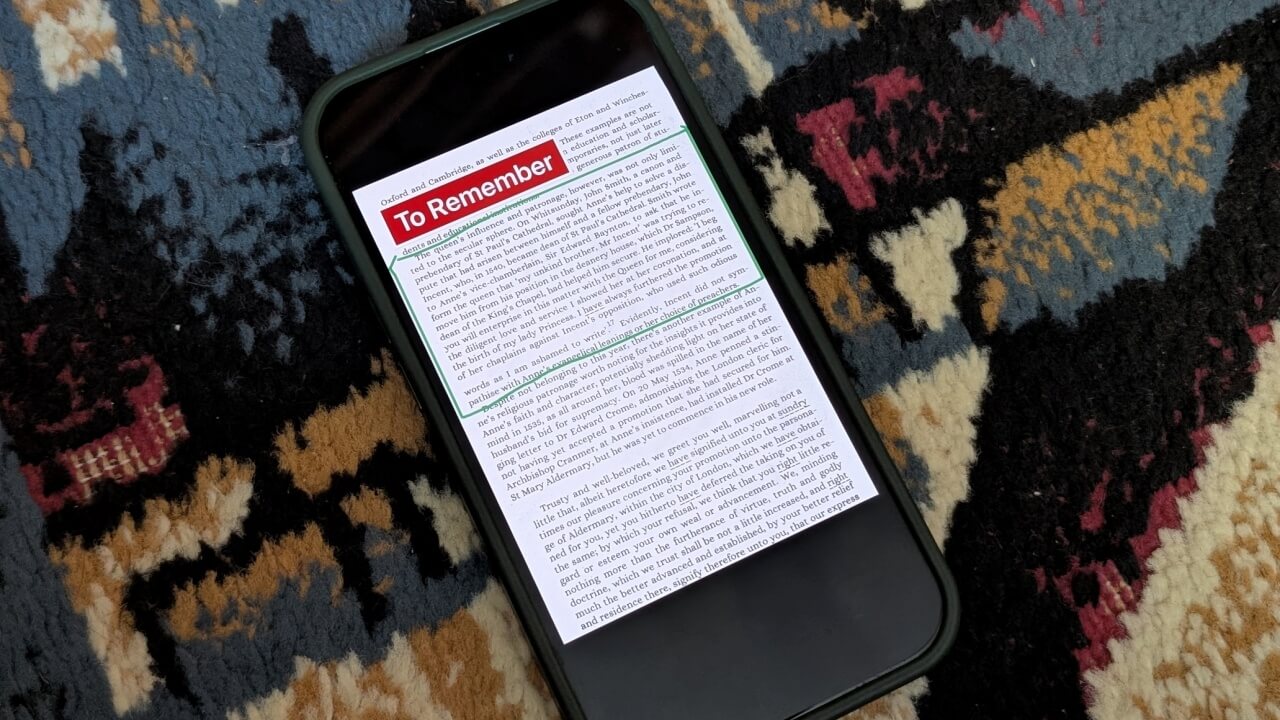
If you’re looking for a Microsoft Lens alternative, you can now use OneDrive app to scan documents on your phone.
By Alexandra Arici – Jan 15, 2026
Microsoft is ending support for Office 2016 and 2019, but there’s still a way for users to get free zero-day patches even after support ends.
By Crystal Crowder – Aug 30, 2025
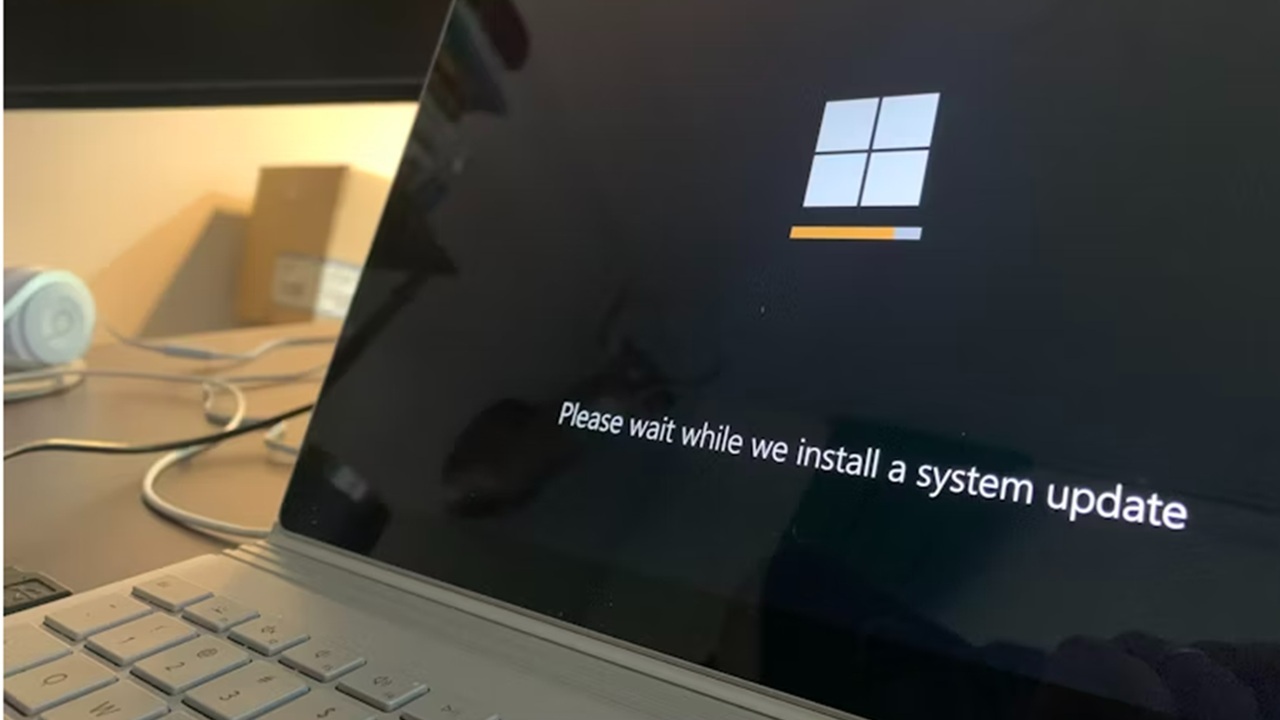
Microsoft is offering a way to let you continue receiving Windows 10 updates. But, you’ll have to do one of three things first.
By Crystal Crowder – Jun 26, 2025
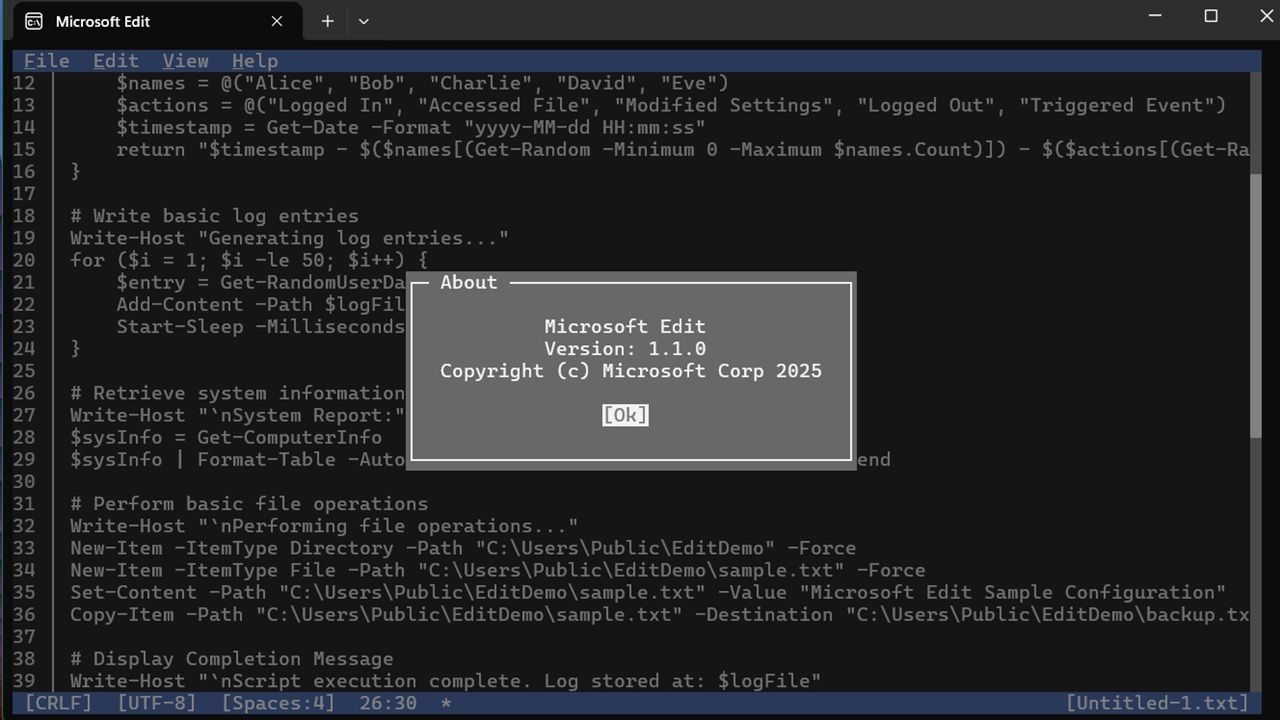
If you were a fan of the MS-DOS from the 90s, you will love Microsoft Edit
By Sayak Boral – Jun 10, 2025
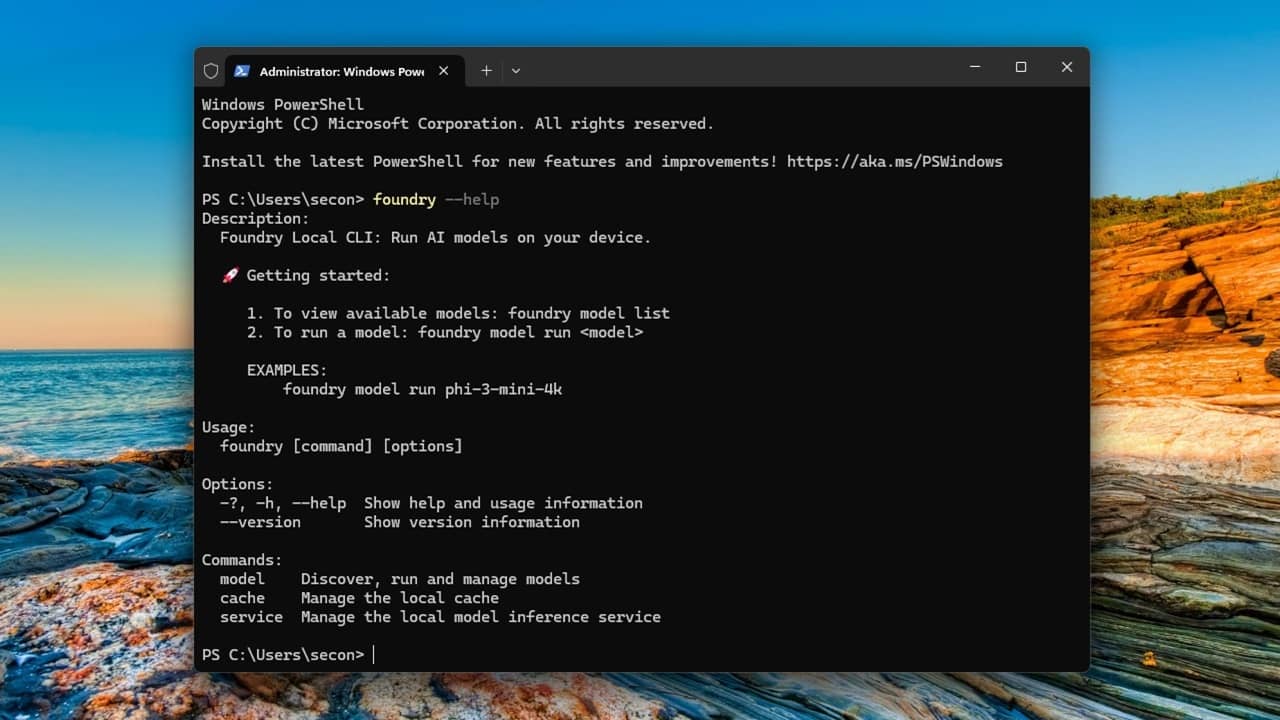
Use Foundry Local to run your own local AI chatbot – no Internet needed.
By Crystal Crowder – May 29, 2025
Microsoft is blocking Teams on desktop starting immediately if you don’t follow one simple rule.
By Crystal Crowder – Apr 12, 2025
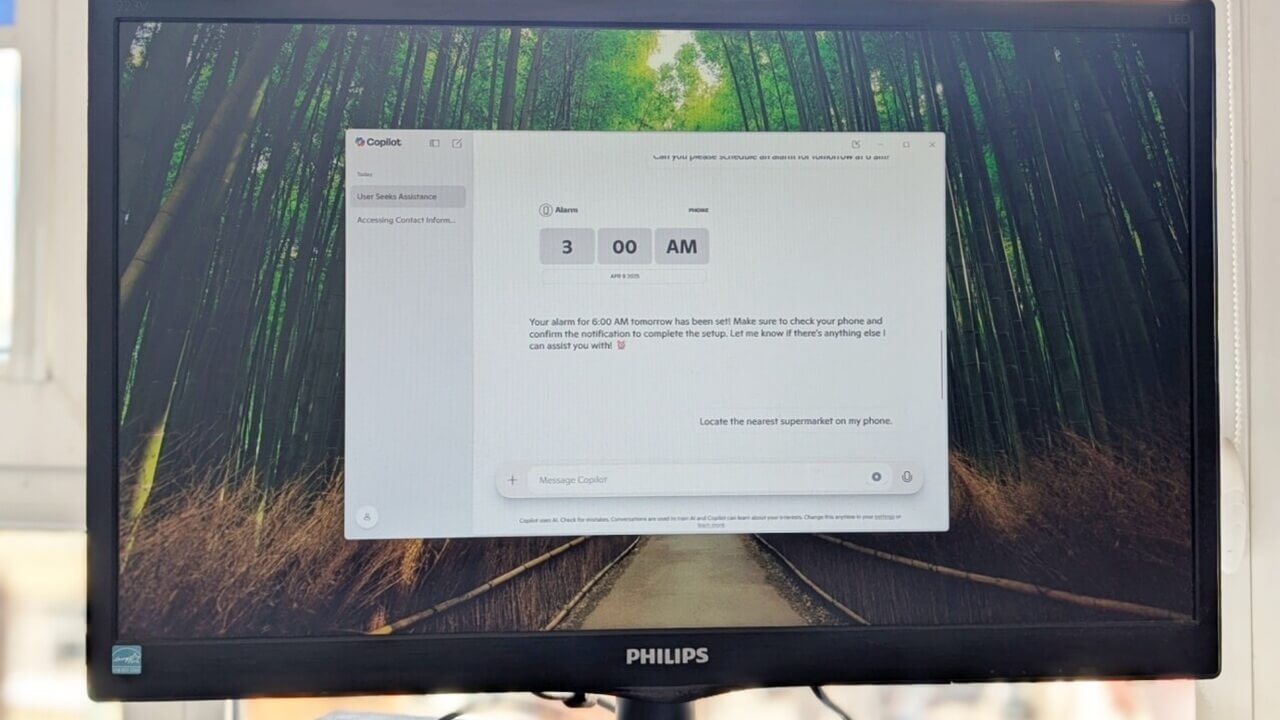
A new Copilot update allows you to control your Android phone right from the desktop
By Alexandra Arici – Apr 9, 2025
Microsoft 365 comes with more apps, storage and tech support, but you probably don’t need them at all.
By Crystal Crowder – Apr 5, 2025
TL;DR Bing Copilot Search have more options than Google’s AI Overviews.
By Crystal Crowder – Apr 4, 2025
Microsoft is ending support OneNote for some users. Now is the best time to upgrade your OneNote app.
By Crystal Crowder – Mar 28, 2025

Can AI play video games and even predict what should happen next? That’s exactly what Microsoft is looking to find out with Muse AI.
By Crystal Crowder – Feb 20, 2025
Did you love getting a VPN with your Microsoft 365 subscription? Find out when it’s going away and what you’re getting instead.
By Crystal Crowder – Feb 4, 2025

Easily create, organize, and share your family memories into a photo album using Microsoft OneDrive family photo sharing.
By Henderson Jayden Harper – Jan 31, 2025
Microsoft Bing wants you to keep using it over Google. See the latest strategy to keep you from moving to Google.
By Crystal Crowder – Jan 7, 2025
Let’s revisit the most memorable tech news stories of 2024 and examine how they have already changed tech and all of our lives.
By Laura Tucker – Dec 31, 2024

Uncover the driving factors behind the shift from x86 to ARM in laptops. Could ARM become the new standard for laptops?
By Karrar Haider – Aug 30, 2024
Need to use Office for work, school, or just a hobby? Discover the different ways to get Microsoft Office for free, legally.
By Crystal Crowder – Aug 25, 2024
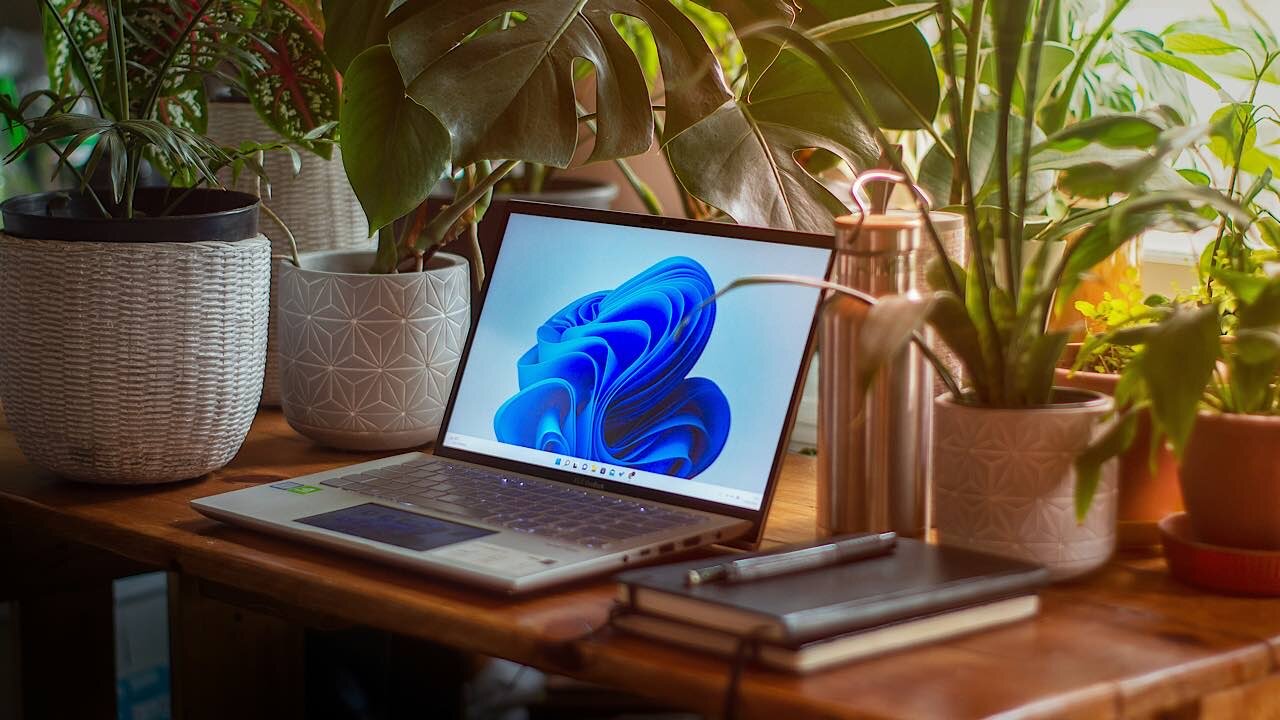
Microsoft is reminding Windows 10 users that the end is near with Windows 11 ads that have brought complaints.
By Laura Tucker – Aug 15, 2024
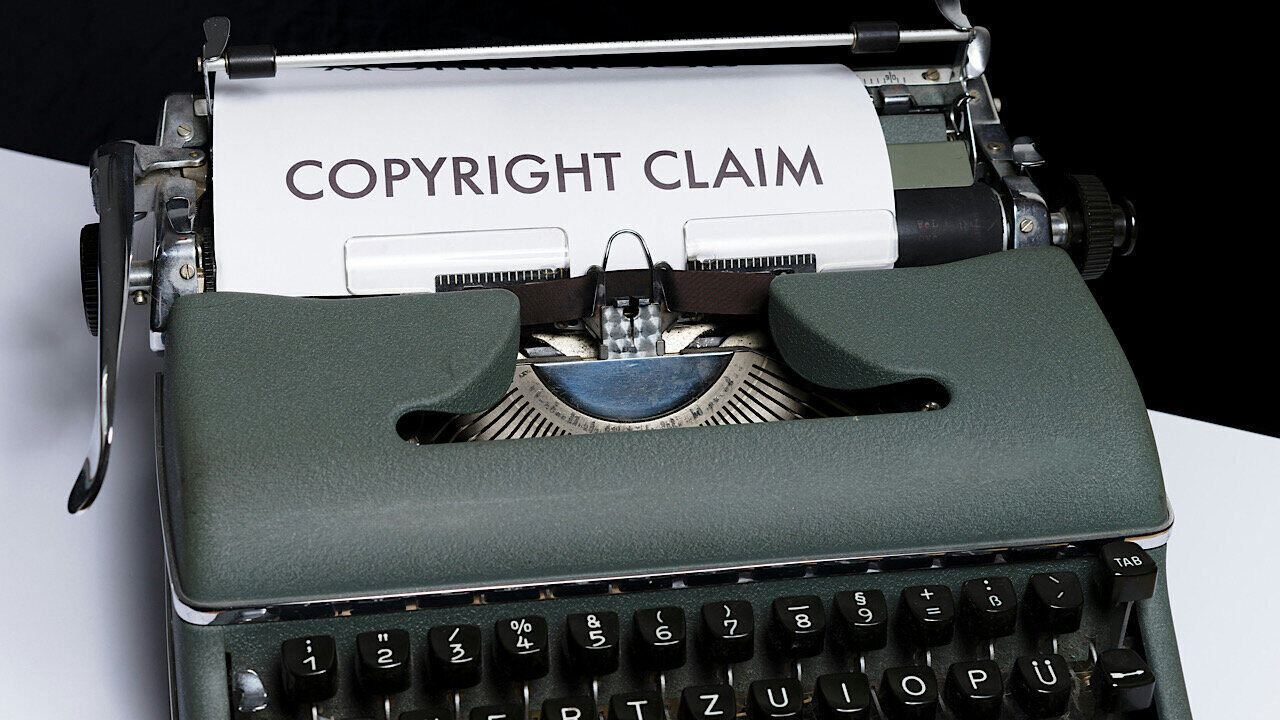
OpenAI and Microsoft are being sued by the Center for Investigative Reporting for copyright violations. And it’s not the only lawsuit.
By Laura Tucker – Jun 28, 2024
Affiliate Disclosure: Make Tech Easier may earn commission on products purchased through our links, which supports the work we do for our readers.