6 Lesser Known Android Home Screen Launchers

android launcher-introThere are a lot of home screen launchers available in the Android Market. There are some very popular launchers we have talked about here on MTE. Go Launcher EX, Nemus Launcher and the ever popular ADW. Below I tried to list some lesser known home screen replacement launchers for you to try out.
[Read more...]

An Updated Look At Quicksilver [Mac]

quicksilver-iconFor a long time, Quicksilver was the primary keyboard driven launcher for Mac OS X power users, gaining popularity for its powerful and flexible interface which allowed the software to hook into many other applications and system-wide tools.

Unfortunately, development was suddenly dropped for Quicksilver and as the project stagnated, its popularity faded. However, a new software team has taken over recently and injects the keyboard launcher with a new vigour, promising regular updates and new features. Let’s take a renewed look at Quicksilver and see if it can still offer users a compelling reason to make it a key part of their OS X computing experience.
[Read more...]

A Simple User Guide For Ubuntu Oneiric

oneiric-logoUbuntu Oneiric, while added much improvements to its Unity desktop, also brought lot of changes that make it more confusing and difficult to use. Users who have come from previous version of Ubuntu will find that some of their favourite applications are missing and replaced with another application that is either more resource intensive or more difficult to use. New users will also be confused where they can find all their applications and system settings. In this tutorial, we provide a simple user guide to help you familiarize with Ubuntu Oneiric.
[Read more...]

Nemus Launcher: A Great Home Screen Launcher and Alternative To ADW

I have been using a new home screen replacement on my Android phone, I used ADW for a long time because of its simple layout. I recently found Nemus Launcher. It keeps a lot of the simplicity of ADW but adds some neat features.
[Read more...]

DockBarX: A Better Alternative to Unity Launcher

dockbarx-main

As we all know, Ubuntu Natty comes with the Unity Launcher that many people love to hate. While it comes with the autohide and quicklist feature, it is unlike AWN or Cairo dock that is fully customizable or configurable. For those who have turned off Unity Launcher (by switching to Ubuntu classic) but wish to enjoy the benefit of the Unity Launcher, DockBarX is a great alternative.
[Read more...]

How to Easily Create Quicklist For Ubuntu Unity Launcher

unity-google-chromePreviously, we have shown you a list of useful quicklist that you can add to your Ubuntu launcher. While they are useful, creating them is not a one-click affair. You have to copy the .desktop file over to your Home folder, make the amendment and restart Unity. What if there is an easier way to create/edit quicklist items for your applications?

Unity Launcher Editor (ULE) is a python script that allows you to edit your Unity launcher. It allows you to add and remove applications to and from the launcher and also create/edit the quicklist items for each application. Compared to the previous way where you have to manually edit the config file, this is definitely a much better way.
[Read more...]

8 Really Useful Ubuntu Unity Quicklists

unity-google-chromeOne of the useful features in Unity (Ubuntu Natty) is the adding of quicklists to the application icons in the launcher. For example, you can right click on the Google Chrome icon and access the option to open an incognito window, or right click the Gmail icon and select “Compose New Email” option. For those who came from the Windows background, this is very similar to the Windows 7′s taskbar jumplist.
[Read more...]

How to AutoHide the Unity Launcher In Ubuntu Natty

unity-launcherOne of the (most hated?) features in Ubuntu is the Unity theme that changed almost every aspect of the familiar GNOME environment that you are used to. You can’t add custom icons to the panel or to the system tray, you have to change your workflow and get used to the dash. To make it worst, you have to put up with a launcher bar that stays on the side and won’t go away until you place a window on top of it. While you won’t be able to change much of the interface, you can, however, change the behavior of the launcher bar and get it to go out of sight (autohide) when not in use. Here’s the way:
[Read more...]

Alfred: The Productivity Sidekick For Your Mac

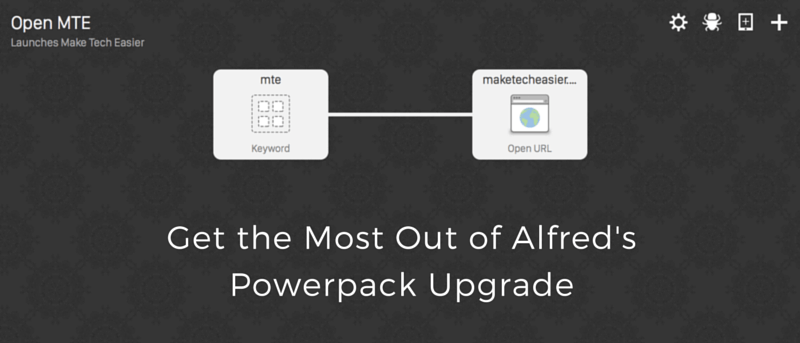
Alfred-iconIf the first thing that comes to your mind when you hear the name of this software is a theme to Batman, don’t worry, you are not alone. The job of Alfred was more than just a mere sidekick, he was kind of like a facilitator. He did all the little things that Bruce Wayne needed in order to manage his double life, and not get killed. Batman may have gotten the girls but Alfred understood the logistics of what it really meant to be a superhero.

Alfred for Mac kind of takes on a very similar function. It manages the details, and provides you with the information that you need in order to rock.
[Read more...]

Synapse: A Useful Zeitgeist-based Application Launcher

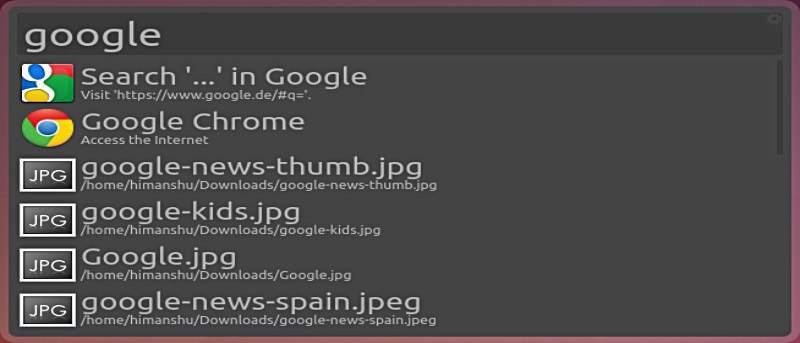
synapse-logoIf you have used Gnome-Do in Linux, you will find some resemblance in Synapse. The user-interface is the same – activate the launcher, type the search term, press Enter to execute. The only difference is that Synapse makes use of the Zeitgeist engine to display your search result. An appropriate description would be: Synapse is the launcher for your recently used files/folders/applications while Gnome-Do is the launcher for any file/folder/application.
[Read more...]