
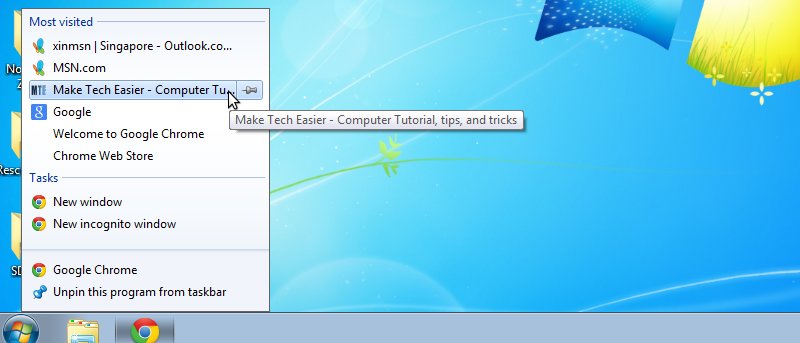





Internet Explorer 9 beta was released a few days ago and one of the feature includes the pinning of any site to the taskbar. With a simple dragging and dropping of the tab to the taskbar, any site can be pinned to the taskbar and the users can quickly click on the icon to launch the site. In addition, IE 9 also allows webmaster to add jumplist items to the taskbar icon. This tutorial shows you how you can add jumplist items to your site.
[Read more...]
Snippet: How to Create Jumplist Items For Your Site For IE 9
How To Pin Any Files/Folders To Windows 7 Taskbar
One of the greatest improvement in Windows 7 is the taskbar. You can now pin applications to the taskbar and launch it with a single click. There is also the jumplist where you can pin a file/folder/url/specific action to a particular application. When everything seems great, I have only one complaint. There is no options to pin a file/folder to the taskbar. You can only pin applications to the taskbar and add files/folders to the jumplist. What if you want to pin a file/folder to the taskbar?
If you have followed our previous example of creating a Show Desktop icon for Windows 7, I bet you are also wondering how to pin that icon to the taskbar just like any other application. Don’t worry, here’s the way to pin your favorite files/folders to the taskbar.
[Read more...]