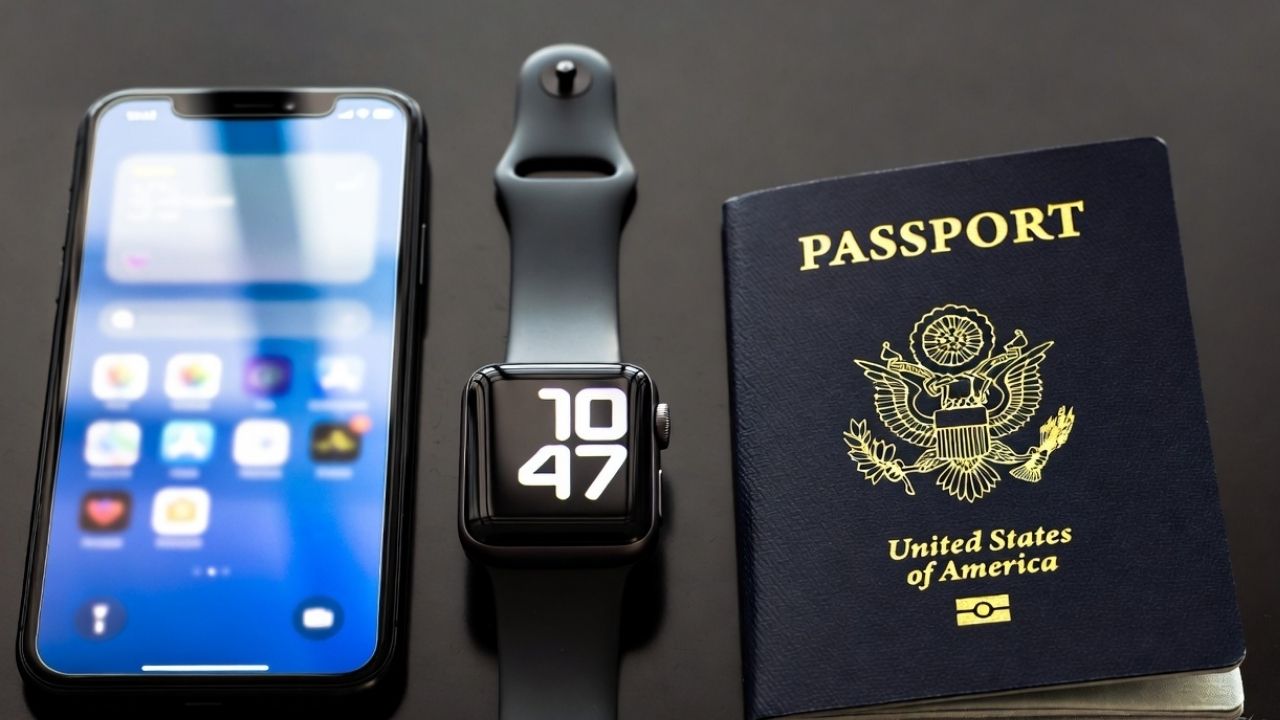
Apple’s new Digital ID allows US passport holders to add their passport details to Apple Wallet for easier identity verification at TSA checkpoints.
By Henderson Jayden Harper – Nov 14, 2025
Lost your iPhone and wondering what to do next? Stay alert, those “found” texts could be scams!
By Alexandra Arici – Nov 12, 2025
Wondering why your iPhone wallpaper keeps changing?
By Alexandra Arici – Nov 10, 2025
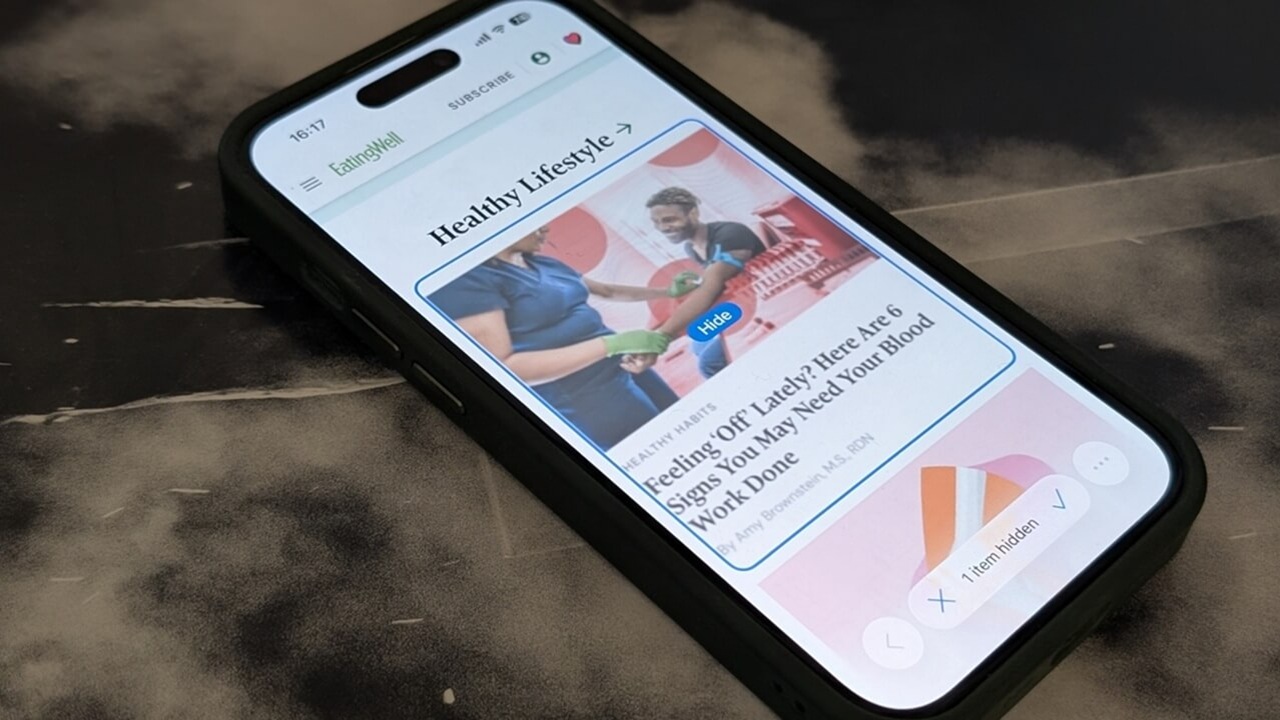
Safari has a built-in way to instantly hide distractions from webpages so that you can concentrate on what you’re reading.
By Alexandra Arici – Nov 6, 2025
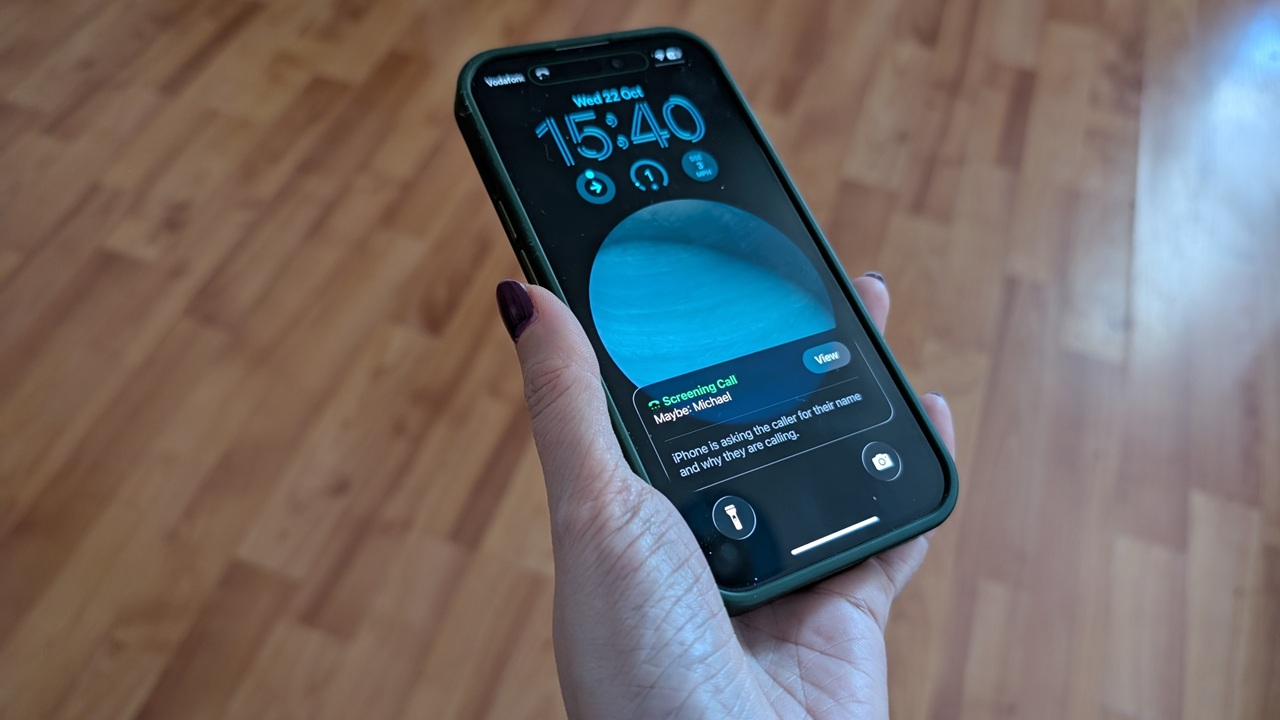
If you’ve updated to iOS 26 but can’t see the new call screening feature, try this workaround to make it appear.
By Alexandra Arici – Oct 23, 2025
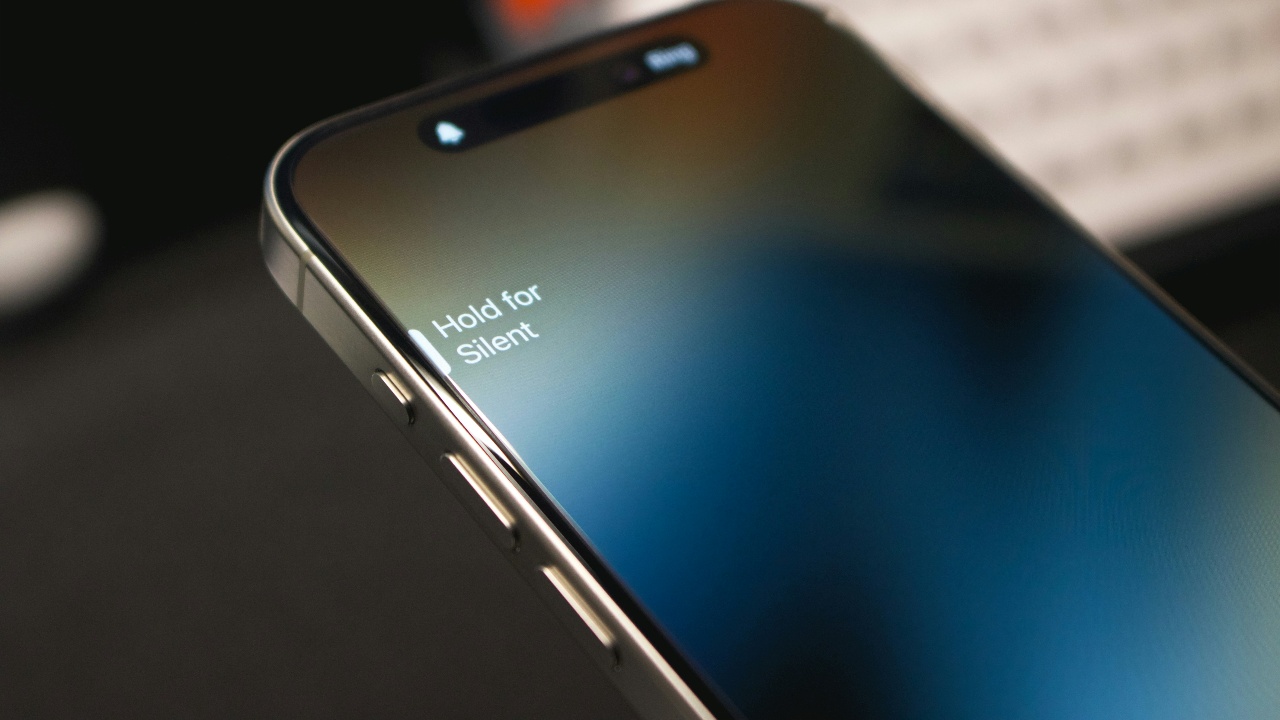
Learn the different steps to restore stable audio and stop your iPhone volume from randomly dipping.
By Oluwatokiloba Folami – Oct 16, 2025
WhatsApp now allows you to communicate without any language barrier.
By Oluwatokiloba Folami – Oct 14, 2025
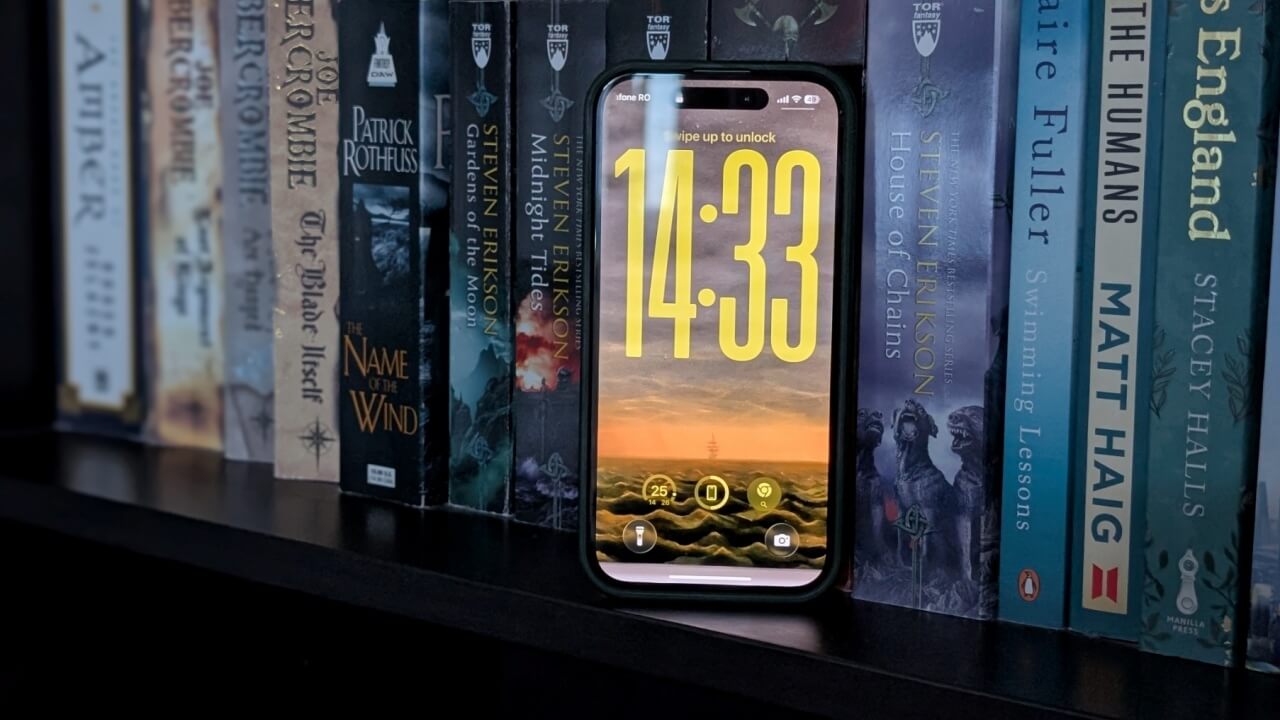
Apple added a variety of lock screen customization in iOS 26. Make the lock screen uniquely yours now!
By Alexandra Arici – Sep 24, 2025
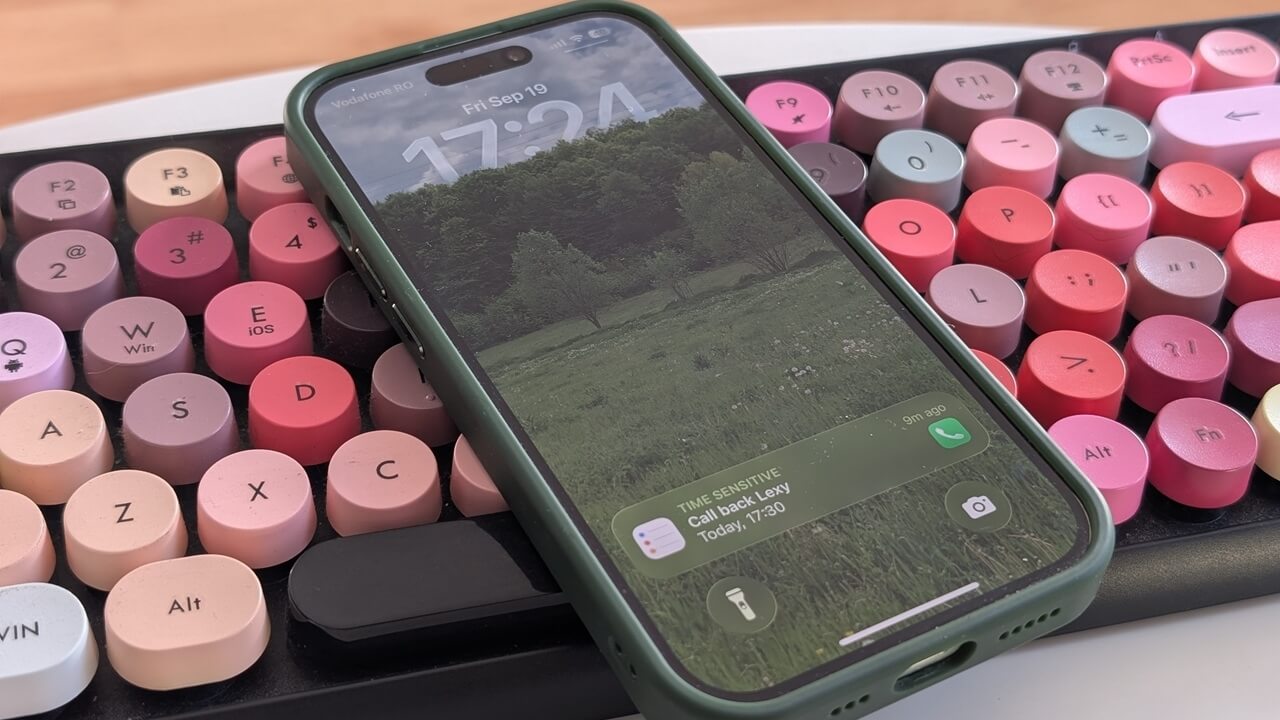
The iOS 26 update brings a clever feature that helps you remember to ring people back.
By Alexandra Arici – Sep 20, 2025
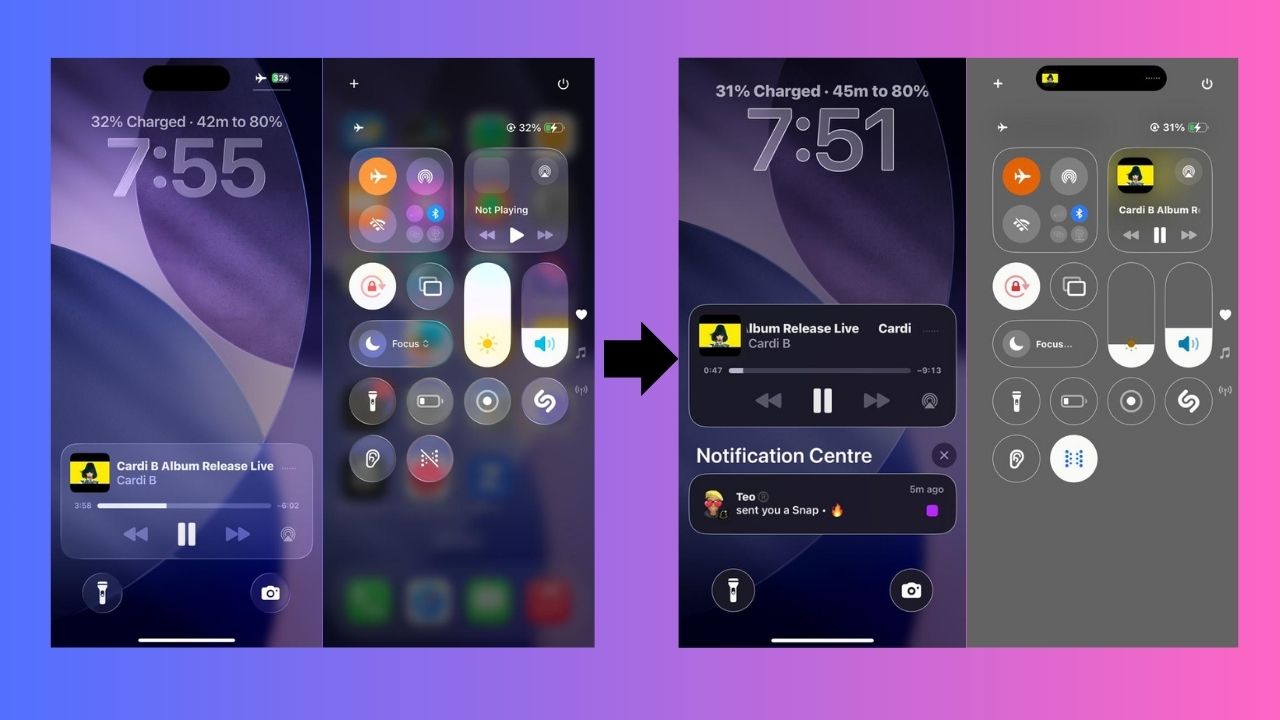
iOS 26’s Liquid Glass looks slick but can overwhelm. Here’s how to tone down animations for better comfort, clarity, and battery life.
By Henderson Jayden Harper – Sep 18, 2025

Learn how to enable the Scientific Calculator and use Math Notes on your iPhone, and breeze through Math equations with ease.
By Alexandra Arici – Sep 15, 2025
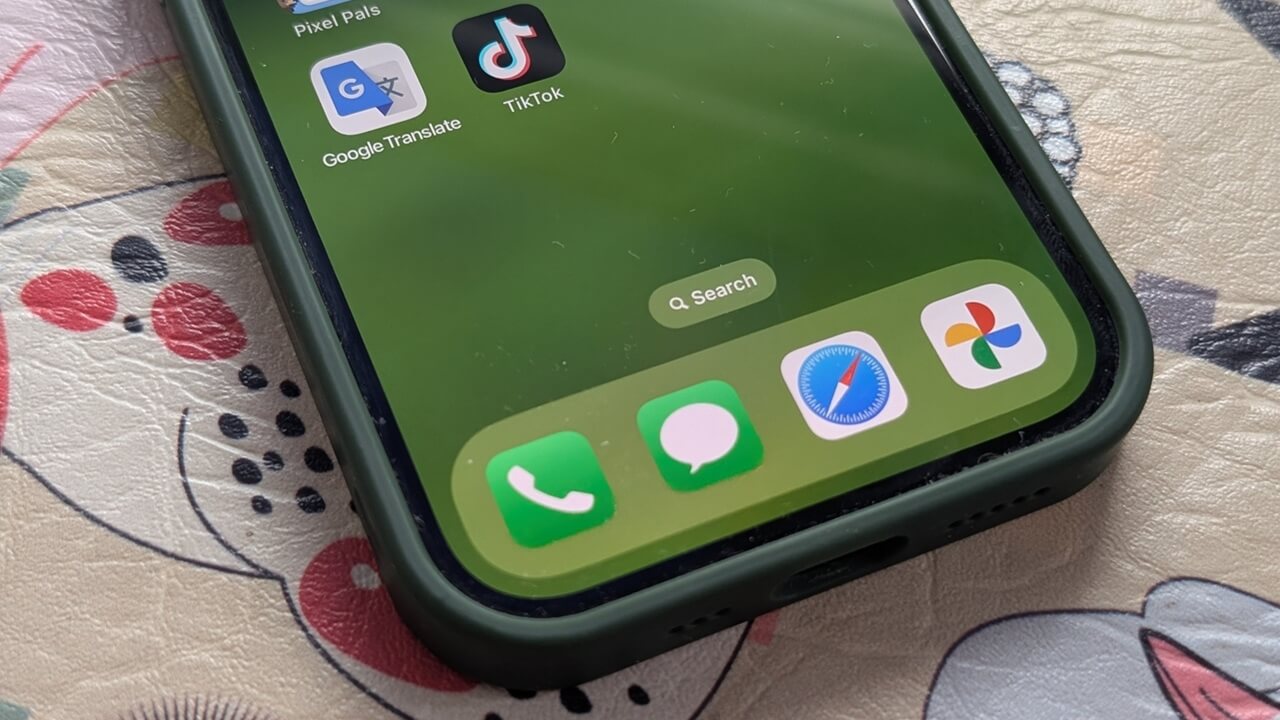
There’s a fun new option to turn your favorite photos into custom stickers.
By Alexandra Arici – Sep 10, 2025
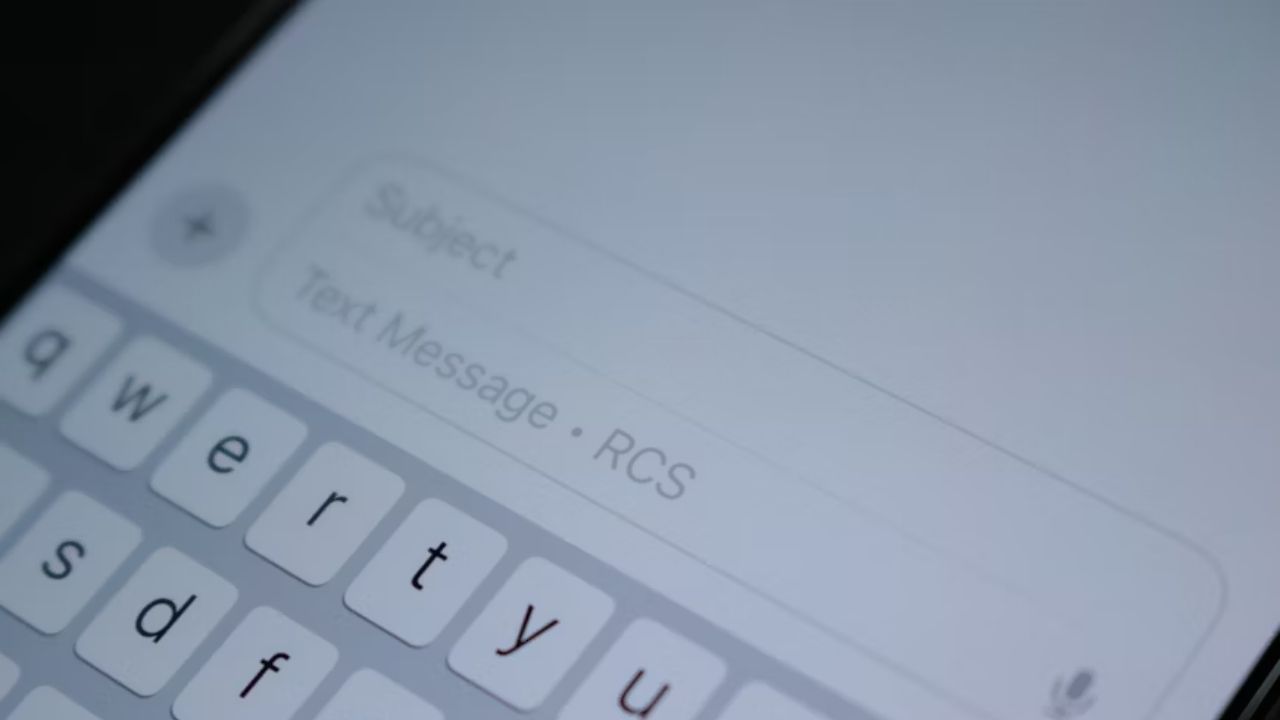
Here’s a straightforward guide to enable RCS messaging on iPhone, its upsides, its flaws, and what it really means for everyday texting.
By Henderson Jayden Harper – Sep 7, 2025
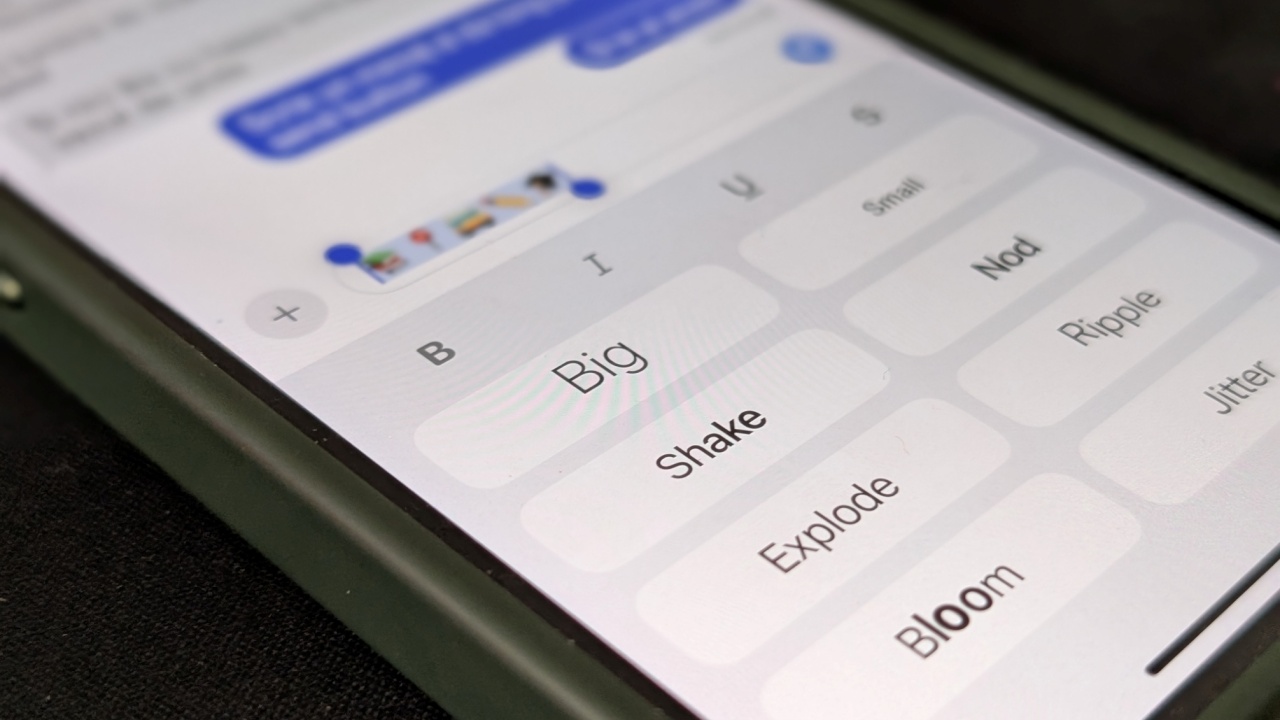
Do you know you can animate your text messages in the Messages app?
By Alexandra Arici – Aug 25, 2025

Once you know how to set up and use AirDrop to transfer files, you’ll never go back to other slower solutions!
By Alexandra Arici – Aug 7, 2025

If you’d prefer not to use the Stolen Device Protection feature on iPhone, it’s best to turn it off.
By Alexandra Arici – Aug 2, 2025

Live Speech can be a smart solution for anyone needing to communicate in a loud environment.
By Alexandra Arici – Aug 1, 2025

Need to measure distance without a tape measure? There is an app for that!
By Crystal Crowder – Jul 25, 2025
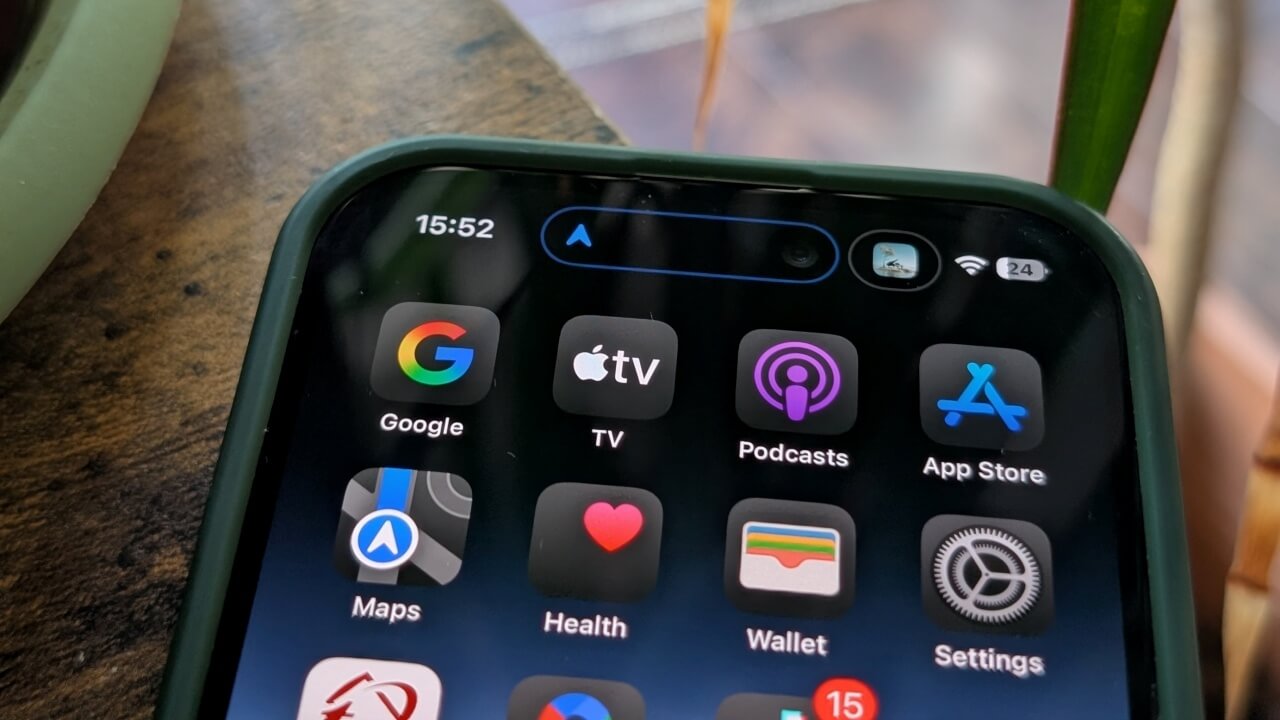
The Dynamic Island offers new ways to interact with your iPhone. Here’s how you can make the most of it.
By Alexandra Arici – Jul 21, 2025
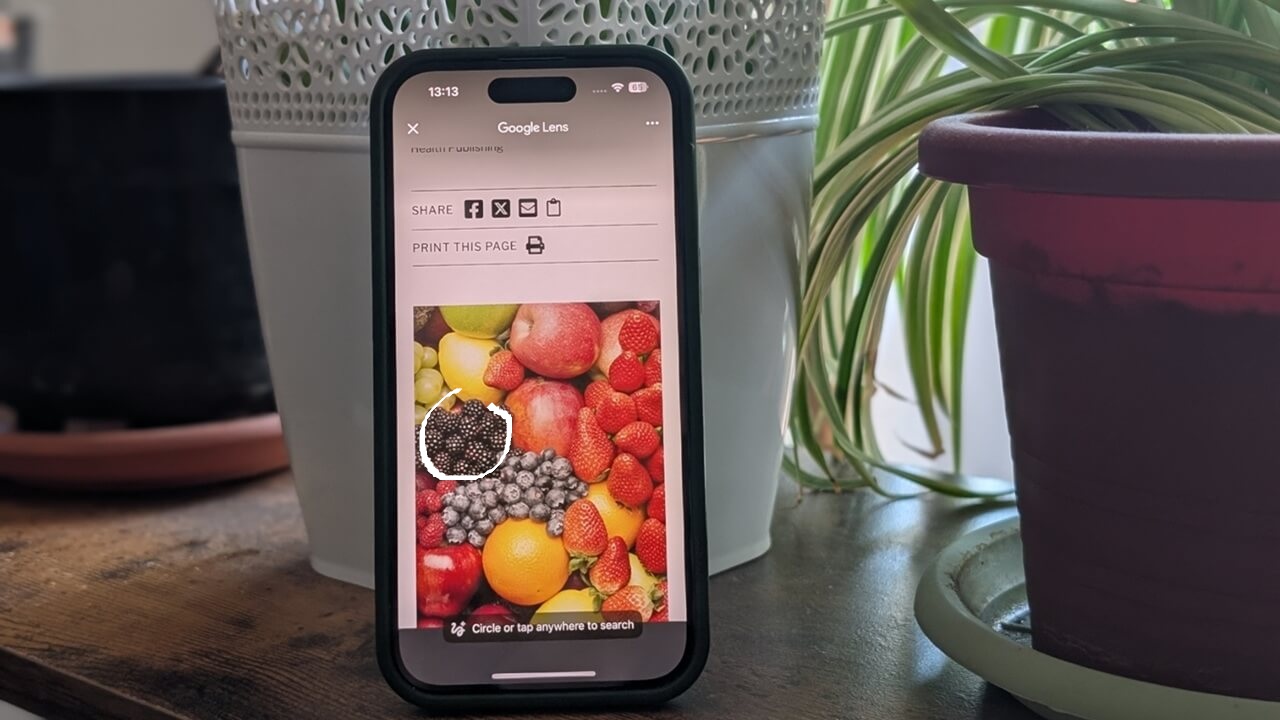
Yes, you can also use Google’s Circle to Search feature on your iPhone.
By Alexandra Arici – Jul 15, 2025
Affiliate Disclosure: Make Tech Easier may earn commission on products purchased through our links, which supports the work we do for our readers.