
Locket simplifies social media to its essentials, making it easy to share photos and stay in touch with close contacts in an unobtrusive way.
By Alexandra Arici – Dec 23, 2025


Learn how to send live snaps from your camera roll on Snapchat without the “Media upload” message showing up on your snaps.
By Alexandra Arici – Mar 4, 2025
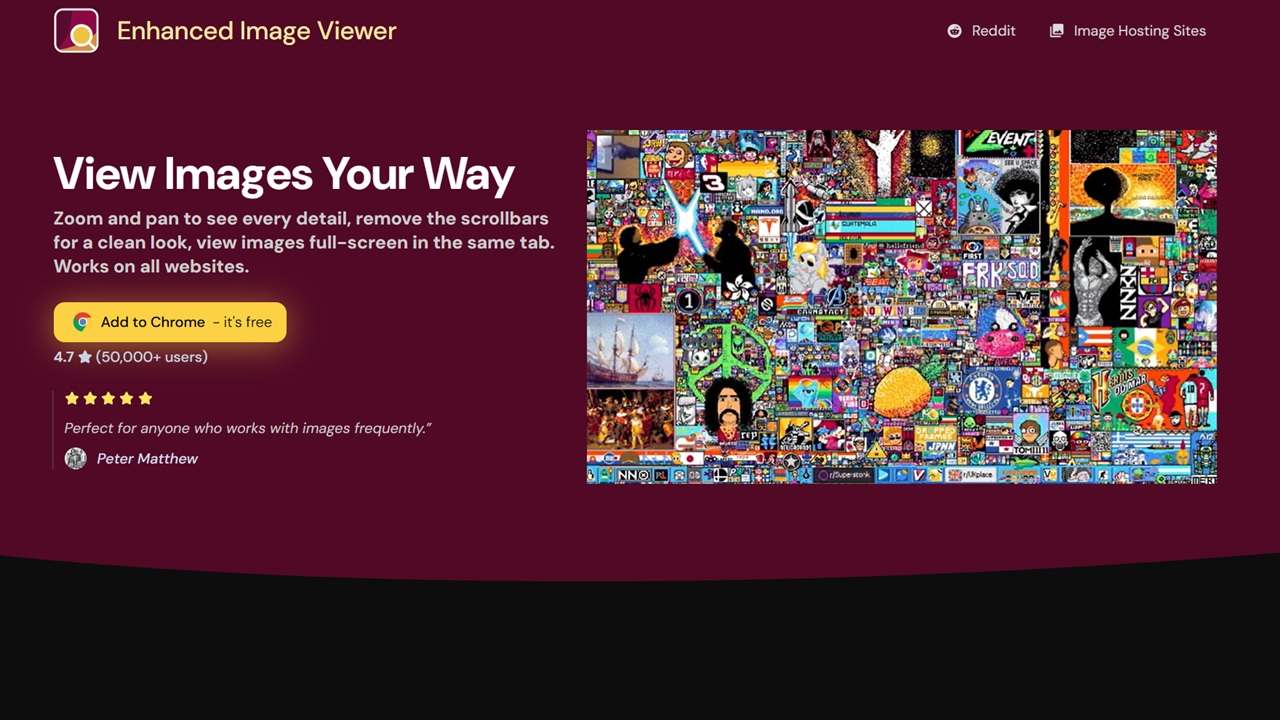
Enhanced Image Viewer lets you manipulate images in a Chrome browser window with zoom, pan, scroll, flip, rotate, and more.
By Sayak Boral – Jan 9, 2025
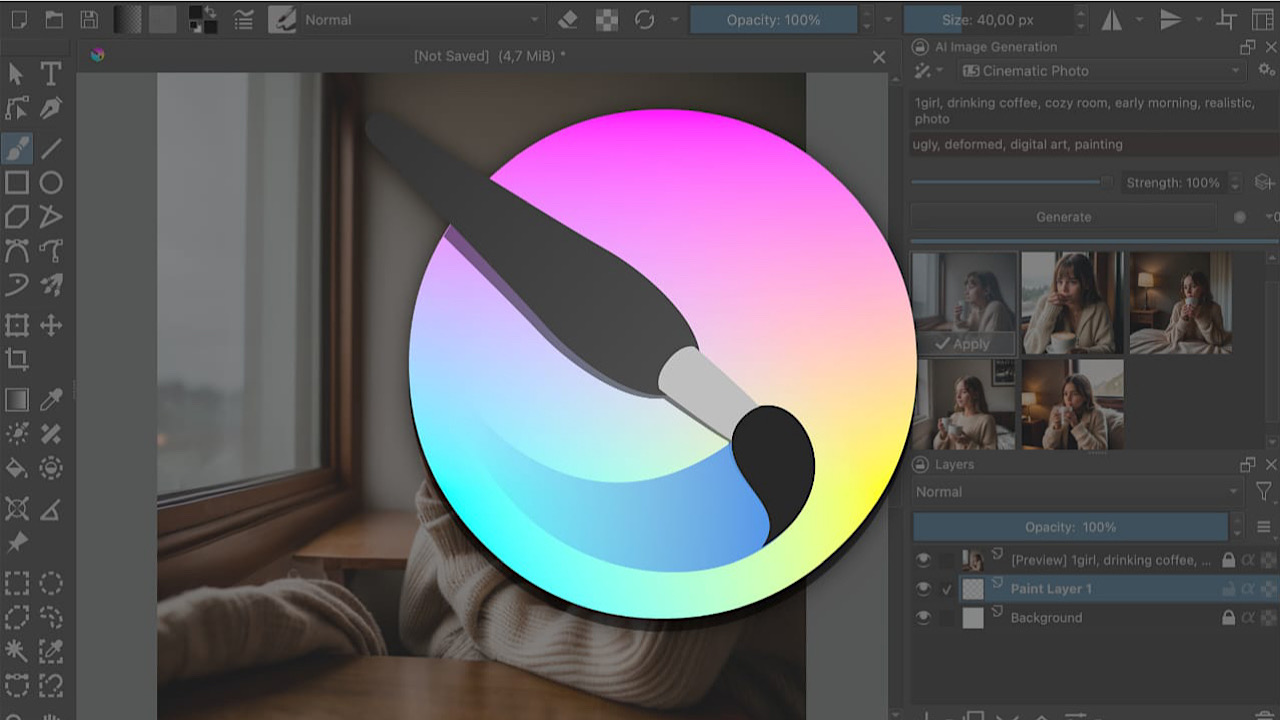
Learn how to easily generate stunning AI images in Krita with our step-by-step guide for Generative AI for Krita.
By David Morelo – Mar 9, 2024
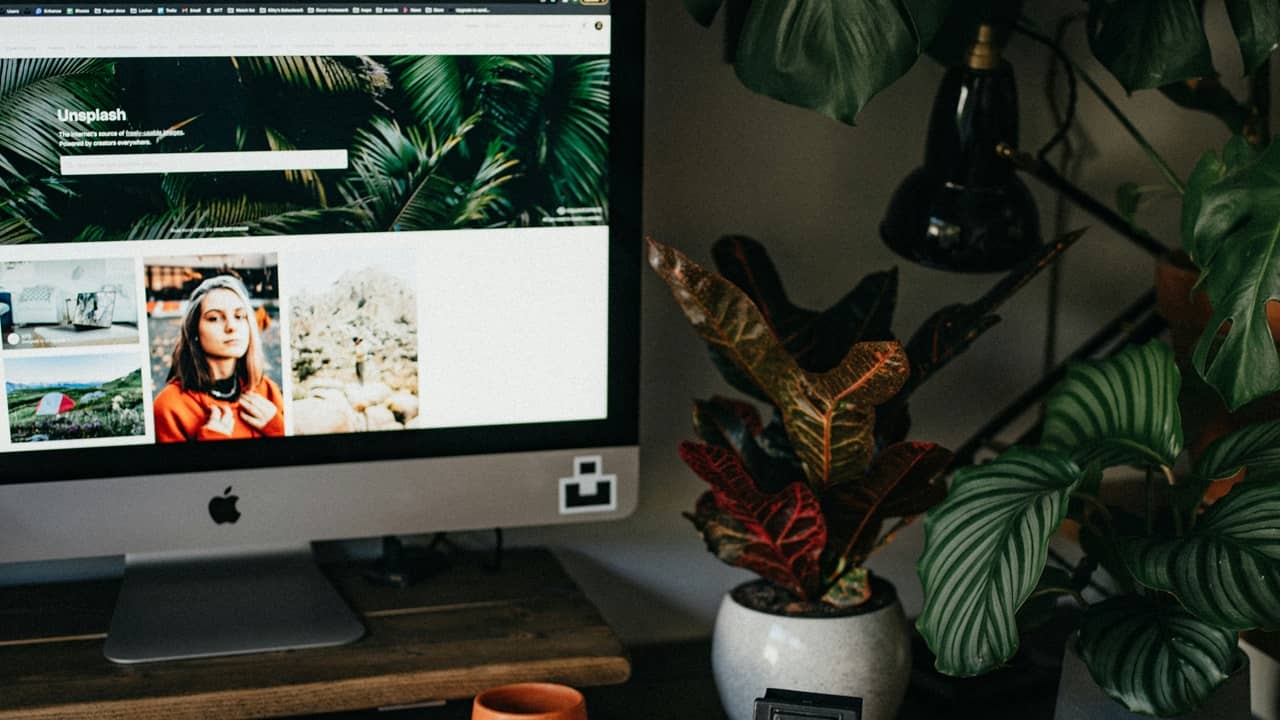
Sometimes the best image search engines aren’t Google after all.
By Crystal Crowder – Feb 8, 2024
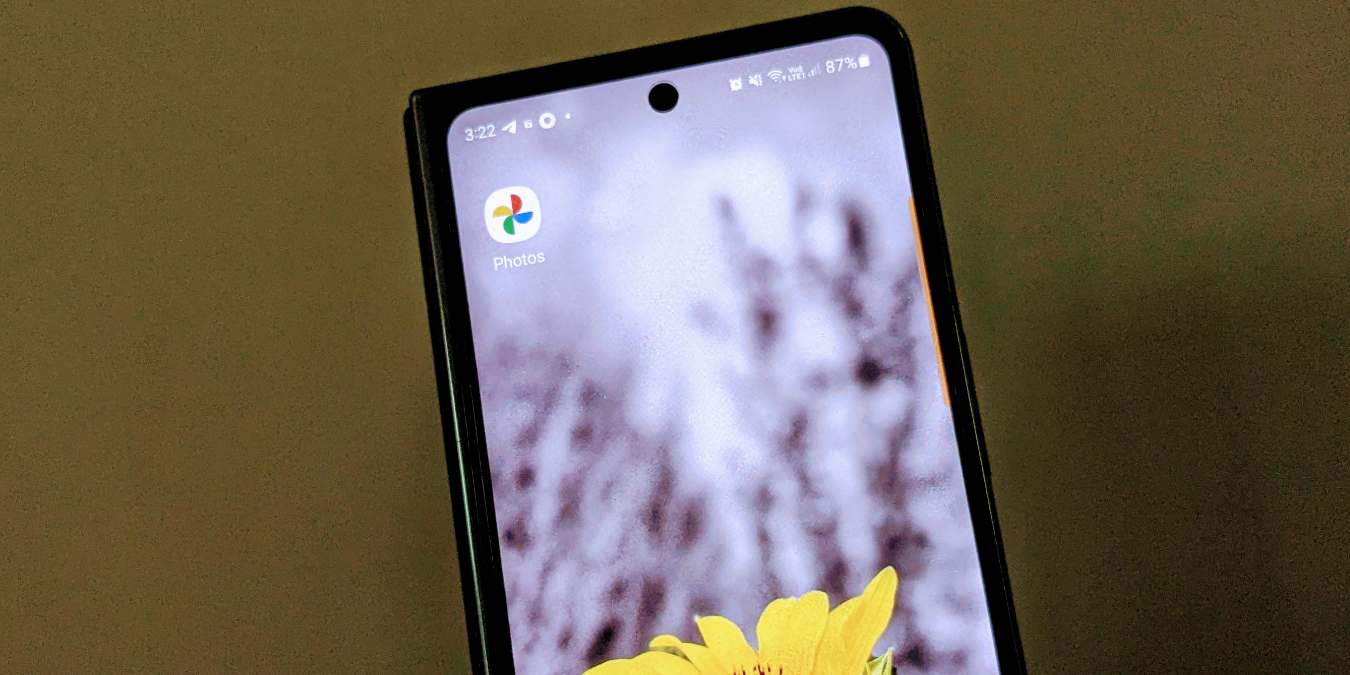
Want to group pictures together in albums in Google Photos? Learn how to create an album and add images to it in Google Photos.
By Mehvish Mushtaq – Aug 18, 2023
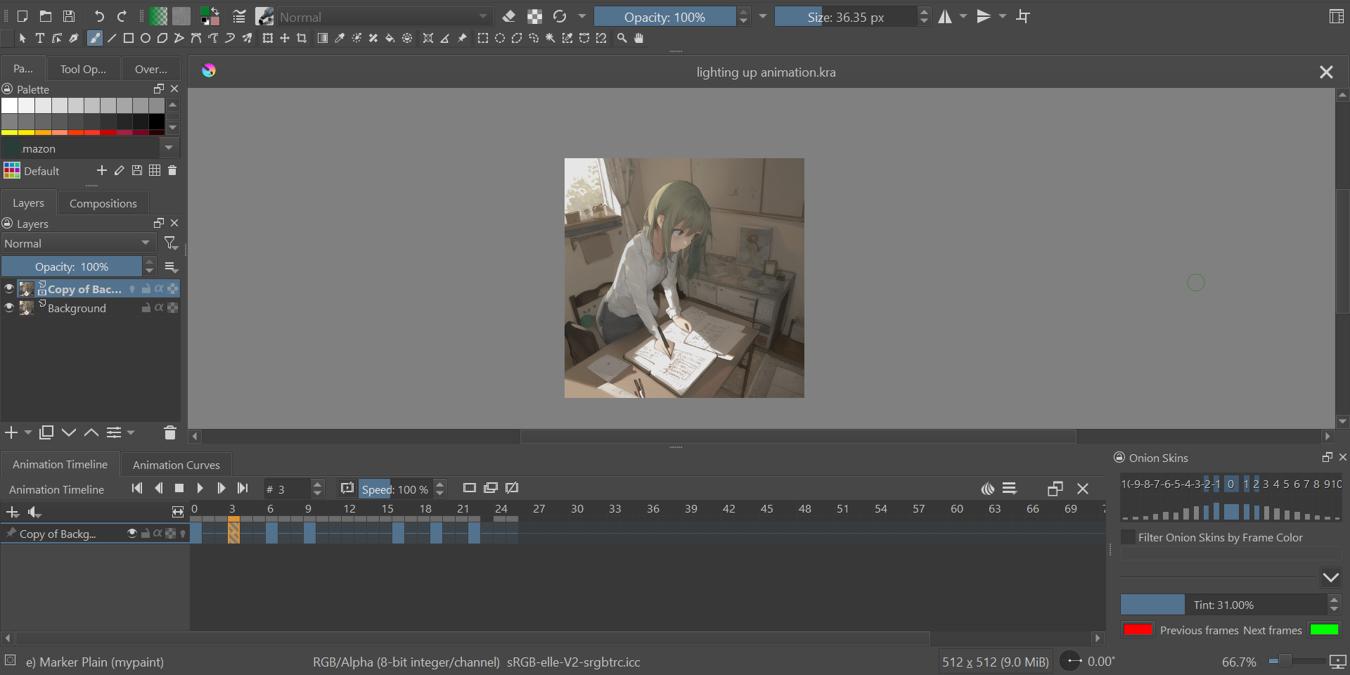
Figure out how to make artistic animations on Krita and render them right on your machine! You won’t even need a dedicated GPU for this.
By Terenz Jomar Dela Cruz – Aug 8, 2023
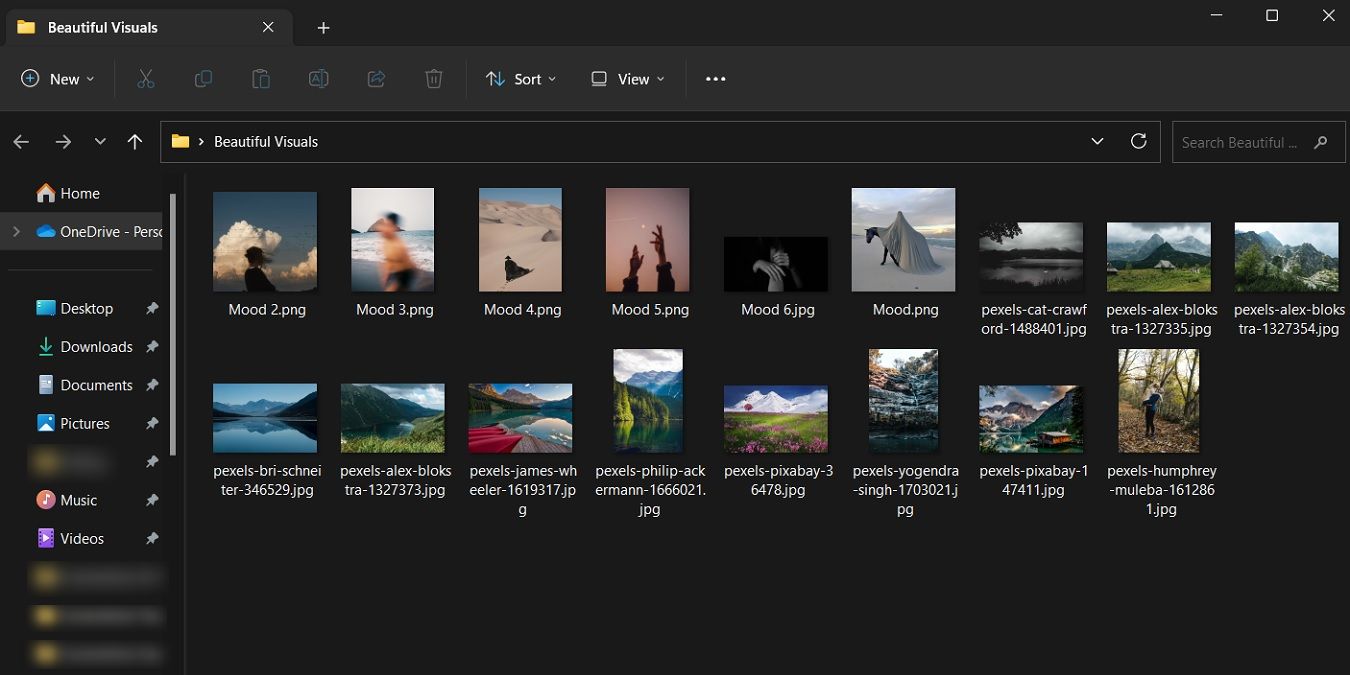
Picture thumbnails not showing on Windows? This tutorial shows you how to fix it when the thumbnails go missing.
By Meenatchi Nagasubramanian – Jul 26, 2023

No GPU? Lacking disk space? Use these web apps to use Stable Diffusion online without needing to install it on your computer.
By Terenz Jomar Dela Cruz – Jun 28, 2023
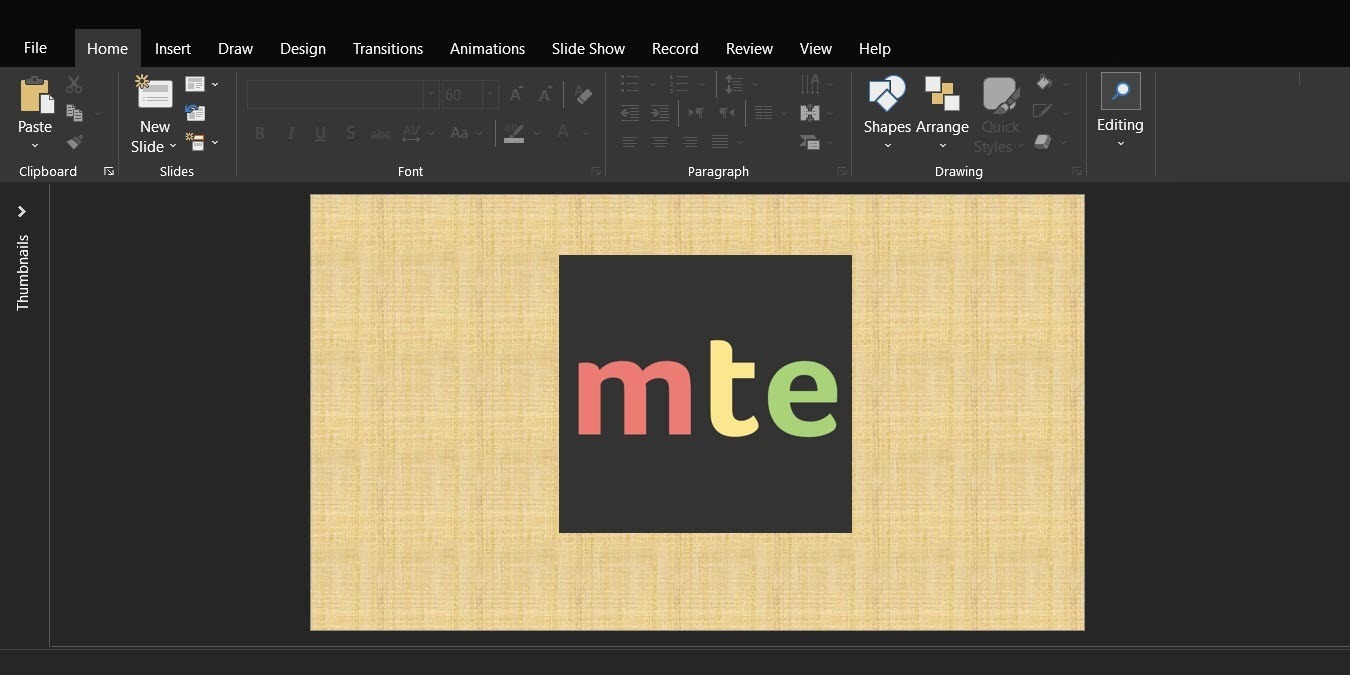
Received a presentation that has some great visuals? Learn how to extract images from PowerPoint without compromising the quality.
By Mustafa Ashour – May 24, 2023

Steganography is the art of concealing messages inside regular objects. Learn how you can do this art in Linux with your digital files.
By Ramces Red – Mar 28, 2023


Be like the spy in the movie!
By Brandon Li – Oct 18, 2022

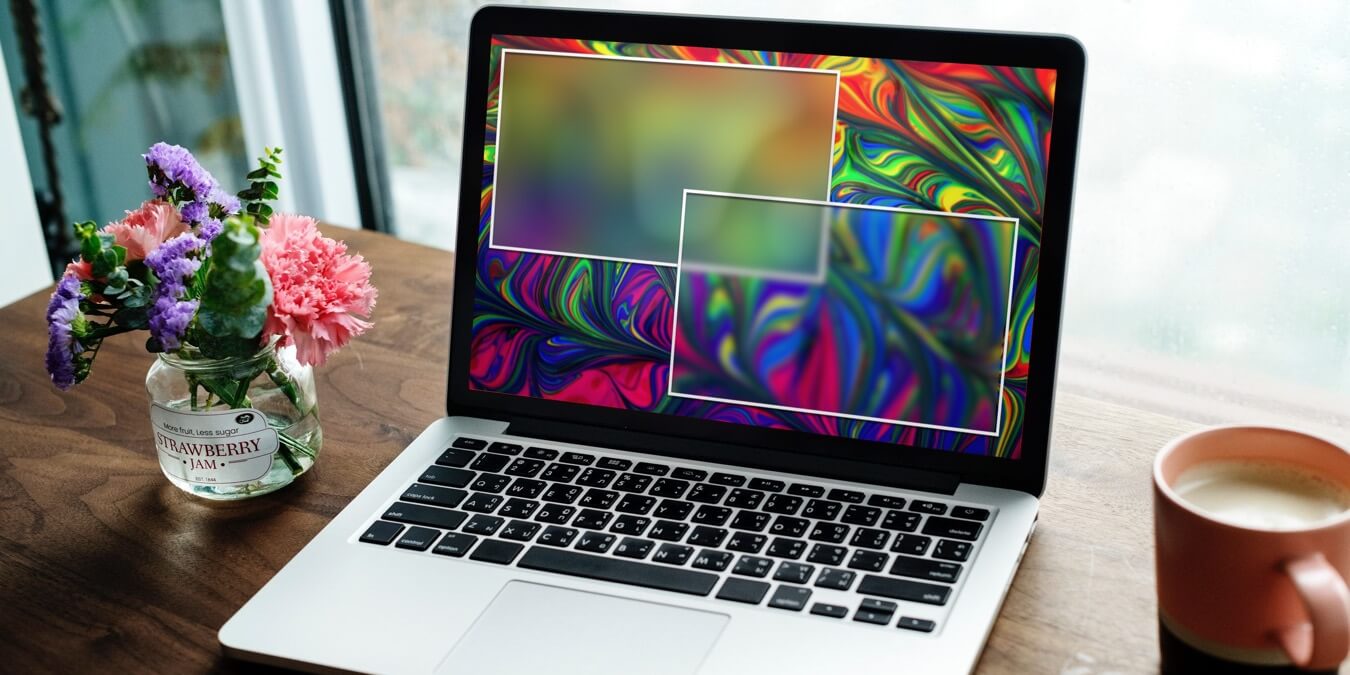
Easily hide private info in your photos on your Mac.
By Ojash Yadav – Aug 13, 2022
Is Telegram acting up and not saving images like it should?
By Alexandra Arici – Jun 24, 2022

These are the websites to bookmark if you are a graphic designer.
By Ryan Lynch – May 17, 2022

If you’re using WhatsApp on a daily basis, you may want to disable the app’s media auto save option.
By Alexandra Arici – May 3, 2022

Not all images you found online can be used for free. Start here for the best sources of royalty-free Creative Commons images.
By Megan Glosson – Mar 30, 2022
Affiliate Disclosure: Make Tech Easier may earn commission on products purchased through our links, which supports the work we do for our readers.





