I have written a tutorial on how to tether your iPhone last year to be able to share your internet connection with other devices. The article was a quick rundown of two applications (TetherMe and MyWi) that you can use although I have never gone deeper enough.
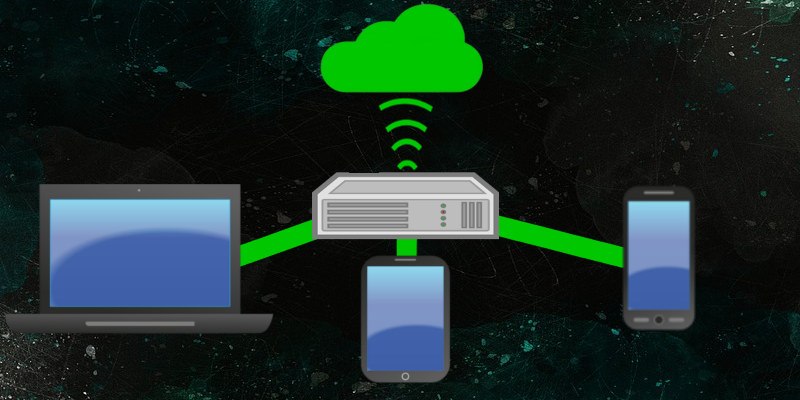
I was able to get hold of a new Verizon iPhone 4 which comes with a built-in app (Personal Hotspot) you can use to share your internet connection. Basically, Personal Hotspot will turn your iPhone into a router that will share your iPhone’s internet connection with your other devices within range. With this app, it is almost painless to tether as you don’t have to install new apps nor jailbreak your iPhone. Here’s how you do it:
[Read more...]
Apple iPhone could be the most popular smart phone nowadays because of its sleek design, brand and unique features. However, it is not a perfect machine. The reason why Apple keeps on updating its version is the mere fact that over time, there are new features which are needed to be added.
We have
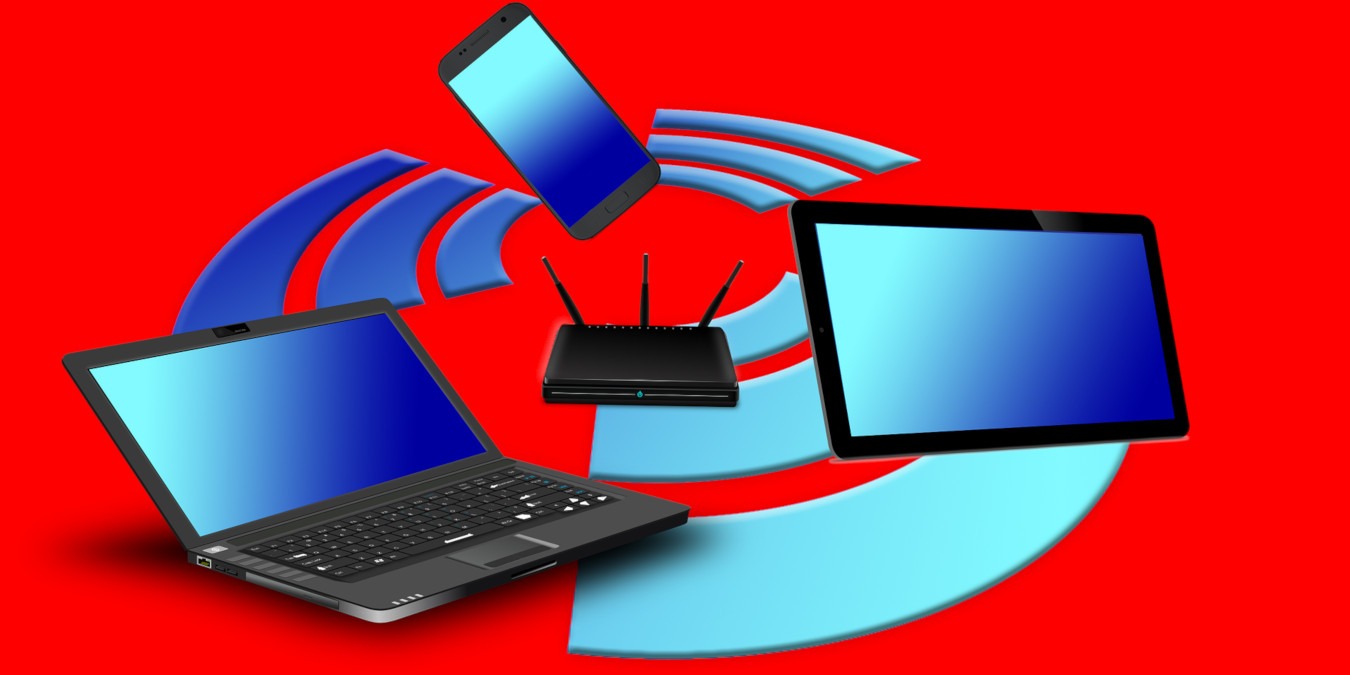
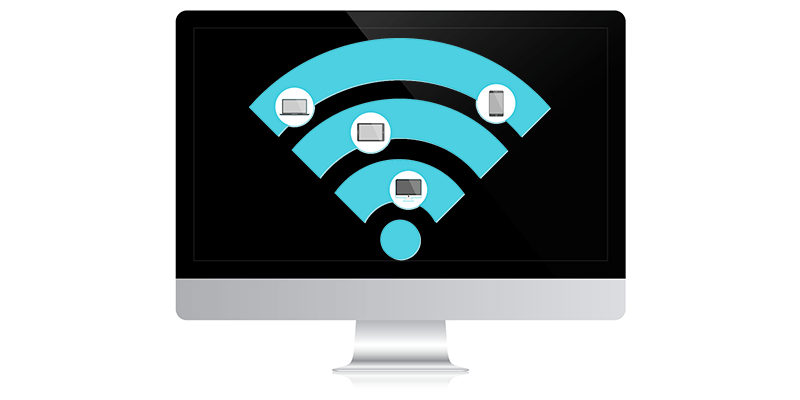
There will be times when you need to access Internet on multiple computers, but there is only one Internet access point available. What should you do? There is one solution: create a WIFI hotspot so you can share the Internet connection among multiple computers, or with your friends. Previously, we have covered how to
WiFi is pretty ubiquitous these days, with devices that support WiFi and places that offer Internet over WiFi as a service, mushrooming everywhere.