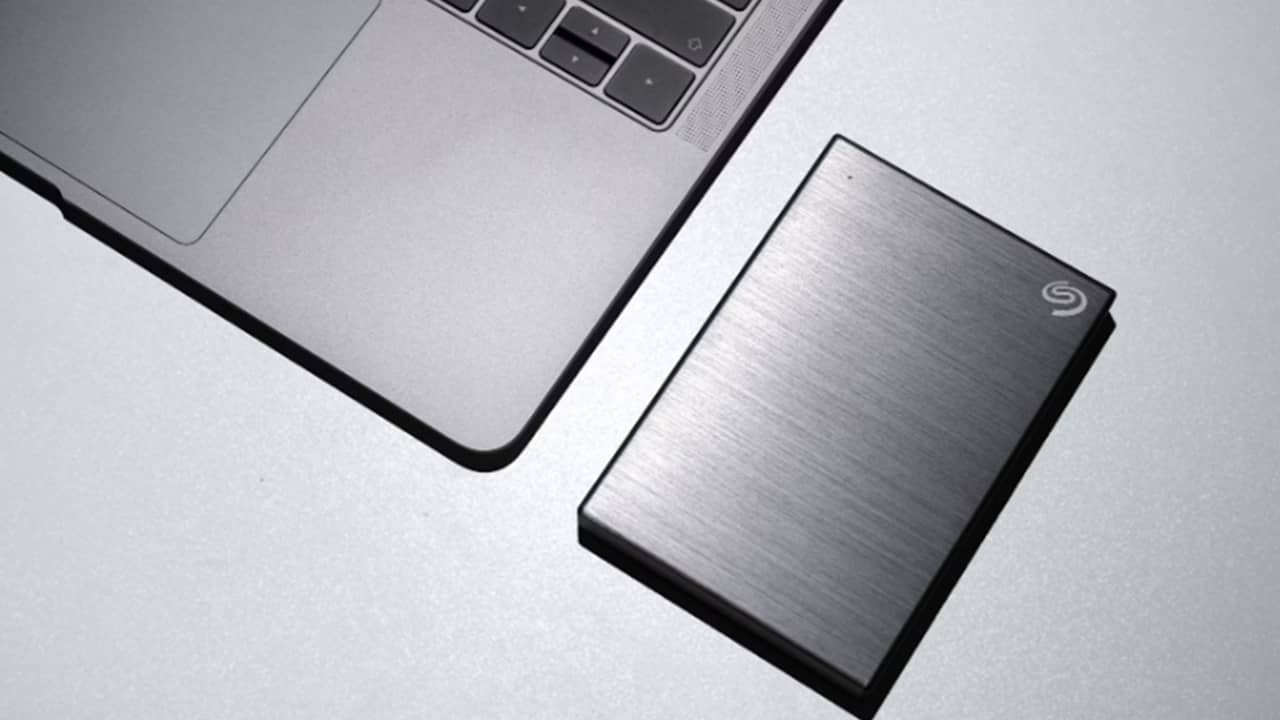
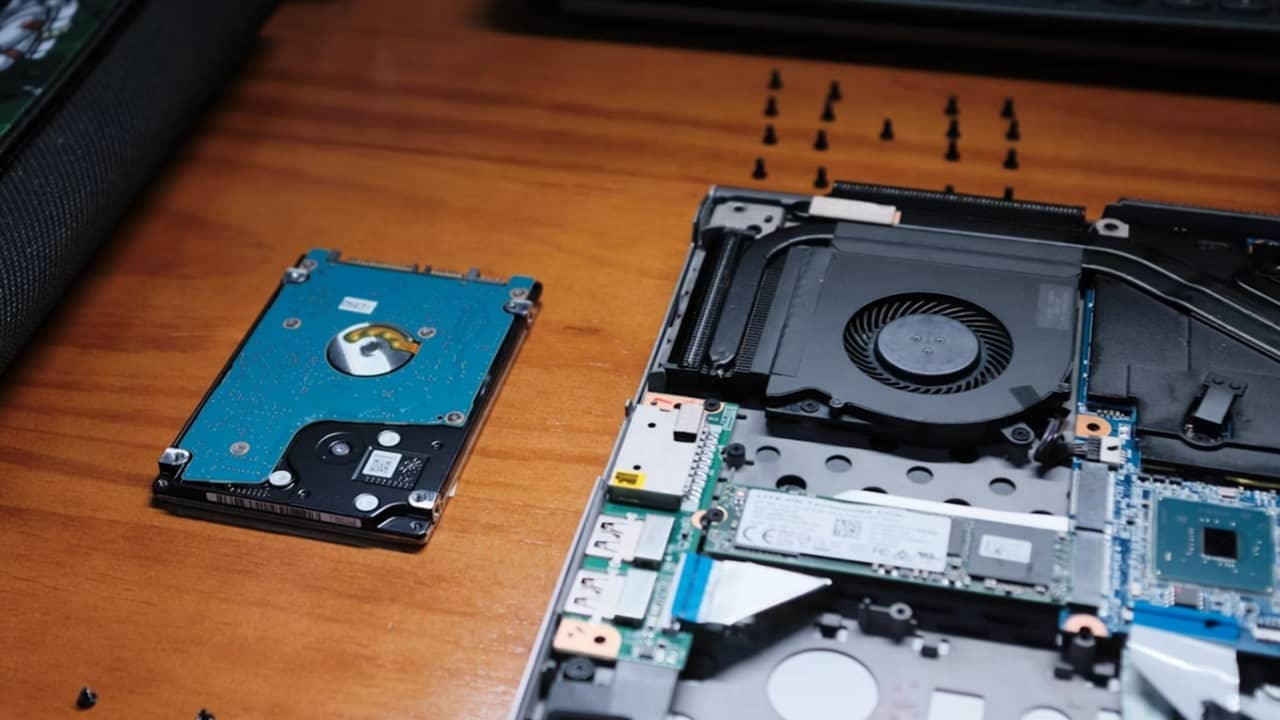
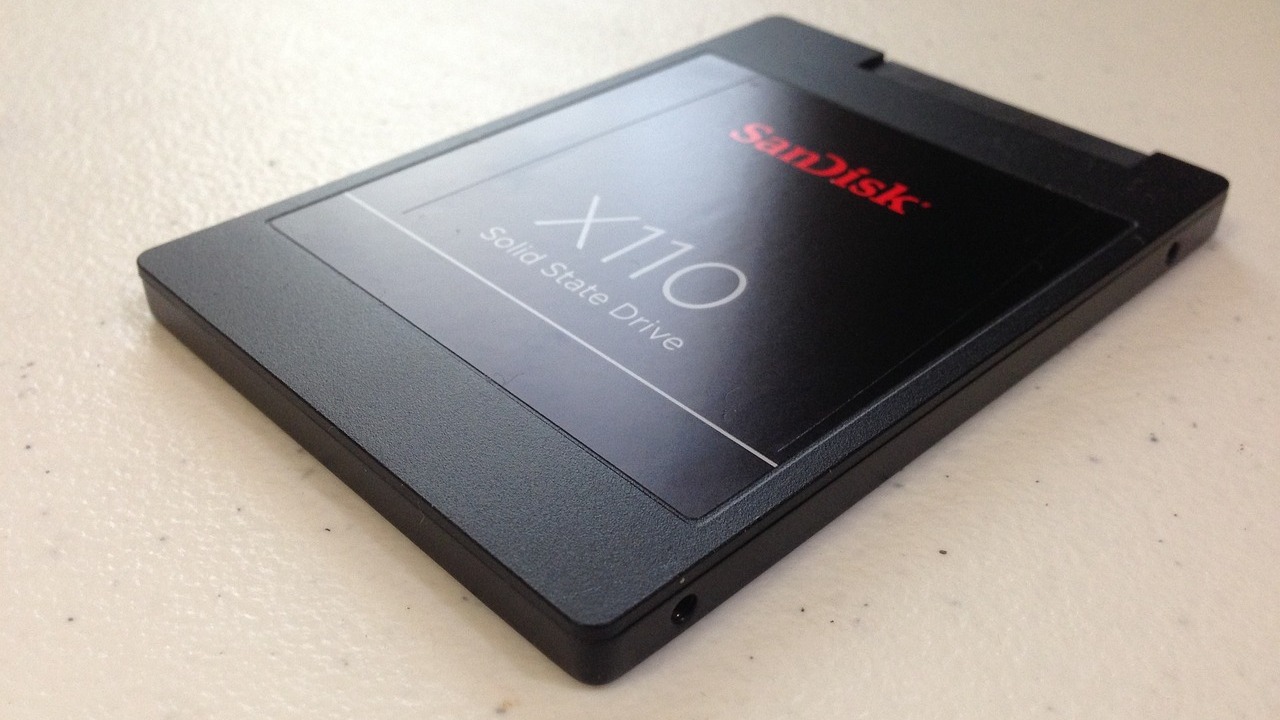
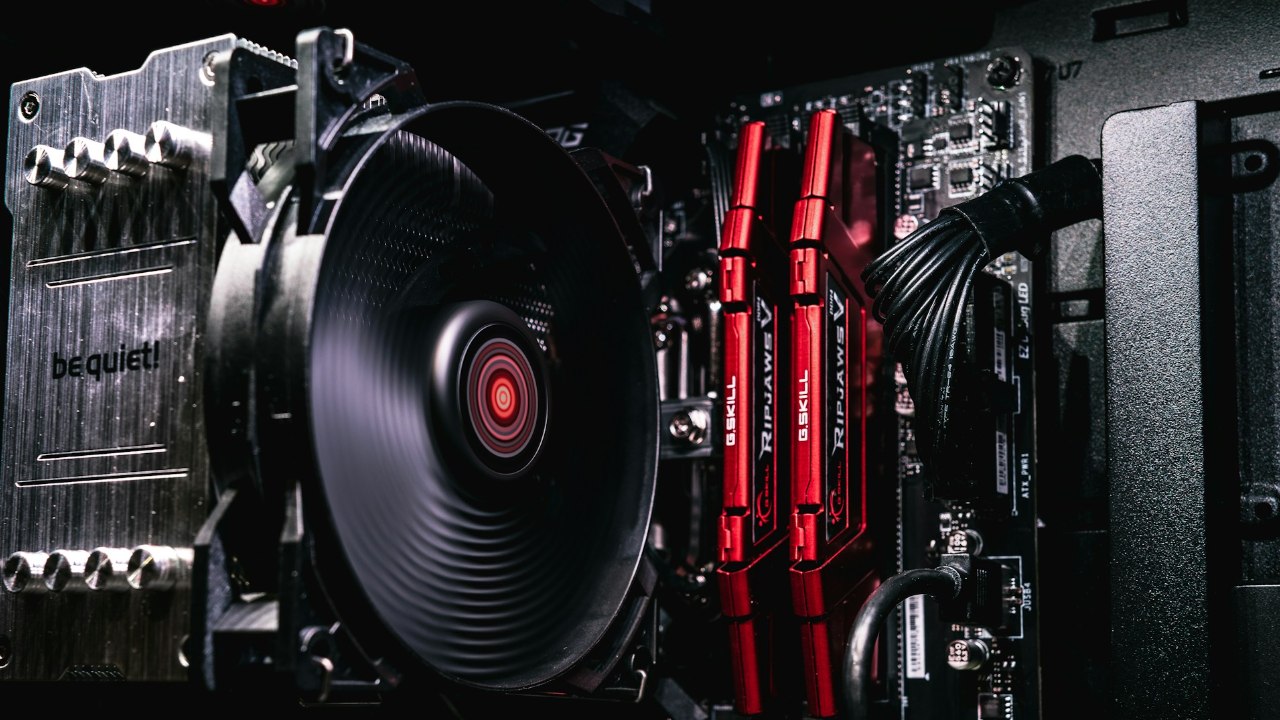
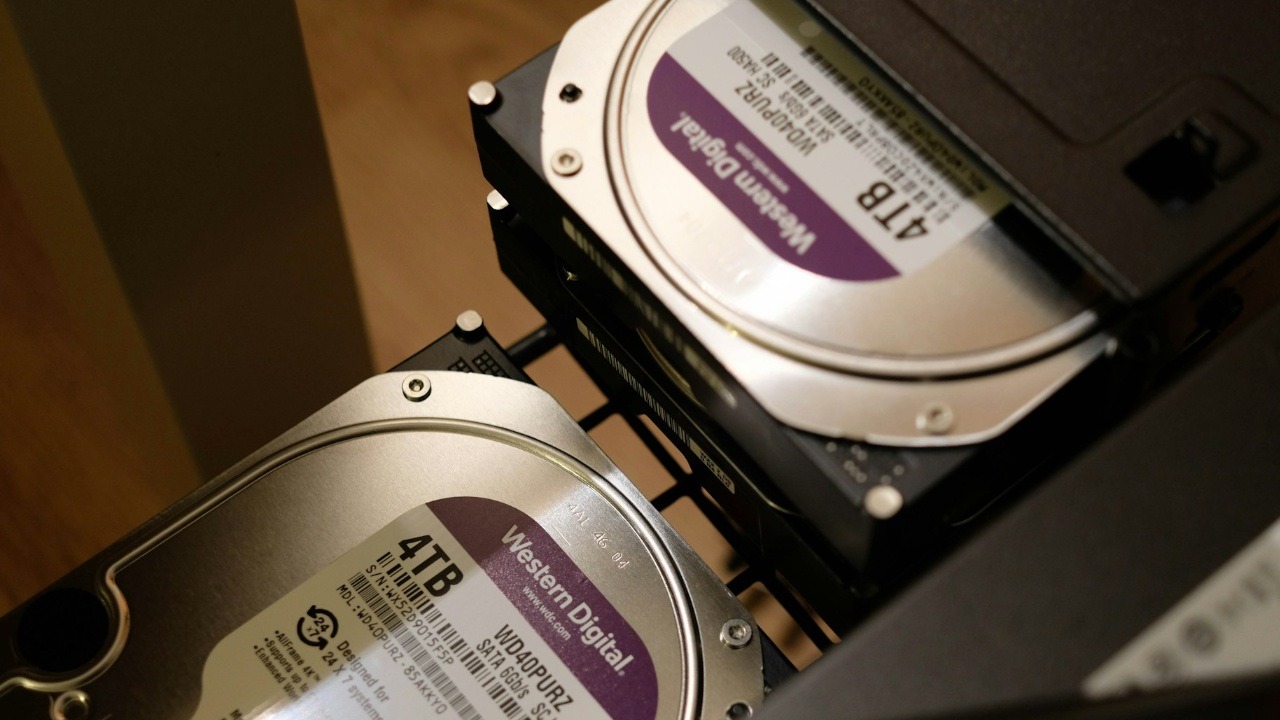
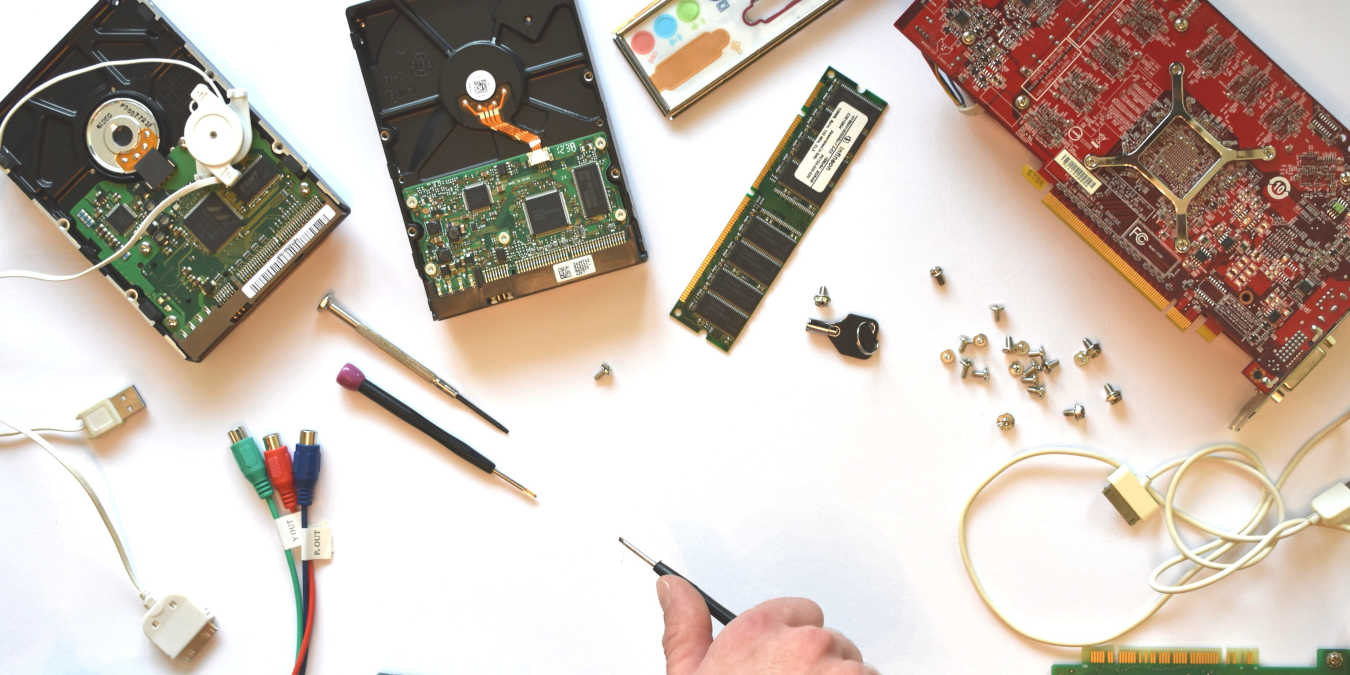
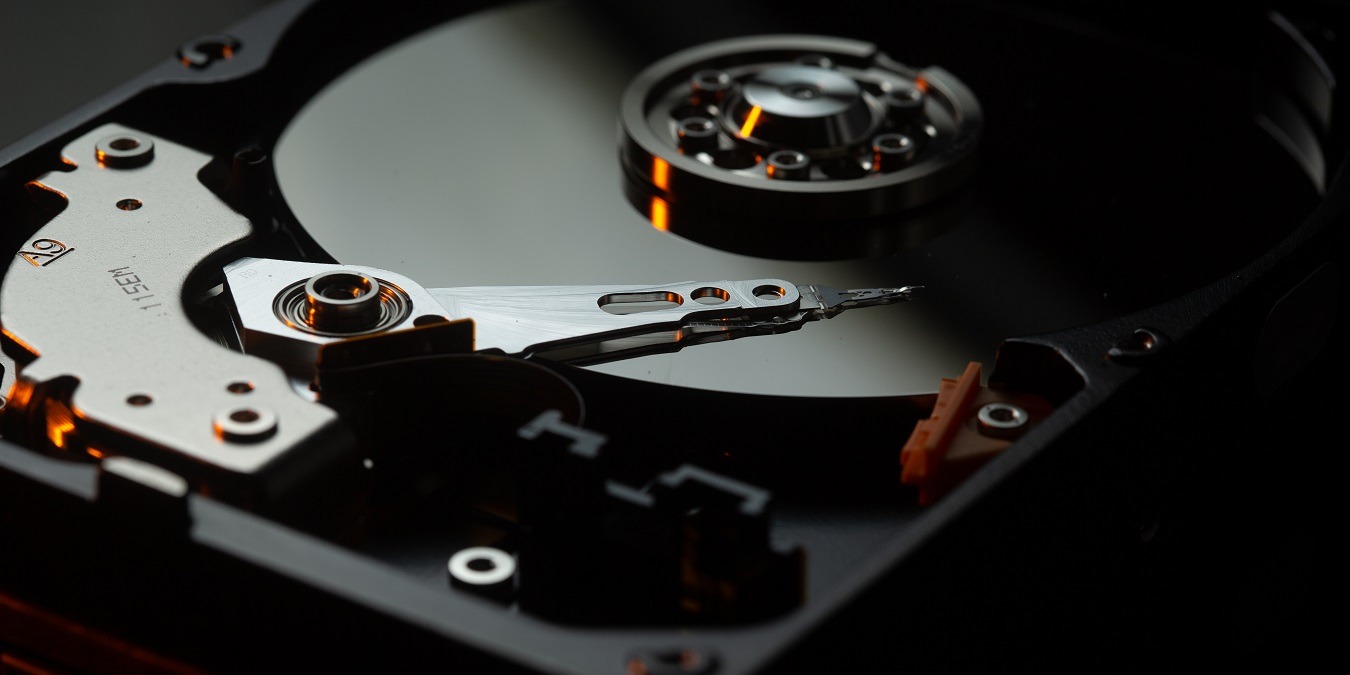
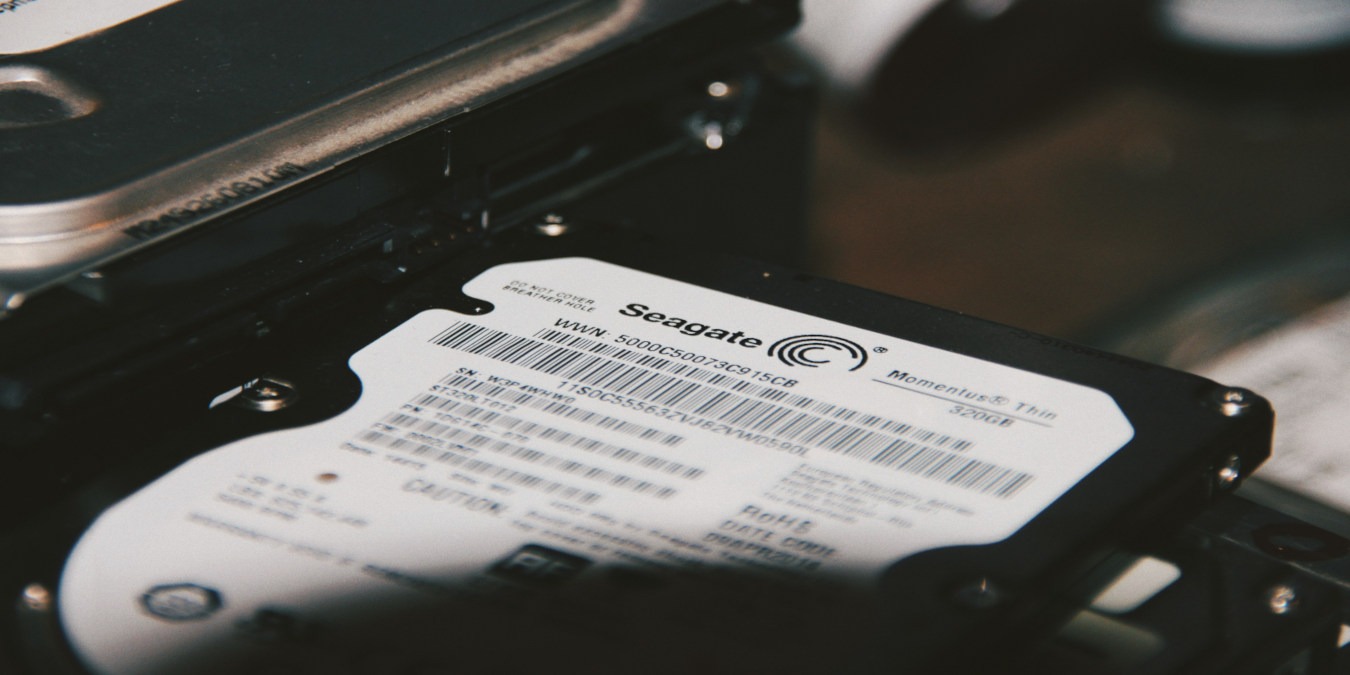
There are many things that your computer depends on to function normally. For the computer to function at all, you need the big five: power supply, motherboard, RAM, hard drive, and CPU. Of the five, the hard drive contains the most important stuff required for you to use the computer – the operating system. When that component acts up, all sorts of funny things start happening.
[Read more...]
How to Check and Fix Your Problematic Hard Drive [Windows 7]
Speed Up Your MacBook With A 7,200RPM HDD
Originally released in May 2006, Apple’s iconic white plastic MacBook has finally been retired from their main product line in favour of the Pro and Air models. But, while the MacBook is no longer being pushed by Apple, these Macs still have a lot of life left in them yet and below I’ll walk through the steps needed to upgrade your MacBook with a 7,200 RPM hard drive – though the guide will still be relevant for those installing a standard hard drive too.
7,200 RPM hard drives offer a good alternative to SSD’s, as though they cannot reach the blistering speeds seen by solid state drives, the user will enjoy increased speed without the cost per gigabyte incurred with SSD’s. There may be some negligible loss in battery power and a small increase in noise upon fitting a 7,200 RPM hard drive, but honestly, the newer models are so well designed that I’ve never seen any significant difference in either. Naturally, your results may vary depending on model.
[Read more...]
How to Install OS X Lion on Multiple Mac’s with A Single Download
The new Mac OS, Lion came out to a lot of fanfare and intrigue, especially when no one knew the actual release date until it actually came out. Previously, we talked about how to get your system ready for Lion, and now we are going to get down to the actual install.
The really good news is that you can use a single payment to buy OS X Lion and install it on any of the computers that you have authorized with your Apple ID. That is not a bad deal at all considering that you can authorize up to five computers with a single account, making the total cost of each install about $6.
Now, you could just download the installer on all of your machines, but that will take up plenty of your time, since each download (the OS X Lion is 4GB in size) could take up half a day.
A better solution is to create a disk image so that you can install it over and over again without multiple downloads.
[Read more...]
How to Add More Memory to Your PC
This is a guest post by Mike Thimmesch
Most people are unaware of the components that go into building a personal computer. You have probably heard words like “motherboard”, “CPU”, and “RAM”, but have little idea about what they mean, how they affect the speed at which information is processed, or how many files you can store at once. In fact, you have probably never seen the inside of your computer casing (unless your PC failed and you had to call tech support to come in and check it out). However, even the layperson can add memory to their computer with relative ease (and that doesn’t mean replacing your computer, either). With just a few simple steps, you can get exactly what you need to ensure that your computer functions properly to meet your current and future needs.
[Read more...]
How to Reinstall Windows 7 Without Formatting the Hard Drive
It is very common for WIndows OS to become sluggishly after some time, but when it reaches the point where you can’t get anything to run properly, you know that it is time to do a re-installation. For my Windows 7 machine, after countless installation/uninstallation of various applications (all for testing purpose), it starts to give way and behaves abnormally. Apps start to run sluggishly and I can’t even get the Windows update to function. The best choice for me is to reinstall the OS.
However, most people don’t like (or even hate) to do a reinstallation because it means that they have to reformat the hard drive and probably lost some of their precious data. The fact is, you don’t really have to reformat your hard drive to reinstall the OS. Even after the reinstallation, your data will still be intact. Here’s how you can do it:
[Read more...]
How To Clean Up Your Mac’s Hard Drive
Is your Mac running out of space? Is it just slowing down, and you feel that getting rid of some of the extra stuff you don’t use might speed things up a bit. Well you might be right, but there’s only one way to know for sure, and that’s cleaning up your hard drive and seeing what happens! So how do you go about cleaning up your Mac’s drive for increased storage space and flexibility, as well as speed? Read on and find out!
[Read more...]
How to Clone Drives and Partitions with Clonezilla
Some hard drive cloning programs support a wide variety of filesystems. Some can create image files and store only the sectors that are actually in use. Some can clone over a network, and a few can multicast a drive or image file to multiple targets simultaneously. Clonezilla can do all of the above, with the added benefit of being free. It’s a live CD with partitioning software and simple cloning interface packed with useful features. In this guide, we’ll be using Clonezilla to run a disk-to-disk copy and checking out a few of the more interesting options.
[Read more...]
Recover Your Lost Data With Easeus Data Recovery Wizard + Free Giveaway

Most of you would think that if you back up your data regularly, they would be safe. Sound logical, isn’t it? The idea of data backup is that if the main hard drive fails, you still have another one to take its place. But what happen if your backup hard drive crashes as well?
Last month, after I have backed up my data, I reformatted my PC and installed a new Linux distro. When I plug in the backup hard drive to restore the data, the hard drive crashed on me. That must be the worst thing that ever happens to me, and yes, ALL MY DATA WERE GONE.
To cut the long story short, I went in search of a data recovery software and Easeus Data Recovery Wizard just appears right there in the top of the search result. I give it a try and it WORKS. If you are in the same shoe as me, you need to give this software a try.
[Read more...]
Easily Backup Your Windows With Easeus Todo Backup
Easeus Todo is a free back up service for computers running Windows 2000 and newer. It is also compatible with Windows Server 2000/2003/2008. Todo not only can make backup images of your hard drives, it can also clone drives too. I am not going to go over that part of the application though.
Being a free option that actually works the way you need it too is a big benefit and to top it off, it is even easy to use. That’s a rare find for most free applications.
[Read more...]
A Quick Guide to Linux Partition Schemes
What partition setup should you use when dual-booting Windows and Linux? Should you have a separate partition for /home? Why do some people put /boot into its own partition? These are the questions that have plagued mankind since the dawn of time (or thereabouts). This guide aims to answer some of those questions and demonstrate some partition schemes that may save you some space, hassle, or data loss down the line.