Intel has made it easier for Linux users to run the latest Intel graphics drivers. Here’s how to install the latest Intel graphics drivers for Linux distros.
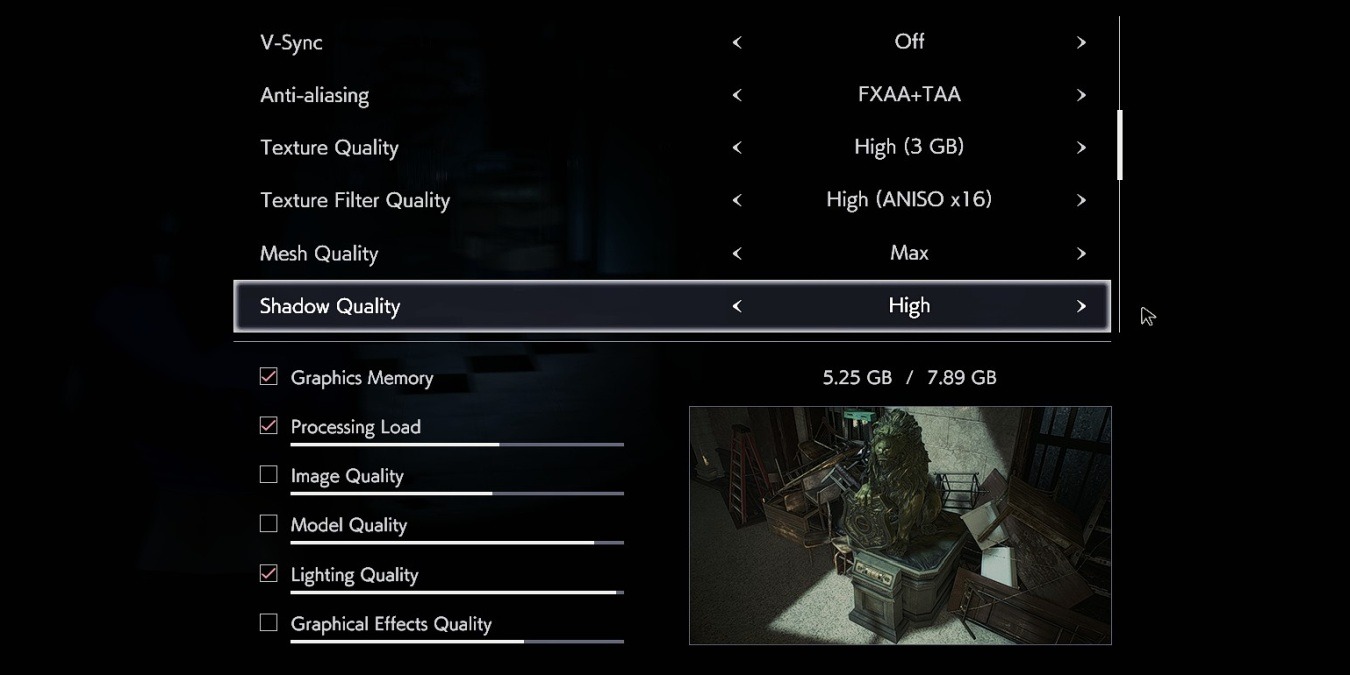
Even if you lack a cutting-edge graphics card or a powerful processor, you can still have a good game experience by optimizing the graphics settings. Here’s how to do so.
You might think that 8-bit graphics are outdated, but they are in fact having a resurgence and have been used in many old-style graphics work. Here’s how you can create 8-bit graphics with Cosmigo Pro Motion NG.
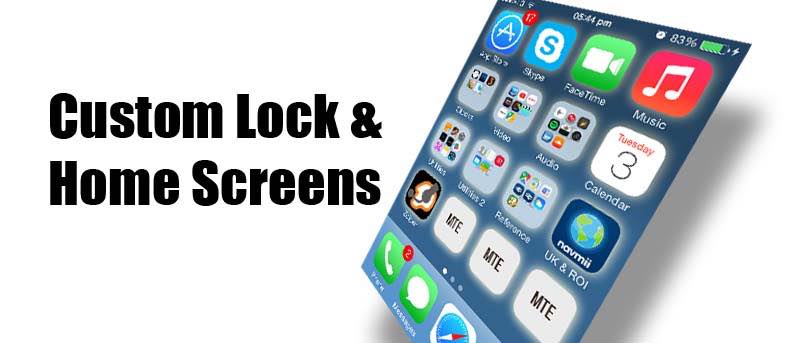
Adding custom graphics to your iPhone isn’t as easy as you may think. Here’s how to make the perfect custom wallpaper to match the lock screen and icons on an iPhone or iPad.
Want to create beautiful social graphics quickly? Adobe Post is a free iOS-only app that can help you create stunning social graphics in seconds. Here’s how it works.
If you are looking for a new graphics technique using layers, you may want to try this great retro 1960s pop art screen print effect. We’ll show you how to get this cool effect using Pixlr.
When it comes to Linux, you have open source drivers & proprietary video drivers that come directly from a manufacturer. Wondering which to use? Read on.