There are many ways you can use Linux without touching the Terminal. Here are some GUI alternative tools that can replace your terminal-based ones.
By Haroon Javed – Sep 22, 2025
Need to meddle with your hard disk partition? Here we show you how to create and resize partitions with GParted.
By John Perkins – Nov 10, 2020
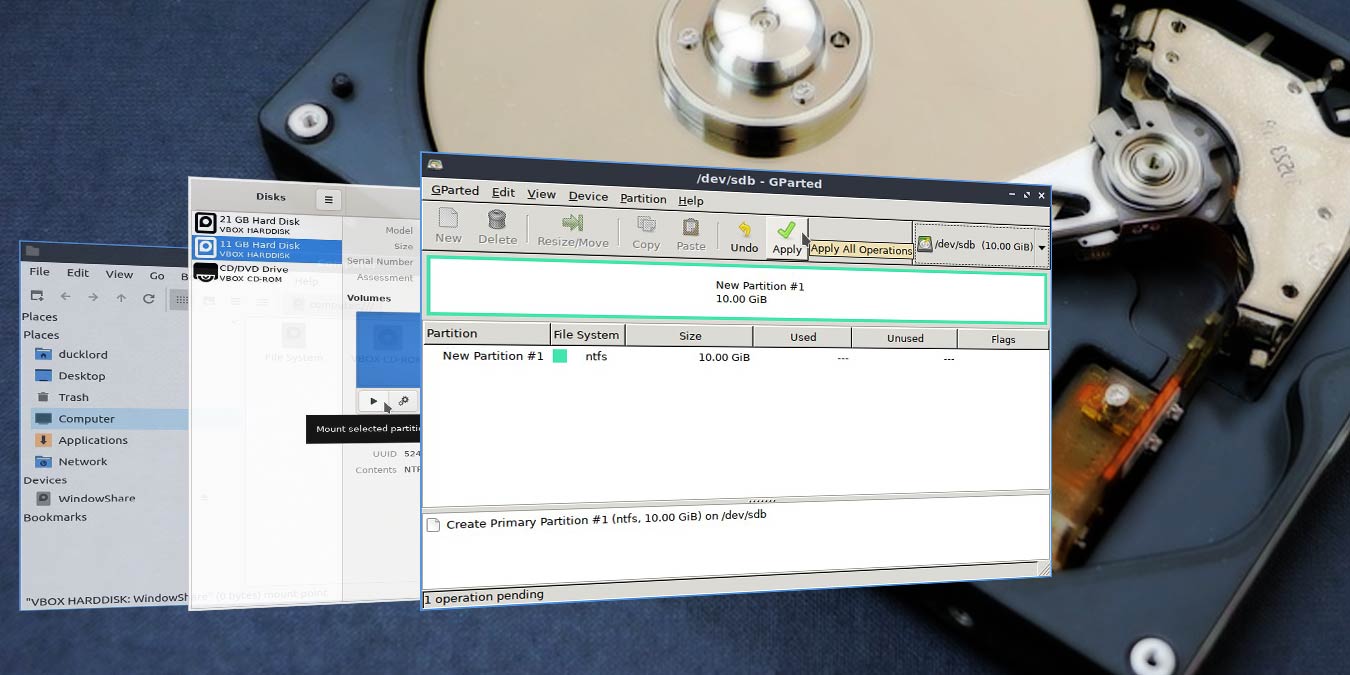
It’s easy to format your hard disk to NTFS in Linux. There are many ways to do this, and we will show you how to do it using GParted.
By Odysseas Kourafalos – Jan 16, 2020
Affiliate Disclosure: Make Tech Easier may earn commission on products purchased through our links, which supports the work we do for our readers.





