LocalSend is a local-first file transfer tool that moves files directly between devices on the same network.
By Haroon Javed – Feb 26, 2026
Once you know how to set up and use AirDrop to transfer files, you’ll never go back to other slower solutions!
By Alexandra Arici – Aug 7, 2025
You can now open Word, Excel, or PowerPoint docs without signing up into Microsoft’s ecosystem.
By Henderson Jayden Harper – Jun 1, 2025
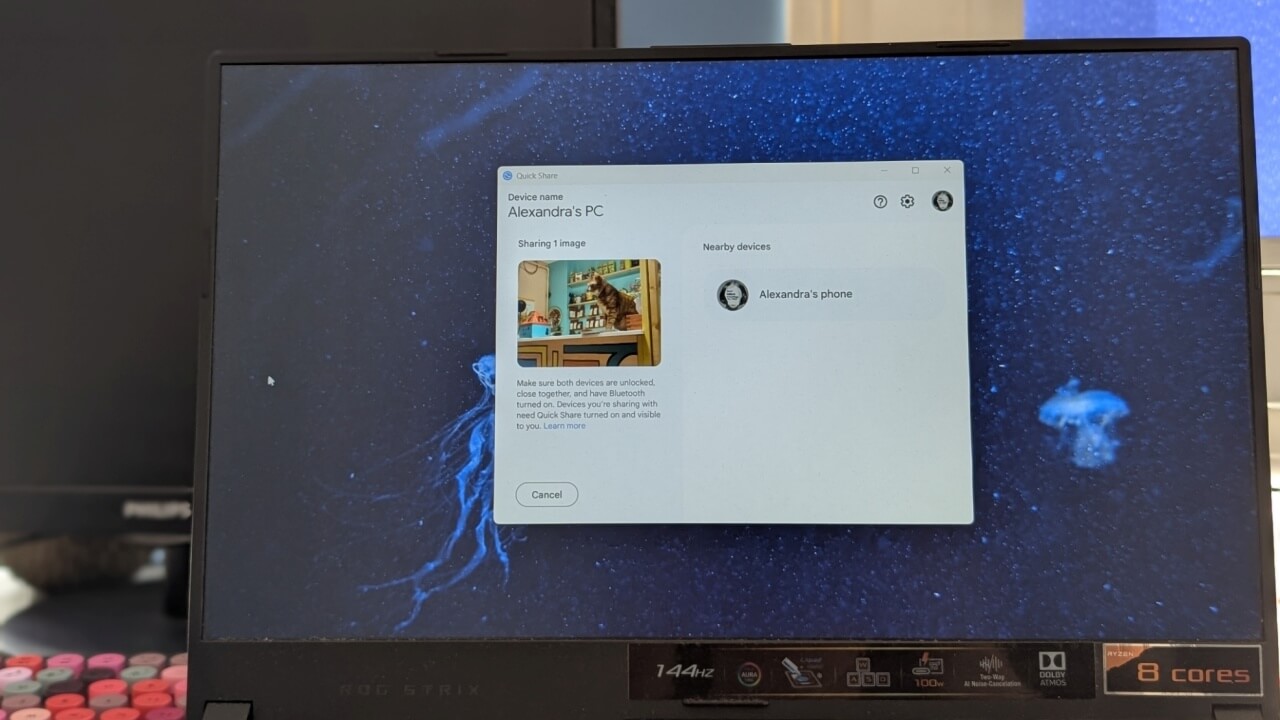
Quick Share on Android now allows you to easily transfer files to other Android devices and Pcs
By Alexandra Arici – May 23, 2025
Start sharing large files without having to first upload it to a cloud storage service.
By Crystal Crowder – Apr 2, 2025
Learn how to split large files in Windows to bypass file size limitations when sharing files with others or storing them offline.
By David Morelo – Jan 4, 2025
Discover the best file management tools for Slack in this complete guide. You’ll find an ideal choice regardless of your team size.
By Danny Maiorca – Nov 9, 2024
PicoShare is a powerful tool to share big files online. Learn how you can easily deploy this handy utility on your Linux server today.
By Ramces Red – Jun 17, 2024
Don’t trade in, sell, or give away your old Mac! Take a look at four effective ways to repurpose your aging Mac.
By Charlie Fripp – Jul 30, 2023
You don’t need a special app or utility to work on a file with others. You can collaborate in the Messages app on iPhone, iPad, and Mac.
By Sandy Writtenhouse – Mar 1, 2023
Transfer files between Windows devices almost instantly.
By Richard Kanyoro – Jun 6, 2022
For the times you need to share files between an Android device and Windows computer, here are some of the easiest ways to do so.
By Robert Zak – Jul 14, 2021
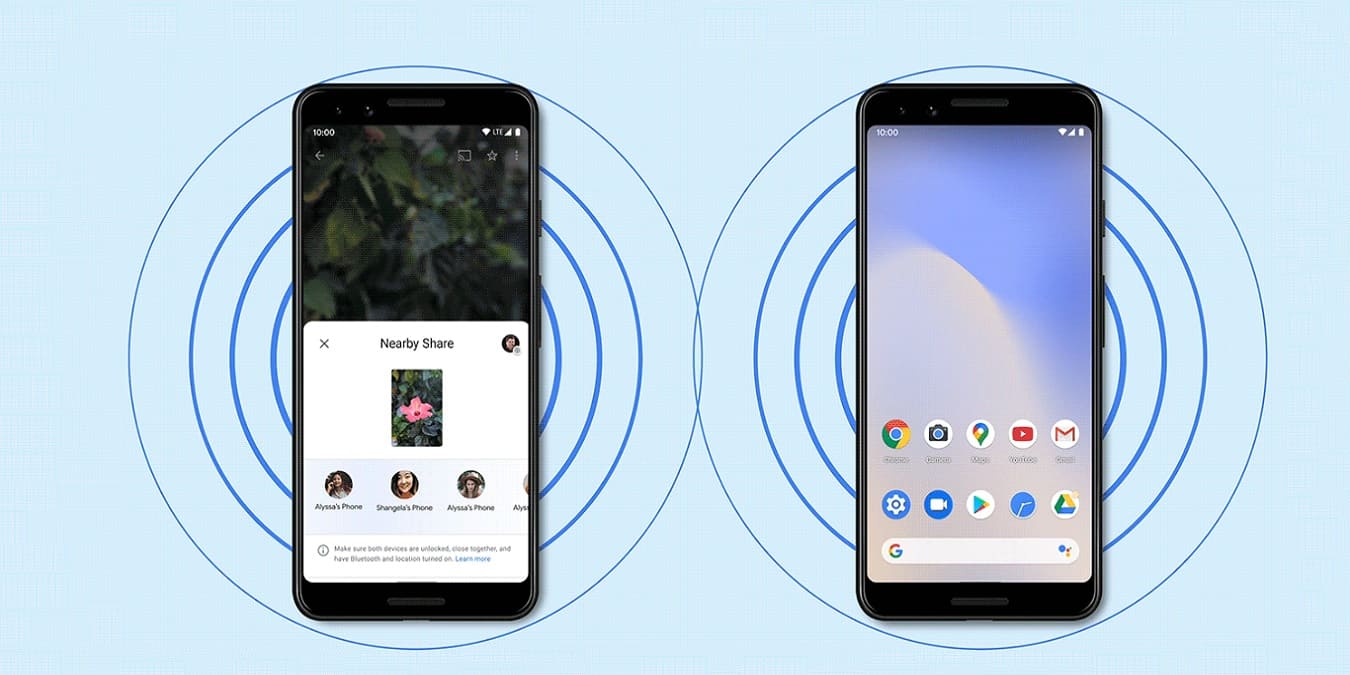
Nearby Share is like the Airdrop feature in iOS. Here we show you how to use Nearby Share to share files and apps on your Android device.
By Alexandra Arici – Jun 12, 2021
Do you have a Mac and a Windows PC on the same network? Here we show you how to share files between a Mac and your PC.
By Jessica Thornsby – Dec 22, 2020
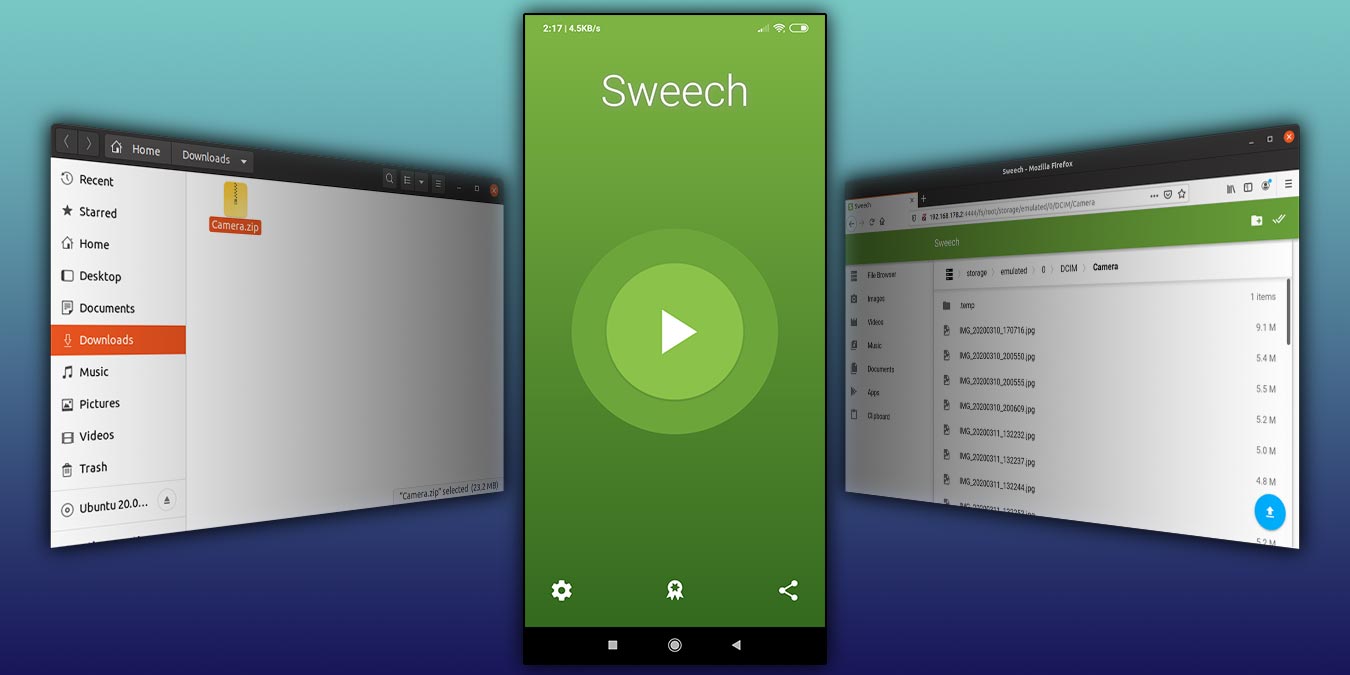
Need to share files between your mobile phone and PC? Here you’ll learn how to share files between Android and Ubuntu on your local network.
By Odysseas Kourafalos – May 22, 2020
Google Docs allows you to easily collaborate with your team members, allowing them to all work on one document. Learn how you can collaborate on Google Docs.
By Tracey Rosenberger – May 13, 2020
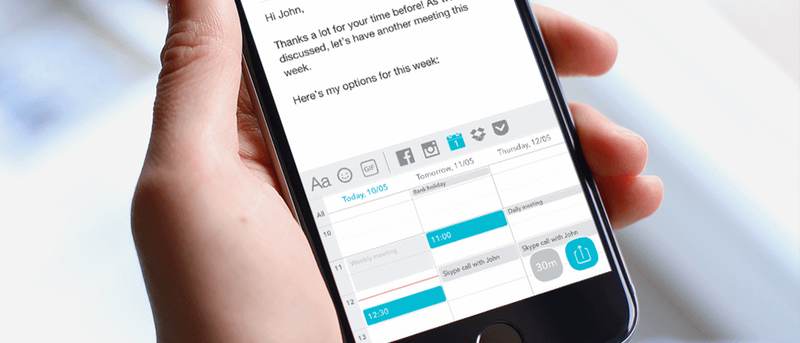
ThingThing is a mobile keyboard app that lets you quickly share files. It can access your cloud files, animated GIFs, & images from Facebook and Instagram.
By Jeffry Thurana – Jun 20, 2016
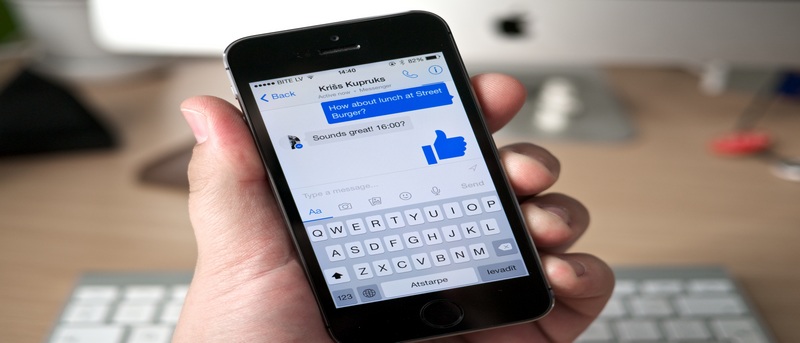
There are various ways to send a Dropbox file to someone else, including via Facebook Messenger. Here’s how to share a file via Facebook Messenger on your mobile device.
By Judy Sanhz – Apr 19, 2016
Tagmmer is a web-based alternative to such services as Dropbox and Puu.sh. It’s also a powerful sharing application in its own right. Let’s check it out.
By Christopher Harper – Mar 30, 2016
Being able to share Windows folders with Android over a local network is really handy and even allows you to stream media like video and music. Here’s how to do that.
By Vamsi Krishna – Jan 1, 2016
Next >
Affiliate Disclosure: Make Tech Easier may earn commission on products purchased through our links, which supports the work we do for our readers.






![Tagmmer: A Visual Place For Your Files and Web Links [Review]](https://maketecheasier.com/wp-content/uploads/2016/02/tagmmerreview-featuredimage.jpg?width=400&height=225&aspect_ratio=16:9)