If your PS4 is running out of storage space, there are two solutions for this problem: PS Now and external hard drive. Which one is best for you? Let’s check it out.
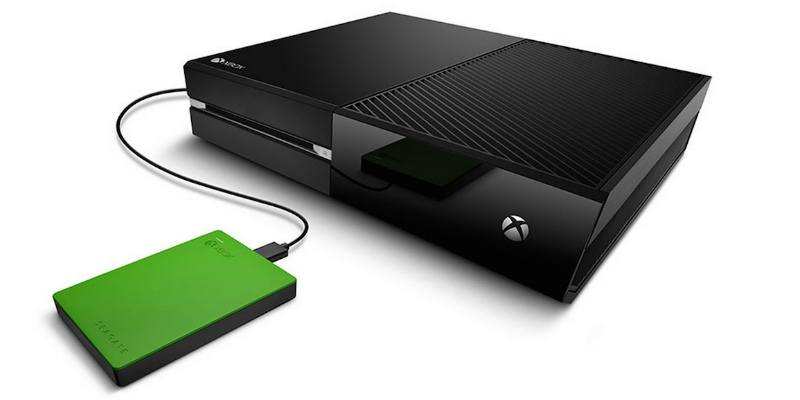
If your Xbox One is running out of storage space, you can easily extend it with external storage. Learn how you can use an external hard drive with Xbox One.
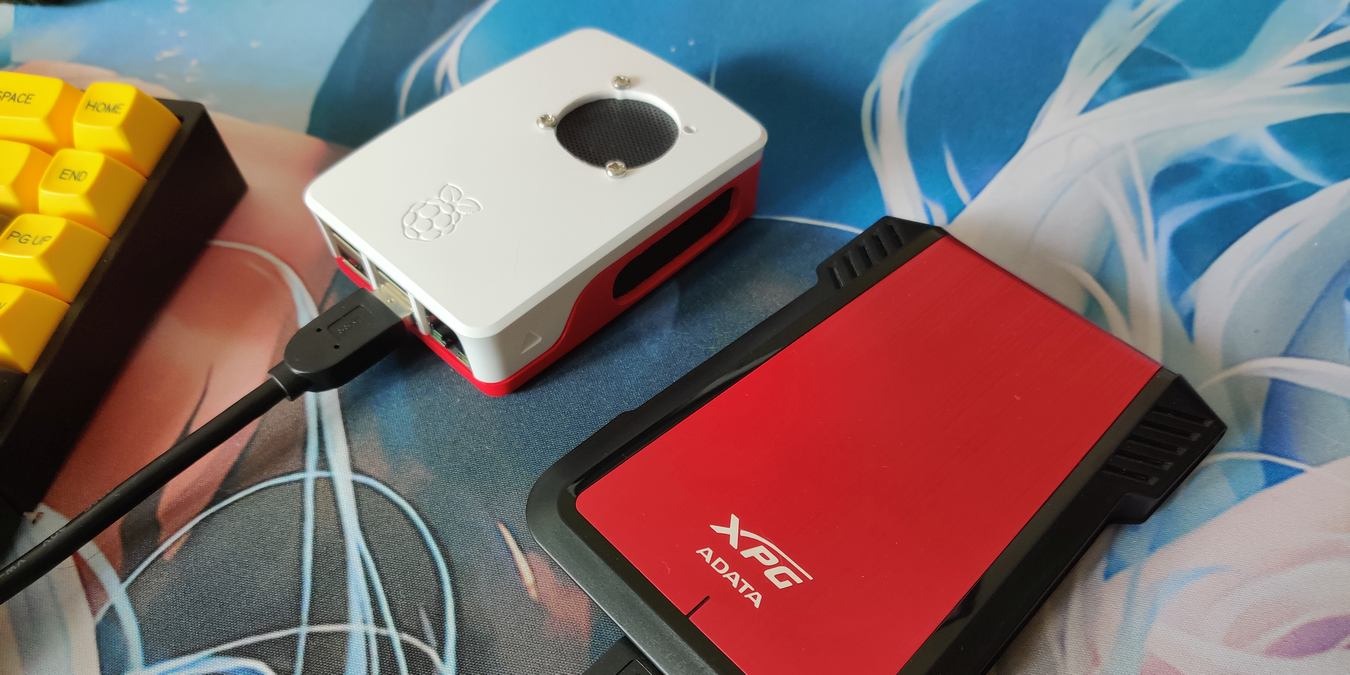
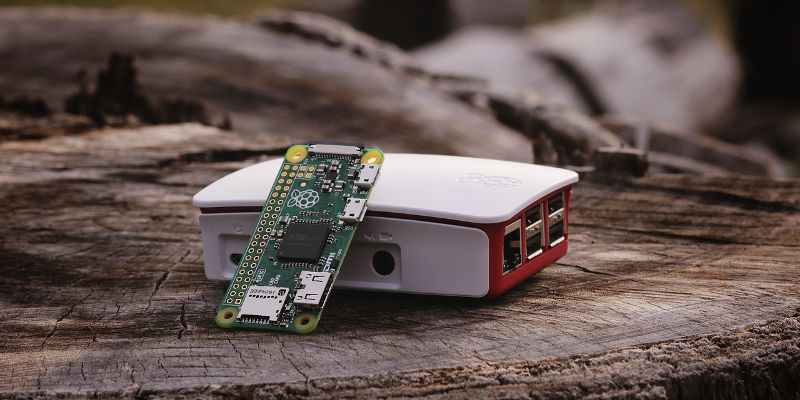
Raspberry Pi is built to boot up and run from the SD card. This tutorial shows you the steps to boot up and run Raspberry Pi from an external hard disk.
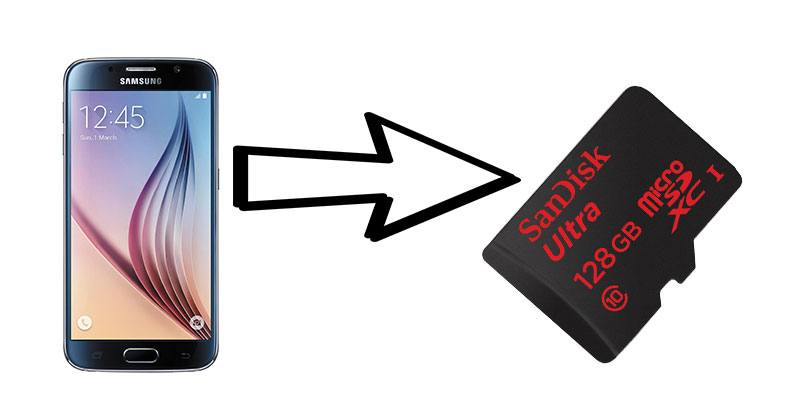
When it comes to external storage for Android apps, it’s hit or miss. Here’s how you can take more control over where you store the files for your apps.
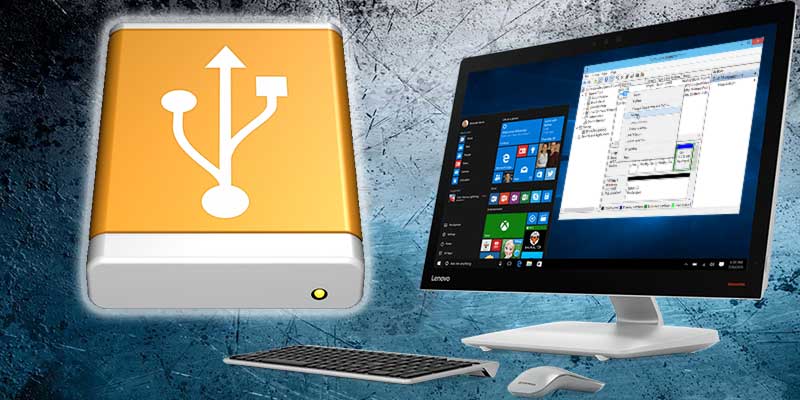
If you have an external hard disk that needs to be split into different partitions, here is how you can easily partition an external hard disk in Windows 10.
Installing and moving apps to another drive on Windows 10 is helpful if you have low disk space or are using a low capacity hard drive. Here’s how to install modern apps on an external drive.
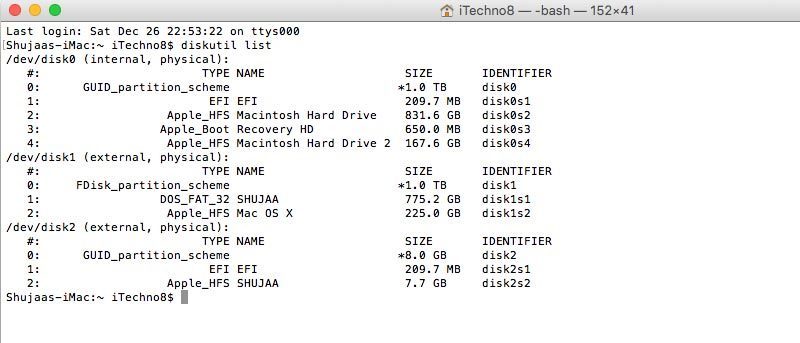
Formatting a drive on your Mac is quite easy, though it isn’t as evident and obvious as it is on a PC. You can format an external drive in OS X using Disk Utility and Terminal. Here’s how to do so.
iPhone doesn’t not have feature to connect as a USB drive, but the solutions here can let you use your iOS device as a virtual USB/external hard drive.
If your external hard drive is not working in Mac, or you need it in a Mac-specific format, here is how you can set up external drive for use with Mac.
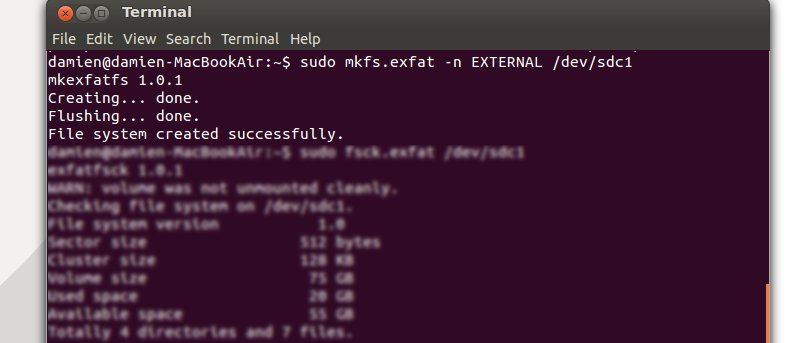
If you are using multiple OSes and wish to transfer files from one computer to another via an external hard disk, you will want to format the hard disk to exFAT format since it is widely supported by most OS and doesn’t come with the 4GB per file restriction. Here is how you can format it to exFAT filesystem in Ubuntu.