iDisplay: Turn Your Android Devices Into A Second Monitor

idisplay-photo

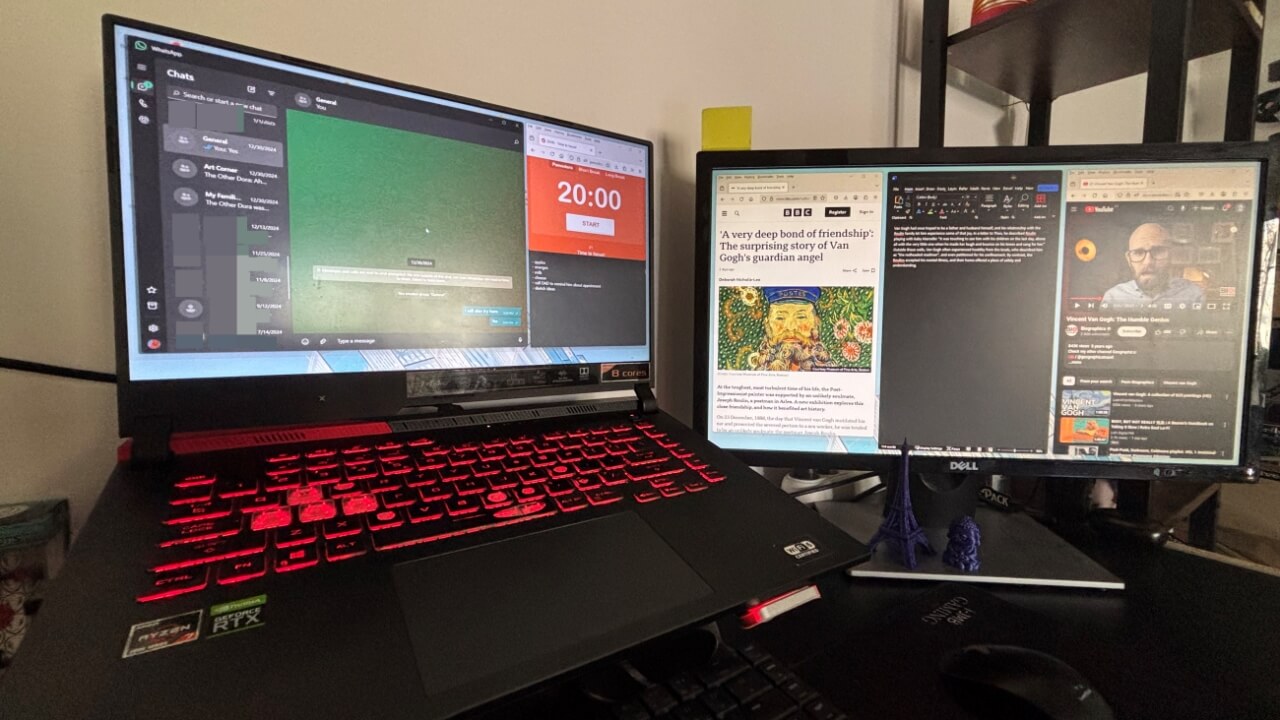
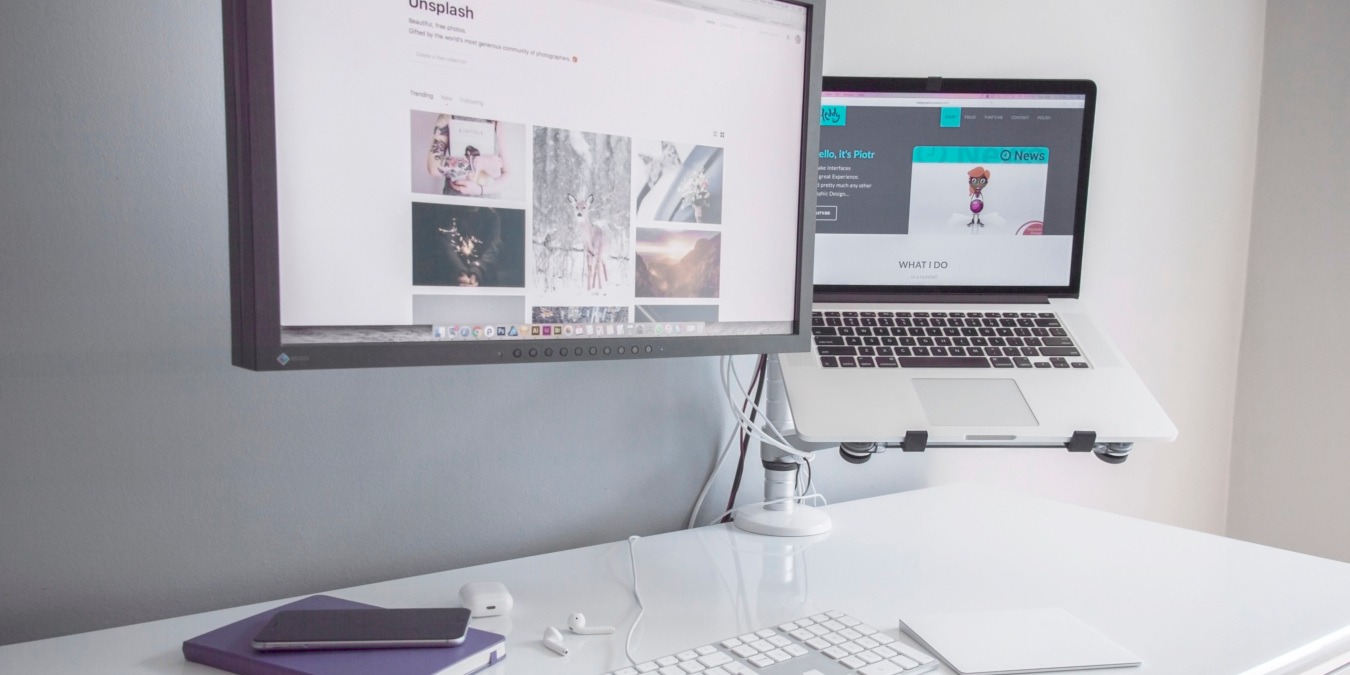
When you connect two (or more) monitors to your computer, you can drag an application window from one to another monitor. Now, what if your second monitor is your smartphone, or tablet and you are able to drag window to it and interact with your fingers? Sound cool, isn’t it?

iDisplay is one such app that allows you to turn your mobile device into a second monitor. It was launched a year back for iPhone/iPod Touch/iPad. A new Android version was made available last month and it now works on a Android smartphone and tablet.
[Read more...]

Productively Manage Multiple Windows Using AquaSnap

aquasnap-logoIf you are on a Windows machine, you know there is a severe shortage of pre-installed applications to help you manage your open windows. The best you can do with most versions of Windows is minimize using the Windows button + M. Windows 7 has some better features to help.

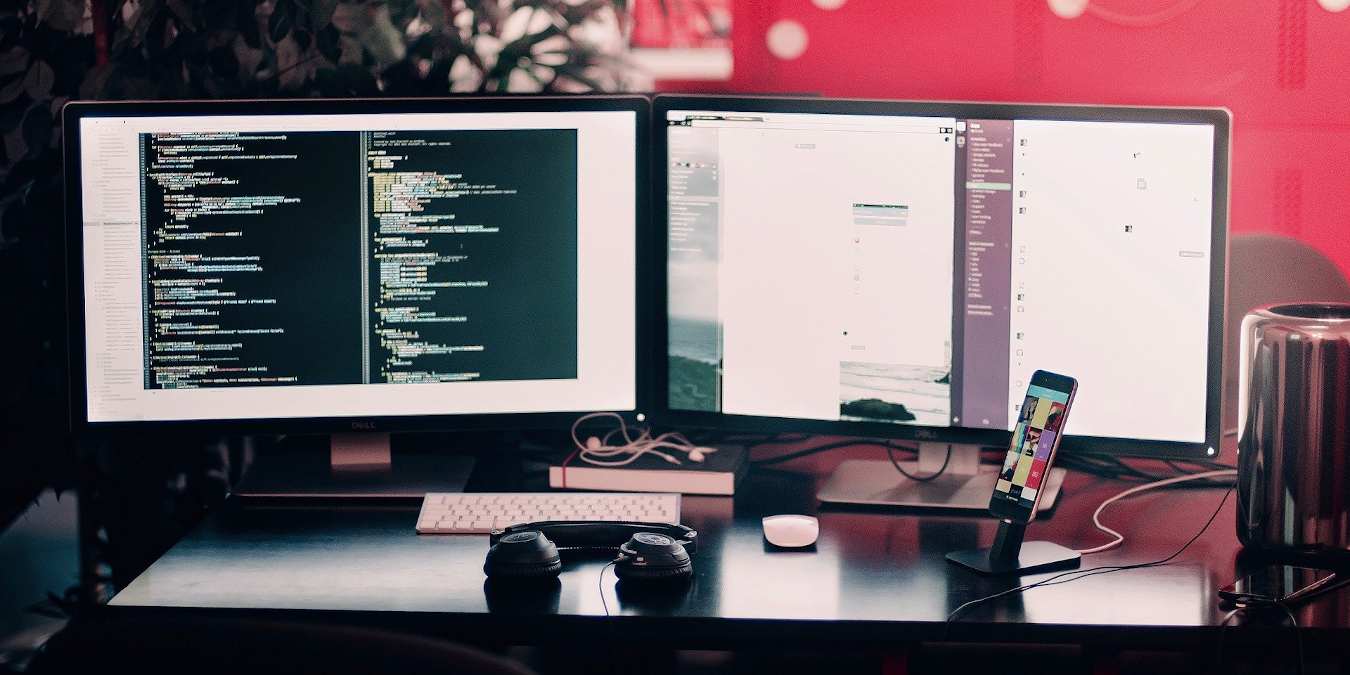
Whether you are looking to be a bit more flashy or want to increase your productivity, AquaSnap is a freeware application you will want to look into. Having a better way to productively manipulate a multitude of open windows is especially useful when you have a dual monitor setup.
[Read more...]

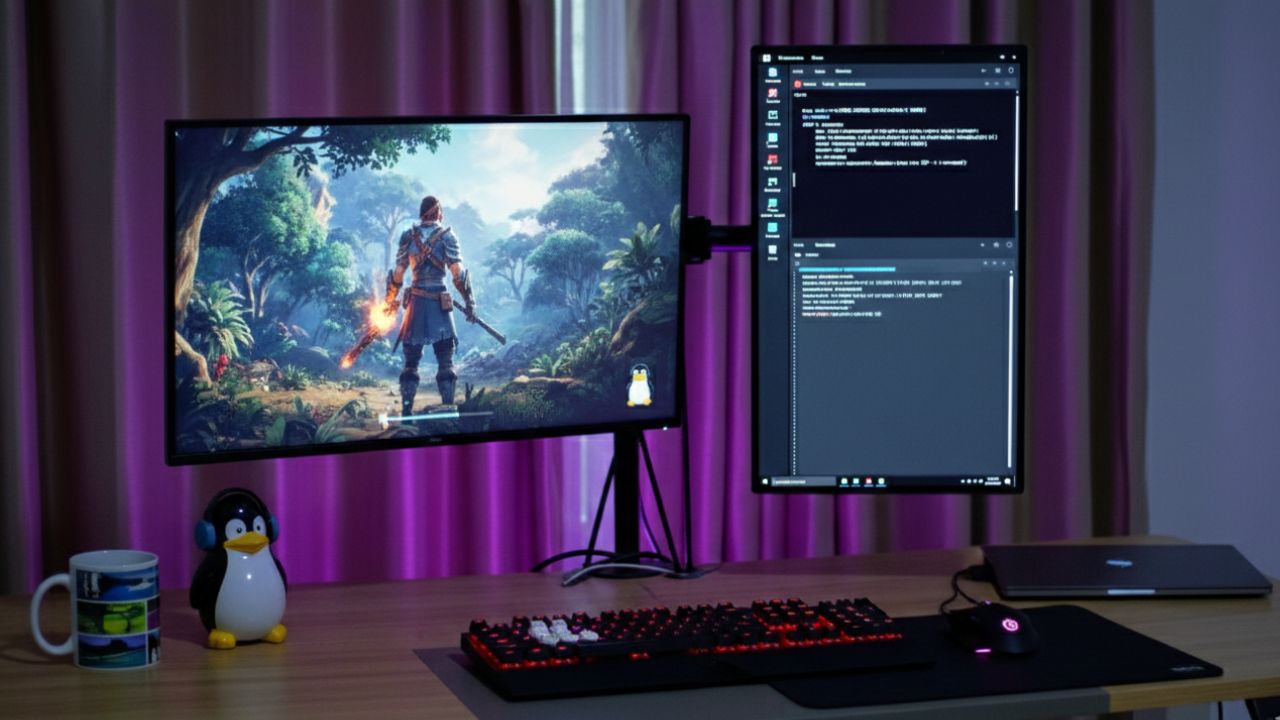
How to Run Fullscreen Games In Linux With Dual Monitors

world-of-goo-nq8

As with all operating systems, the way a Linux game behaves on a computer is largely dependent on the design of the game, the graphics hardware and drivers the user has, and the settings one chooses. Native Linux games are typically better at supporting the computer’s default resolution without much tweaking, but the way it handles fullscreen display on a a dual-monitor system depends on the game engine employed.

After about an hour of trying to configure all of your games, you might very well find yourself drowning in sea of techno-babble and configuration files. But have no fear, MakeTechEasier has come to your rescue yet again.
[Read more...]