How to Dual Boot Windows Vista And Windows 7

windows-selection

For those of you who have waited long for the beta release of Windows 7, Micosoft has finally released the link for you to download a copy to test. In case you have not downloaded, here is the link:

  • Windows 7 beta 32-bit version
  • Windows 7 beta 64-bit version (the download is no longer available)

The file size is about 2.4GB in size, so make sure you are on a broadband connection and have several hours to spare. You will have to burn it into a DVD to use it.

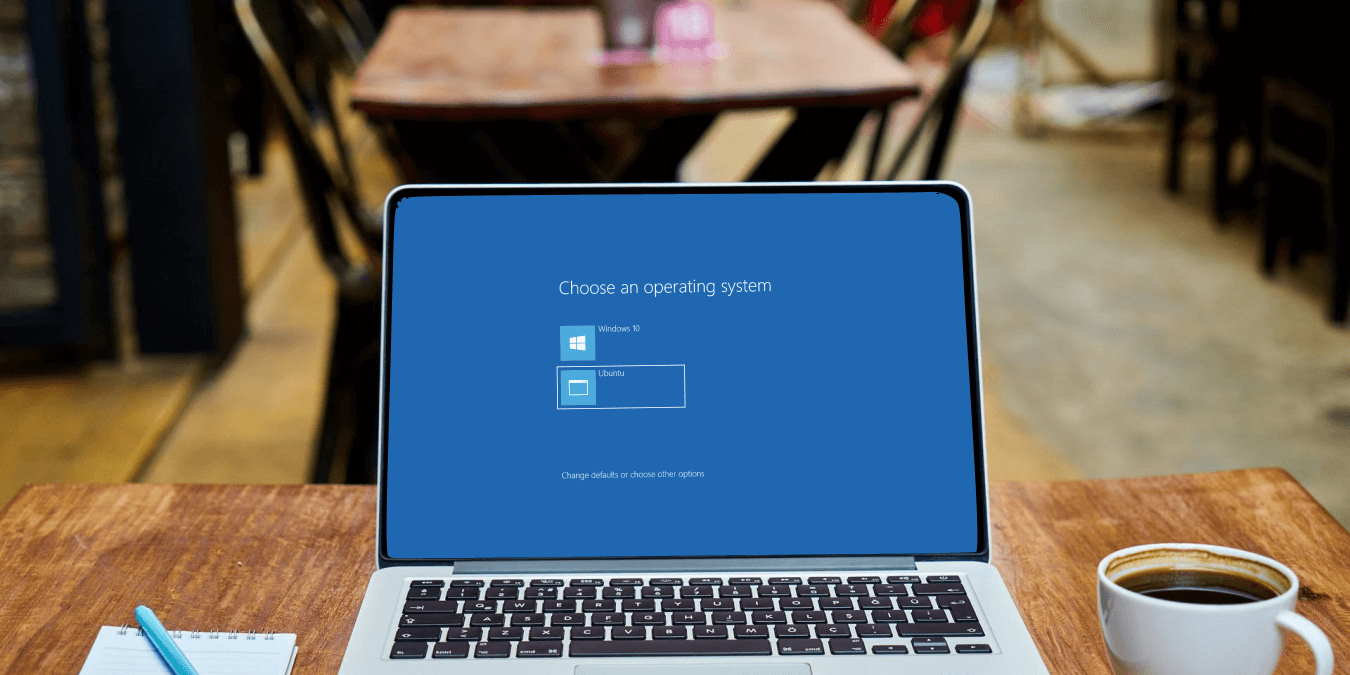
Once you have downloaded it, you will have to install it on a working machine in order to access the full functionality. As this is still a beta release and not suitable for daily production use, it is not wise to erase or upgrade your existing Vista to Windows 7. A good way is to create a dual boot system where you can choose to boot into Vista or Win 7. Here’s how it’s done:

How To Dual Boot Windows XP And Vista

xp-vista-logoEven though Windows Vista has been around for close to two years, there are still many people who can’t bear to get rid of Win XP due to its stability and better hardware support. Luckily you can get the best of both world by creating a dual boot between Vista and XP.

Here is the tutorial to create a dual boot Vista/XP system. It is divided into 3 scenarios: Installing XP/Vista on a blank unformatted hard disk, installing Vista with XP pre-installed, installing XP with Vista preinstalled.  You will find yourself in one of these scenarios.

1