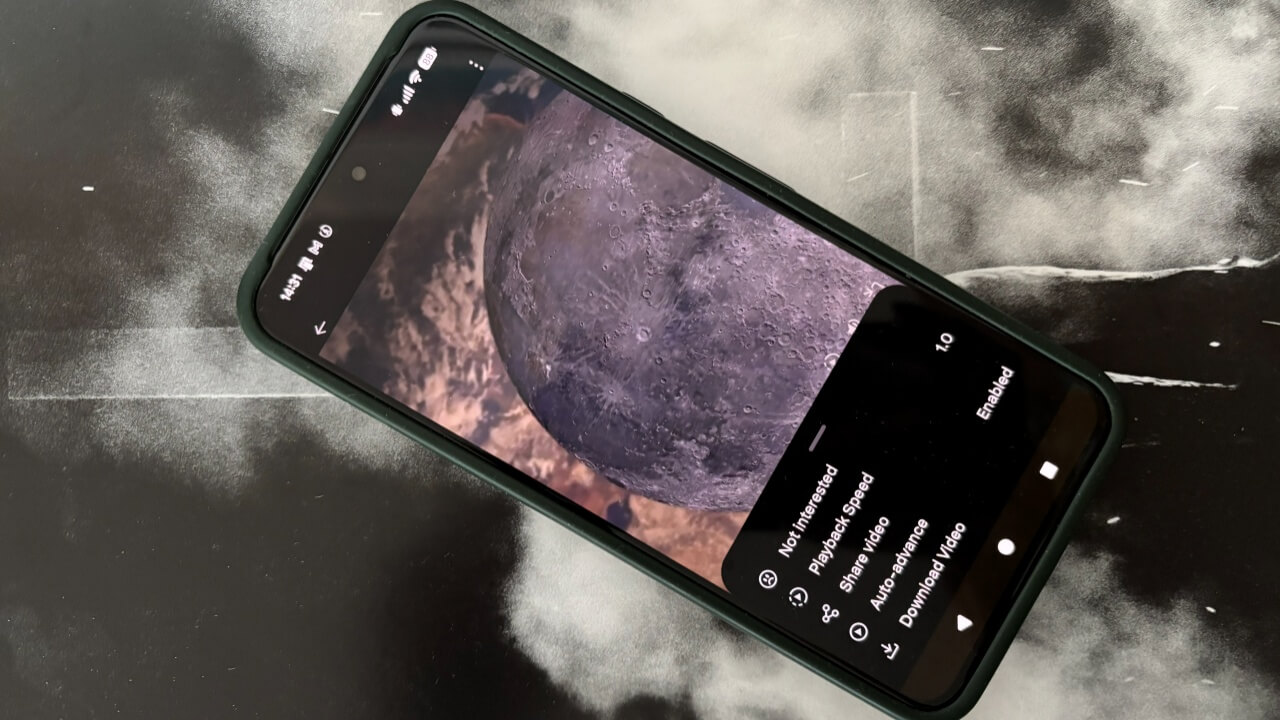
Looking to download videos from X (formerly Twitter)? This guide shows you how to do so natively or using a workaround.
By Alexandra Arici – Mar 7, 2026
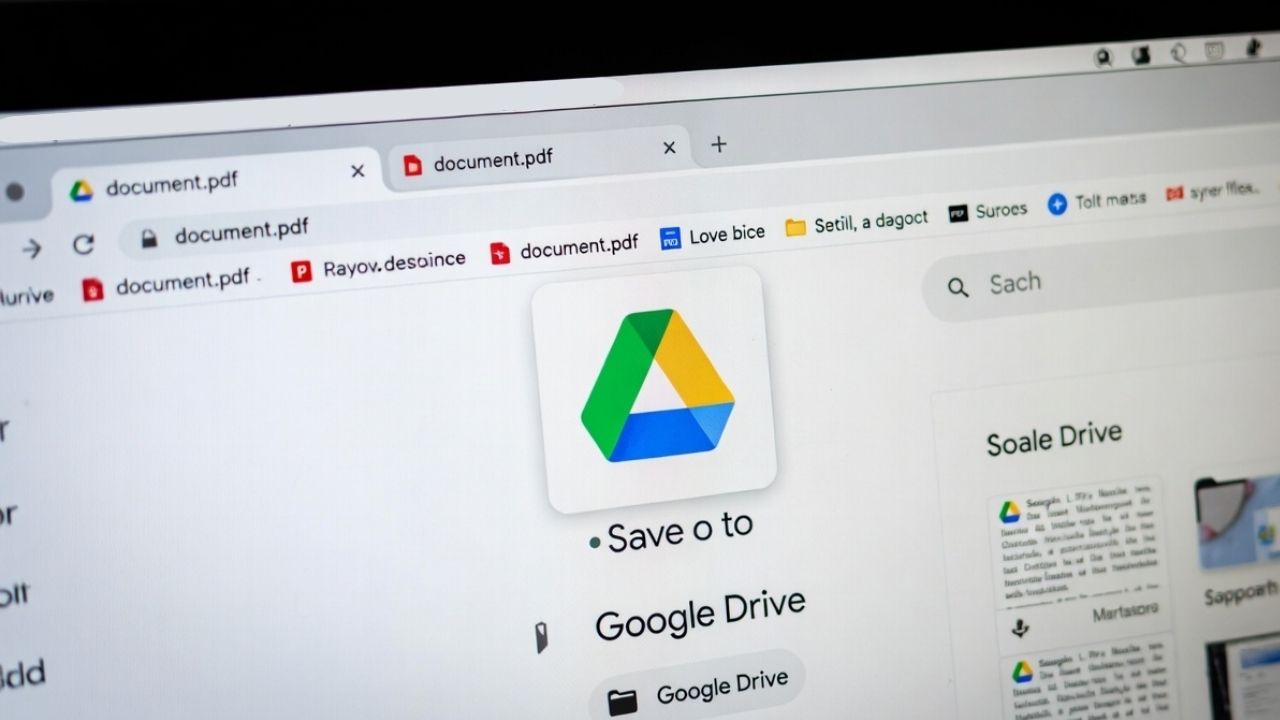
If you are using Chrome, you can now save PDF to Google Drive instantly using the new built-in button.
By Henderson Jayden Harper – Nov 19, 2025

Snapchat has announced it will start charging for storing Memories, prompting frustration among many long-time users.
By Alexandra Arici – Oct 7, 2025
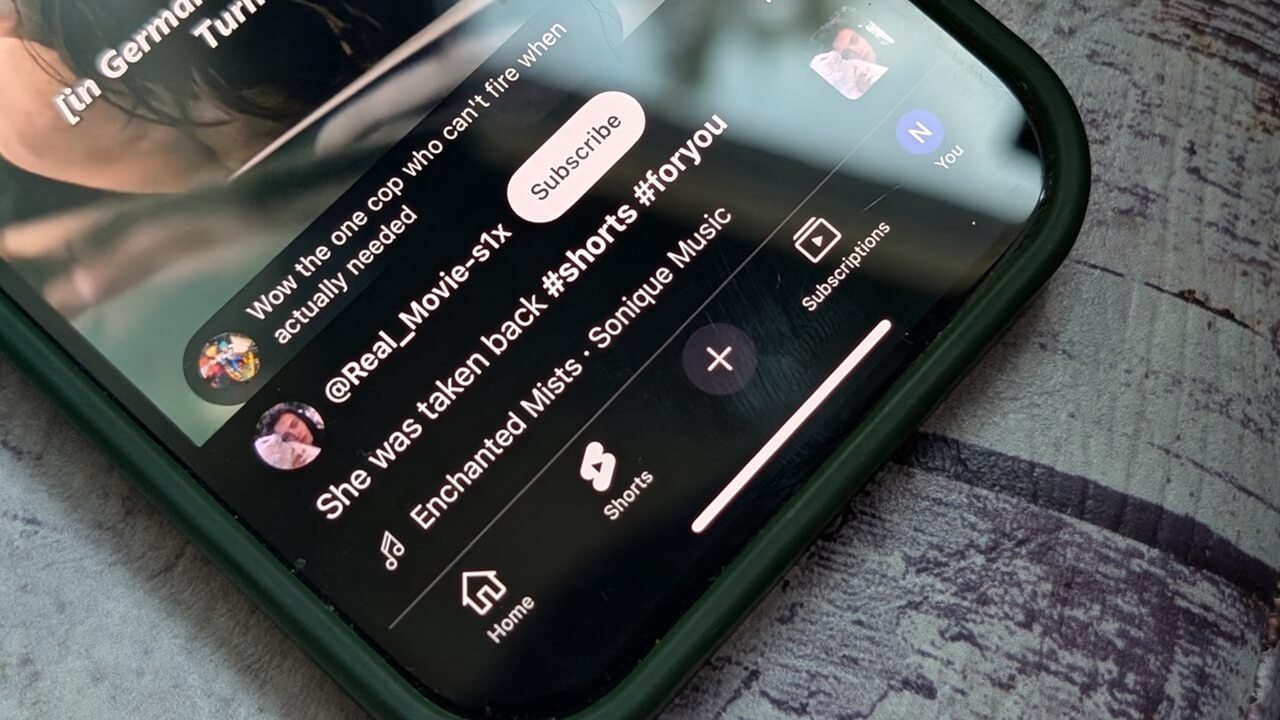
While Google doesn’t allow you to download YouTube Shorts, there are always workarounds you can use.
By Alexandra Arici – Jul 17, 2025

Instead of going to each device to download your favorite playlists, you can now do it all from one device.
By Crystal Crowder – Jun 19, 2025
VLC makes it easy for you to add missing subtitles to your videos.
By Sayak Boral – Jun 2, 2025
To stay on the safe side, it’s best to get others’ consent before you download their profile pictures
By Karrar Haider – May 24, 2025
Instagram finally allows you to download Reels straight from the app. No third-party tools required. Here’s how it works.
By Alexandra Arici – Apr 28, 2025
Confused about your internet speed test results? This guide simplifies the metrics and helps you troubleshoot internet issues effectively.
By Karrar Haider – Mar 6, 2025

Dedicated podcast streaming apps may be convenient, but there are a number of advantages to downloading your favorite episodes as MP3s.
By Ryan Lynch – Dec 16, 2024

The latest big tech release was Call of Duty Black Ops 6, a huge download that may cost some users their data cap.
By Laura Tucker – Oct 31, 2024

Meta allows users to download all their information across accounts. Learn how to download Instagram chats, likes, saves, and more.
By Samarveer Singh – Oct 5, 2024

Need an easy way to download subtitles for your favorite movies and shows? Try these sites to find subtitles in a wide variety of languages.
By Crystal Crowder – Jun 4, 2024

Learn how parallel downloading can speed up your downloads in Chrome. Also learn how it speeds up downloads and how to enable it in Chrome.
By Karrar Haider – May 27, 2024

Want to download TikTok videos? Read this comprehensive tutorial showing all the ways to download TikTok videos anywhere.
By Alexandra Arici – Apr 26, 2024

Considering the streaming vs. downloading debate for consuming your favorite movies or music? Get help deciding between the two.
By Tanveer Singh – Jan 23, 2024

BitTorrent is a resilient and bandwidth-friendly way of sharing files. Learn how to download torrents using your terminal in Ubuntu today.
By Ramces Red – Jan 6, 2024
Have you noticed that Chrome lags when downloading files? These solutions will speed up Chrome downloads and save you precious time.
By Khizer Kaleem – Nov 9, 2023
Need music for your project but aren’t a composer? Look no further. Check out some of the best websites to download royalty-free music.
By Ryan Lynch – Aug 20, 2023
You can choose either cloud download or local reinstall to reinstall Windows using the reset method. Learn which is better for you.
By Sayak Boral – Jun 18, 2023
Affiliate Disclosure: Make Tech Easier may earn commission on products purchased through our links, which supports the work we do for our readers.