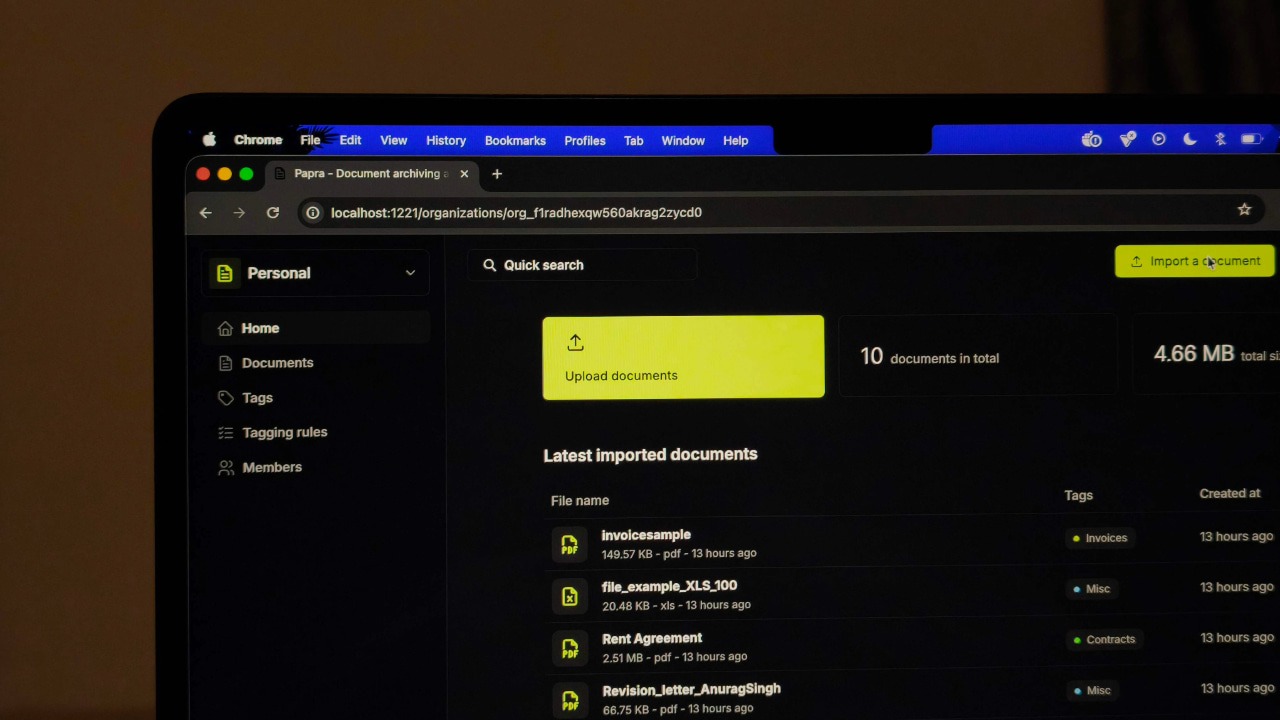
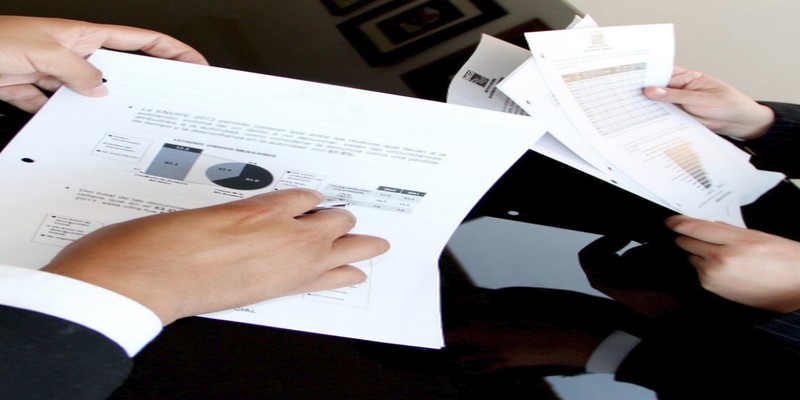
Papra is a lightweight, self-hosted document management tool that makes organizing, searching, and retrieving documents easy.
By Anurag – Jan 29, 2026
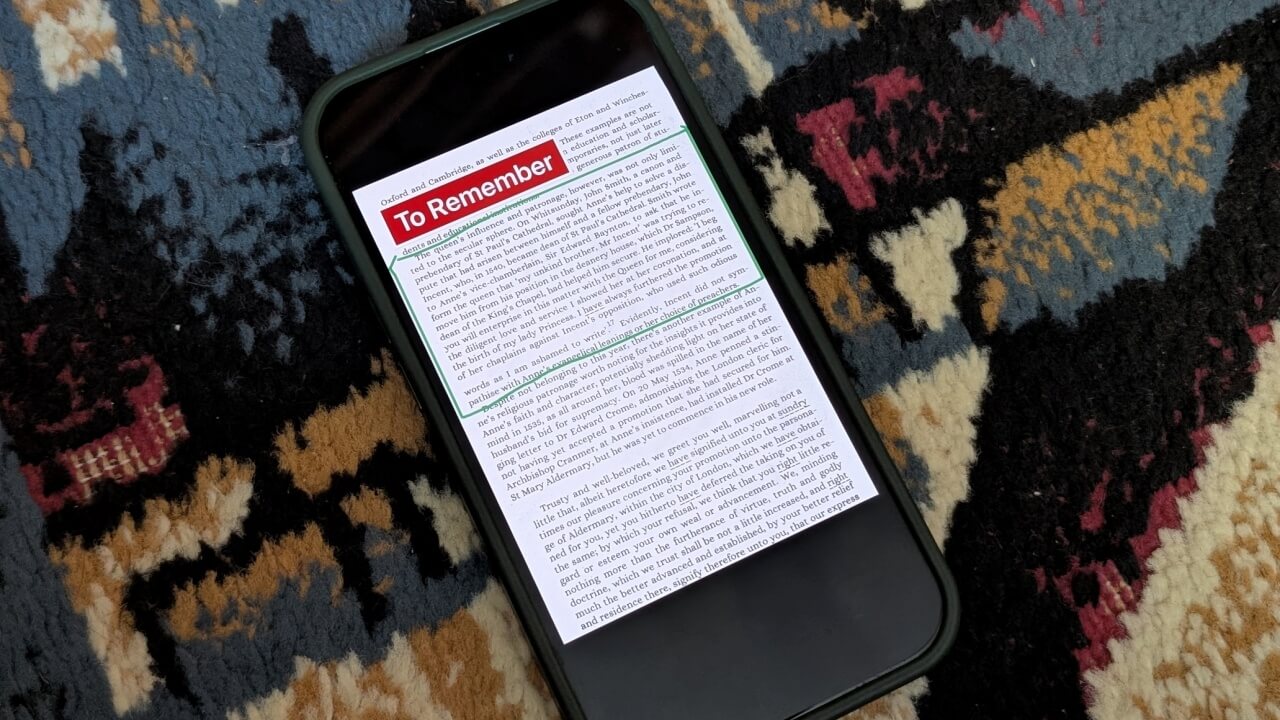
If you’re looking for a Microsoft Lens alternative, you can now use OneDrive app to scan documents on your phone.
By Alexandra Arici – Jan 15, 2026
Scribd is fine, but it isn’t the only option to host PDF files. Try out these Scribd alternatives to find one that may work better for you.
By Terenz Jomar Dela Cruz – Mar 23, 2023
Here we detail every method to view an Apple Pages file on a Windows PC and convert Pages files to Docx to edit them freely.
By Mustafa Ashour – Dec 1, 2022
Does this mean your child isn’t safe playing Roblox?
By Laura Tucker – Jul 18, 2022
A web app that makes it easy to create, collaborate, and share.
By Laura Tucker – Jun 6, 2022
Exploring Google Docs uncovers many hidden features. This article provides you with the best tips to edit Google Docs and save them as PDF.
By Mehvish Mushtaq – Aug 31, 2021
Scanning a document doesn’t have to involve a large machine. These document scanner apps for Android allow you to scan with you phone camera.
By Alexandra Arici – Jul 1, 2021
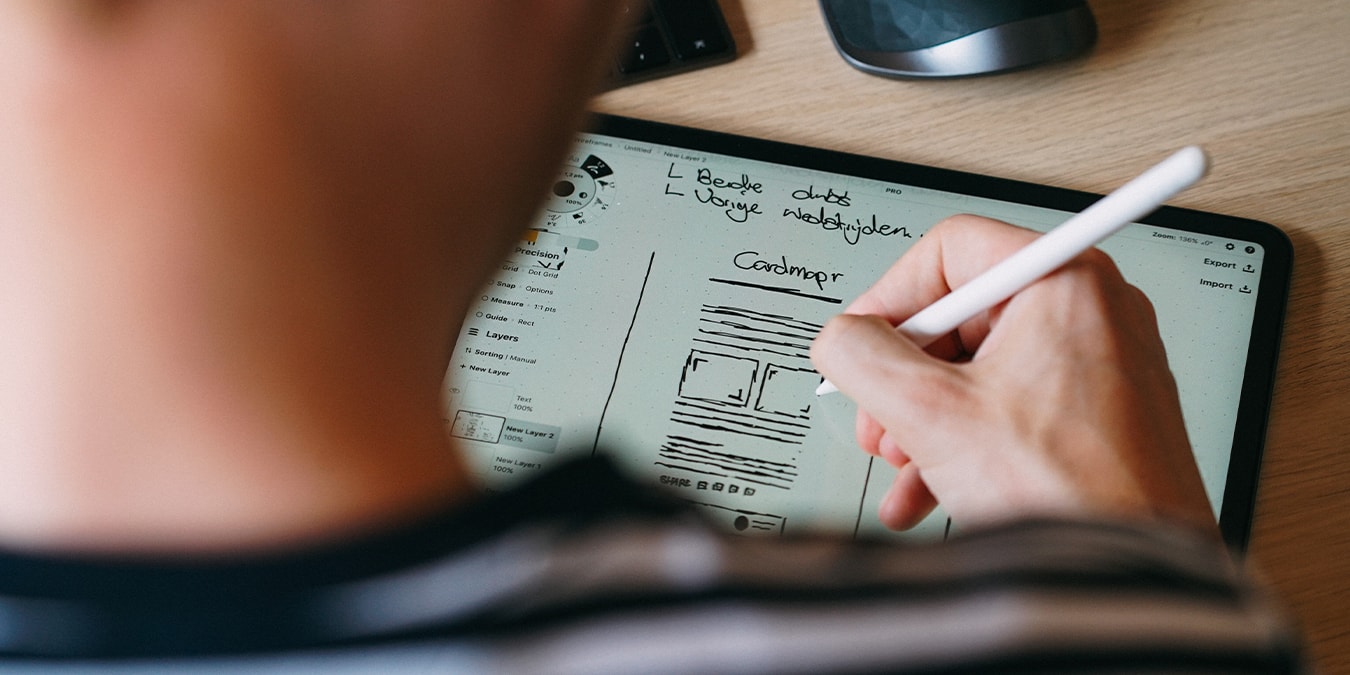
Looking for a quick way to annotate documents and photos or create a quick sketch? Here’s how to use markup on a document on iPad Pro!
By Isaac Norman – Apr 12, 2021
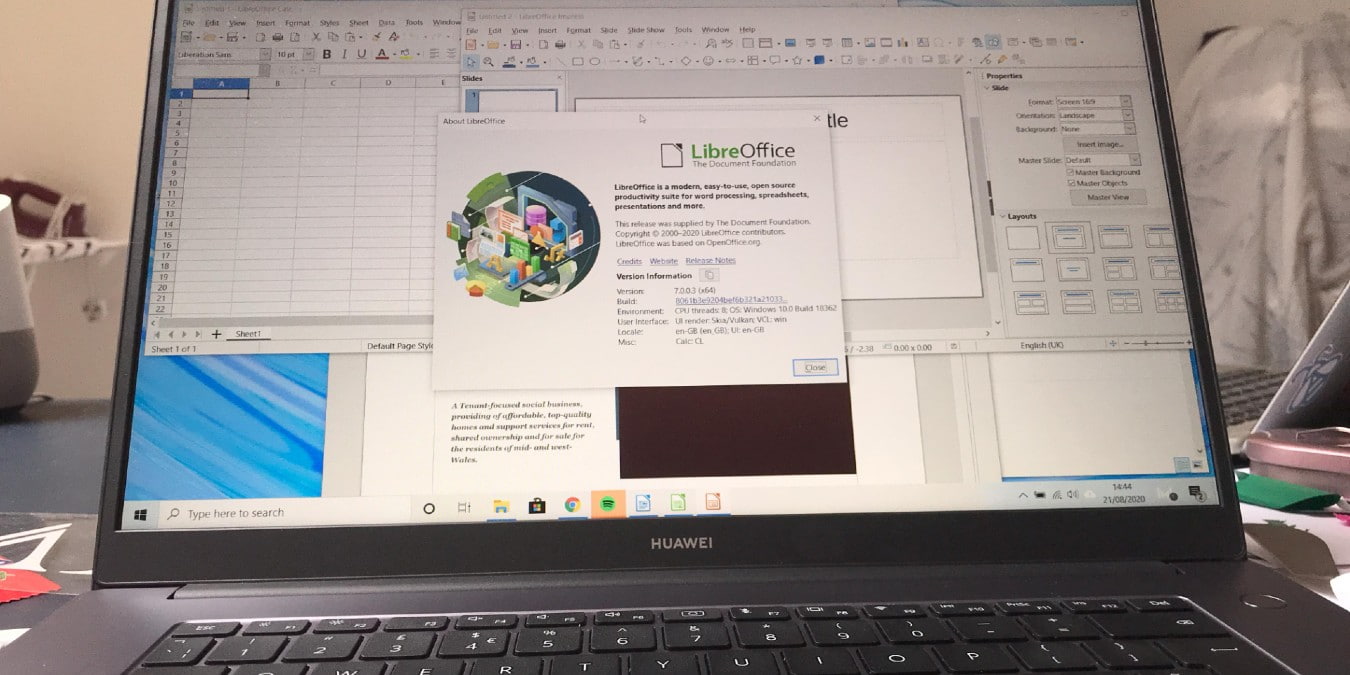
The latest version of LibreOffice includes a slew of new accessibility features. Here we show how to create an accessible document in LibreOffice.
By Andy Channelle – Sep 2, 2020
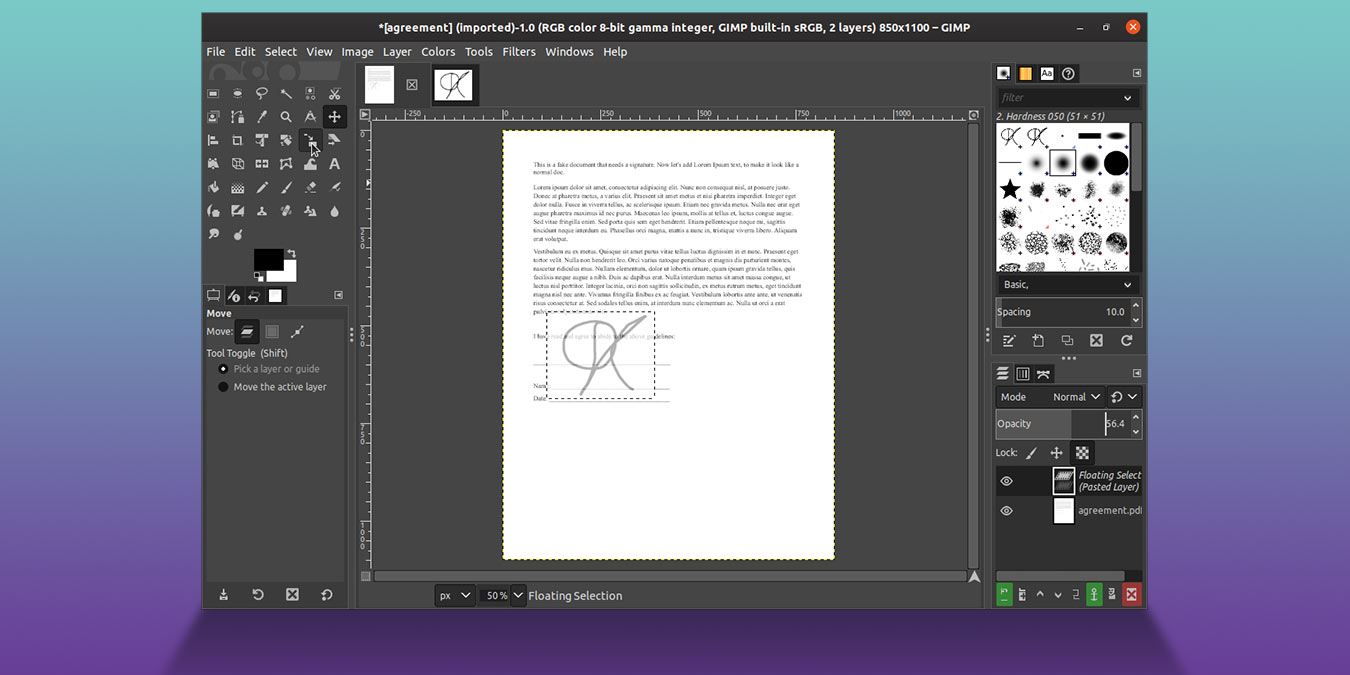
Why waste paper when you can sign your documents digitally? All you need is your digital signature, the PDF you want to sign, and GIMP! Let’s see how!
By Odysseas Kourafalos – Apr 4, 2020
Google Docs has a new feature that allows users to compare two documents to see the differences between the two. Here is how you can use it to compare documents.
By Fabio Buckell – Jul 1, 2019
Documents don’t have to be dumb, and the developers behind Coda have realized this. Coda adds functionality to your documents and make them smart.
By Kris Wouk – Jun 26, 2019
When you’re collaborating on a document, it’s helpful to combine two separate documents together. Learn how to merge two documents in Microsoft Word.
By Chris Stobing – Dec 7, 2018
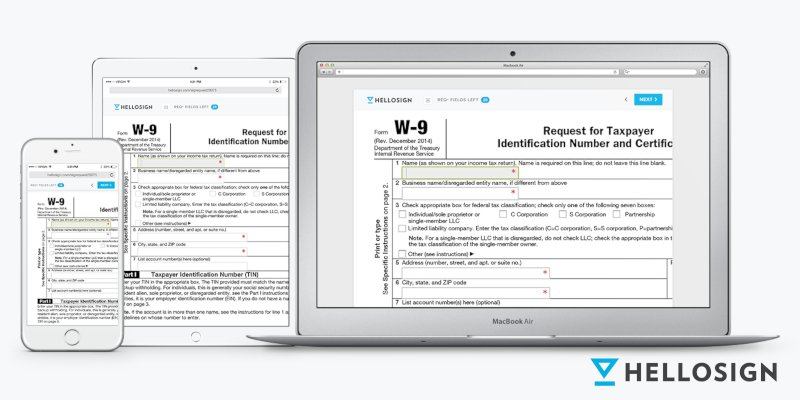
It can be a hassle to sign documents online. HelloSign allows you to easily create and sign documents online effortlessly and in a couple of minutes.
By Damien Oh – Sep 11, 2018
Have a long document on your Mac that you’d like to have summarized showing just the main points? Here’s how to summarize long documents on your Mac.
By Mahesh Makvana – Sep 28, 2016
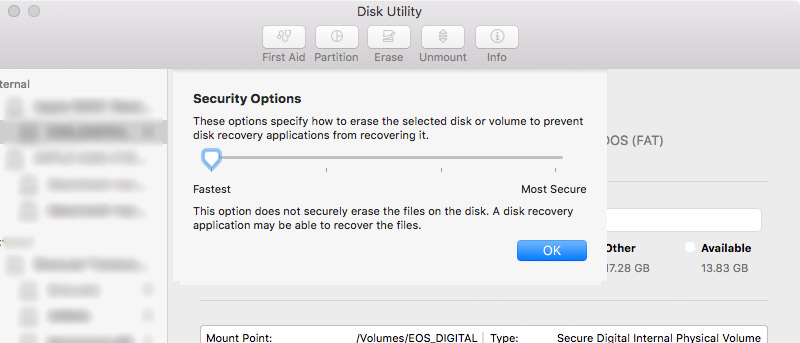
If you want to make sure that your sensitive documents and files are completely removed from your Mac, here are a couple of ways to securely delete them.
By Shujaa Imran – Jun 18, 2016
Fed up with Google docs? The days of Google being the only good online office tool (or suite) have ended. Check out these Google Docs alternatives.
By Derrik Diener – Jun 17, 2015
The logging of recently opened documents is enabled by default in Ubuntu. Here is how you can disable recent documents logging in Ubuntu.
By Damien Oh – Jul 11, 2013
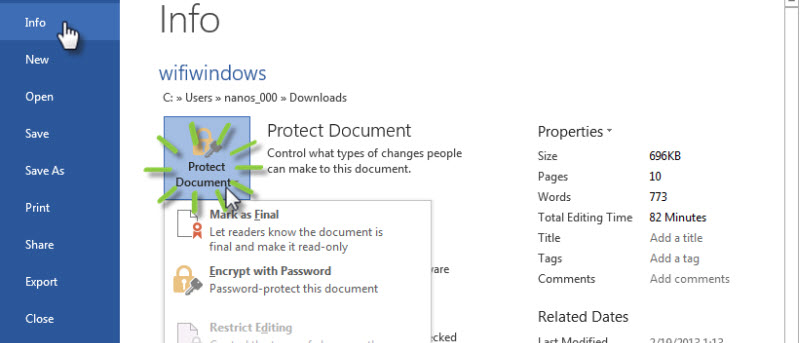
While creating your Word document, some of you might want to secure it and prevent others from viewing or making changes to it. There are some security features in Microsoft Word 2013 that allow you to protect and secure your documents. Let’s check it out.
By Usman Khurshid – Apr 3, 2013
Affiliate Disclosure: Make Tech Easier may earn commission on products purchased through our links, which supports the work we do for our readers.