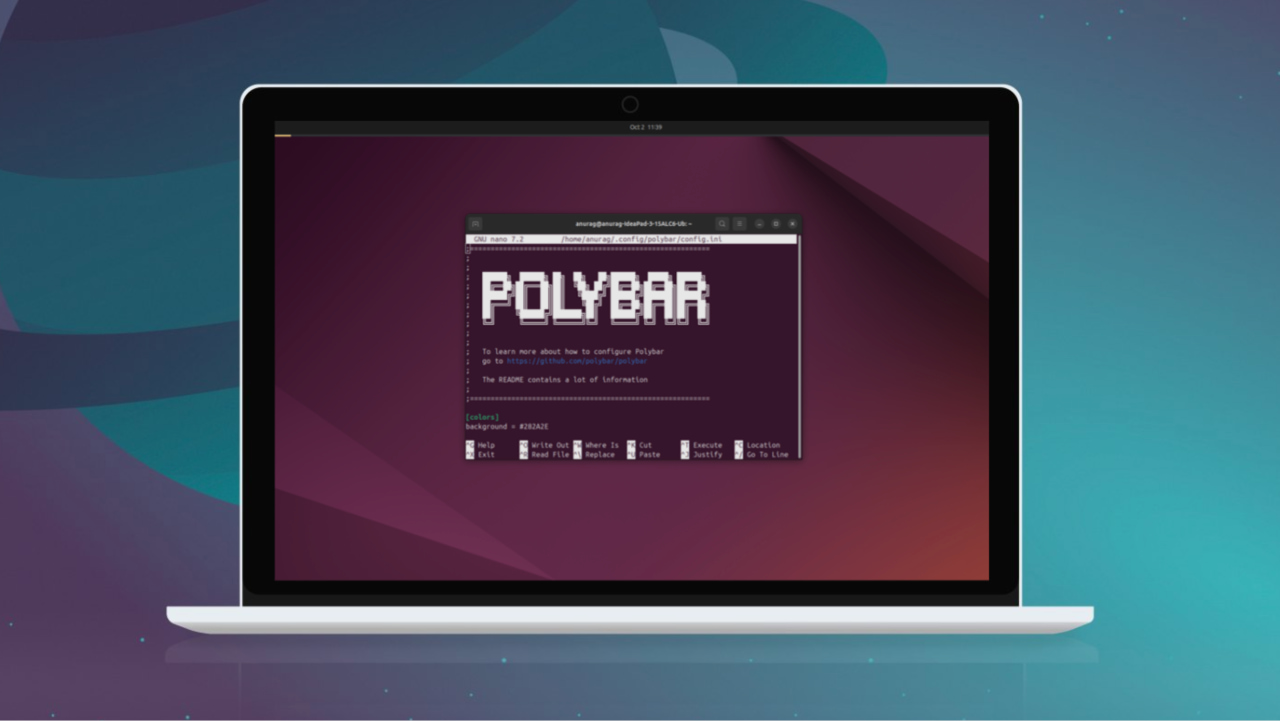
Polybar is a powerful, customizable status bar that lets you transform your Linux desktop with tailored modules, themes, and interactive controls.
By Anurag – Oct 2, 2025

Rainmeter gives your Windows desktop a new look!
By Sayak Boral – Aug 10, 2023
Want to give your Windows home screen an overhaul? You should try out our list of the best Rainmeter skins that will suit every taste.
By Sagar Naresh – Mar 23, 2021
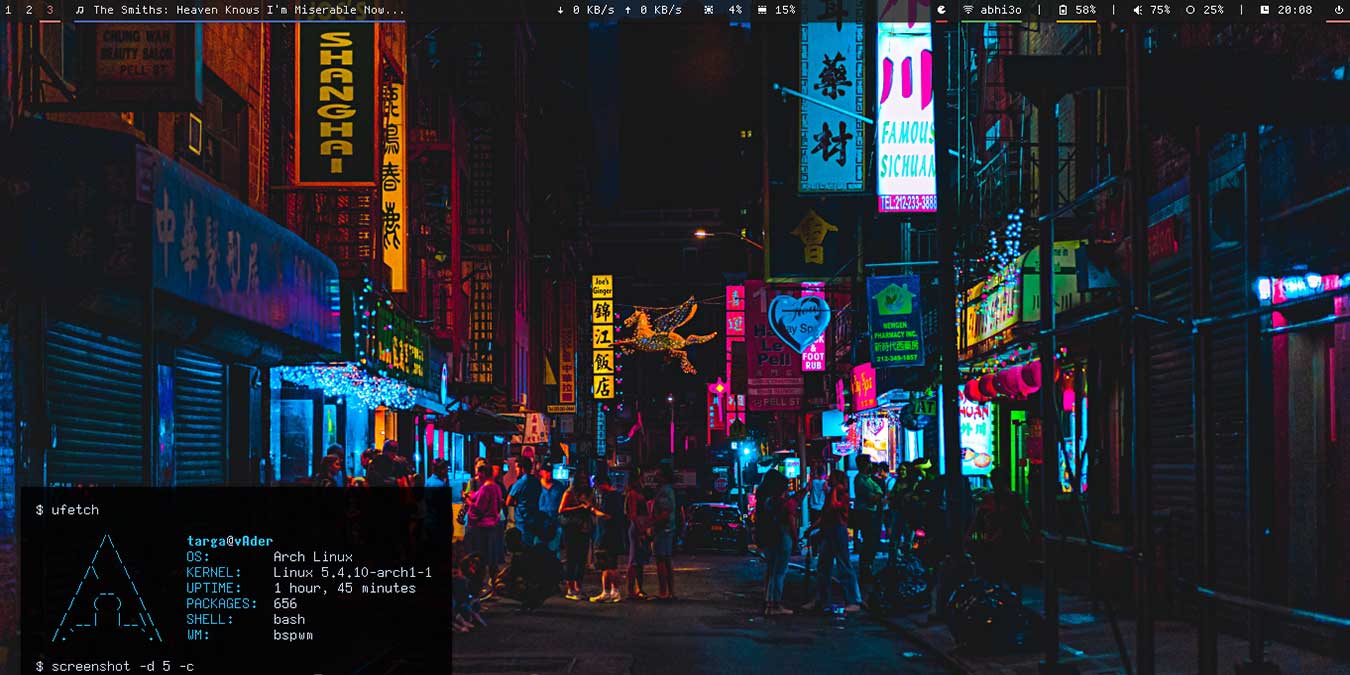
Linux is the most customizable OS around. You can change almost everything on it. Here are some customized Linux desktops to inspire you.
By Odysseas Kourafalos – Jan 25, 2020
Affiliate Disclosure: Make Tech Easier may earn commission on products purchased through our links, which supports the work we do for our readers.





