Discover hidden Notion tips for peak productivity. Learn to use commands, leverage templates, sync blocks, and more from our guide to enhance your workflow on Notion.
Rebuilding your PS4 database can increase performance and even help you recover corrupted data. Follow the steps here to rebuild your PS4 database now.
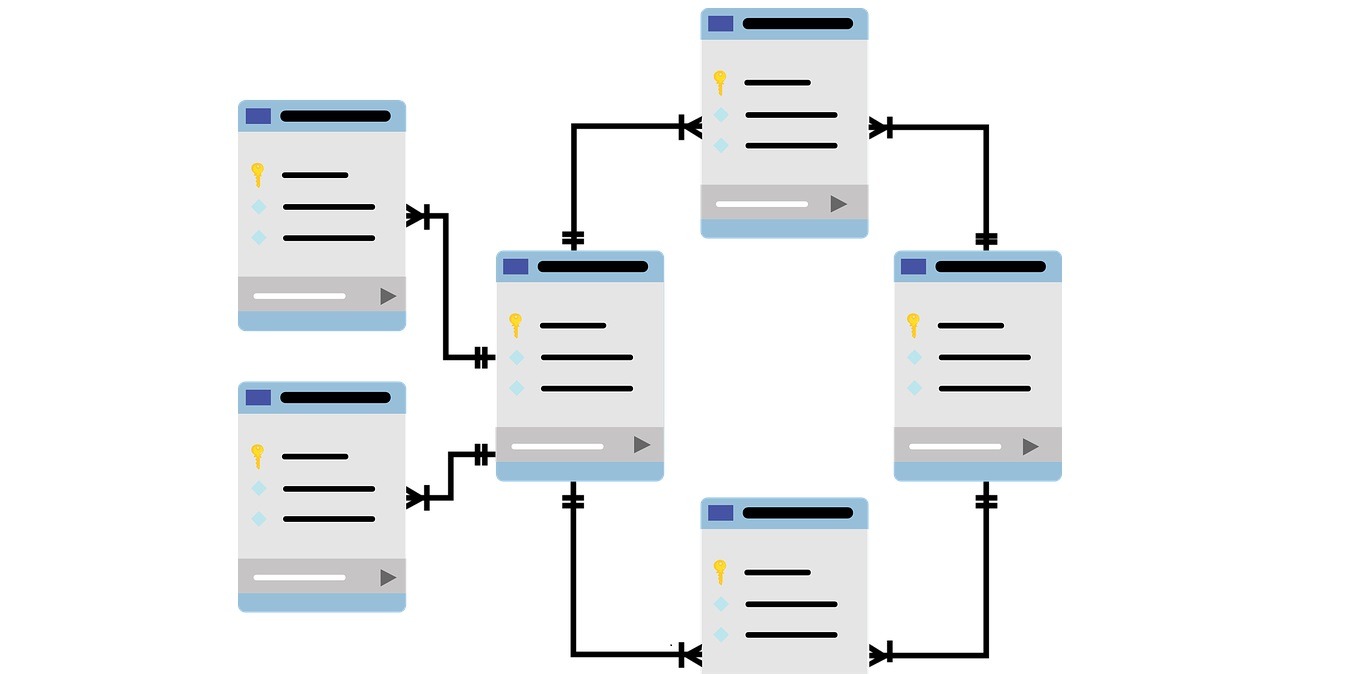
A data-modeling tool can help developers design their database schema and structure better. Here are some of the best data-modeling tools for designing databases.
If something goes wrong with your database, it’s a pretty big deal. Recovery Toolbox for DBF is a multi-tool for databases that help recover your data.
The “BreedReady” database was discovered by a security researcher. This unsecured database included the private information of 1.8 million women in China.
When you uninstall a plugin in WordPress, it often leaves behind the database tables it created and a bloated database. Here’s how to easily delete those leftover database tables in WordPress.
It might be easy to migrate a WordPress site, but changing its domain name is not as straightforward. Here’s how you can change the domain name of a WordPress site.
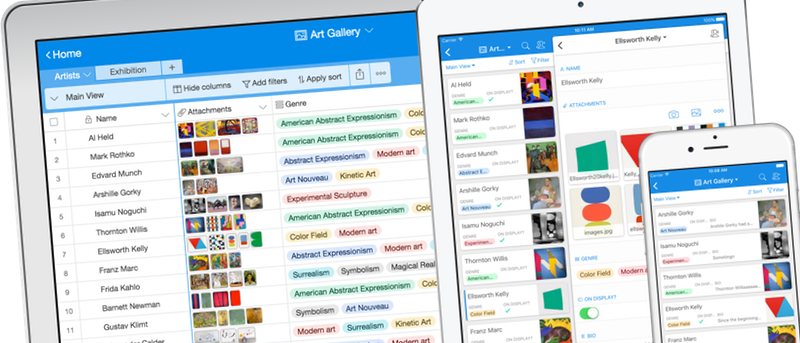
Airtable is a modern cloud-based relational database with a simple spreadsheet approach that can help organize anything, especially large amounts of data. Here’s a closer look at it.
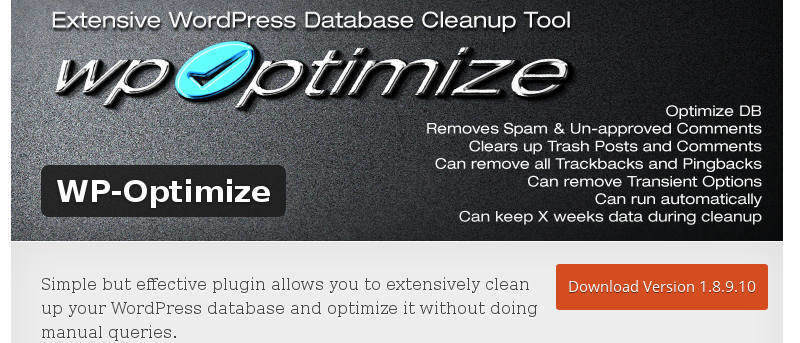
You can improve the speed and performance of WordPress by making regular cleanups of your database. Here are some plugins to clean up the WordPress database.
The problem we face right now is that we do not have a clear line drawn on what “enough” data about an individual is. Where do we draw the limit on data collection?
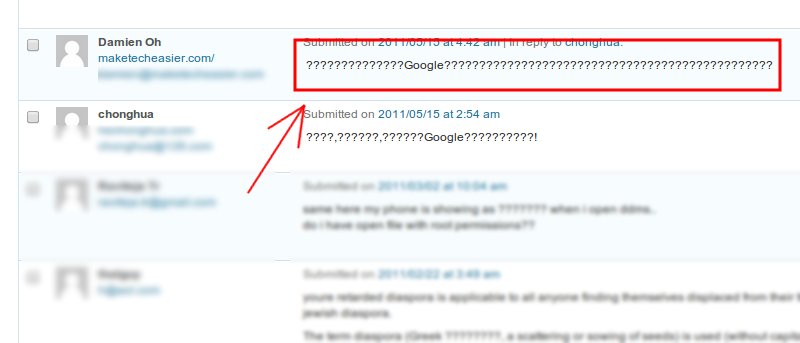
Is your WordPress blog running a little slow? Sometimes all you need to do is give it a quick cleaning and optimize the database. Just like with your computer and Web browsers, your WordPress database gets filled with unneeded files like drafts, revisions, and spam comments. Luckily, removing them is a piece of cake.