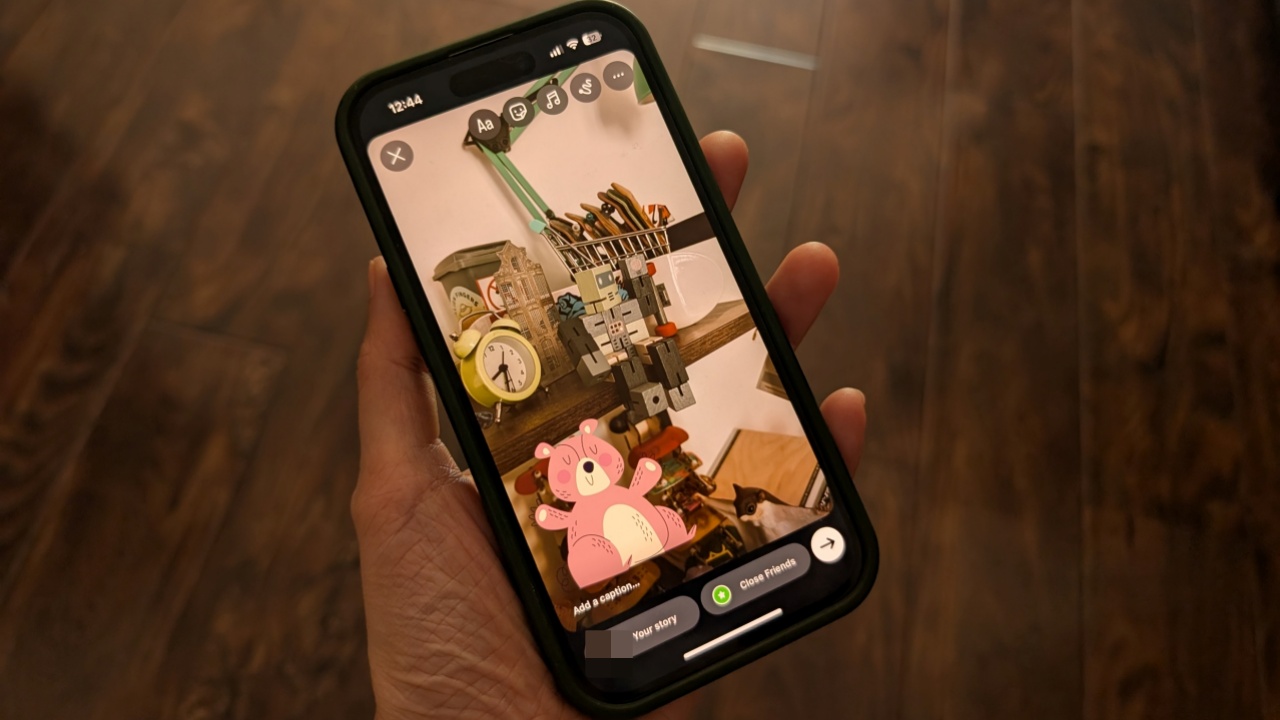
Looking to add your own stickers to Instagram stories? Here’s the way to do it.
By Alexandra Arici – Jul 29, 2025
If you’re intrigued about a custom Windows ISO like Tiny11 boosting performance, learn about some of the risks before diving in.
By Tanveer Singh – Jan 15, 2024
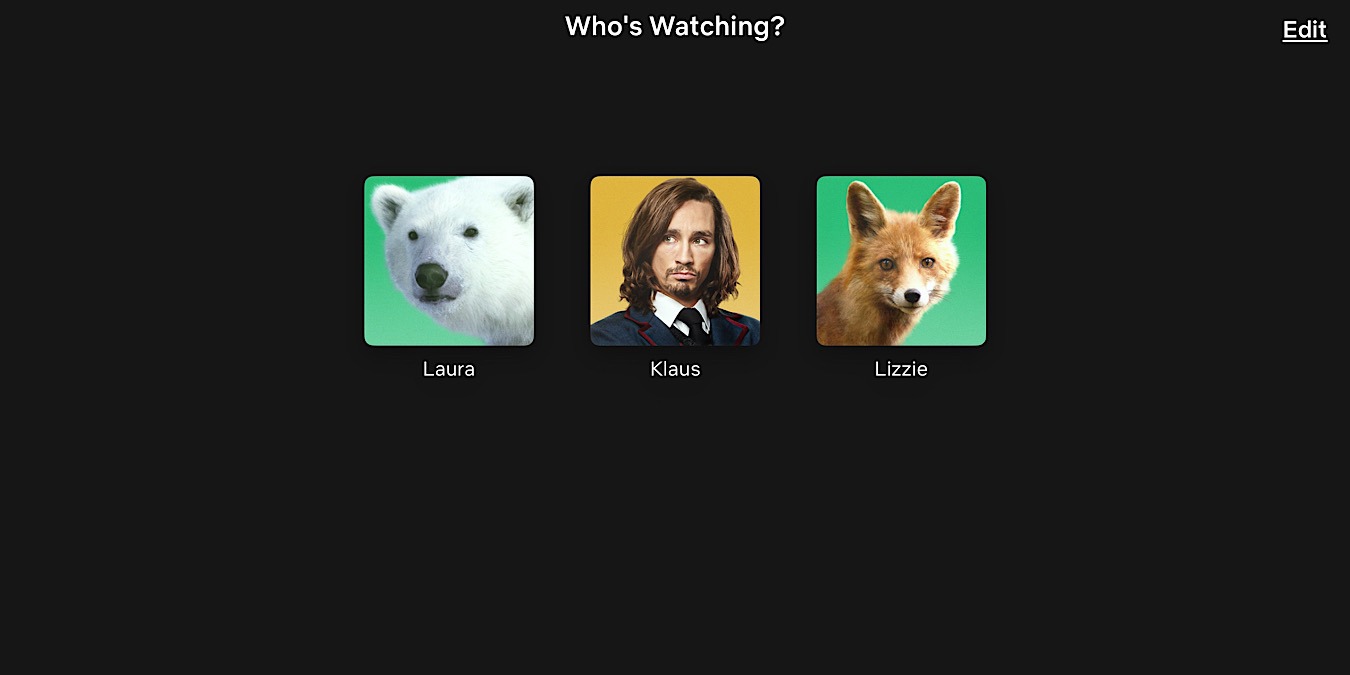
Are you getting tired of seeing the same profile picture on Netflix? Read on to learn how to set a custom profile picture for Netflix.
By Meenatchi Nagasubramanian – Oct 27, 2023
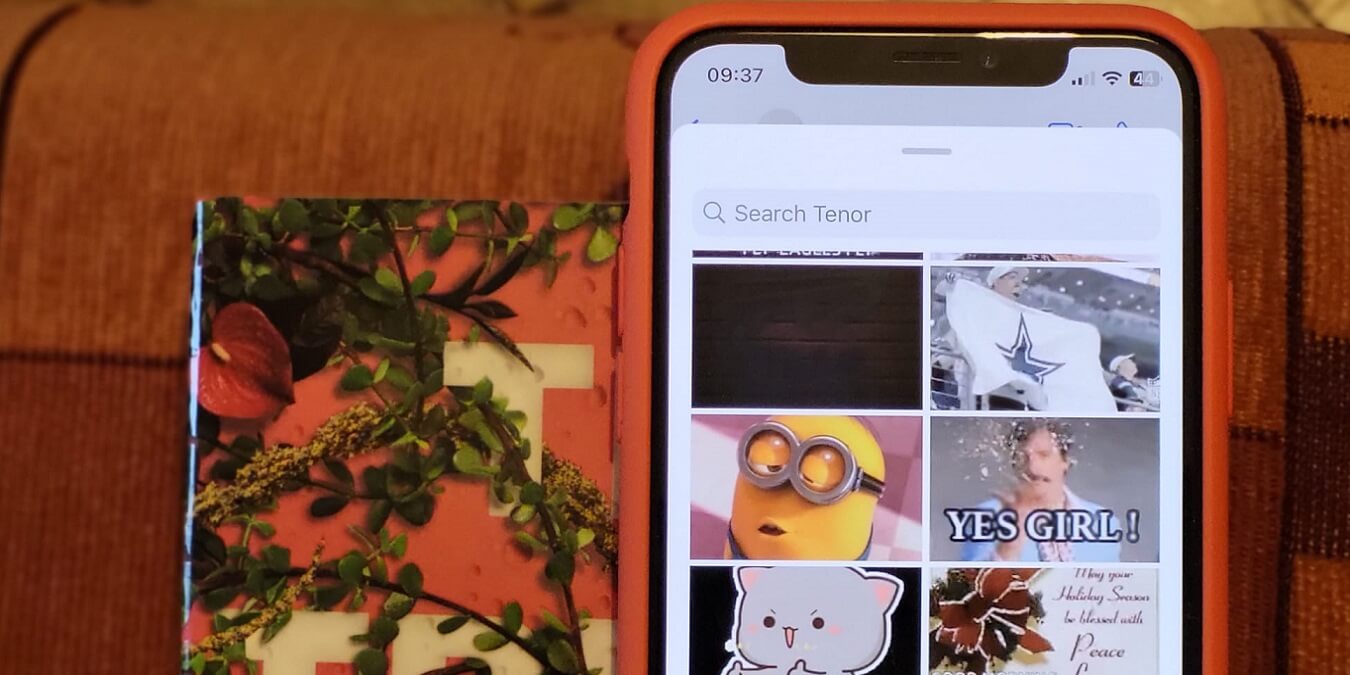
Did you know that you can make a GIF without an app? Using your device’s native options, you can create your own looping clips.
By Alexandra Arici – Dec 27, 2022
Are public search engines too intrusive for you?
By Ramces Red – Sep 7, 2022
Custom email domains are something many iCloud users have been requesting for years.
By David Joz – Oct 14, 2021
Looking for settings for custom resolutions in Mac OS X? This article will show you where to find them and also includes useful facts relating to displays.
By Phil South – Aug 2, 2016
Want to display a custom message on the Windows 10 login screen for others to see or as a reminder to yourself before logging in? Here’s how to do that.
By Vamsi Krishna – Feb 18, 2016
Affiliate Disclosure: Make Tech Easier may earn commission on products purchased through our links, which supports the work we do for our readers.