If you are using WordPress and have recently upgraded to the latest 3.2.x version, you will notice that the font for the HTML editor has changed. In most WordPress upgrade, changes are good, but in this case, the changed font is not web friendly and is straining to the eyes.

One of the way to change it is to directly edit the wp-admin.css file under the “wp-admin -> css” folder. This is not a good solution because the next time you upgrade your WordPress, your files will be overwritten.
[Read more...]
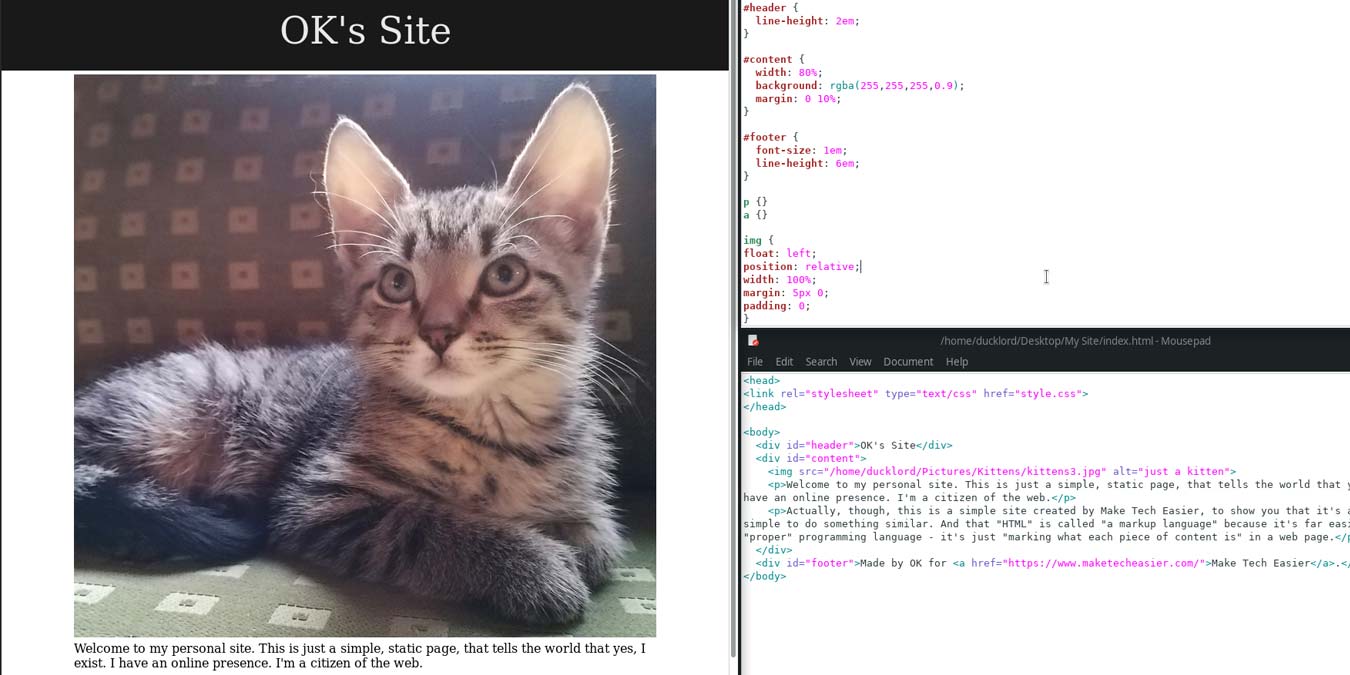
Whether you know it or not, you’re taking advantage of CSS just about any time you open a web browser. It’s the template system used by nearly every modern website to give pages their layout and appearance. Some of you may be thinking “I’ve made websites before and it was easy, I never needed any CSS.” and that’s true. You don’t need CSS to make a nice looking and functional site, but chances are good that your site could have been smaller, cleaner, more consistent, and better looking had you chosen CSS from the start. Today we’re going to show you the very basics of what CSS can do. This guide won’t bring you from a beginner to Award Winning Web Designer, but it will help you understand how CSS works and how it can same you a LOT of time and effort.
One of the biggest dilemmas facing web developers is the incompatibility of various Internet Explorer versions with current web standards. Although Microsoft has promised CSS3 and even HTML5 support for IE9, Windows users, especially businesses, may continue to use IE8, IE7, or even the dreaded IE6 for years to come.
gedit is the default text-editor in Gnome based distro. To many, it may seems like a normal text-editor with no special functions (just like notepad in Windows), but for those regular users, they will swear by it and marvel at how powerful and versatile it can be. With its plugins system, it can easily transform itself from a basic text-editor to complicated and powerful programming IDE. Here’s how you can do it.
Virtually all blogging platforms, including
How many of you actually tested your website design on different browsers and computers before you launch the site? I bet few of you do. Do you know that what looks good on one OS (for example, Mac) can really look bad on another, such as Windows? The main reason is because the fonts used in the Mac system is not available in the Windows OS. Substitute font is used by the computer (without the font) and this can really screw up your web design. A good way to overcome this is to use a web font that is supported by most browsers, so that your site will look essentially the same regardless which browser or computer you are using.
Fans of
Do you have multiple authors writing articles in your WordPress blog? If yes, then it would be a good idea to add an author box in your blog’s theme rather than adding the author byline manually in each and every single article. WordPress allows so many customizations that you can quickly code a simple author box for your blog’s theme.
Perhaps you want to dabble in web design. Perhaps you want a place to sell your crafts online. Perhaps the lady in the house next door really wants to post pictures of her cat. There are a lot of reasons to want a website, but not everyone is willing or able to design something nice from scratch. For those of us without the time or inclination to build our own, there are templates. Lots of them. Often, they’re even free. Today we’ll check out 8 of the best places to get free HTML/CSS (and sometimes Flash) templates.