Learn how to create, extract and list RAR files on Linux using the rar, unrar and ls command. Also modify RAR files using various options.
By Haroon Javed – Sep 17, 2024
Find out how to compress PDF documents and files for free without uploading them.
By Crystal Crowder – Feb 18, 2023
Being able to extract files on your Android phone can be incredibly useful.
By Crystal Crowder – Jan 15, 2023
Want to send someone a video but it’s too large?
By Ojash Yadav – Mar 9, 2022
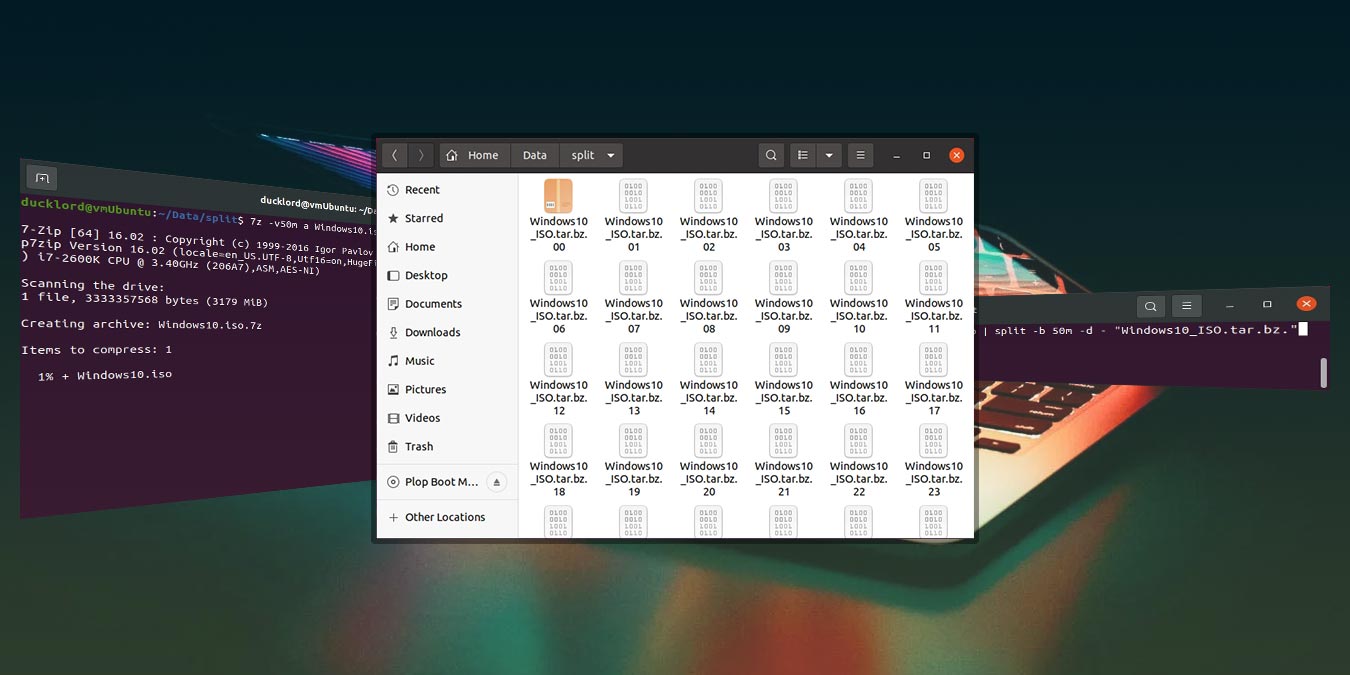
If your compressed file is still too big for you to share with others, a solution is to compress and split the files into smaller parts. Here’s how to do so in Ubuntu.
By Odysseas Kourafalos – Mar 22, 2021
Affiliate Disclosure: Make Tech Easier may earn commission on products purchased through our links, which supports the work we do for our readers.